TOOLNAVIA / BUYING GUIDE
PDFelement OCR: Make Old Scans Findable Before You Buy
The short answer
A scanned PDF can look perfectly readable and still hide from search. If that forces you to open old reports page by page, PDFelement deserves a practical trial: can it turn your own scans into files where a known reference is found on the correct page? That is a stronger reason to buy than a generic promise of “AI productivity.”
At a glance
- Best for
- Windows users comparing PDFelement 13 annual, manual-renew and perpetual purchase paths.
- Price model
- Windows reference: $79.99/year, $109.99/2 years, $129.99 perpetual; current campaign rows may be lower.
- Check first
- Campaign prices, renewal method, tax and platform scope can vary; perpetual language explicitly names PDFelement 13, not every future major version.
Start with the retrieval problem
Pick a document you own and are permitted to process. Try selecting one word, copying it and searching for a phrase you can see. If those actions already work, you may only need a reader. Image-only pages need recognition before ordinary text search becomes useful.
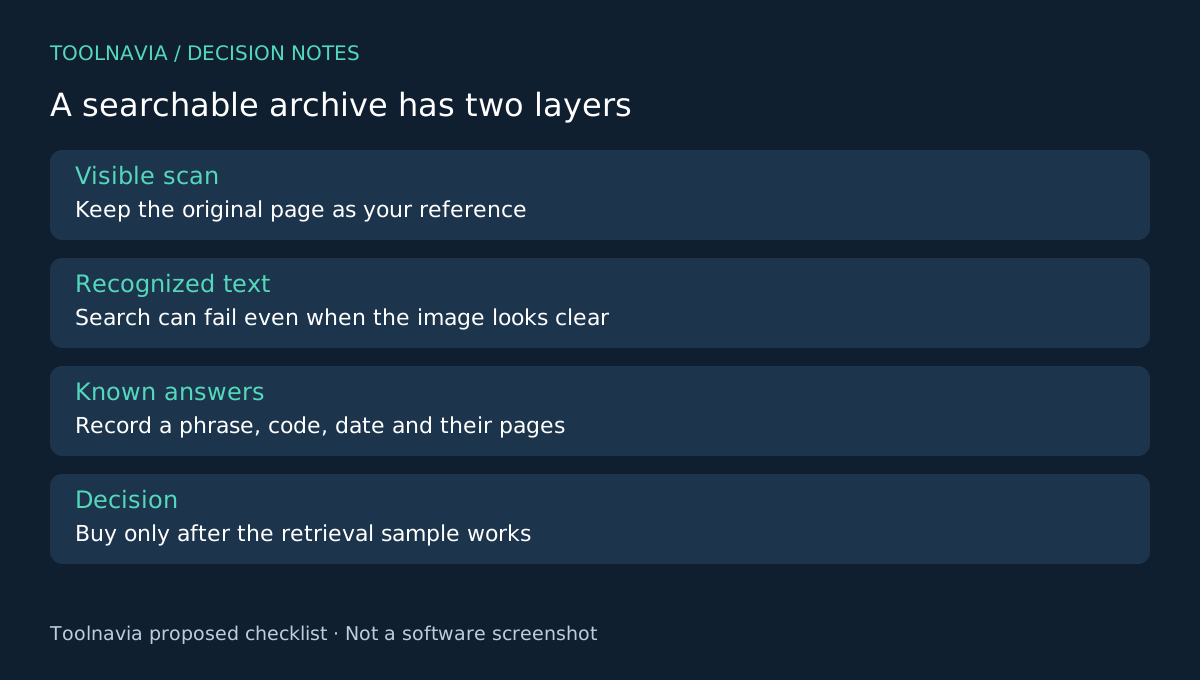
Define the output as a searchable copy of the original scan. Keep the unmodified original in a separate folder. A searchable archive and an editable rewrite serve different purposes; choose the first when the visual record must remain the reference.
Four OCR controls that make the trial useful
PDFelement's Windows guide documents a searchable-image mode, an editable-text mode, language selection and a page range. It also offers recognition of a selected area. These controls let you match recognition to the task instead of processing every page in the same way.
For an archive, searchable-image output is the natural first candidate. Language selection addresses the actual document, the page range keeps the pilot small, and area recognition gives you a way to investigate a troublesome region. Those are workflow benefits, not guarantees about handwriting, faint print or unusual layouts.
Build a retrieval test with known answers
Choose several representative pages: one clean page, one dense page and the poorest scan you expect to keep. Before recognition, write a reference list from the visible original. Include a proper name, an ordinary phrase, a code with similar-looking characters and a date. Record which page contains each item.
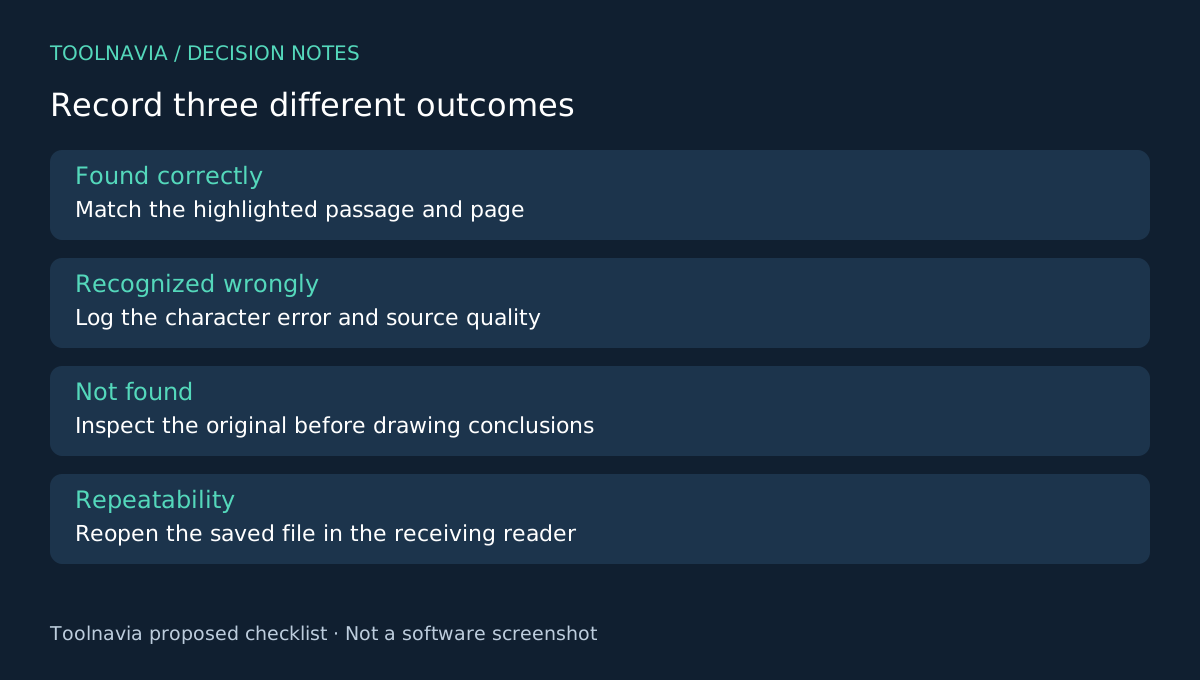
Run OCR on a copy with the intended language and output mode. Save it, close it and reopen it in the reader you actually use. Search the reference list one item at a time. A match must point to the correct visible passage, not merely a similar word elsewhere.
Copy a short paragraph into a plain-text editor and compare reading order. Then inspect the page image at normal reading size. Your audit should record three separate results: found correctly, recognized incorrectly, and not found. Do not treat “no matches” as proof that a name or code never appeared in the original.
This small register becomes your acceptance artifact. If errors concentrate in poor scans, improving the source may matter more than changing the license. If an identifier must be exact, check it against the image every time it is used.
Pay for the recurring job, not the first conversion
Estimate how many similar documents arrive each month and how much checking remains after OCR. Count correction and retrieval work, not just processing time. This is your own measurement; Toolnavia has not benchmarked accuracy or time savings.
The Windows store currently presents both campaign and reference prices. Confirm the selected order's amount, renewal behavior and platform. Perpetual wording names PDFelement 13; it should not be read as every future release. The [PDFelement license guide](/en/software/pdfelement) provides the broader purchase context.
When PDFelement earns the purchase
Adobe offers an online OCR route involving upload and sign-in, ABBYY emphasizes OCR and document conversion, and PDF-XChange distinguishes its standard and enhanced OCR editions. Compare the same permitted sample and the total workflow; this is not an accuracy ranking.
Choose PDFelement when the searchable copy passes your retrieval audit and you also benefit from continuing document work in the same editor. If you only need to find words in an already searchable PDF, keep using a reader. Toolnavia may earn a commission from eligible purchases through its official affiliate link; no special discount or recognition accuracy is promised.