TOOLNAVIA / BUYING GUIDE
PDFelement PDF to Excel: Stop Retyping, Start Checking the Right Rows
The short answer
If you retype the same supplier tables every month, PDFelement can be worth buying for the handoff into Excel. The decisive question is whether the exported rows remain usable after checking, not whether an XLSX file appears. A clean-looking spreadsheet can still put a correct number beside the wrong item.
At a glance
- Best for
- Windows users comparing PDFelement 13 annual, manual-renew and perpetual purchase paths.
- Price model
- Windows reference: $79.99/year, $109.99/2 years, $129.99 perpetual; current campaign rows may be lower.
- Check first
- Campaign prices, renewal method, tax and platform scope can vary; perpetual language explicitly names PDFelement 13, not every future major version.
Define a row before converting a page
Start with an authorized sample from your recurring work. Write down what one record means: one invoice line, one stock item or one statement entry. List the columns you must preserve, including identifiers, dates, quantities and units. Keep the original PDF beside the working copy.
Ask for the original spreadsheet or a structured export first. If the sender can provide one reliably, that may remove the conversion job. PDFelement becomes more interesting when PDF is the only practical input and the work repeats.
Four capabilities to evaluate together
PDFelement documents PDF-to-Excel conversion, OCR for image-only documents, an option to combine pages into one sheet, and an alternative that gives each page its own sheet. The choice affects what happens at page boundaries.
Excel output enables further spreadsheet work; OCR brings scans into that route; a combined sheet can suit a continuous table; separate sheets can preserve page-level review. None of these features establishes that record boundaries or number types survived correctly. Do not choose the tidiest-looking workbook without checking its structure.
Audit the page break, not just the first row
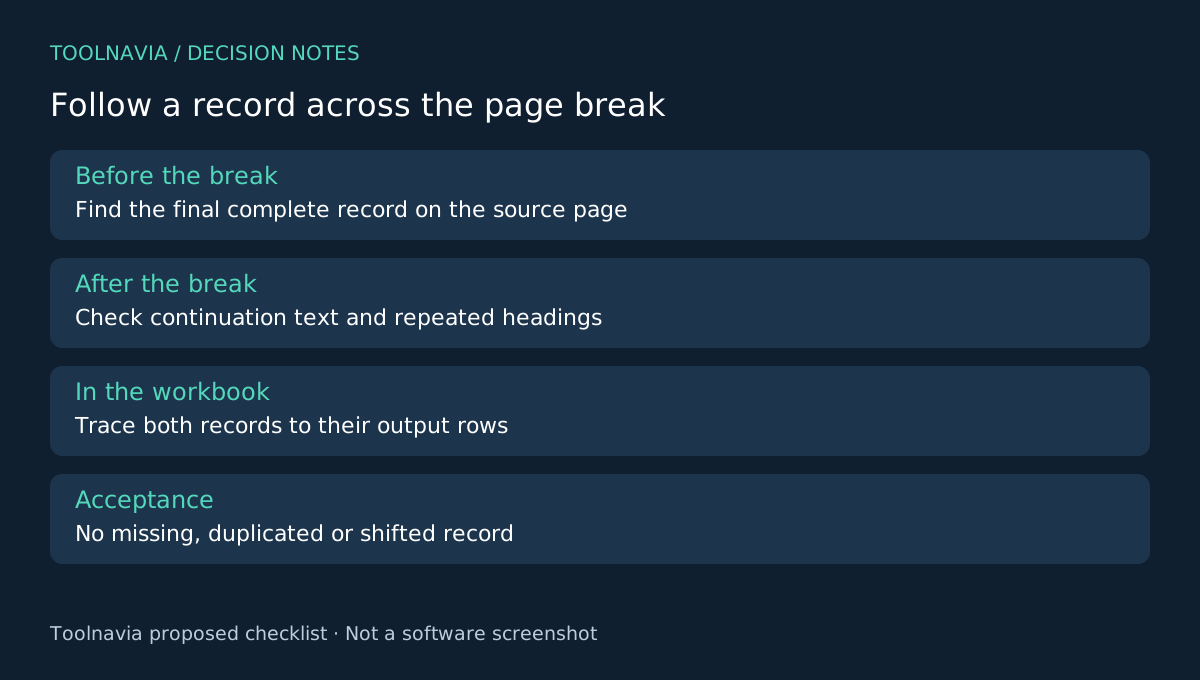
Select a sample that crosses a page boundary and contains a long item description, a repeated heading and an identifier with a leading zero. Include a negative value or decimal if your real documents use them. These deliberately difficult cases make the buying test informative.
Check whether the PDF contains selectable text. Apply OCR only when recognition is needed, then use the Excel conversion settings appropriate to your intended sheet layout. Preserve a raw export before making corrections.
In the workbook, trace the last record on one PDF page and the first on the next. Verify that a wrapped description did not become a second record and that a repeated header did not become data. Check a small set of identifiers character by character. Treat identifiers as identifiers: arithmetic is not a useful test for a product code.
Separately check the cells that should be numeric. A visible amount may be stored as text, and a decimal separator can change meaning across regional settings. Compare selected row relationships with the source and record every correction. This is an editorial acceptance exercise, not a claim that Toolnavia has measured PDFelement's extraction accuracy.
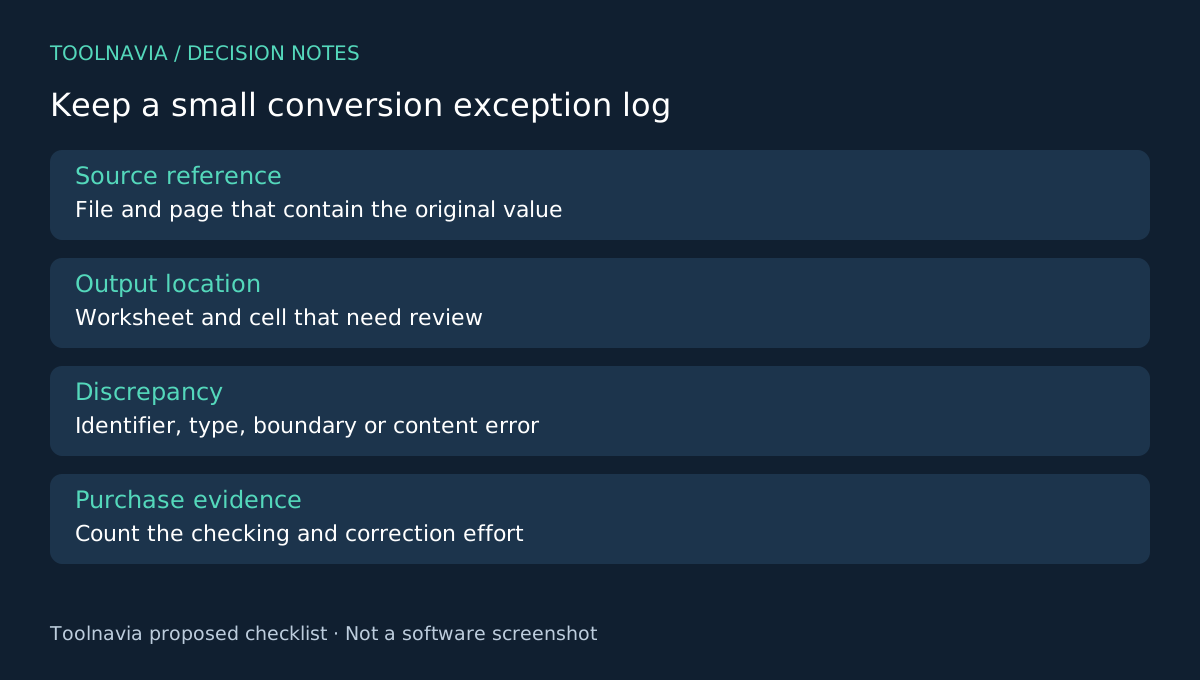
Create a compact exception log: source page, output cell, discrepancy and correction. The useful result is a workbook whose remaining review effort you understand. A total alone is insufficient because two errors can offset each other.
Price the cleanup you will still do
Record your own conversion and checking time over more than one representative file. Compare that with the current manual process. A license is easier to justify when the repeated handoff improves; a single successful page is weak evidence for a whole archive.
Windows campaign and reference offers coexist on the official store. Verify the selected order's price, renewal and version scope rather than assuming the lowest displayed row applies. Read the [PDFelement plan guide](/en/software/pdfelement) before choosing a longer commitment.
Buy for a dependable handoff
ABBYY offers OCR and document conversion, while PDF-XChange lists OCR and Office conversion capabilities with edition differences. Adobe's online OCR is a different, upload-based starting point; it is not by itself proof of an equivalent Excel workflow. Evaluate the same sample in any alternative.
Choose PDFelement when the checked workbook supports your next step and cleanup is manageable across recurring files. Keep using the source spreadsheet when available. Toolnavia may earn a commission on eligible purchases through the official affiliate link; no extraction accuracy, savings or special discount is guaranteed.