TOOLNAVIA / BUYING GUIDE
PDFelement Forms: Build a PDF People Can Actually Fill and Return
The short answer
A reusable PDF form is valuable when it stops the cycle of printing, handwriting and retyping. PDFelement is worth considering if you own the form design and need a file other people can complete. The buying test is a round trip: create it, fill it in the recipient's application, save it and read the answers back.
At a glance
- Best for
- Windows users comparing PDFelement 13 annual, manual-renew and perpetual purchase paths.
- Price model
- Windows reference: $79.99/year, $109.99/2 years, $129.99 perpetual; current campaign rows may be lower.
- Check first
- Campaign prices, renewal method, tax and platform scope can vary; perpetual language explicitly names PDFelement 13, not every future major version.
Decide whether you need to create or just fill
If someone has already supplied a working interactive form, you may not need a paid form designer. This guide is for a Windows user turning an existing static document into a reusable intake sheet, equipment checklist or internal request form.
Write down the fields and the expected answer for each. Decide which answers are short text, longer notes or choices. Keep the first version small enough to inspect completely. A fixed-layout PDF can suit a document-based handoff; a web form may be a better fit when centralized collection is the main requirement.
Four useful controls beyond drawing boxes
PDFelement can recognize form fields from suitable blank lines and tables. Its manual tools let you add fields the automatic pass missed. Field properties provide names, tooltips and text options. Tab-order controls determine the sequence within a page.
Recognition offers a starting structure; manual fields handle exceptions; properties clarify what each answer means; tab order supports a coherent filling sequence. These capabilities work together. Automatically generated boxes alone do not establish that the form is ready for recipients.
Design the small details that prevent returned forms
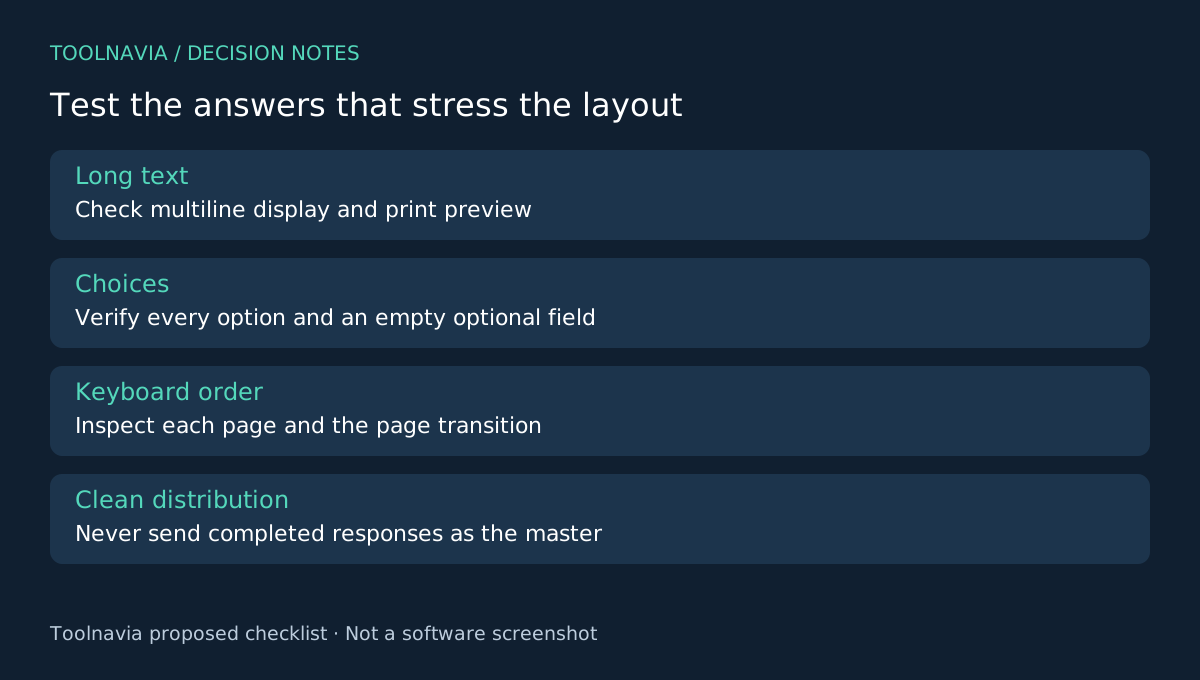
Give different questions distinct field identities. Use a short tooltip when the visible label leaves room for confusion. For a long answer, evaluate the multiline and text-size choices instead of assuming that whatever fits while editing will be readable later. The documented properties provide these controls, but your receiving application remains part of the test.
Walk through the fields in the order a person would answer them. PDFelement's guide limits tab-order setting to one page, so inspect each page and then the transition between pages. Try a keyboard-only pass and a mouse pass. A jump to an unrelated field is a usability defect even when all boxes technically work.
Use invented sample entries rather than real personal details. Include a long name, a multiline answer, an unchecked optional box and every choice type you expect to distribute. Look for clipped text, ambiguous choices and accidental coupling between fields.
Finish the round trip before paying for repetition
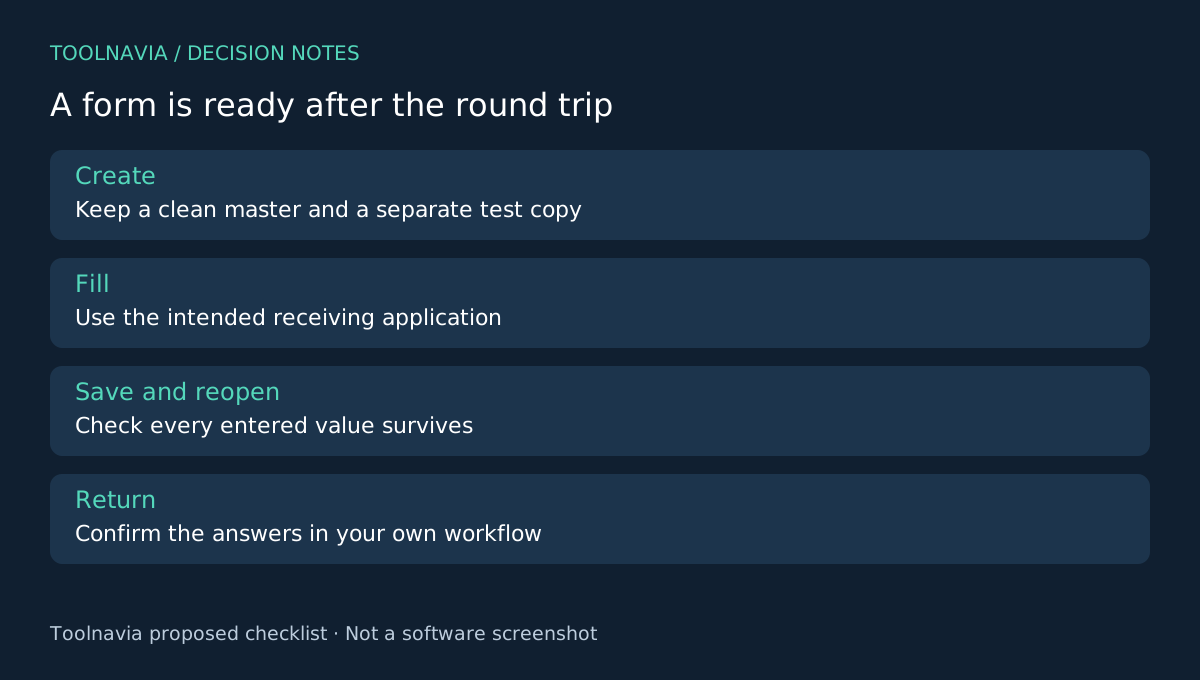
Save a clean master and a separate test copy. Open the test copy in the intended recipient application, fill it, save it again, close it and reopen it. Then inspect the returned values in your own workflow. Check both what is visible and whether later edits behave as intended.
If paper output is required, inspect a print preview too: text that is available only by scrolling may not all appear on a page. Do not rely on a screenshot of the design view as evidence of a working form. Record the application and version used in your trial so a later compatibility complaint has a reproducible starting point.
This proposed exercise is not a Toolnavia compatibility certification. A feature may work in one PDF application and behave differently in another. Keep the master distinct from completed responses to avoid distributing someone else's answers with the next request.
Choose the tool that owns the whole handoff
Acrobat offers automatic recognition and field editing, and PDF-XChange reserves form-creation features for Editor Plus. ABBYY is another broader document-workflow option to examine when OCR is central; do not assume identical form behavior from a product category alone.
PDFelement earns a purchase when your tested form makes repeated collection easier and the receiving applications preserve the answers. Check the selected Windows checkout, renewal and version terms; overlapping campaign prices are not universal promises. See the [PDFelement license guide](/en/software/pdfelement).
Toolnavia may receive a commission from eligible purchases through the official affiliate link. No special discount or universal reader compatibility is implied.