TOOLNAVIA / BUYING GUIDE
Parallels Standard with BitLocker: Recovery-Key Readiness Before You Buy
The short answer
At a glance
- Best for
- A single Mac owner who fits Standard's resource ceiling, separately licenses Windows, can retrieve the matching BitLocker recovery key outside the VM, and accepts personal maintenance responsibility.
- Price model
- Dated July 2026 official Standard reference: US$99.99/year or US$219.99 once; verify live checkout, tax, renewal and separate Windows license.
- Check first
- A buyer who cannot identify the key owner, depends on the encrypted VM to retrieve the key, needs centralized policy/scripts, or expects Standard to include Windows licensing or guaranteed recovery.
Short answer
Parallels Desktop Standard can be a reasonable home license for a Windows 11 virtual machine that uses virtual TPM, Secure Boot and BitLocker. The purchase risk is not whether Standard exposes a vTPM—it does—but whether you can prove that you control the correct 48-digit recovery key before a trust-chain update or repair asks for it. Standard is the individual workflow: keep the key, maintain an independent backup, follow the current Parallels prompt and verify protection afterward. It is not the centralized fleet-management edition.
**Decision rule:** buy Standard only if its 8 GB vRAM and 4-vCPU ceiling fits the workload, Windows licensing is separately covered, and you can complete the recovery-key drill below without guessing. If an employer owns the key or mandates organization-managed remediation, resolve that with IT before purchase.

What Standard includes—and what it does not
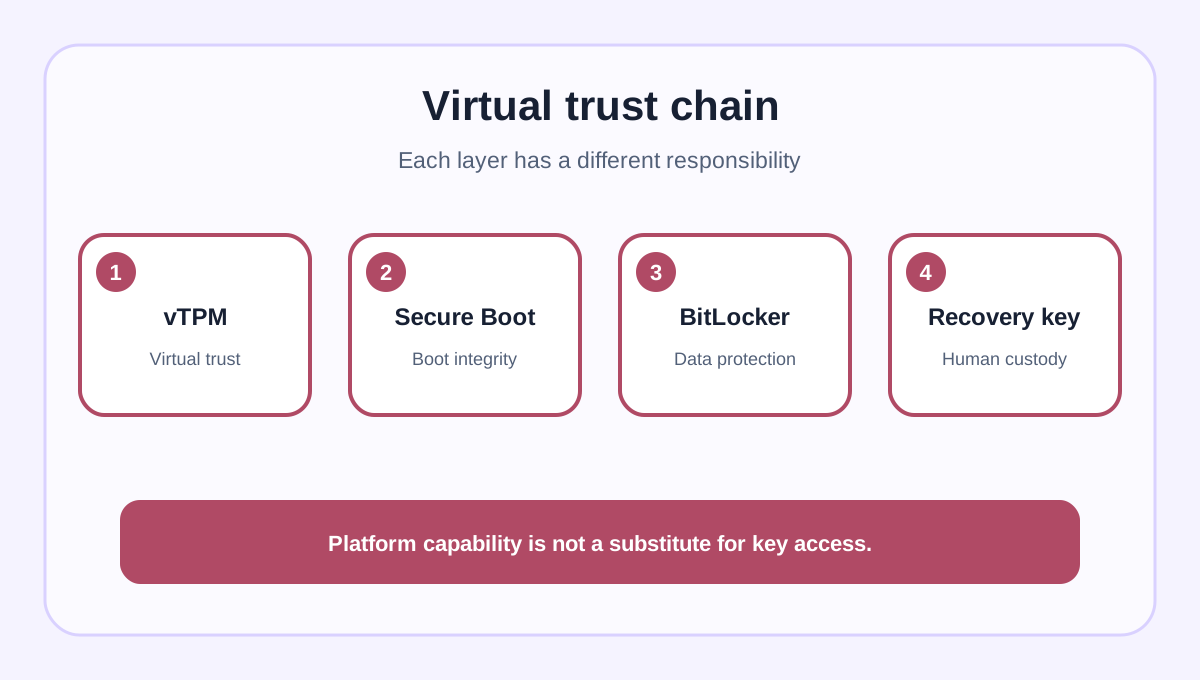
A Windows 11 VM in Parallels depends on EFI/UEFI and virtual TPM. Parallels says vTPM 2.0 is available in Standard as well as Pro and Business, needs no physical TPM chip, and lives as an encrypted file in the VM bundle. That is enough for the platform requirement, but it is not a promise that a lost recovery key can be regenerated.
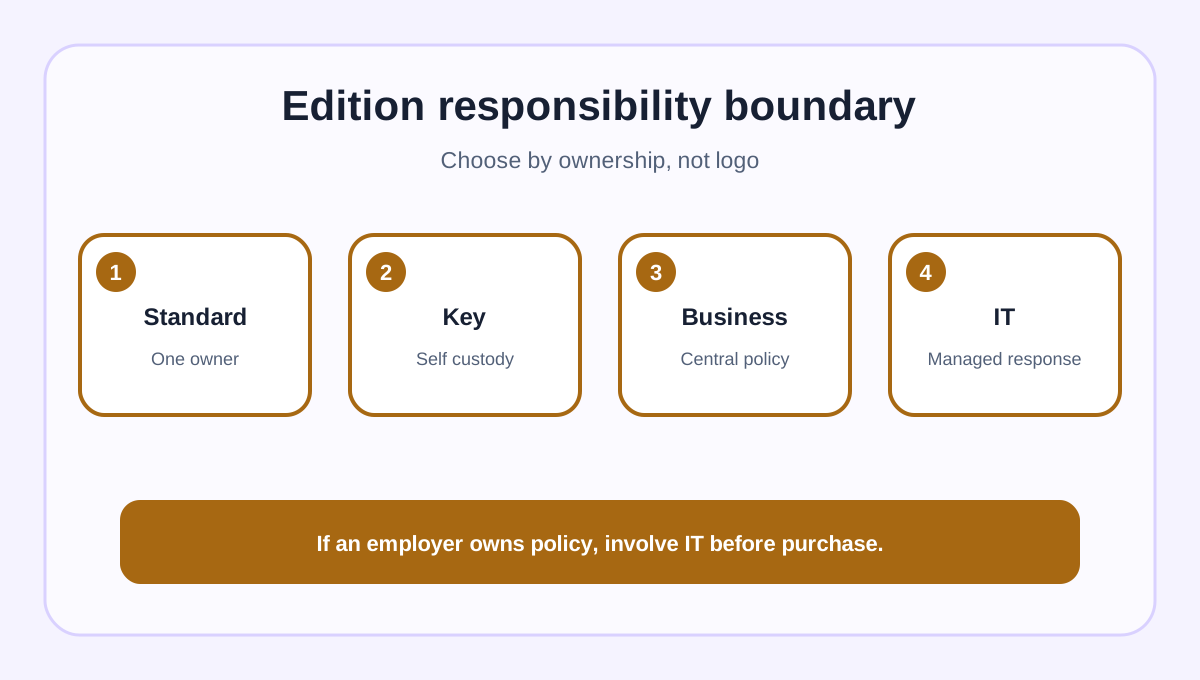
The current buy page positions Standard for home and everyday use, with up to 8 GB vRAM and 4 vCPUs, one Mac, and subscription or one-time purchase choices. Windows is a separate license. By contrast, Parallels documents centralized update and BitLocker handling for Business and Enterprise. Do not buy Standard expecting the organization-level scripts, policy distribution or fleet custody described for those editions.
A dated Parallels article from July 28, 2026 lists Standard at US$99.99 per year or US$219.99 once. Use those figures only as planning references: the live checkout, currency, tax, term, renewal and refund conditions control the order. The current page describes a 30-day money-back guarantee with exclusions and did not expose a stable numeric price in our read.
Why a VM can still ask for recovery
BitLocker protects data by checking the trusted boot environment. Microsoft explains that hardware, firmware or software changes can make Windows request the 48-digit recovery key. A VM substitutes virtual components for physical ones, but the same trust principle remains. Dell's physical motherboard example is useful only as an analogy; it is not a Parallels procedure.
Parallels has documented a Windows 11 recovery issue that affected Standard, Pro, Enterprise and Business and says it was fixed in versions 26.3.3 and 20.4.2. Its support article still tells users to have the recovery key and recommends a snapshot before support-directed remediation, because recovery may be requested. That history is a reason to update and prepare, not a reason to copy old workaround commands into a routine checklist.
Secure Boot servicing is the current practical example. Parallels says Windows 11 VMs use Secure Boot by default. In 26.3.3 or later, an existing VM may need updated Secure Boot certificates after Parallels Tools and a restart. If BitLocker is active, Parallels will not perform that update until protection is suspended; Standard and Pro can receive a guided prompt to suspend protection in Windows and restart. Microsoft independently warns that Secure Boot servicing can lead to a one-time or persistent recovery prompt.

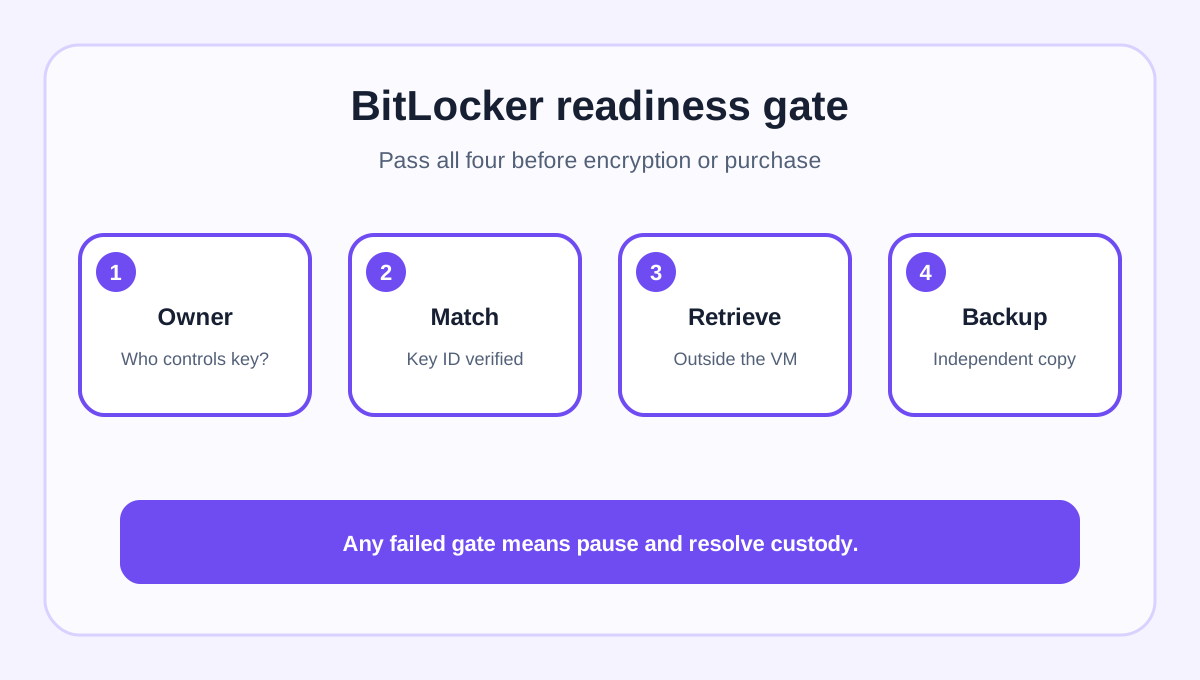
The recovery-key drill to run before enabling BitLocker
1. **Identify the key owner.** In Windows, note the BitLocker key ID. Decide whether the key belongs to your personal Microsoft account, an employer's work or school account, a printout or a secured offline record. Microsoft cannot recreate a lost key. 2. **Match the exact key.** Confirm that the saved 48-digit key matches the displayed key ID. A screenshot of a different VM's key is not proof. 3. **Test access from outside the VM.** Sign out of the Windows guest and confirm that you can retrieve the key from another trusted device without relying on the encrypted VM itself. 4. **Keep an independent backup.** A Parallels snapshot helps with a documented maintenance step, but it is not the only copy of valuable files and it is not a substitute for recovery-key custody. Keep a separate data backup. 5. **Record the maintenance baseline.** Capture the Parallels version, Parallels Tools version, Windows edition, BitLocker status and VM backup time. This makes a later support case auditable.
If any step fails, postpone BitLocker or the purchase decision until ownership is clear. Do not disable Secure Boot, remove the vTPM or run registry/boot commands merely to avoid preparing the key. If the VM is already boot-blocked, use the current vendor support path for that exact version.
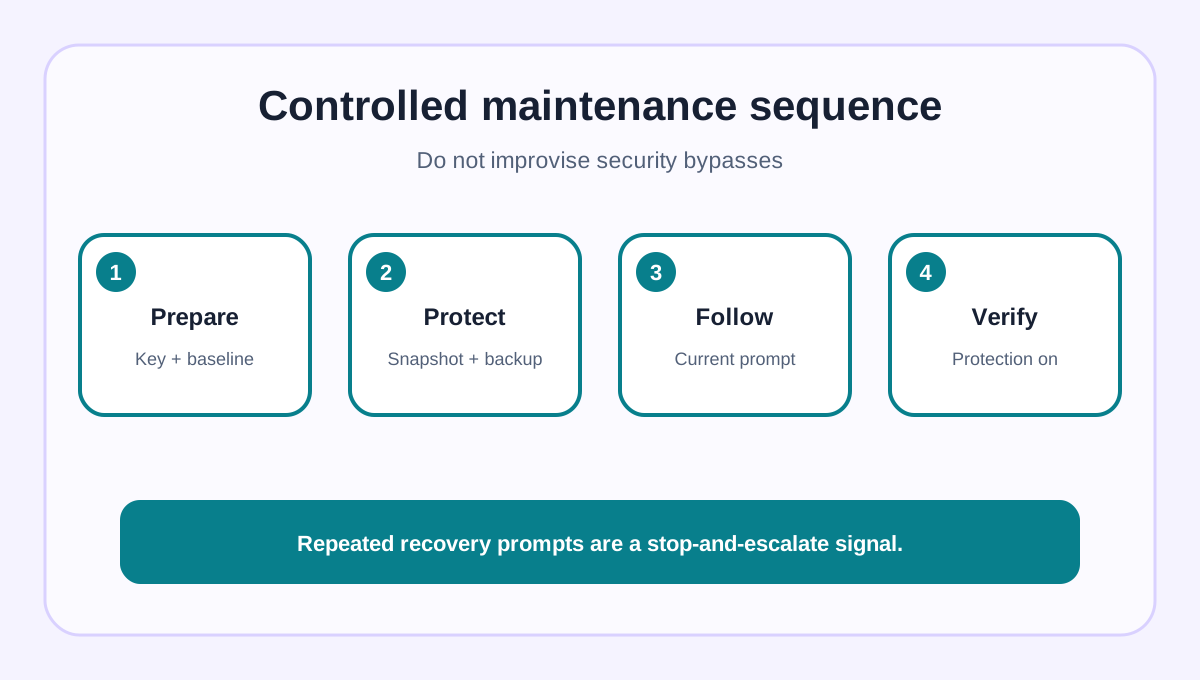
A safe maintenance sequence
Before an update that mentions Secure Boot or BitLocker, update Parallels Desktop and Tools through supported channels, retrieve and match the recovery key, close applications, make the documented snapshot plus an independent data backup, and read the current vendor notice. If Parallels 26.3.3 or later explicitly prompts Standard users to suspend BitLocker, suspend it inside Windows and restart as instructed. After the VM starts, verify the certificate/update completed and confirm BitLocker protection is active again.
This is a controlled suspension, not a standing recommendation to turn encryption off. If the expected prompt differs, the key is unavailable or recovery repeats, stop and escalate. Microsoft's Secure Boot guide distinguishes one-time from persistent recovery behavior; repeated prompts are a troubleshooting signal, not a reason to normalize insecure settings.

Standard or a managed edition?
Choose **Standard** when one person controls the Mac and VM, the workload fits 8 GB vRAM and 4 vCPUs, the separate Windows license is handled, and that person can keep the key and perform the maintenance sequence. Choose an organization-managed route when an employer owns the Windows account, recovery material or update policy, or when centralized scripts and reporting are required. Parallels' Business/Enterprise article demonstrates that those controls are a different operational promise.
An independent Parallels review supports the general convenience case but cannot verify your key custody, live price or current maintenance state. Use reviews to understand workflow, then let official security guidance and your own drill decide.

Verdict
Parallels Standard is not disqualified by BitLocker. It includes the virtual trust components Windows 11 needs. The deciding question is operational: can you retrieve the correct recovery key outside the VM, maintain a separate backup and follow a current guided suspension without improvising security changes? If yes, Standard can fit a single-owner setup. If no—or if company IT owns the policy—solve custody and edition responsibility first.
*Affiliate disclosure: Toolnavia may earn a commission if you buy through the Parallels link, at no added cost to you. The link points to the approved Standard offer; it does not guarantee price, renewal terms, refunds, Windows licensing or recovery success.*