TOOLNAVIA / BUYING GUIDE
Parallels Desktop Standard for Mac: $54.99 Promo vs $99.99 Regular
The short answer
Parallels Desktop Standard is worth paying for when a Mac is your main computer and a Windows-only productivity app is part of weekly work. It is harder to justify for occasional use, DirectX 12 games, GPU-heavy work, or software that depends on unsupported drivers. One official Parallels guide currently lists a $54.99 annual promotion, while a newer official cost article and an independent review list $99.99 per year. Treat $54.99 as a promotion, $99.99 as the regular reference, and verify the cart and next charge before buying.
At a glance
- Best for
- Mac owners who regularly need Windows-only productivity apps and prefer guided setup plus deep macOS integration.
- Price model
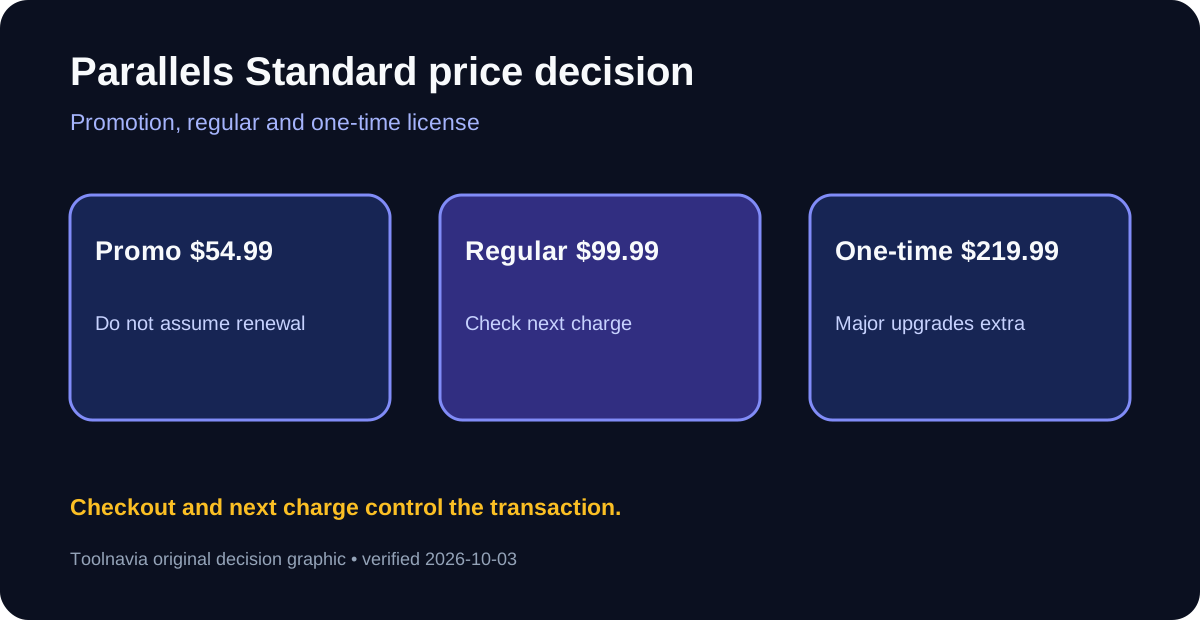
- $54.99 promotional year vs $99.99 regular; $219.99 one-time
- Check first
- Windows license is separate; one Mac per license; 8GB/4-vCPU Standard cap; Arm, driver, peripheral and game compatibility varies.
Four workflow benefits Standard actually buys
The Installation Assistant reduces setup work by helping download and configure Windows 11 Arm on Apple silicon Macs. That matters when the goal is a working Windows app rather than learning virtual-machine administration. The Windows activation license is separate, so include it in the real budget.
Coherence mode can place Windows application windows beside Mac apps instead of showing a full separate desktop. An accountant can use one Windows-only finance tool while keeping Mail, Safari, and Finder on macOS, reducing context switching.
Shared folders, clipboard sharing, and drag-and-drop keep documents moving between macOS and Windows without emailing files to yourself or maintaining two laptops. Test exact folder permissions and backup behavior before moving production files.
Snapshots provide a rollback point before an app install or Windows configuration change. They help with experiments, but they are not a backup of the Mac or VM; keep an independent copy of important files.
$54.99 promotion, $99.99 regular, or $219.99 once
Parallels' January guide lists Standard at $54.99 per year and $219.99 for a one-time license. A July official article lists $99.99 per year and the same $219.99 perpetual price. The live purchase page confirms Standard annual and one-time options, but its text view does not expose a stable transaction price.
A subscription renews automatically by default, includes future major upgrades while active, and stops working if it expires. A one-time license keeps the purchased version but excludes future major upgrades; compatibility may become a problem after later macOS releases. At the $99.99 regular annual reference, $219.99 costs about $20 more than two years and less than three. At a $54.99 promotion it takes about four annual payments to cross $219.99, assuming the discount repeats—which the official conflict does not prove.
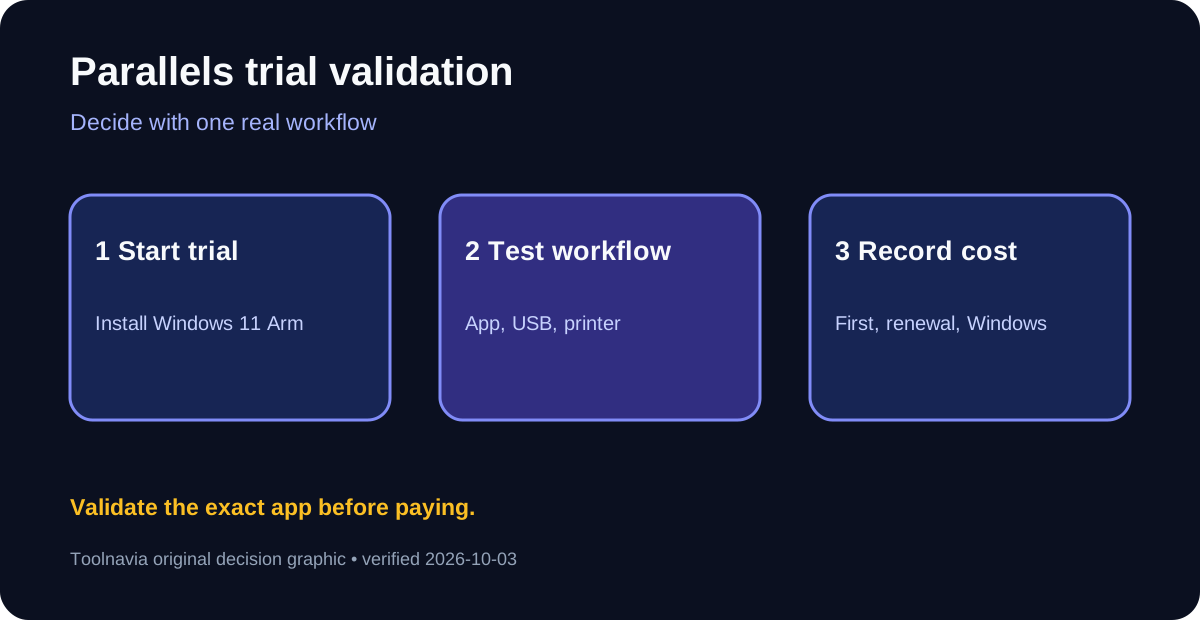
Each Parallels license covers one Mac, and a Windows license is separate. The purchase page states a 30-day money-back guarantee. Use the 14-day free trial to test the exact Windows app, printer, USB device, file sharing, sleep/wake behavior, and storage growth before paying.
Standard limits and the Pro boundary
Standard allows up to 8 GB virtual RAM and 4 virtual CPUs per VM. It suits Office, browser, accounting, and school workloads; Pro raises the ceiling to 128 GB and 32 vCPUs and adds developer and network tooling. Heavy CAD, GPU rendering, specialized peripherals, anti-cheat games, and Windows-first all-day work are stronger reasons to use native Windows hardware.
Recent reviews praise easy Windows-on-Mac integration while emphasizing cost, Arm compatibility, memory pressure, and free alternatives such as VMware Fusion or UTM. Parallels also offers an open Partnerize affiliate program with up to 25% commission and monthly payouts, but Toolnavia has no approval, so tracking stays disabled.
Trial checklist before purchase
Start with the free trial, test one complete real workflow, record the displayed first and renewal charges, and buy Standard only if time saved is worth more than the combined Parallels and Windows-license cost.