TOOLNAVIA / BUYING GUIDE
ClickUp Unlimited: when the Free plan limits justify paying
The short answer
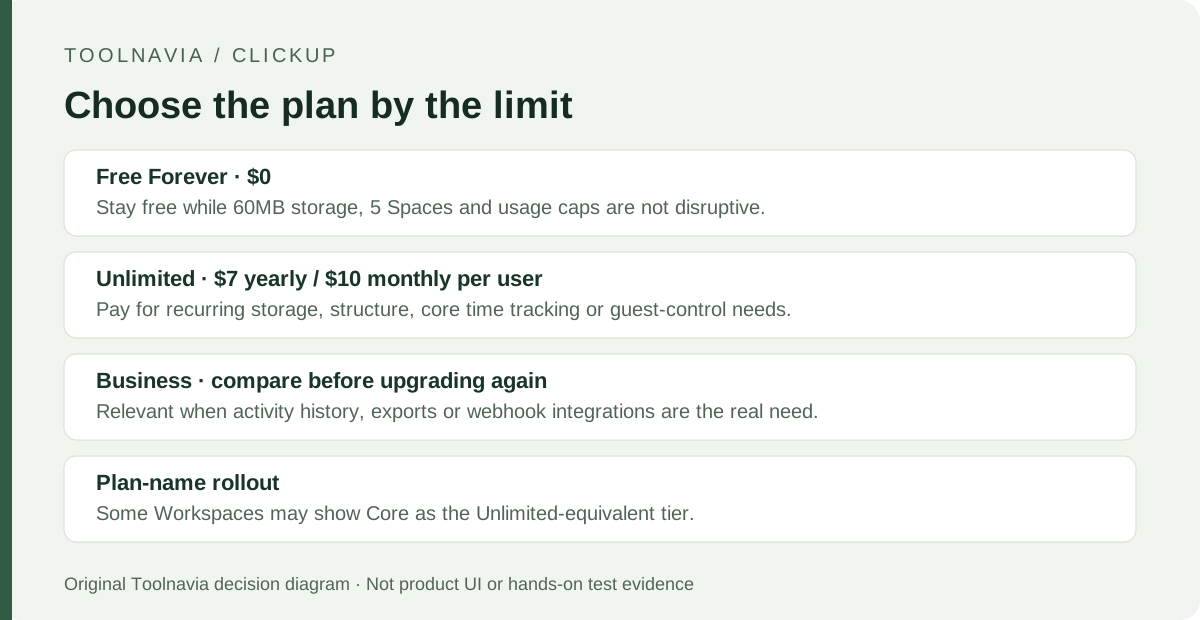
ClickUp Unlimited is worth paying for when a team is hitting Free Forever's shared 60MB storage cap, needs more than five Spaces, or wants unlimited core time tracking and permission-controlled guests. The public price is $7 per user/month billed yearly or $10 monthly. If Free's limits are not hurting work, keep the free plan.
At a glance
- Best for
- Small teams hitting Free storage, structure, core time-tracking, or guest-permission limits.
- Price model
- Free · Unlimited $7 yearly / $10 monthly per user
- Check first
- Unlimited still has export, history, advanced time-tracking, and automation boundaries; some Workspaces may show the equivalent Core plan name.
Four upgrade triggers that solve real workflow limits
Remove the 60MB shared storage ceiling
Free Forever gives the whole Workspace 60MB of file storage; paid plans provide unlimited storage. This matters when attachments, screenshots, or Clips are routine and the team keeps deleting files to stay under the cap. Unlimited removes that storage chore. If the team mainly links to files stored elsewhere, storage alone may not justify paying.
Expand the workspace structure
Free Forever is limited to five Spaces, 40 Lists per Space, 100 Folders/Subfolders per Space, and one Form. Unlimited allows unlimited Spaces, Folders, and Forms, plus 200 Lists and 200 Folders/Subfolders per Space; the pricing page also lists unlimited Gantt and integrations. This helps when clients, departments, or recurring processes need separate structure. If five Spaces still fit the work, this benefit can wait.
Make routine time entry unlimited
Free Forever allows 100 core time-tracking uses; Unlimited makes creating, editing, and deleting core time entries unlimited. That matters for agencies or service teams logging work continuously. Advanced time-tracking features remain limited to 40 uses on Unlimited, so this upgrade does not unlock every reporting or timesheet capability.
Give external collaborators controlled access
Paid plans support permission-controlled guests; Free Forever guests get the full permissions available for shared items. Unlimited includes guest seats based on paid-user count, which can suit client or contractor collaboration. The boundary is billing: view-only guests are free, but an extra permission-controlled guest can cost the same as a member, and people from your organization may be treated as paid users.
What Unlimited actually costs
The public pricing page checked September 29, 2026 lists Unlimited at $7 per user/month billed yearly and $10 per user/month billed monthly. That is $84 per paid user for a year before tax; five paid users cost $420 yearly. Twelve months at the monthly rate would be $120 per user, or $600 for five users, before tax and add-ons.
ClickUp bills at the Workspace level; licenses in one Workspace cannot mix monthly and yearly cycles. Paid subscriptions automatically renew. New customers can request a full refund within 30 days of the first paid-plan purchase; after that, the published policy says refunds are unavailable. Add-ons are separate, so the Unlimited seat price is not an all-in AI budget.
Some Workspaces see new plan names. ClickUp says Core is equivalent to Unlimited in that rollout, while the public pricing page still shows Unlimited. Recheck your Billing page before paying.
Where Unlimited still has limits
Unlimited is not the top tier. Activity view history is seven days and Timeline is limited to 100 uses; Business removes those two limits. Free Forever and Unlimited can also export only five List, Table, or Form views, although owners and admins can export task data through Workspace export settings. If reporting or frequent view exports are central, Business may be the better comparison.
Automation capacity also rises without becoming unlimited: Free Forever allows five active Automations and 100 actions per month; Unlimited allows 500 active Automations and 1,000 actions. Webhook and automation integrations are documented for Business and above.
A practical upgrade test before you pay
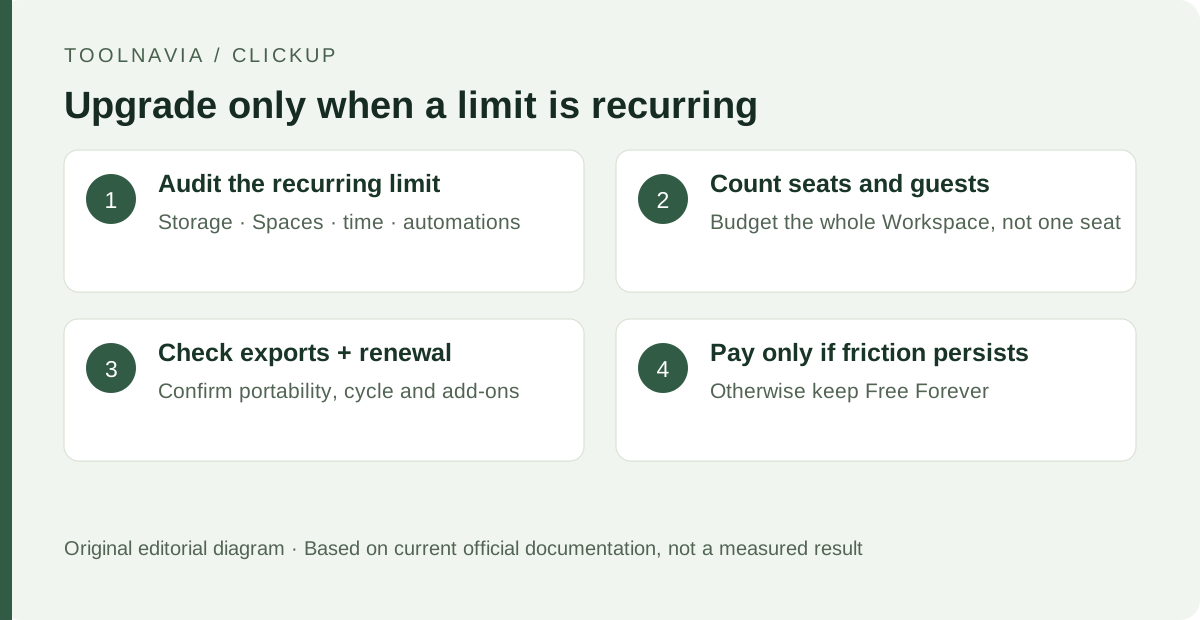
First, identify the limit causing repeated work: storage, Space/Form structure, core time tracking, automation volume, or guest permissions. If none is disrupting work, keep Free Forever.
Second, count actual paid seats and external collaborators. A five-person internal team is five paid seats; do not budget from one advertised per-user number and forget the rest of the Workspace. Separate view-only guests from people who need edit permissions.
Third, confirm portability and billing. Read the export limits, note the renewal date, and decide whether annual billing is worth the lower rate. ClickUp says a downgrade can be scheduled during the billing cycle, takes effect at the end of that cycle, and keeps Workspace data available for later access if you upgrade again.
What to do next
Stay on Free Forever while its limits are theoretical. Upgrade to Unlimited when shared storage, workspace structure, core time tracking, or controlled guest access is repeatedly costing time and the full seat count fits the budget. If you actually need unlimited activity history, higher-end reporting, frequent view exports, or automation integrations, compare Business before paying.