TOOLNAVIA / BUYING GUIDE
Adobe Acrobat Standard vs Pro: Is OCR Worth $5 More a Month?
The short answer
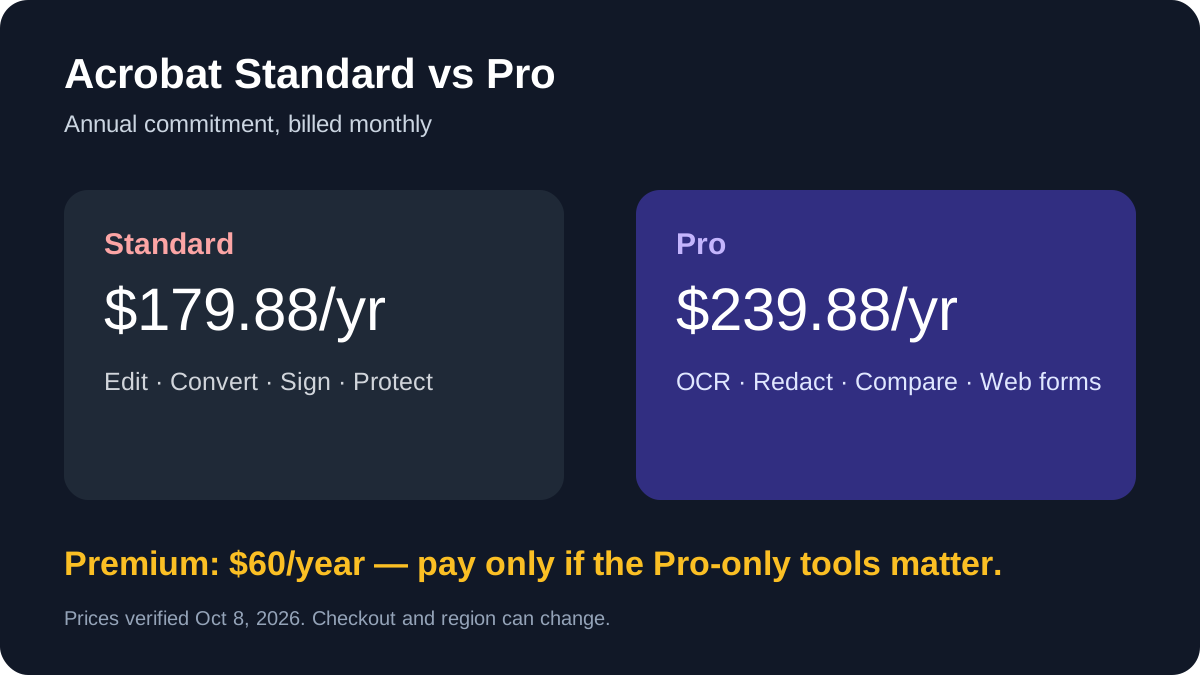
Adobe's current individual pricing puts Acrobat Standard at $14.99 a month and Acrobat Pro at $19.99 a month when each is bought on an annual commitment billed monthly. That makes Pro a $5 monthly decision, or $60 across a year. The upgrade is worthwhile when OCR, secure redaction, document comparison or web forms are part of your real workflow. If your work stops at editing ordinary PDFs, converting files, organizing pages, signing and password protection, Standard is usually the better-value choice.
At a glance
- Best for
- Buyers who repeatedly need OCR, secure redaction, document comparison or web forms.
- Price model
- Standard $14.99/month; Pro $19.99/month on current annual billed-monthly display.
- Check first
- Annual commitment, cancellation exposure, regional checkout variation and no Toolnavia hands-on OCR benchmark.
Standard already covers routine PDF work
Standard is not merely a reader. Adobe lists editing, conversion, export, page organization, signature collection, form filling and password protection. For people who receive born-digital PDFs and need to correct text, rearrange pages or send a document for signature, those tools cover the core job.
The limitation appears when the source is a scan or when a mistake carries compliance risk. Standard does not provide the same Pro-only OCR, permanent redaction and side-by-side comparison workflow highlighted by Adobe and independent reviewers.
Independent reviews broadly support that workflow split—Standard for routine editing and Pro for more advanced document tasks—but this repair uses Adobe's current pages for exact prices, inclusions and contract terms.
Pro earns the premium in four situations
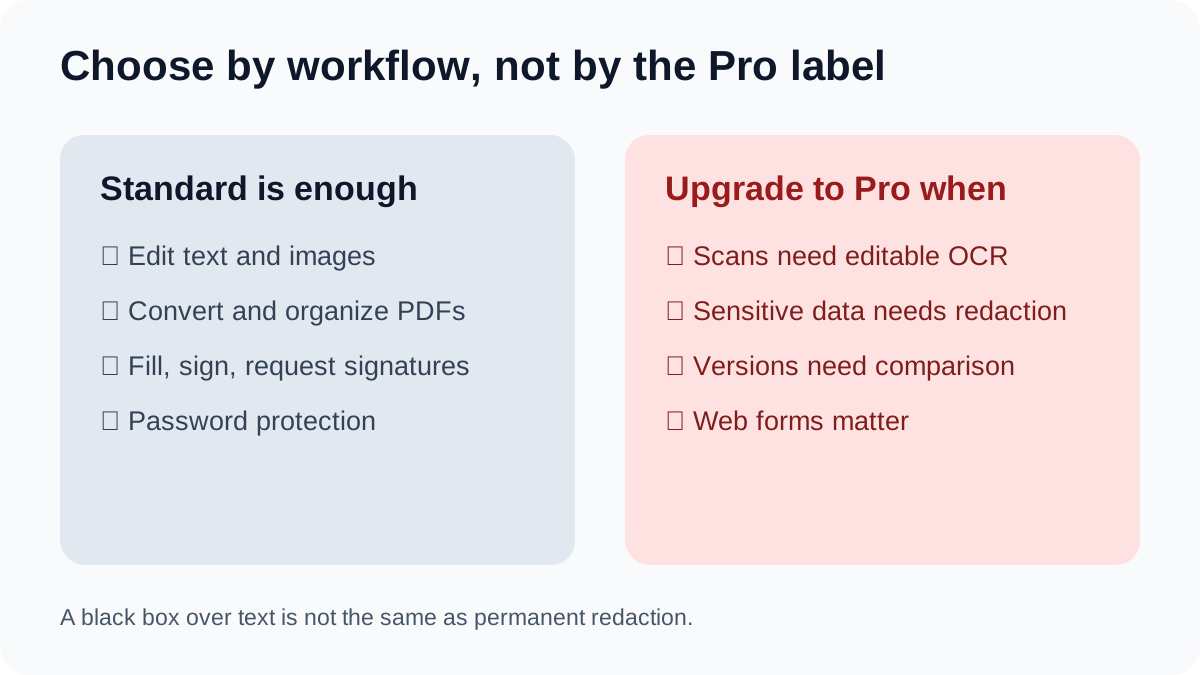
First, OCR turns a scanned page into searchable, editable text. That matters for paper archives, invoices and scanned contracts. Second, Pro's redaction and sanitization tools are designed to remove sensitive content and hidden information. Placing a black shape over text is not equivalent to permanent redaction.
Third, document comparison can expose edits between contract versions without a manual line-by-line check. Fourth, web forms and reusable advanced signature workflows matter when documents are sent repeatedly rather than edited once.
If you use even one of these features every week, $60 a year can be easier to justify than paying for a separate OCR or redaction tool. If you need them only once or twice, a short project month or a cheaper alternative may be more rational—provided it meets your security and platform requirements.
The contract matters as much as the feature list
The $14.99 and $19.99 displays are annual commitments billed monthly. Adobe states that canceling after 14 days can trigger a fee equal to 50% of the remaining balance. “Billed monthly” therefore does not mean “cancel any month without cost.” Confirm the billing view before purchase; annual prepaid and month-to-month prices follow different terms.
Who should choose each plan
Choose Standard for normal office PDFs, regular editing, conversions, page organization, signatures and password protection. Choose Pro for scanned-document OCR, reliable removal of sensitive data, frequent version comparison or advanced form workflows. Keep Reader if you only view, comment or fill basic PDFs and do not need paid editing.
Bottom line
Do not buy Pro because it sounds more professional. Buy it when one of its exclusive tools replaces a real manual step or reduces a real security risk. Otherwise, Standard saves $60 a year while preserving Adobe's core PDF workflow.
Commercial CTA remains hidden because the exact Adobe offer is not approved, market-confirmed or enabled.