TOOLNAVIA / BUYING GUIDE
Parallels Desktop Standard Total Cost: Add Windows Before You Buy
The short answer
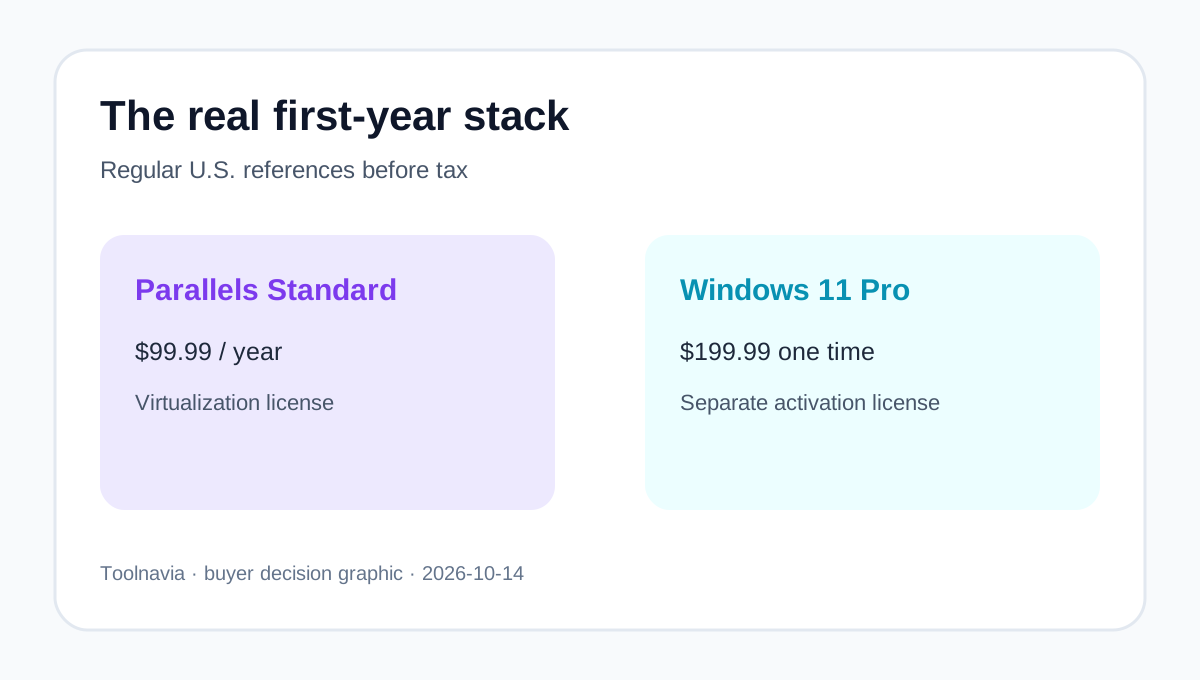
Parallels Desktop Standard is only one line in a Windows-on-Mac budget. At regular U.S. references, a new Apple-silicon buyer who also needs Windows 11 Pro should plan around $299.98 before tax. Promotions or an eligible existing Windows license can lower it.
At a glance
- Best for
- Mac owners whose exact Windows app passes the trial and who understand both licenses.
- Price model
- Regular references: $99.99/year Parallels + $199.99 Windows 11 Pro if needed
- Check first
- Live cart, tax, activation rights and app compatibility vary; Windows is not included.
Separate the two licenses before comparing prices
Parallels sells the virtualization layer. Microsoft licenses Windows. Parallels says Windows is not included and an eligible license is required for activation. Its Apple-silicon guidance identifies Windows 11 Pro and Enterprise as the Microsoft-authorized Arm editions. Each Windows 11 Pro VM needs a unique applicable license.
Microsoft's U.S. store listed Windows 11 Pro at $199.99 when checked. Parallels' current cost guide lists Standard at a $99.99 annual regular price, while the live buy page can show promotions and also offers a perpetual Standard option. That creates three useful cash cases before tax:
- New Apple-silicon buyer, regular annual Standard plus new Windows 11 Pro: $299.98. - Buyer with an eligible existing Windows license: $99.99 for the regular annual Parallels reference. - Promotional Parallels checkout: replace $99.99 with the actual cart amount, but do not assume the promotion becomes the renewal price.
The existing [Parallels Standard pricing guide](/en/software/parallels-desktop) explains the Parallels promotion and renewal boundary. This page answers the next question: what is still missing from the Windows-on-Mac budget after buying Parallels?
Do not count an old Windows key until eligibility is verified
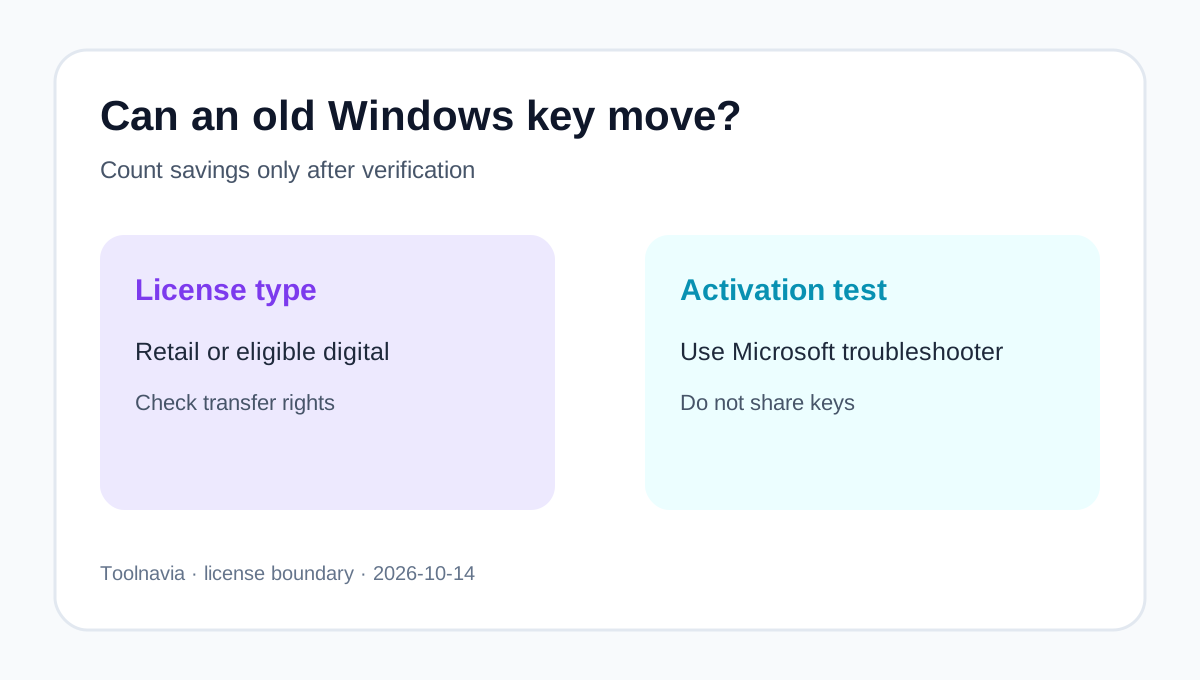
Parallels says an existing license may work depending on its type and activation terms. Its activation steps include Microsoft's hardware-change troubleshooter, but that is a recovery path, not a promise that every OEM or employer key can move into a virtual machine. Treat an old key as a possible saving only after Windows activates successfully and the license terms permit reuse.
Check the Mac before valuing the software
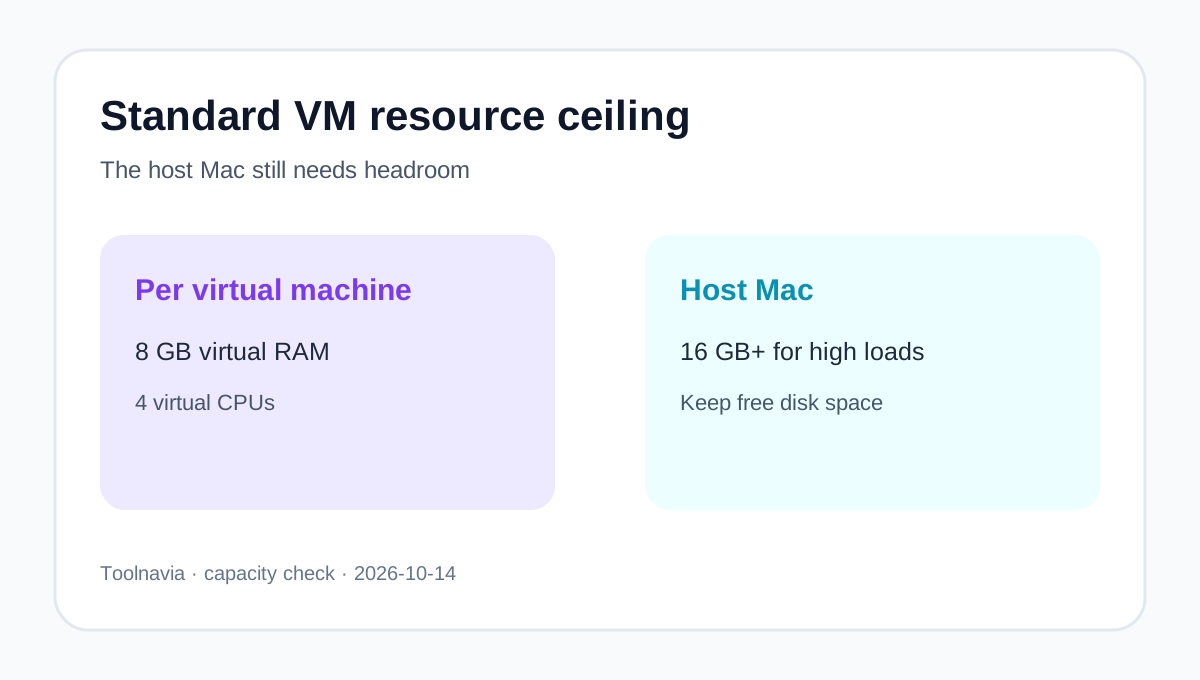
Standard Edition allows up to 8 GB of virtual RAM and 4 virtual CPUs per virtual machine. Parallels' system guidance lists 4 GB of Mac RAM as a minimum for lighter use but recommends 16 GB or more for higher loads; Windows also needs its own disk space in addition to the Parallels app. A Mac with little free storage or memory headroom may run a simple utility but struggle with heavier work.
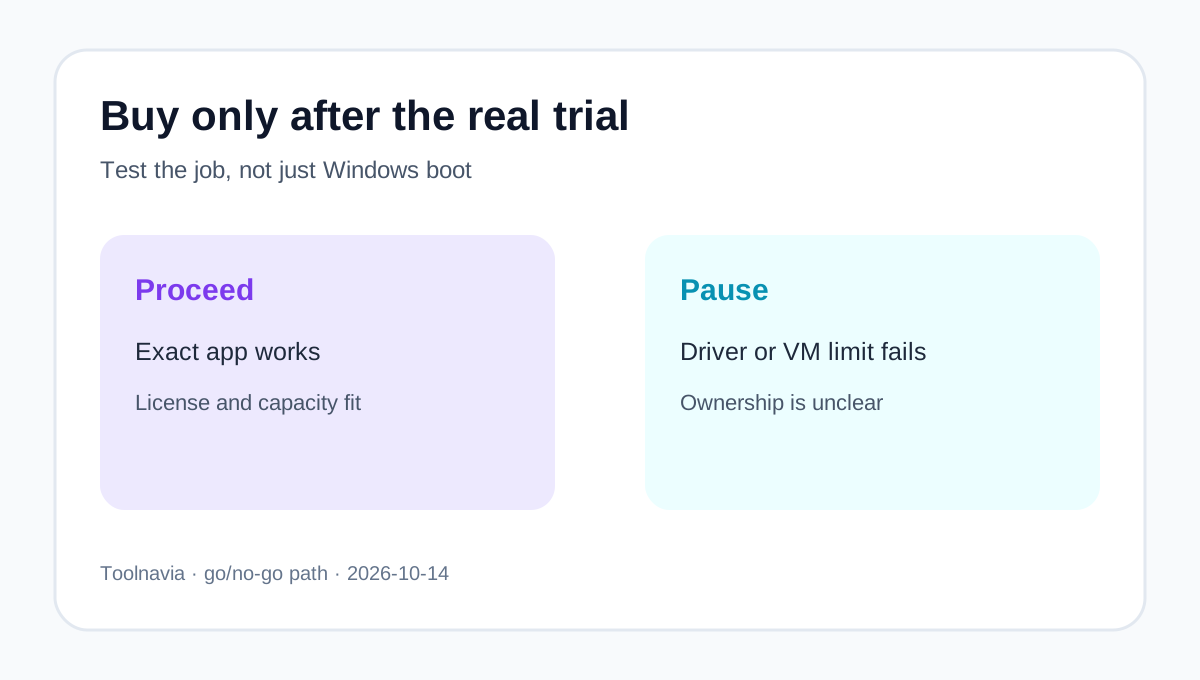
The pre-purchase test is not whether Windows boots. It is whether the exact app, drivers and peripherals work acceptably. Parallels offers a trial, and its download guidance warns that some applications, games, drivers and nested-virtualization features may not work on Apple silicon. Test the application, file exchange, printing, USB device and sleep/resume behavior before the refund window closes.
Price the application that caused the purchase
Windows may only be the platform. The required Windows application can add its own subscription, plug-ins, database, support plan or per-user license. Build the budget in four rows:
1. Parallels Desktop Standard. 2. Windows 11 license, if no eligible key exists. 3. The Windows-only application and its add-ons. 4. Mac capacity or peripherals needed to run the workflow.
Annual or perpetual Parallels does not change the Windows line
Standard is available annually or as a one-time perpetual license. The perpetual license keeps the purchased version; subscriptions include ongoing feature updates and unlimited support. Windows remains a separate line either way.
A perpetual Parallels license can reduce long-run software rent if the purchased version keeps working with future macOS and Windows changes. It also shifts compatibility risk to the buyer: a later major Parallels upgrade may cost extra.
Macworld's current review lists the same $99.99 annual and $219.99 perpetual regular references. TechRadar emphasizes integration but notes subscription cost and Apple-silicon limits. A hands-on review says a valid Windows license remains necessary, while a total-cost article also budgets it separately.
Use the live cart, not a review, for the amount you will actually pay.
A practical go/no-go decision
Buy Standard when the exact Windows application works in the trial, the 8 GB vRAM and 4-vCPU ceiling is sufficient, and the total licensed cost is cheaper or more convenient than a separate Windows PC. Pause when the workflow depends on unsupported drivers, kernel anti-cheat, nested virtualization, very high RAM or GPU needs, or a Windows key whose transfer rights are unclear.
Before checkout, record the Parallels cart price and renewal disclosure, Windows edition and license source, application subscription, Mac memory and free storage, and the trial result. Toolnavia may earn a commission through the exact Parallels Standard referral button. It does not include Windows, guarantee activation, or prove that your application will work.