TOOLNAVIA / BUYING GUIDE
Parallels Standard Subscription or Perpetual: Plan Your Next macOS Upgrade
The short answer
Choose a Parallels Standard subscription if keeping pace with software changes matters more than owning one release. Consider perpetual when a supported, stable configuration fits your work and you understand its lifecycle. The useful question is what you expect to change before the next upgrade, not whether “permanent” sounds cheaper.
This is documentation-based planning, not a tested upgrade path.
At a glance
- Best for
- Buyers who can map the expected hardware, macOS and application changes before committing.
- Price model
- Official USD reference: Standard $99.99/year or $219.99 perpetual; live cart controls; Windows and tax separate.
- Check first
- Buyers treating perpetual as a promise of unlimited support or compatibility with all future systems.
Write down the next change before selecting a license
List your expected Mac replacement, macOS upgrade, Windows application update and any organization-imposed support requirement. Put an approximate date beside each. If none is known, record the uncertainty instead of assuming the configuration will remain fixed forever.
A subscription may fit someone who deliberately follows new macOS releases. A perpetual license may fit a workflow that remains on a supported combination for a planned period. Neither choice removes the need to check the exact application before a major change.
Separate four useful rights
The subscription includes future Parallels major versions during its valid term and provides support during that period. A perpetual purchase retains the purchased version without a subscription expiry, while minor fixes are tied to the product's lifecycle.
These are distinct benefits. Included releases can simplify upgrade budgeting; support offers a documented help route; version ownership can suit a stable setup; current-version maintenance is different from buying the next major release. None guarantees that every future Mac or Windows application will remain compatible.
Keep lifecycle dates separate
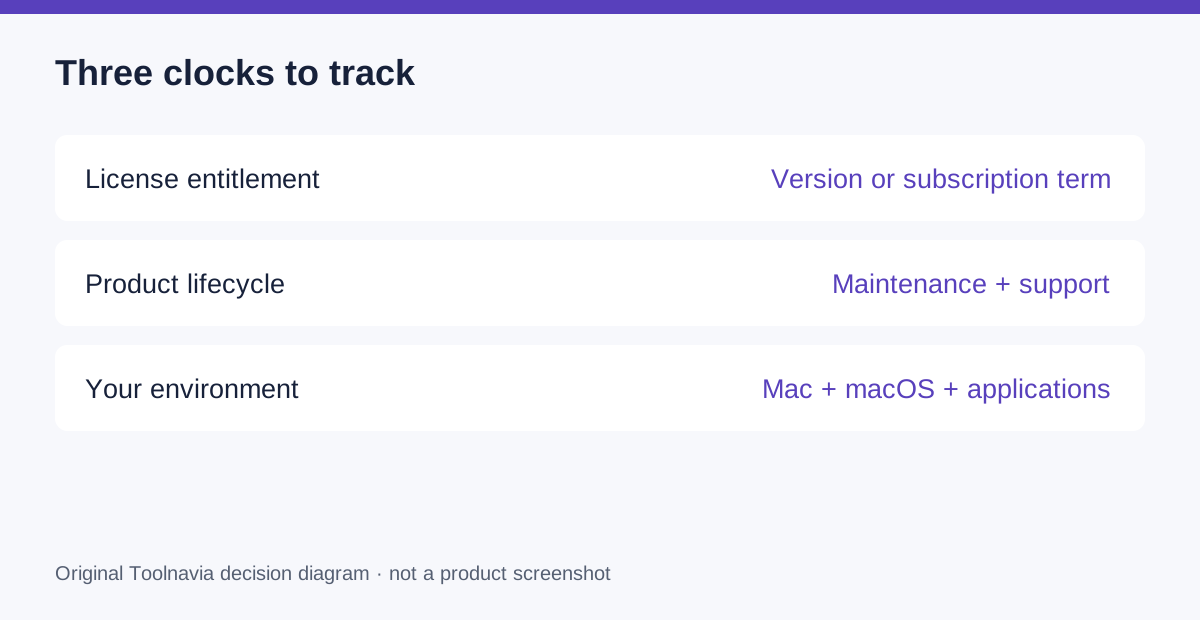
Parallels publishes separate milestones for maintenance, perpetual-license email support and end of life. A date in one column is not automatically the date in every other column. Read the row for the version you intend to use.
The current system requirements also distinguish Desktop 27 on Apple silicon from Intel support continuing in Desktop 26. A paid subscription does not change an Intel processor into supported hardware for a newer release. Hardware plans can therefore matter more than a simple annual-versus-one-time calculation.
Use a budget with an unknown upgrade line
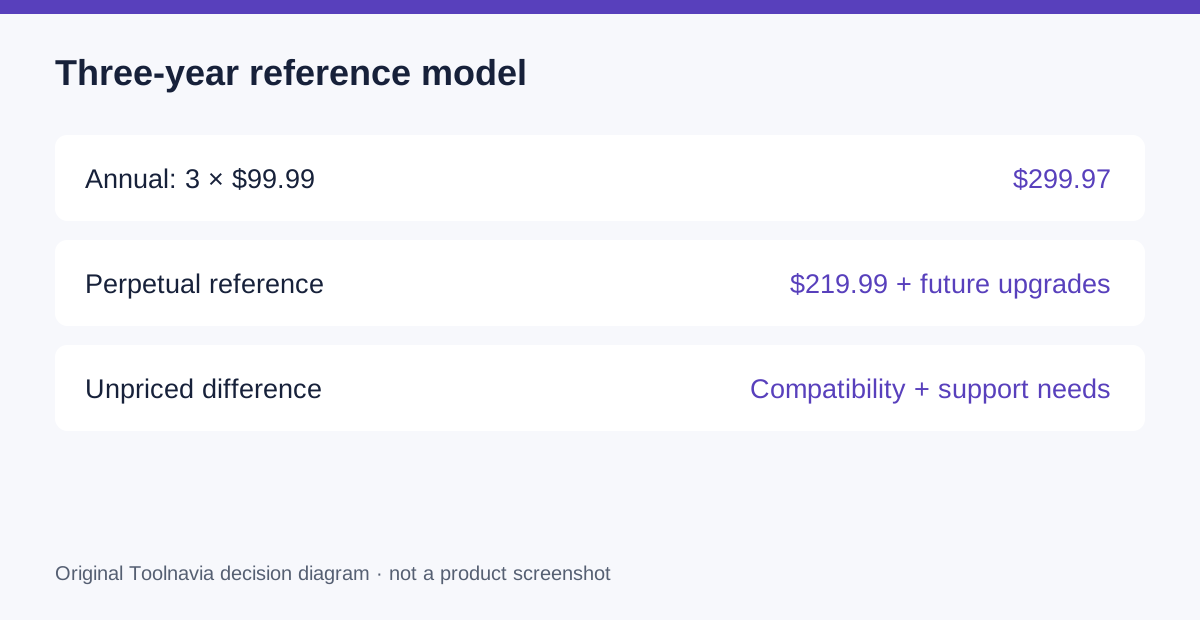
The official Standard references are $99.99 annually and $219.99 perpetual. Holding the annual price constant for illustration gives $299.97 over three years. The perpetual path starts at $219.99, then adds any future paid upgrades you choose or need.
The difference before those upgrades is $79.98. That is not guaranteed savings: future prices, promotions, support needs and compatibility remain unknown. Do not invent a future upgrade price to make one option win.
Windows, applications, tax and any hardware replacement remain separate. Verify the live cart and renewal terms. If you already own a qualifying version, check the actual upgrade offer instead of treating the full new-license reference as your only option.
Rehearse the change as a small project
Before a planned upgrade, record the working versions, preserve an independent recovery copy and identify the exact task that must still succeed. Check official support for the proposed host and guest combination, then test the application with a representative file in an appropriate safe environment.
Set a recovery decision before changing the production setup: what would make you stop, and which supported configuration would you return to? This is a proposed change-control exercise. Keeping an unsupported system indefinitely merely to protect a license calculation is not a sound buying plan.
Choose the model that fits the calendar
Choose subscription when included release access and the active support term match your expected changes. Choose perpetual when the purchased version and its support boundaries fit a realistic supported period. Delay the decision if the next Mac or required application is still unknown.
Use the official Parallels entry to verify current Standard choices. Toolnavia may receive commission on qualifying purchases; the referral does not extend support, guarantee future compatibility or fix renewal pricing.