TOOLNAVIA / BUYING GUIDE
Is Parallels Worth It for One Windows App on a Mac?
The short answer
**Quick verdict:** Parallels Desktop Standard is worth buying for one Windows-only app when that exact app passes a realistic trial and saves enough time to justify the license stack. It is poor value when the app is used rarely, depends on unsupported drivers or add-ins, or already works reliably in a cheaper compatibility layer.
At a glance
- Best for
- Recurring one-app workflows that pass the exact trial.
- Price model
- Official 2026 references: $99.99/year or $219.99 perpetual; Windows separate.
- Check first
- Compatibility, live price, Windows activation and actual time savings vary.
Start with the exact application
Do not buy a virtual machine because a product category “usually works.” Record the application version, required plug-ins, file formats, printer or USB dependencies, graphics requirements and activation method. Parallels maintains an app catalog, but a listing cannot prove that a specific release, driver or company workflow will work.
Apple-silicon Macs run Arm guest operating systems, so an x86 or x64 Windows application may also depend on Windows 11 Arm translation. Microsoft documents limitations affecting some hardware, games and apps. Parallels provides a full Windows virtual machine integrated with macOS, but the decision is still about one tested workflow—not a generic claim that every Windows program runs.
Know what Standard buys
Parallels' current 2026 reference is **$99.99 per year** for Standard or **$219.99 once** for a perpetual Standard license. The live store can show promotions, taxes or regional pricing, so verify the cart before paying. Standard allows up to 8GB virtual RAM and 4 vCPUs per VM.
A subscription includes ongoing major-version support; the perpetual purchase keeps the bought version, while compatibility with future macOS or Windows releases is not guaranteed. Windows activation is separate. A qualifying existing license may work, but otherwise budget for another Windows 11 Pro license.
Use the 14-day trial as a test
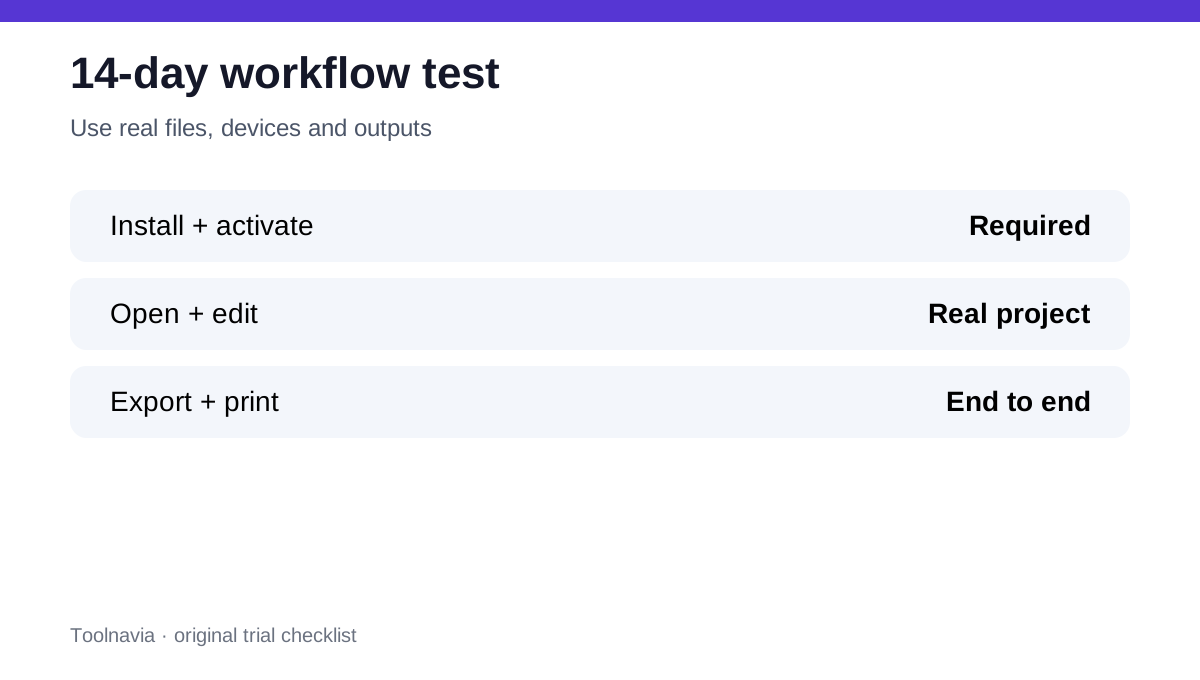
The official trial lasts 14 days and provides Pro features, not a promise that every tested workload belongs in Standard. Install the exact app on the Mac you will use, then complete one normal task from beginning to end.
Test activation, a real project file, plug-ins, exports, printing, network or cloud folders, sleep and resume, external displays, and any USB device. Measure launch time, interaction delay and memory pressure. Finally, confirm the workload fits Standard's 8GB/4-vCPU ceiling rather than relying on extra Pro resources during the trial.
Model frequency, not just price
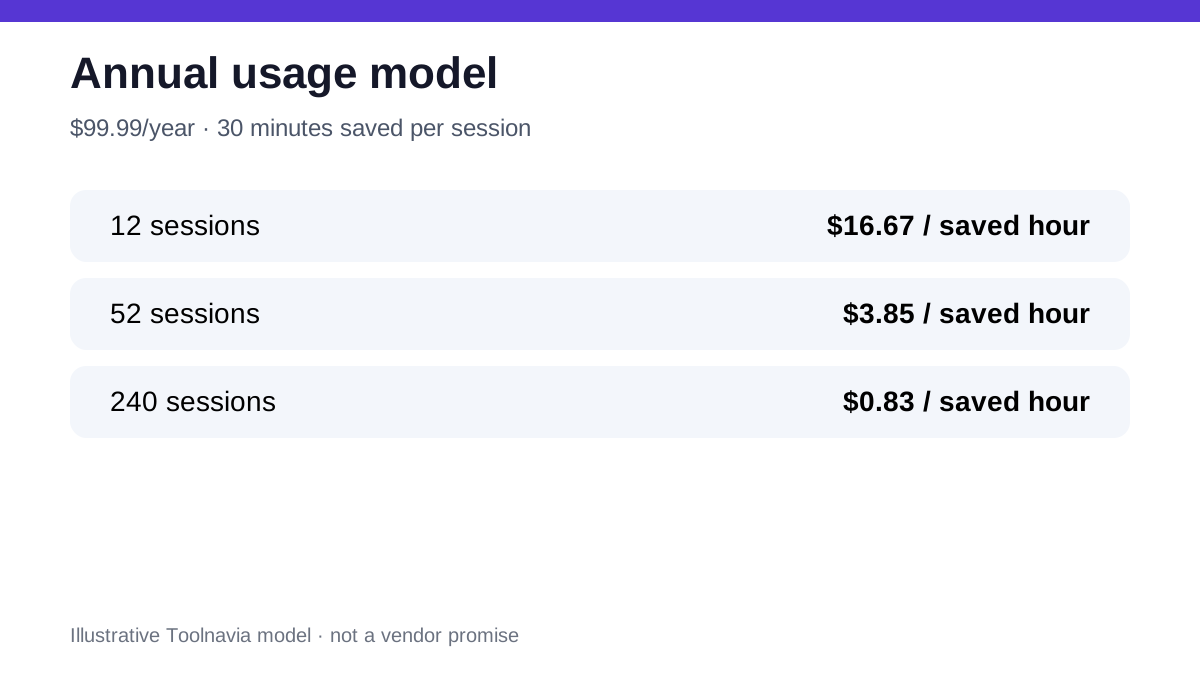
Toolnavia's planning model treats time saved as the benefit. It is illustrative, not a Parallels promise. At the $99.99 annual reference, twelve sessions that each save 30 minutes equal six saved hours, or about **$16.67 per saved hour**. Weekly use at the same saving yields 26 hours, or about **$3.85 per hour**. Two hundred forty sessions yield 120 hours, or about **$0.83 per hour**.
Add setup, Windows licensing, backups and troubleshooting to the cost side. If the app protects billable work or eliminates a second computer, even weekly use can be rational. If it opens once per quarter, a free option, remote PC or short-term access may be better.
Compare the alternatives fairly
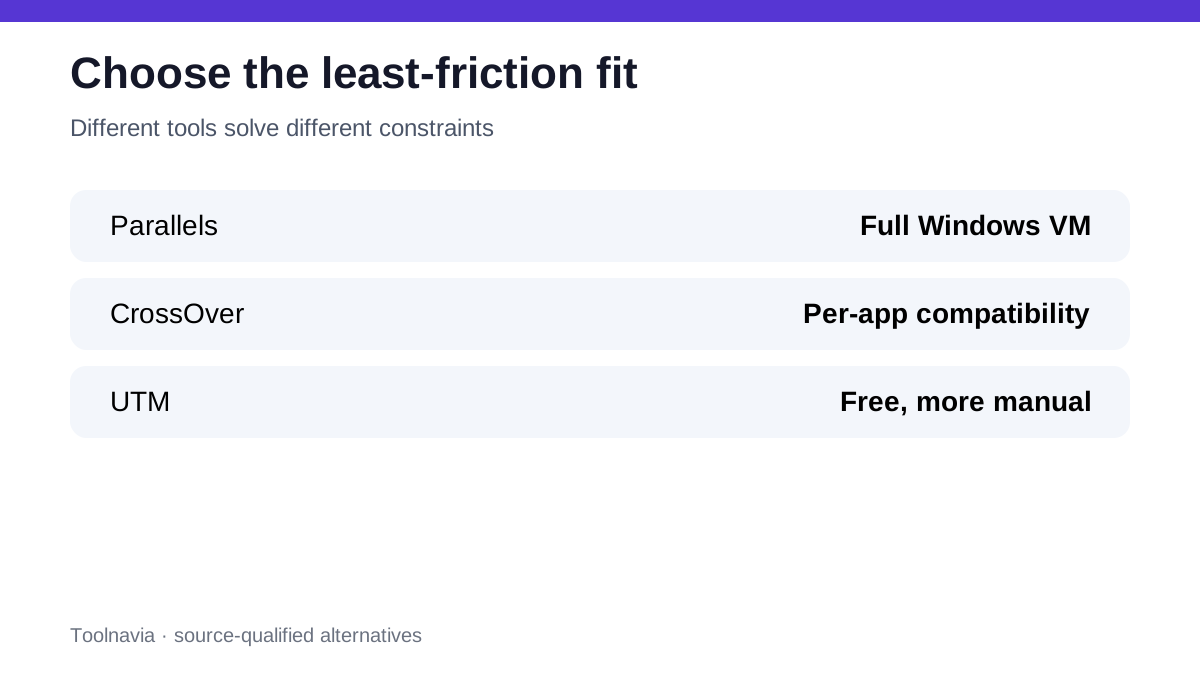
CrossOver can run supported Windows applications without installing Windows, and its own 14-day trial explicitly warns that compatibility varies. UTM is free and open source, but setup is more manual and Windows VMs lack 3D acceleration. An existing Windows PC or employer-provided remote desktop can also reduce new licensing cost.
Independent reviews consistently praise Parallels for setup and Mac integration while flagging price, Windows licensing and Apple-silicon limitations. CrossOver is attractive when the one app works perfectly; Parallels is stronger when the app needs a complete Windows environment and the buyer values lower setup friction.
Choose annual or perpetual deliberately
Annual Standard is easier to justify when macOS upgrades matter, the app is used continuously, or vendor support has value. Perpetual can fit a stable offline-style workflow whose Mac, macOS and Windows versions will remain fixed long enough to cross the **2.2-year** price break-even against $99.99 annual pricing.
That arithmetic excludes promotions, upgrades and tax. It also assumes the purchased version remains compatible. Do not choose perpetual merely because it sounds cheaper; choose it only after defining how long the whole system can stay frozen.
Buy-or-skip checklist
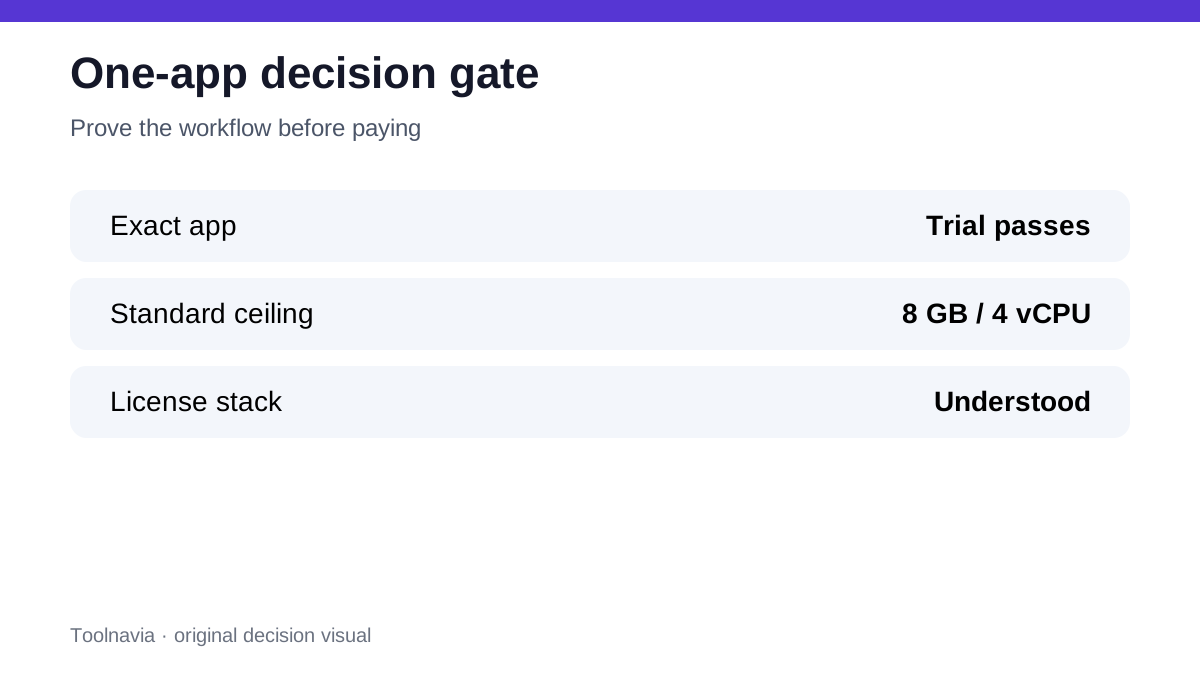
Buy Standard when the exact app passes the trial, the workflow fits 8GB/4 vCPUs, Windows licensing is understood, and annual time savings exceed the total cost. Prefer CrossOver when its trial proves the app works without Windows. Prefer UTM or another free VM when budget matters more than setup time. Keep or access a Windows PC when specialized drivers, DirectX 12, nested virtualization or corporate controls fail in the VM.
**Bottom line:** one successful end-to-end trial is worth more than a compatibility list. Pay for Parallels when it makes a recurring Windows-only task dependable on your Mac—not merely because you might need Windows someday.