TOOLNAVIA / BUYING GUIDE
Parallels Shared Folders: Which Copy Is Your Working File?
The short answer
Parallels can earn its price when a necessary Windows application repeatedly edits files that belong in your Mac workflow. Shared folders reduce the need to copy documents back and forth. The important buying test is whether you can identify, edit and safely retain the intended working file—not whether identical filenames appear on two desktops.
At a glance
- Best for
- Repeated supported Windows edits in a chosen Mac project.
- Price model
- Current Standard checkout; Windows, apps and cloud costs separate
- Check first
- Shared access is not an isolated copy or a backup.
One visible file can have two entrances
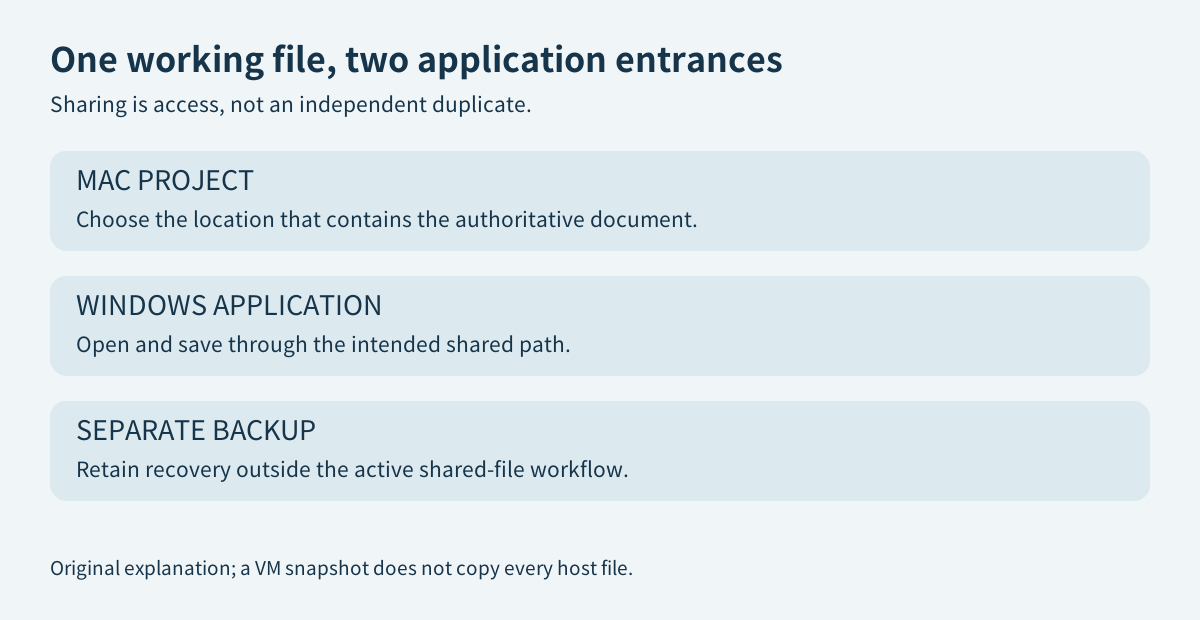
Parallels' Shared Profile maps selected Mac user folders into the Windows environment. Its documentation explains that this does not create a second copy: a file saved through a mirrored Windows Documents folder can actually reside in the Mac Documents folder. This can eliminate a repetitive transfer step, but it also means the Windows application is working on the shared data rather than an isolated disposable copy.
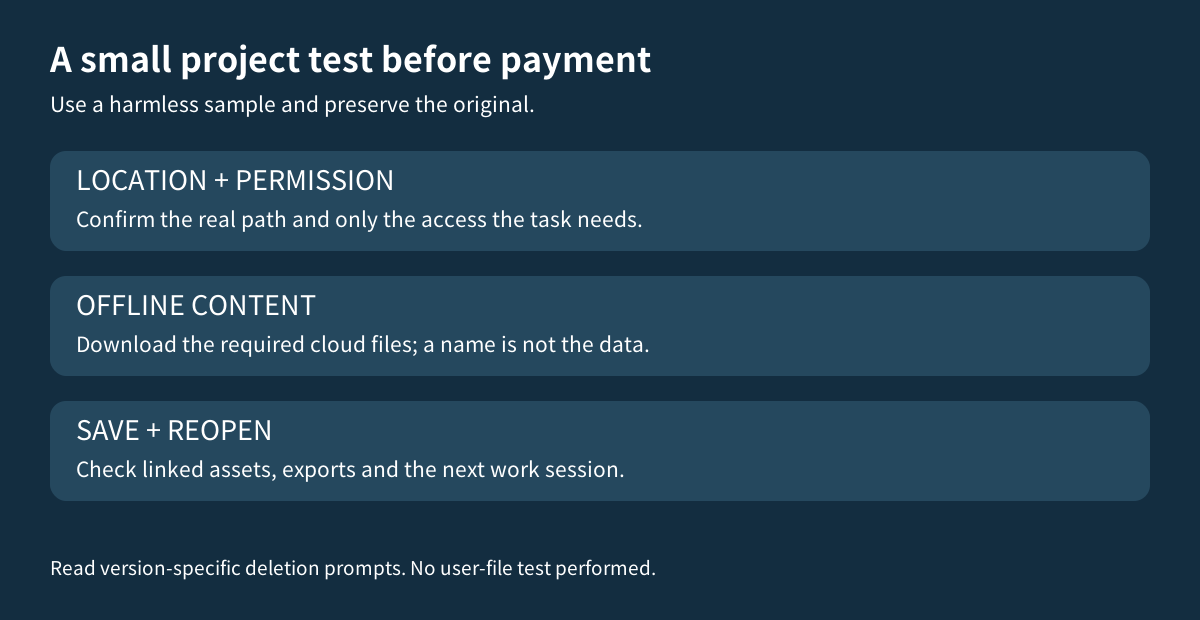
Choose the project folder that should contain the authoritative work. Keep a separate backup before the trial, then make a harmless sample with a distinctive name. Open it through the Windows application, save a small change, close it and find the same result in Finder. Parallels documents a Show in Finder command for shared items. That makes the actual location easier to check than guessing from a familiar folder name.
Share the required project, not every personal folder
The custom-folder guide provides a way to choose a specific Mac directory for Windows access. The version-20 manual also documents a read-only option for a shared folder. That can suit reference material the Windows application only needs to read; a project that must save back requires appropriate write access.
Treat folder sharing as an intentional exception to separation. These features need the relevant integration enabled, so a claim that the VM is fully isolated while it edits your host documents would be misleading. Do not broaden access just to make a test easier. On a managed computer, keep to the organization's policy.
macOS permission is another layer. Apple documents per-app access to particular file locations in Privacy & Security, Files & Folders. An unavailable project may therefore need permission review rather than a more expensive Parallels edition. Approve only the intended access, and keep unrelated personal files outside the trial.
A cloud filename is not an offline file
OneDrive can show online-only items in Finder before their contents have downloaded. Microsoft says those items cannot open offline; marking the required files to remain on the device downloads and retains them locally. Plan for the resulting local storage, rather than assuming the cloud icon represents an immediately available project.
Dropbox describes the same distinction between a visible online-only entry and downloaded content. Its guide also notes that some third-party applications need an offline file in configurations that do not use its File Provider integration. That is a reason to verify the real application path, not a universal claim that every cloud file fails in a VM.
For a trip or unreliable connection, download the small project you actually need and open it once through the intended Windows app before leaving. Then check it in your normal offline workflow. This is a proposed evaluation, not a Toolnavia test of your cloud account or file permissions.
Deletion behavior is version-specific
There is an important documentation difference: the May 2024 Shared Profile article describes Windows-side shared-folder deletion skipping both bins. The version-20 manual distinguishes the earlier behavior and describes a later confirmation path that moves the item to the Mac Trash, not the Windows Recycle Bin.
Do not turn either description into a promise about every installed version, folder type or cloud provider. Read the actual warnings, preserve an independent copy, and use only an expendable sample to understand the installed behavior. A VM snapshot is not a separate copy of every host-shared or cloud file. The [backup guide](/en/software/parallels-snapshots-backups) explains why the recovery scope matters.
Is the integration worth another paid license?
The strongest case is a repeated, supported Windows-only task that saves directly into a Mac-managed project. The weaker case is occasional viewing already handled correctly by a native application, or an application that requires its data on a guest-local disk and cannot use the shared path reliably.
The official purchase page provides one-Mac Standard license options and separates Windows activation from the Parallels entitlement. No dependable current numeric checkout amount was exposed in this reading. Compare the actual combined software cost with the transfer steps and errors this workflow would remove. Cloud storage and an application license may still cost extra.
Check more than opening and saving: verify linked assets, exports and the next session after a restart. Avoid simultaneous editing in two unrelated apps unless the application's supported collaboration workflow explicitly handles it. A shared path is not proof of safe co-authoring.
Choose Standard when this complete supported workflow earns its cost. The [licensing guide](/en/software/parallels-desktop) helps with the wider edition decision. Affiliate disclosure: Toolnavia may earn a commission through the genuine Parallels Desktop referral buttons; they do not preselect a license, promise a discount or guarantee file recovery.