TOOLNAVIA / BUYING GUIDE
Parallels Snapshots vs Backups: Budget for a Recoverable Windows VM
The short answer
Parallels is more attractive when a Windows workspace takes hours to configure and you need a practical way back from a bad change. But a snapshot and an independent backup solve different problems. Budget for both the useful rollback workflow and the recovery copy that survives loss of the working VM; the software license alone is not the whole purchase.
At a glance
- Best for
- A configured Windows workspace worth recovering.
- Price model
- Standard checkout plus Windows license and recovery storage
- Check first
- Same-disk snapshots do not replace independent recovery copies.
Decide what you need to recover
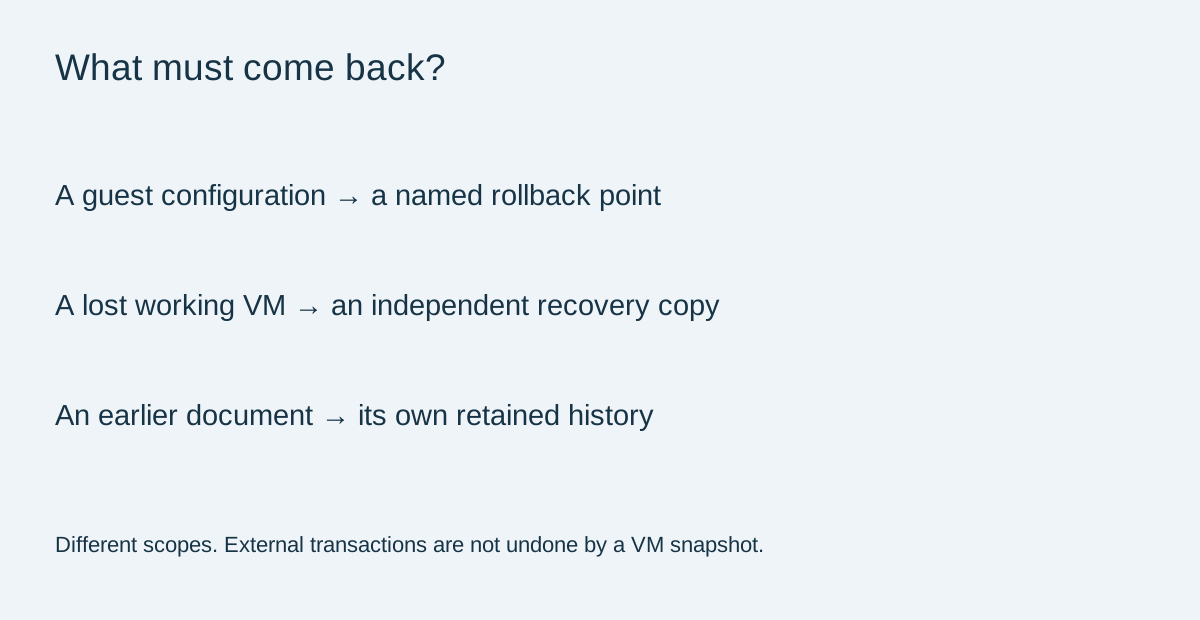
A snapshot preserves a VM state for later rollback. Parallels documents named snapshots and an option to save the current state before reverting. These are useful for a known-good application configuration or a planned experiment. Name the milestone by the working task, not merely the date, so you know what restoring it is supposed to achieve.
A snapshot stored with the working VM cannot independently protect you when that VM's storage is lost. A document mistake is different again: replacing an entire guest just to recover one spreadsheet may discard newer work elsewhere. Write down whether the objective is an application configuration, the complete Windows environment or one file.
Keep a whole-VM copy outside the working disk
Parallels' backup guidance recommends shutting down the VM for a general backup and copying its complete .pvm bundle to another location, preferably an external disk. When the working VM already lives externally, the recommended backup belongs on a different external disk.
That provides a straightforward recovery baseline without forcing a separate backup subscription. Keep its date and location visible, and choose frequency according to how much work you can afford to repeat. A monthly copy may be inadequate for a workspace changed every day; a copied folder should not be counted as usable until its contents and recovery path have been checked.
Windows 11 virtual TPM and recovery material also deserve attention before a restore to another Mac. Parallels documents Keychain-related requirements and migration behavior for TPM-enabled VMs. Preserve recovery information securely; do not assume copying the bundle guarantees it will open on different hardware.
Automation still needs a destination and a restore check
Time Machine is built into macOS and uses a configured backup destination. Apple explains how to check the latest completed backup and warns that older history is removed when storage fills. Confirm the intended VM is actually included, rather than inferring coverage from a Time Machine icon.
Parallels documents SmartGuard and a Time Machine optimization setting, but also describes these as an advanced-user route. A setting that reduces repeated backup work is useful only when you understand what is retained and can recover it. Manual, dated copies may be simpler for an occasional guest.
Acronis provides another documented approach: its Mac 2025 guide describes Parallels-aware disk-level backup and explicitly distinguishes it from file/folder backup that does not guarantee VM consistency. This is a versioned vendor claim, not a Toolnavia recovery test or a reason everyone must buy that additional service. Check current product compatibility before relying on it.
Keep document recovery separate
For files actually stored in OneDrive, Microsoft describes version recovery and, for eligible Microsoft 365 subscribers, a whole-OneDrive restore covering the previous 30 days. Permanently deleted recycle-bin items cannot be recovered through that route. This protects a defined cloud-file scope, not every part of a local Windows installation.
Likewise, reverting a guest does not reverse a payment, an email already sent or an external database change. Parallels recommends finishing external writes and transactions before taking a snapshot. Keep experiments away from production services until their side effects are understood.
Include storage and rehearsal in the budget
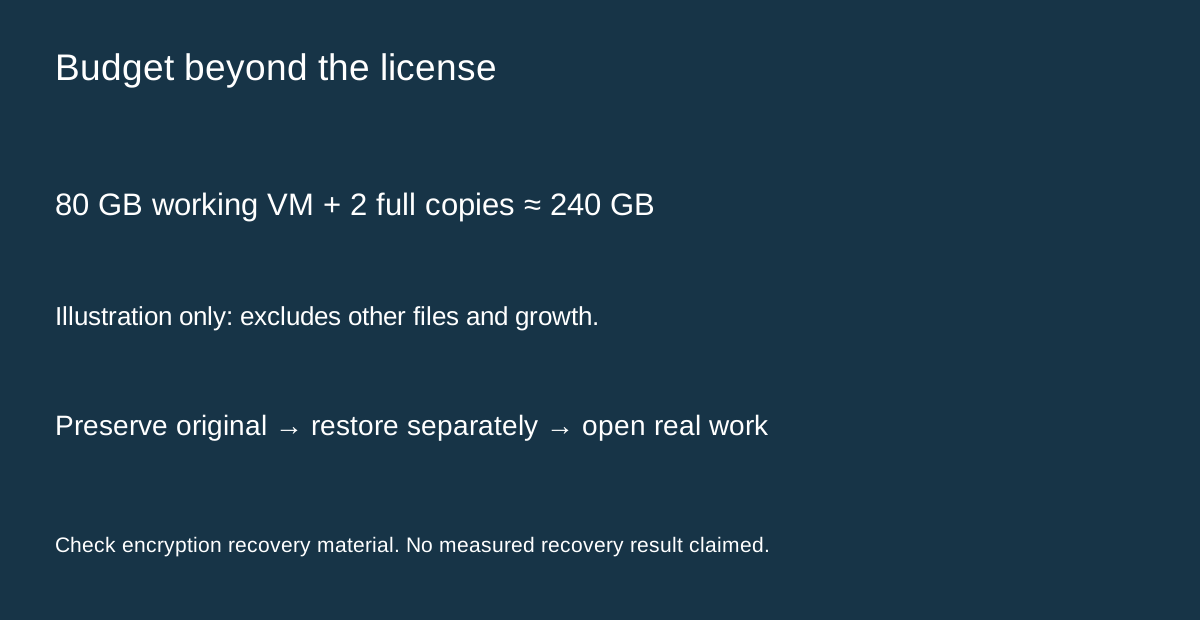
An illustrative 80GB working bundle plus two full independent copies consumes about 240GB before other files and future growth. That arithmetic assumes full copies, not compression or incremental savings. Measure your actual bundle rather than buying storage from this example alone.
Add the current one-Mac Standard checkout, any required Windows license, backup media and time to verify recovery. The official purchase page separates Windows activation from the Parallels license; no dependable numeric cart price was exposed in this reading.
Before depending on the setup, restore into a separate test location while preserving the original, then verify startup, a representative application and a non-sensitive document. This is a proposed acceptance exercise, not a completed benchmark. The [Standard guide](/en/software/parallels-desktop) covers licensing, while the [Acronis guide](/en/software/acronis-true-image) explains that separate product's scope.
Buy Parallels when the Windows workflow and recoverable configuration save meaningful work—not merely because a snapshot button exists. Affiliate disclosure: eligible purchases through the issued Parallels referral buttons may pay Toolnavia a commission; no special price or successful recovery is guaranteed.