TOOLNAVIA / BUYING GUIDE
Parallels Standard Isolation: What Stops Working When You Separate Windows from Mac?
The short answer
Parallels Desktop can make Windows feel almost native on a Mac because it connects the two systems through several convenience channels. That is useful for routine work, but it also means a Windows process may be able to reach Mac files, clipboard contents or attached storage. The buying question is not simply “is Parallels secure?” It is whether the exact sharing profile fits the trust level of the Windows work you plan to run.
At a glance
- Best for
- Mac users who can define and test the exact host–guest data paths their Windows workload needs.
- Price model
- Choose subscription or one-time purchase; verify the live selected USD cart, renewal, tax and Windows license.
- Check first
- Isolation closes documented sharing paths but does not replace backup, patching, endpoint protection or network controls.
Map the bridges before you close them
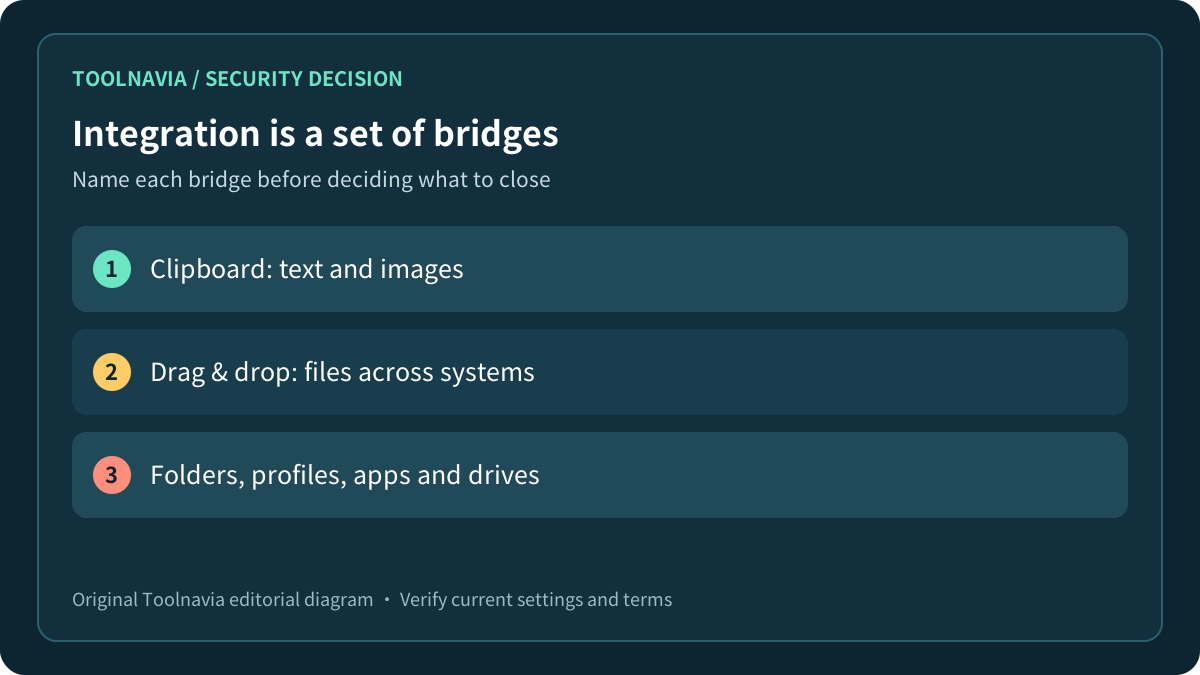
Parallels’ sharing tools cover more than a folder. With Parallels Tools installed and “Isolate Mac from Windows” disabled, the product can share folders, the Mac user profile, cloud folders, applications, volumes and external drives. Shared clipboard and drag-and-drop add separate paths for text, images and files.
That convenience changes the boundary you are buying. A spreadsheet copied through the clipboard and a document opened from a shared Mac folder are not inside a completely separate island. They are deliberate host–guest exchanges. Decide which exchanges your job actually needs instead of treating “integration” as one indivisible feature.
The same principle appears in competing virtualization tools. Oracle documents shared folders, clipboard and drag-and-drop as configurable VM functions, while Broadcom describes copy/paste and drag-and-drop as features provided by desktop integration tools. The product names differ, but the decision is the same: every bridge trades some separation for speed.

Know what full isolation stops
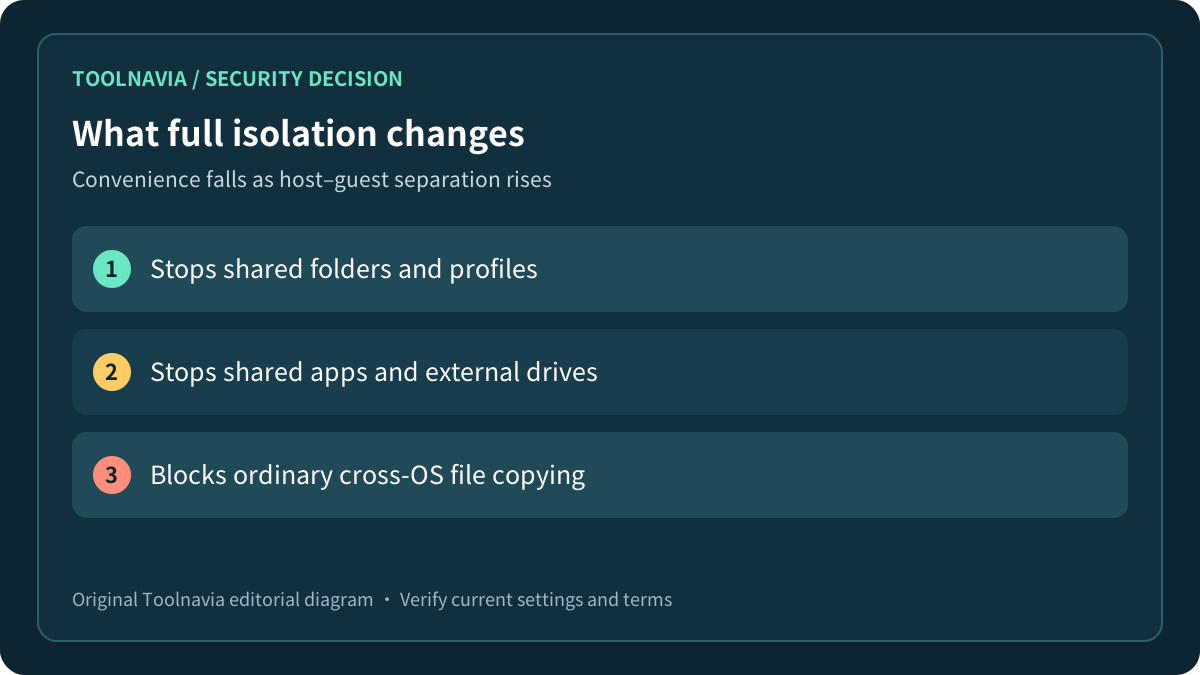
Parallels’ Standard-specific isolation article says that isolating a VM stops sharing folders, profiles, applications and external drives. It also says ordinary file copying between macOS and Windows generally becomes impossible. The clipboard and drag-and-drop article confirms that these features require Parallels Tools and the isolation option to be disabled.
This is a meaningful boundary, not a magic shield. Isolation does not patch Windows, scan a download, create a backup or disable every network route. A Windows VM can still be running and networked depending on its settings. Parallels describes isolation as preventing possibly compromised items in one operating system from contacting the other through those integration paths; buyers should not expand that statement into a guarantee against every attack.
Oracle’s security guide recommends least privilege, current patches and restrictive networking in addition to VM configuration. Microsoft similarly warns that enabled networking can expose a sandboxed workload to an internal network. Those sources support a layered decision: sharing controls are one layer, not the whole security plan.

Consider the middle option: minimum sharing
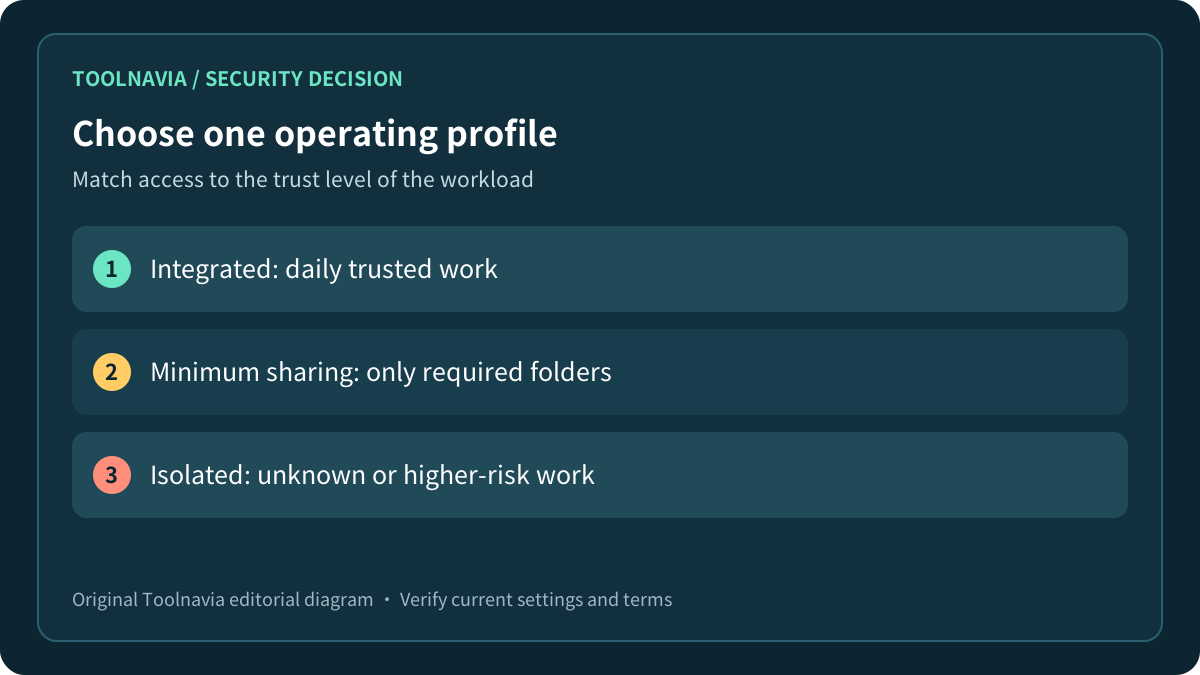
Not every buyer needs either “share everything” or “share nothing.” For trusted daily applications, an integrated profile can be efficient. For a line-of-business tool that only imports one folder, a smaller sharing profile may preserve the workflow without exposing the whole Mac home directory. Full isolation is more appropriate when the Windows workload is unknown, higher risk or does not need host data.
Parallels lets users choose custom shared folders, and its sharing documentation distinguishes Mac folders, the Shared Profile, cloud folders and mounted volumes. Its shared-folder guide also clarifies that these are shared paths rather than automatically duplicated safety copies. That gives you decision points. Disable the Shared Profile if Windows does not need your Desktop and Documents. Avoid mapping all disks when one staging folder is enough. Keep external drives disconnected unless the task needs them.
There is a concrete deletion risk behind that advice. Parallels warns that deleting a macOS file from the Windows desktop while macOS Desktop sharing is enabled may permanently remove it without putting it in either trash location. That is not a theoretical malware claim; it is an ordinary workflow consequence. Minimum sharing can reduce the number of valuable files exposed to mistakes as well as malicious software.

Test transfer and deletion with harmless data
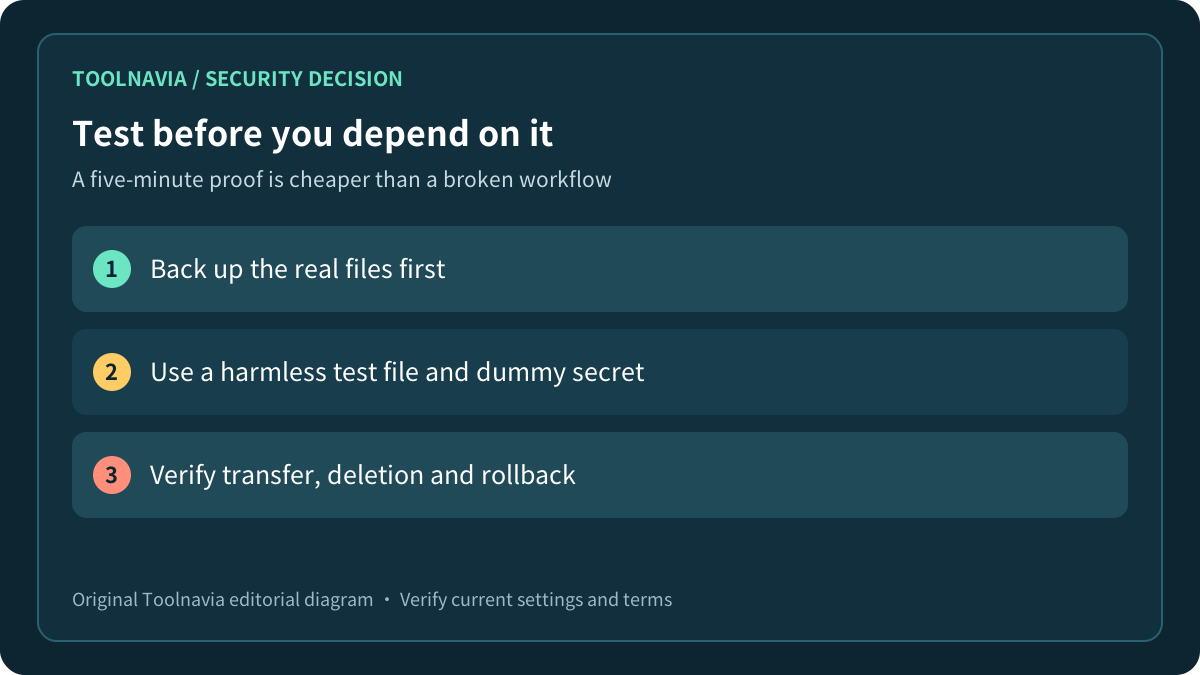
Before relying on a profile, back up the real files outside the VM workflow. Then create a harmless test folder on the Mac, a dummy document and a fake secret that has no value. Test copying through the clipboard, drag-and-drop and the selected shared folder. Confirm which actions still work after each setting change.
Next, delete the dummy file from Windows and check where it goes. Test an external drive only if the real workflow requires one. Restart the VM and the Mac, then verify that the selected sharing state persists. If you choose full isolation, prove that clipboard, drag-and-drop and Mac folders are unavailable rather than assuming the label did what you intended.
Microsoft’s current Sandbox configuration guide illustrates why this acceptance test matters: clipboard redirection is a separate control, and mapped folders can be read-only or writable; writable mappings can preserve changes outside the disposable environment. Parallels is a different product, but the general lesson is directly relevant—verify each data path and its write behavior.

Decide whether Standard fits the workload
The official Parallels buy page lists Standard for home and everyday use, with subscription and one-time-purchase choices. The opened page also lists 8 GB vRAM and 4 vCPUs for Standard. Isolation itself is documented as applying to Standard. You therefore do not need to infer that Pro is required merely to separate Mac and Windows sharing paths.
Choose based on the workload as a whole. Standard can fit a normal Windows application whose CPU and memory needs stay within its documented limits and whose sharing profile passes your test. A heavier development or multi-VM workload may justify Pro for other reasons, but an edition upgrade should not substitute for a security configuration decision.
The official buy page did not expose a stable numeric dollar amount in the directly opened content during this review. Search results displayed promotional figures, but those snippets are not accepted as today’s invoice. Record the selected license type, live price, renewal terms, tax, update rights and refund terms in the actual checkout before paying.
Use three profiles instead of one permanent setting
A practical policy is to save three named operating profiles. “Integrated” is for trusted daily work that legitimately needs clipboard and folders. “Minimum sharing” exposes only a staging folder and the few bridges required by the task. “Isolated” disables host–guest sharing for unknown or higher-risk work.
Do not move valuable files into an unknown workload just because full isolation makes transfer inconvenient. Use a deliberate scanning or review process outside the high-risk VM. Do not call a snapshot or isolated VM a backup of Mac data. If the Mac folder is the only copy, the data is still at risk from loss, deletion or hardware failure.
Write down who is allowed to change the profile and what evidence is required before moving a workload from isolated to integrated. For a family Mac, that may be a simple checklist. For business use, it may require an administrator, endpoint controls and a separate edition decision beyond this Standard-focused guide.
Buy only after the boundary matches the job
Buy Parallels Standard for this use case when the real Windows application works within Standard’s resource limits, the selected sharing profile preserves only the transfers you need, and your harmless-file test confirms the expected boundary. Pause when you need a security guarantee the product does not promise, an unverified network design or a live cart price you have not inspected.
After those checks, review the [approved Parallels Desktop Standard offer](https://www.kqzyfj.com/click-101895278-15311543) and save the exact checkout terms. For file-location questions rather than security boundaries, see our [Parallels shared folders guide](/software/parallels-shared-folders-working-file).
*Affiliate disclosure: Toolnavia may earn a commission on eligible purchases. This guide is based on current official documentation and stated comparison sources; no malware exercise, penetration test or paid checkout was performed.*