TOOLNAVIA / BUYING GUIDE
Hostinger Weekly Backups: Six-Week Help vs Two-Week Agreement
The short answer
At a glance
- Best for
- Low-change sites with an accepted weekly recovery gap.
- Price model
- US$95.52 prepaid48mo;renewUS$10.99/mo same term beforeVAT;daily add-on separately quoted.
- Check first
- Help6weeks vs agreement2weeks unresolved; inspect account dates and keep independent paired copies.
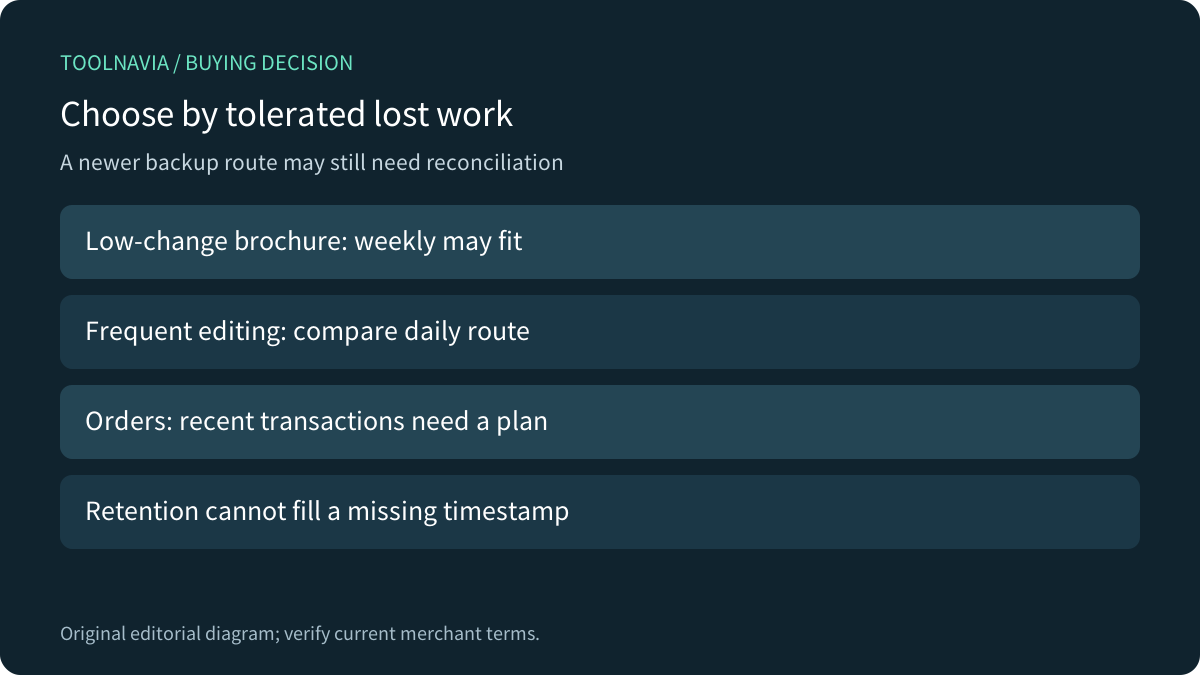
Verdict: decide how much new work you can lose
Hostinger Premium can suit a low-change WordPress site when its owner accepts weekly recovery points and keeps a separate recovery plan. It is a weaker fit when a business needs a reliably recent copy of edits or transactions. The current plan includes weekly backups; that is a frequency statement, not a promise of daily recovery.
This guide analyzes official documentation. We did not access an account, download a backup, send an email link or restore a website. Choose by the application's recovery need, not just by whether a pricing card says backups.
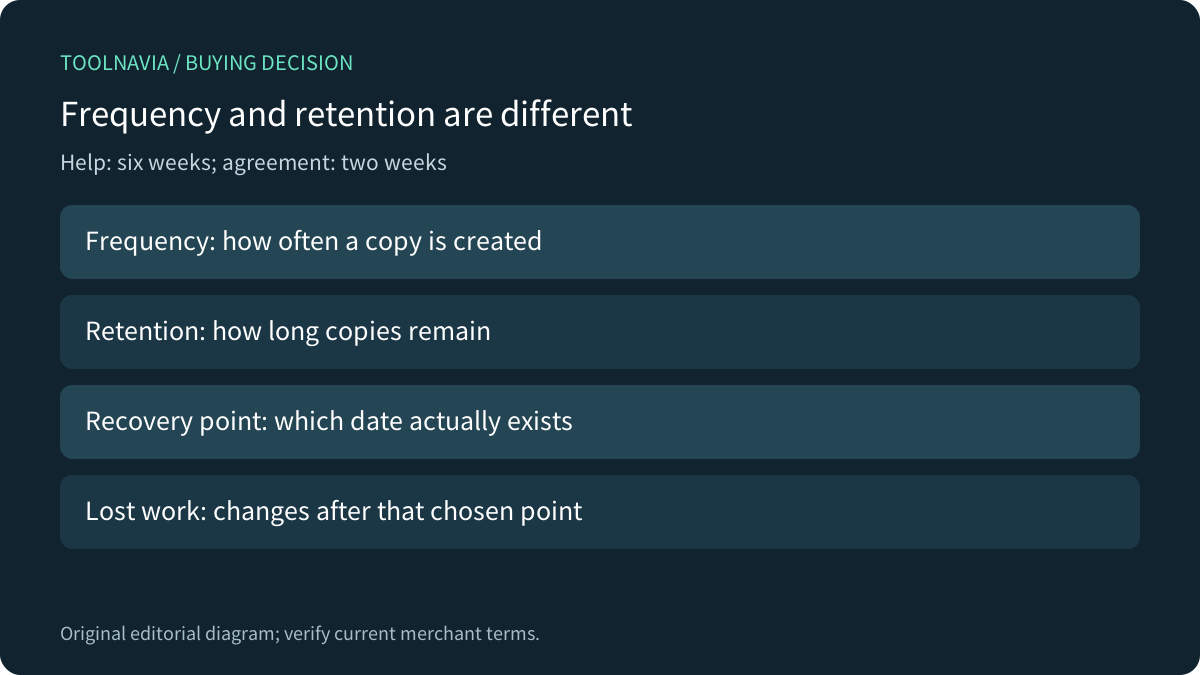
Six-week help and the two-week agreement remain unresolved
Hostinger's download guide says weekly backups are retained for six weeks and daily backups for seven days. However, its hosting agreement says only two weeks of remote backups are stored, calls the service a modifiable courtesy, and requires independent copies. These official statements differ; the account-specific entitlement remains unresolved here. Do not promise six weeks as a contractual guarantee. Obtain current merchant clarification and check the actual dated copies before relying on retention. No account was inspected.
Automatic creation follows a fixed schedule, and a desired timestamp absent from the available list does not exist. Whatever history is available, weekly copies are not daily snapshots.
As a planning illustration, an incident just before the next successful weekly copy can leave nearly a week of subsequent work outside the latest copy. This is schedule arithmetic, not an uptime or backup-service guarantee. Confirm the actual available dates and completeness in your account.
Preserve files and database together
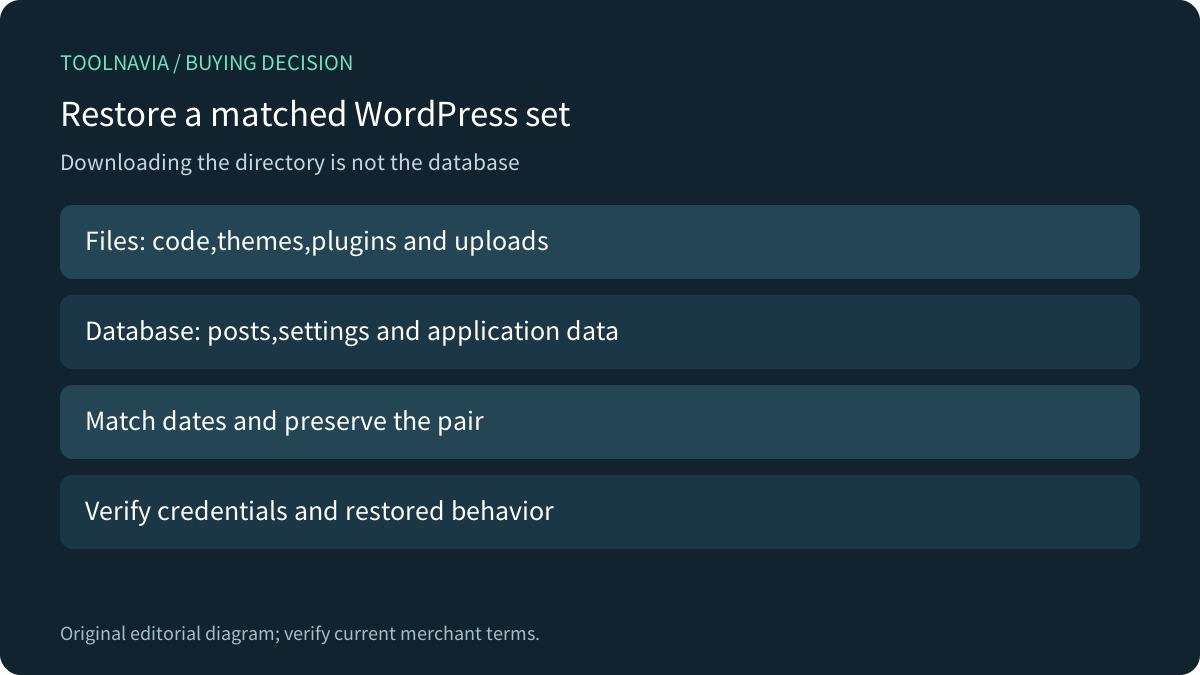
Hostinger documents downloadable file archives and separate database exports. WordPress explains why both matter: themes, plugins and uploads are files, while posts and settings live in a separate database. Downloading the WordPress directory alone usually does not preserve that database.
Keep a temporally matched backup set and an independent copy with appropriate access control. A database dump stored beside an archive still needs to be imported during recovery. Record the site, database identity, creation time and required credentials so another authorized maintainer can understand the set.
Understand what the restore will replace
Hostinger documents same-account full WordPress restoration and selective file or database routes. It warns that changes after the chosen backup are rolled back and that symlinks are not automatically recreated. Its AI Builder sites follow different guidance; do not apply this WordPress workflow to them.
Four useful capabilities are the automatic weekly baseline, retained weekly history, downloadable components, and full or selective restoration. Their value depends on available copies and a verified application result. A completed restore operation alone does not establish that recent orders, uploaded assets or external integrations are correct.
Compare a daily route without importing another product's rights
Premium Web can purchase daily backups; the current help page says those daily copies are retained for seven days. It also identifies an upgrade route. Obtain the actual add-on quote and exact current plan entitlement before comparing total cost. The separate VPS subsection's two-daily/two-weekly policy is not Premium Web's rule.
SiteGround separately documents whole-site and selective restoration. Kinsta describes rollback of files, databases and some provider settings. Those primary examples show which scope questions to ask; they do not give Premium either competitor's retention, staging or settings-recovery features.
Rehearse with harmless paired markers
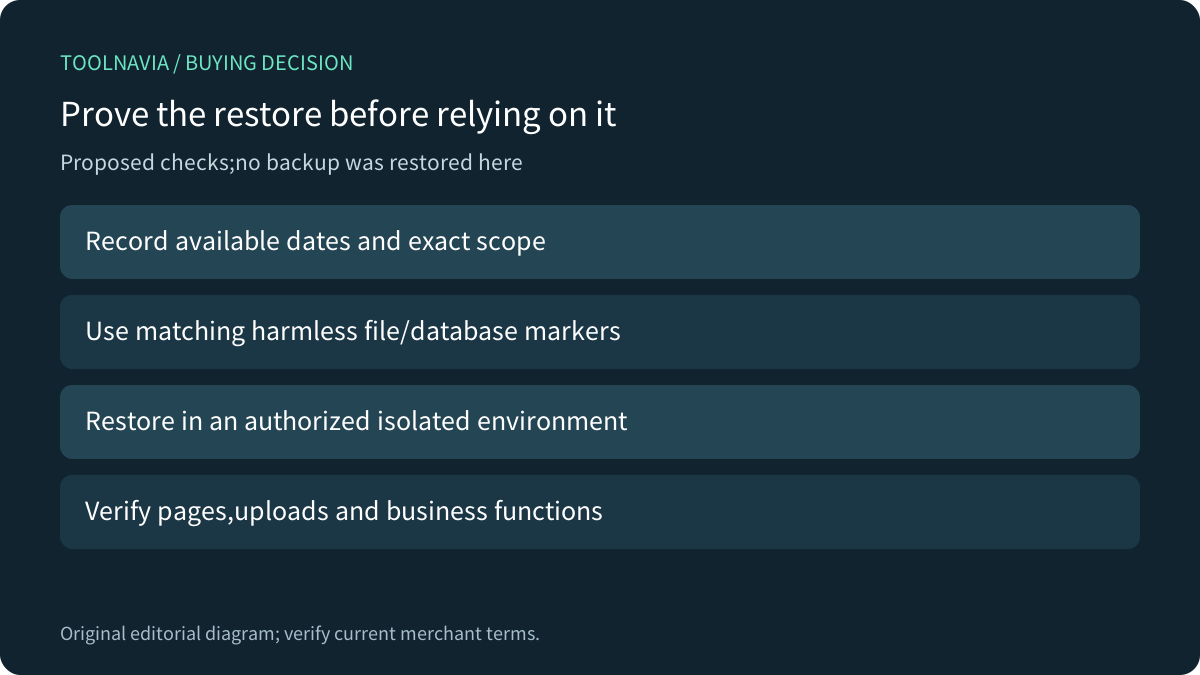
In an authorized isolated environment, create a harmless file marker and a matching database record. Record available backup dates, restore the intended set, and check pages, uploads, login and the application's essential functions. Keep test email, payments and scheduled actions isolated from real users.
Measure the actual recovery effort separately from the backup schedule. For a transactional site, define how later transactions will be reconciled before replacing the live database. These are proposed acceptance checks; no restore or business operation was performed here.
Price the complete recovery arrangement
The current US Premium display is US$95.52 prepaid for 48 months, equivalent to US$1.99/month, renewing at US$10.99/month for the same term before VAT. Add any separately quoted daily-backup service, independent storage and recovery labor to the comparison. A cheap introductory hosting rate does not price lost work.
Choose Premium when weekly exposure fits the site and a verified restore route exists. Seek a more frequent route when it does not. Hostinger offers an open cash affiliate program, but our exact Premium offer remains unapplied with tracking disabled; this neutral guide uses ordinary official sources.