TOOLNAVIA / BUYING GUIDE
Hostinger Premium XML-RPC: Disable It or Preserve Jetpack?
The short answer
At a glance
- Best for
- WordPress owners with a documented integration inventory and tested restriction.
- Price model
- Premium display: US$95.52 prepaid48 months; US$10.99/mo same-term renewal.
- Check first
- Blocking XML-RPC can break Jetpack;PHP extension and endpoint are different.
Verdict: the dependency decides the switch
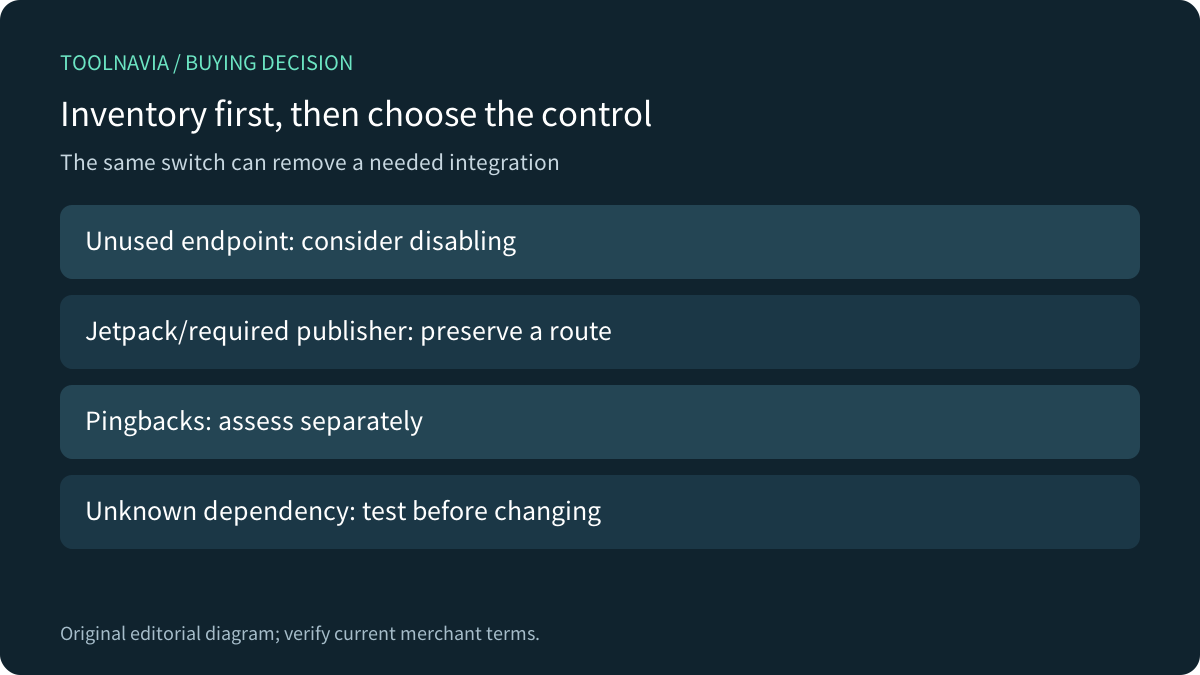
For a Hostinger Premium WordPress site, disable or restrict XML-RPC when it is genuinely unused. Preserve a supported route when Jetpack or a required publishing integration needs it. Hostinger's own guidance makes that dependency explicit; buying more hosting resources cannot repair an integration that a firewall or plugin blocks.
This is current official-documentation analysis. We did not probe an endpoint, run a security scan, change a plugin or access an account. The buying question is whether the complete supported workflow fits your site, not whether a security checklist has one more checked box.
Know which layer you are controlling
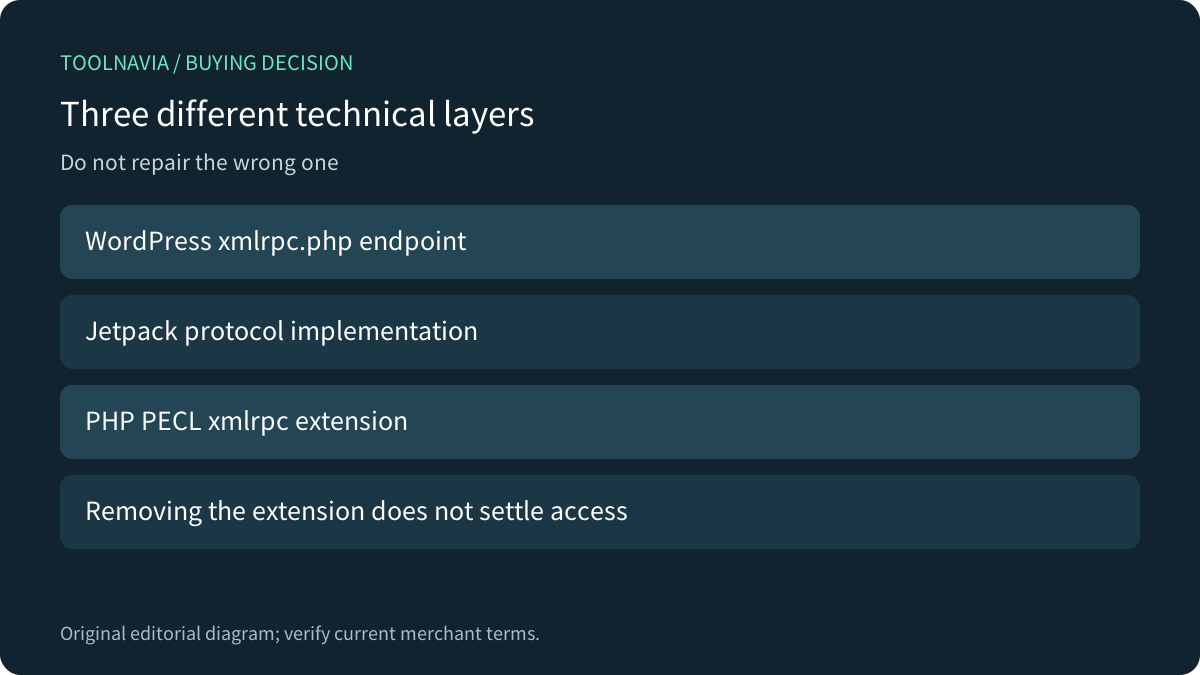
The WordPress endpoint, the Jetpack protocol implementation and PHP's PECL xmlrpc extension are different things. Jetpack says it uses its own implementation and does not require that PHP extension. Removing or lacking the extension therefore does not prove that the WordPress endpoint is disabled or that Jetpack no longer needs it.
Inventory the actual remote publishing, management and plugin connections. A modern client might use another API; an older one may still need XML-RPC. Do not assume every mobile app has the same dependency. Check the exact integration and version rather than its category name.
What Premium and Hostinger Tools provide
Premium supports WordPress. Hostinger documents an XML-RPC enable/disable control in Hostinger Tools, and its troubleshooting guidance distinguishes XML-RPC requests from cron, Heartbeat and REST API loops. These are useful operating capabilities, not a promise that every plugin combination works or that one setting prevents all attacks.
The four relevant strengths are the supported WordPress environment, a documented provider-plugin control, dependency-aware guidance, and request-path diagnostics. Do not buy Premium solely for a toggle that can be part of ordinary WordPress tooling. Evaluate site capacity, renewal and the integrations together.
Required Jetpack needs a maintained supported route
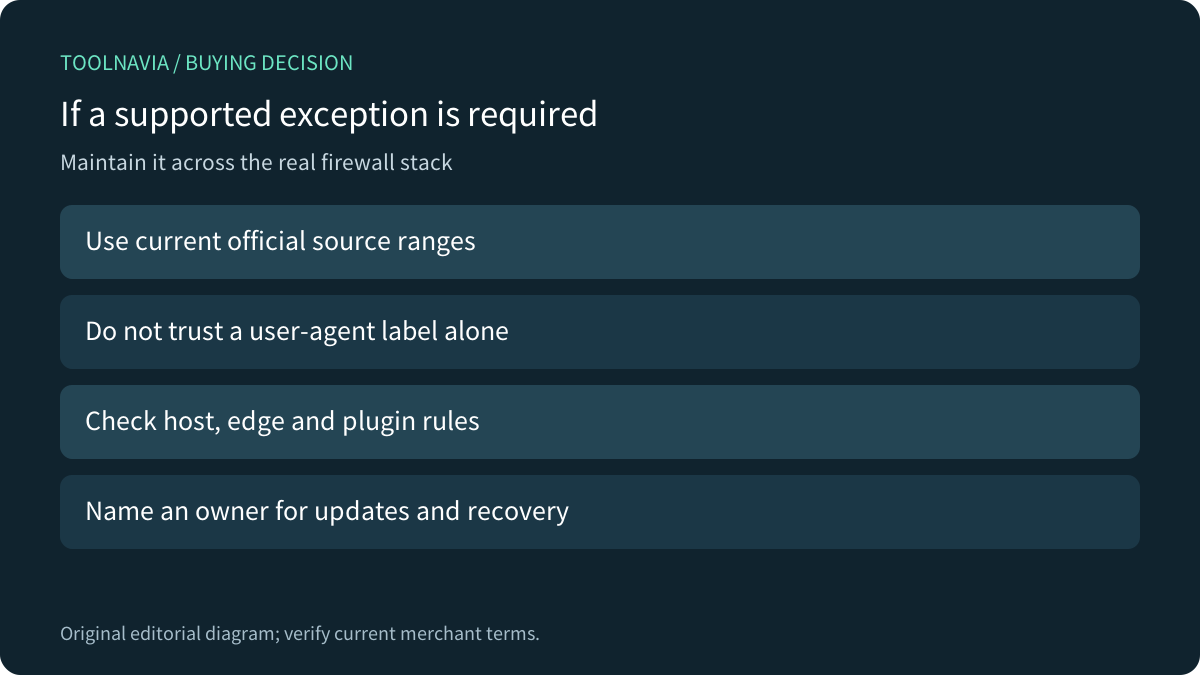
Jetpack says blocking xmlrpc.php for everyone breaks its connection. Its official allowlist guidance explains a restricted source route and warns that IP ranges can change. A request merely claiming a Jetpack user-agent is not proof that it comes from the genuine service.
Ask the host to confirm a supported approach across the actual edge, host and plugin rules. Record who maintains exceptions and how to recover if an integration stops working. Do not delete WordPress's core xmlrpc.php file; Hostinger explicitly advises restricting access instead of deleting it.
Kinsta's XML-RPC guide and SiteGround's security control show why host defaults and integration needs must be checked. They are comparator policies, not proof of Hostinger defaults. SiteGround also qualifies its disable advice with whether the feature is needed.
Accept the business function, not only an HTTP response
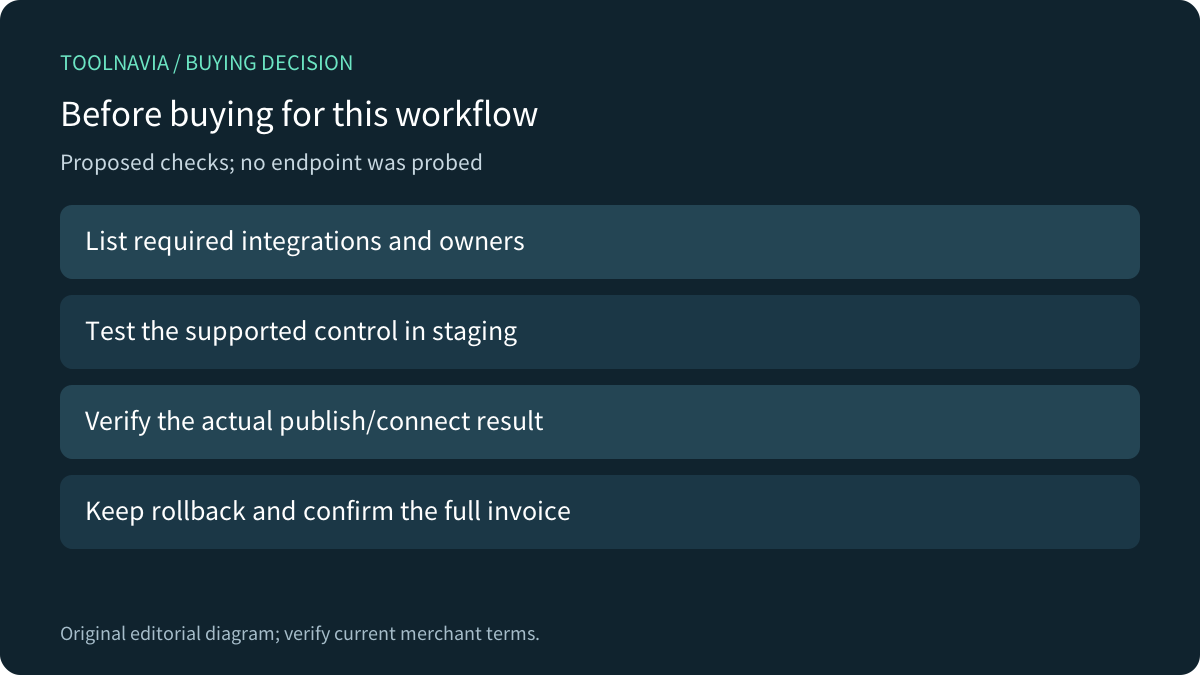
In an authorized staging environment, inventory required integrations, save the existing control settings, and change one supported rule at a time. Verify the actual connection or publishing function, the intended restriction and the recovery path. A homepage opening or a single endpoint response does not prove that a remote workflow is healthy.
If excess requests are the concern, use the documented request path to identify the cause. XML-RPC, pingbacks, REST checks and cron need different decisions. Preserve required XML-RPC and assess pingbacks separately where the provider recommends it. These are proposed checks; none was performed on a site for this article.
Price the complete operating model
The current US Premium page shows US$95.52 prepaid for 48 months at US$1.99/month equivalent, and US$10.99/month renewal for the same term, before VAT. Confirm the actual invoice, add-ons and any separate integration subscription; hosting does not grant every Jetpack entitlement.
Choose Premium when the site's supported WordPress workflow fits and the intended restriction preserves necessary integrations. Ask first if a required connection or maintenance owner is unclear. Changing the endpoint policy, not buying a larger plan, is the relevant decision when compatibility is the problem.
Hostinger has an open cash affiliate program, but our exact Premium offer remains unapplied and tracking is disabled. This neutral guide uses ordinary official sources without a commission claim.