TOOLNAVIA / BUYING GUIDE
Hostinger Premium SSH: Verify the Host Key Before First Login
The short answer
At a glance
- Best for
- Verified restricted SSH for supported website maintenance.
- Price model
- Premium display: US$95.52 prepaid48 months; US$10.99/mo same-term renewal.
- Check first
- Home-directory scope;host identity and user authentication are separate;no root access promised.
Verdict: verify identity and scope before buying for SSH
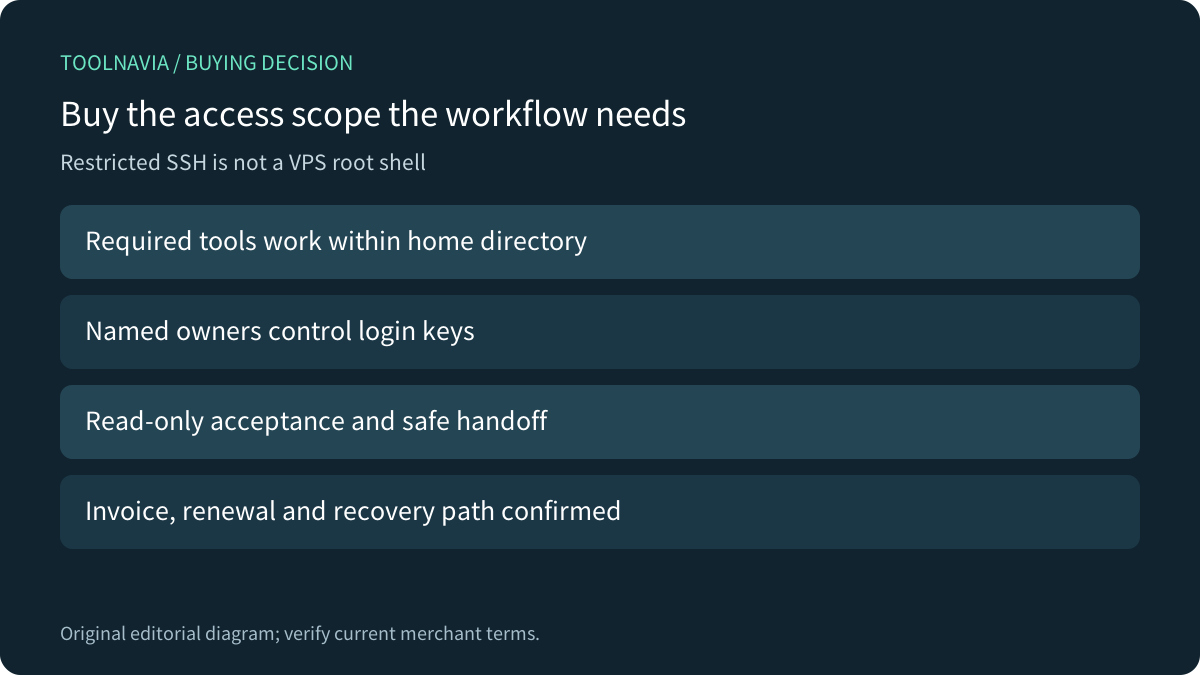
Hostinger Premium includes SSH restricted to the home directory and below. It can suit website maintenance and a supported deployment workflow, but it is not a VPS root shell. Confirm both the tools you need and the way your team verifies the server before buying for command-line access.
Hostinger now documents host-key fingerprints in the SSH Access dashboard. On first connection, compare the client prompt with the matching algorithm shown there before accepting. An encrypted connection to an unverified destination is not enough. This is documentation analysis; we made no SSH connection or account change.
Two key types answer different questions
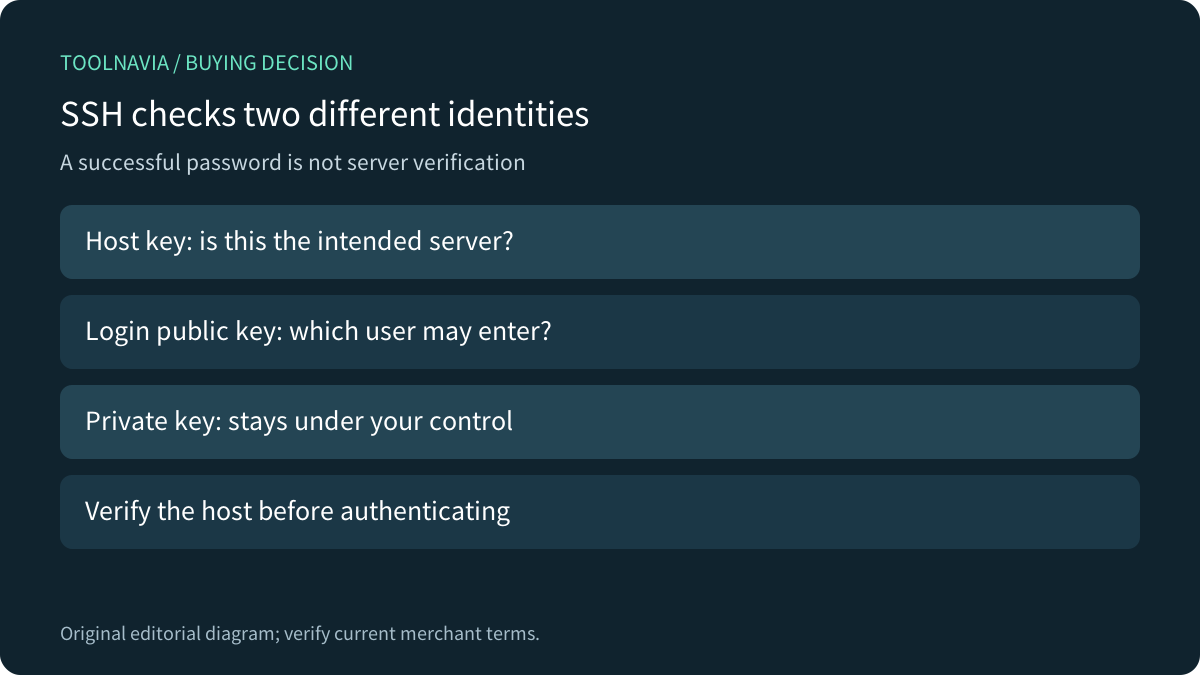
The server host key helps your client identify the destination. Your login public key helps the server decide whether you may enter; its paired private key remains under your control. Uploading a public login key does not verify the server's host key. OpenSSH documents the fingerprint presented on first connection and the decision to accept or reject it.
Hostinger's documented strengths are included restricted access, dashboard host fingerprints, a public-key authentication route, and current account-specific host/port/username details. They are useful together, with separate boundaries: access is restricted, fingerprints are account-specific, and private keys must stay private.
First login: match the right algorithm
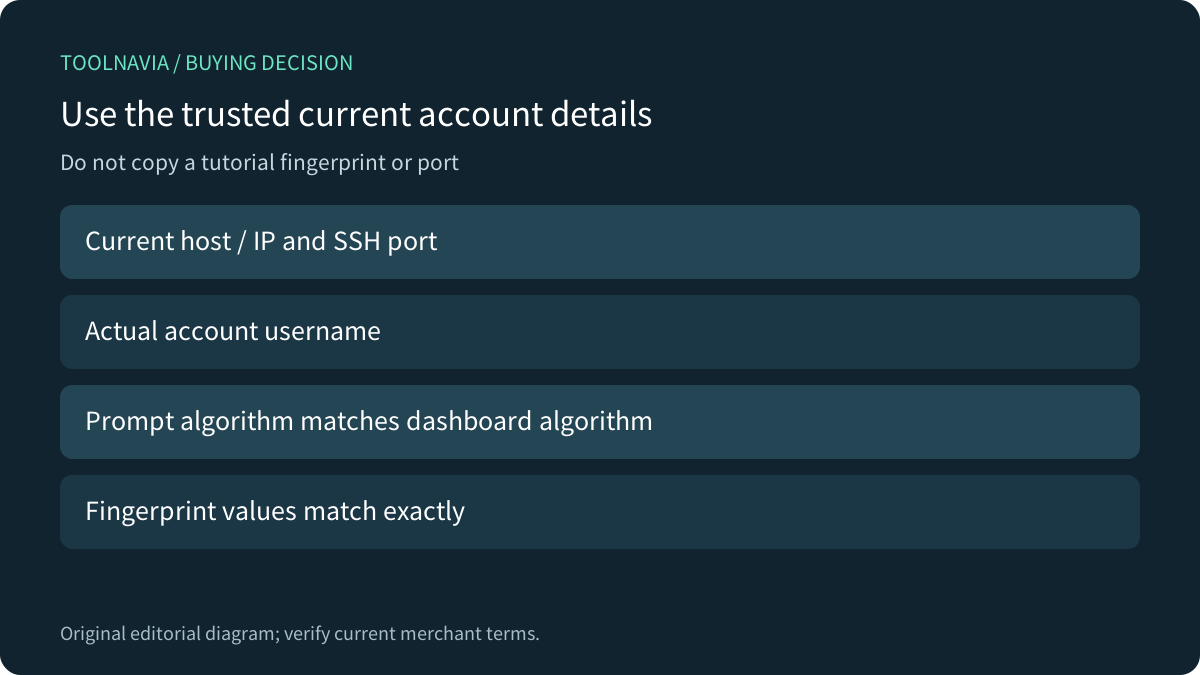
Open the provider dashboard through your known trusted route. Copy the actual connection parameters rather than a tutorial's example IP, username or port. If the client displays an ECDSA fingerprint, compare it to the dashboard's ECDSA value; an ED25519 or RSA value is not an interchangeable string. Hostinger explicitly says to reject a mismatch and recheck the destination.
Only add the public login key through the supported account interface. Hostinger documents viewing, editing and deleting added keys, while the private key stays on the local device. Give keys a meaningful owner and maintain a revocation procedure. Do not paste private material into a support ticket, shared document or published screenshot.
A changed host key needs an explanation
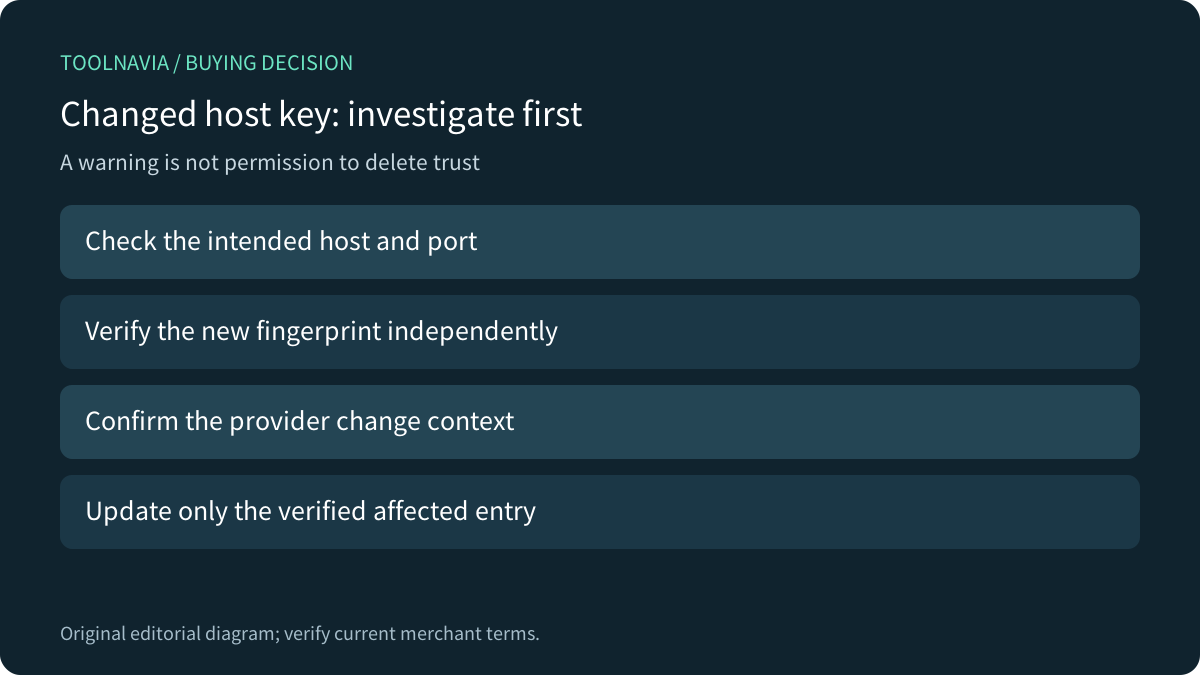
A warning can follow a legitimate infrastructure change or a connection to the wrong destination; the warning itself does not tell you which. Verify the current host, port, algorithm and fingerprint through a trusted provider channel before updating the affected saved entry. Blindly deleting every known-host record or disabling host checking removes the check you need most.
Kinsta documents fingerprint changes after an environment push and environment-specific connection details. Namecheap documents its own host, username and port selection. These examples show why connection identity and lifecycle belong in a buying checklist. They do not establish Hostinger's rotation behavior or make another provider's port correct for Premium.
Accept the supported workflow with read-only checks
Before depending on a paid deployment workflow, use an authorized account to verify the fingerprint and perform harmless read-only checks: inspect the working directory, confirm the intended site path and check the required tool versions. Do not change website files just to prove that a shell opens.
Confirm whether the application needs package installation, background services or permissions outside the home directory. A missing required tool is a product-fit problem, not a reason to try escaping restricted access. Keep an existing recovery route until the normal account and key handoff are proven. None of these account checks was performed for this guide.
Price the access you actually need
The canonical US Premium page currently shows US$1.99/month for 48 months, US$95.52 prepaid, and US$10.99/month renewal for the same term, before VAT. The displayed renewal arithmetic is US$527.52 for 48 months; the actual invoice and optional items still need confirmation. SSH inclusion does not increase that plan's permission scope.
Choose Premium when a supported home-directory workflow and an owned verification/key procedure meet the need. Ask first when a required tool or access boundary is uncertain. Choose a suitable server product when root administration or persistent system services are essential.
Hostinger has a public cash affiliate program, but our exact Premium offer remains unapplied and tracking is disabled. This guide uses ordinary primary-source links and makes no publisher approval or commission claim.