TOOLNAVIA / BUYING GUIDE
Hostinger Premium Cron Jobs: Unlimited Jobs or a 400-Job Limit?
The short answer
At a glance
- Best for
- A few monitored jobs with bounded runtime and confirmed limits.
- Price model
- Premium display: US$95.52 prepaid48 months; US$10.99/mo same-term renewal.
- Check first
- Help says unlimited; agreement says400. CPU,memory and actual schedule support still apply.
Verdict: confirm the count, then budget the work
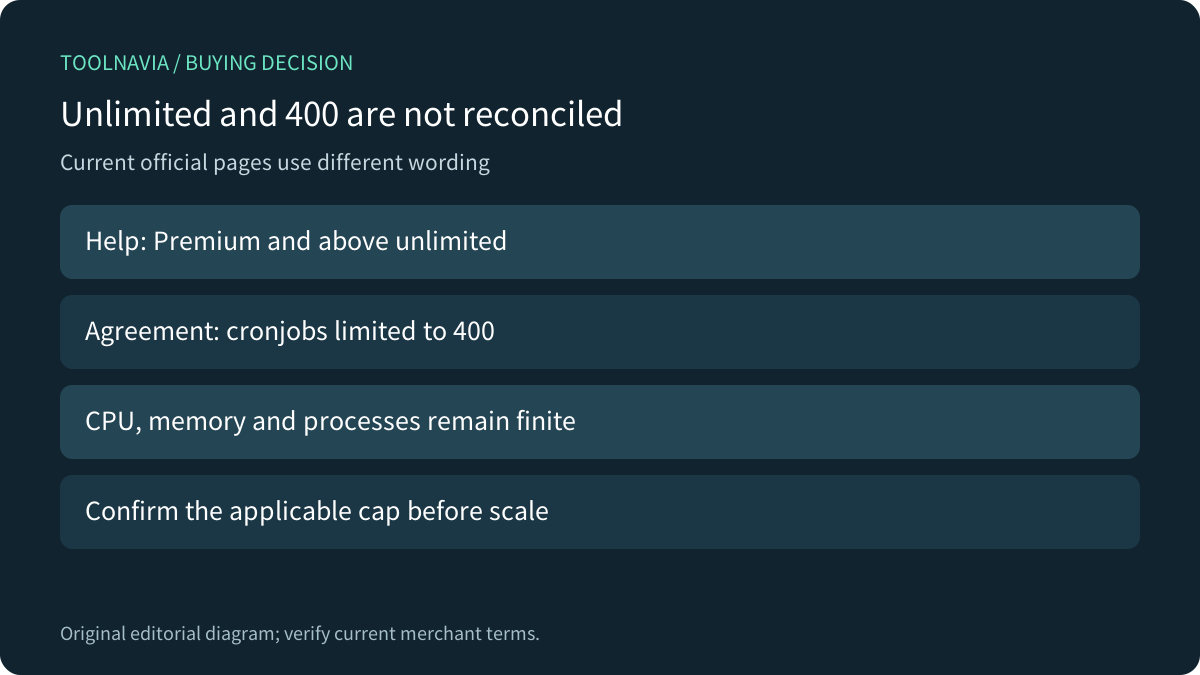
Hostinger Premium can suit a few lightweight scheduled scripts, but its current official pages do not give one consistent job-count promise. Help describes Premium and above as unlimited; the hosting agreement explicitly lists a 400-cronjob limit. We have no written reconciliation or account test. If hundreds of entries decide the purchase, confirm the applicable cap before committing.
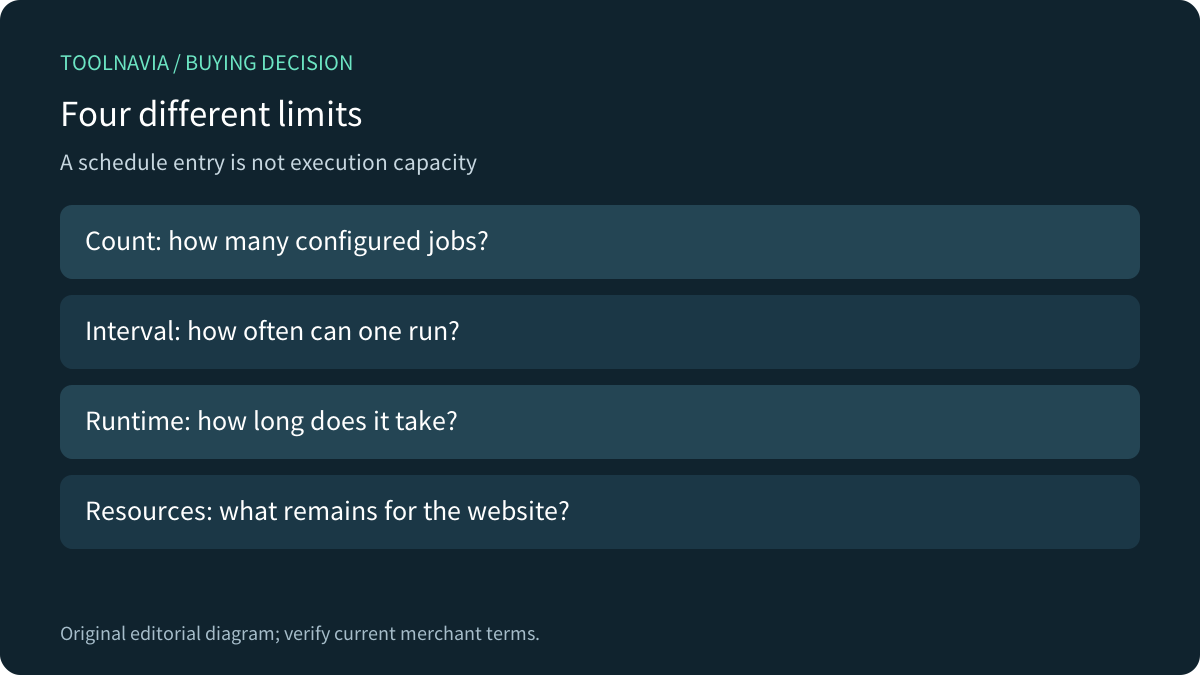
This is official-documentation analysis, not a scheduler benchmark. A configured job count is separate from minimum interval, execution duration and CPU/memory capacity. More saved schedules do not create more processing resources.
What unlimited does and does not establish
The count help contrasts Single's two-job allowance with Premium's unlimited wording and warns about CPU, memory and simultaneous runs. The agreement's web-hosting section lists 400 cronjobs within fair-use provisions and retains resource limits. Until the merchant clarifies the discrepancy, use neither wording as an unconditional scale guarantee.
For an owner with three small scripts, the count ambiguity may be less important than runtime. A task scheduled every five minutes but taking eight minutes can overlap its next run. That arithmetic is an editorial illustration, not measured Hostinger behavior. Identify what happens if a job is late, fails halfway or runs twice before choosing the host.
Premium has four relevant documented advantages: dashboard scheduling; PHP and Custom command types; an explicit UTC schedule basis; and troubleshooting guidance separating script, path, character and resource problems. These help an owner operate small jobs, but they do not establish an unlimited worker service.
Convert business time and control overlap
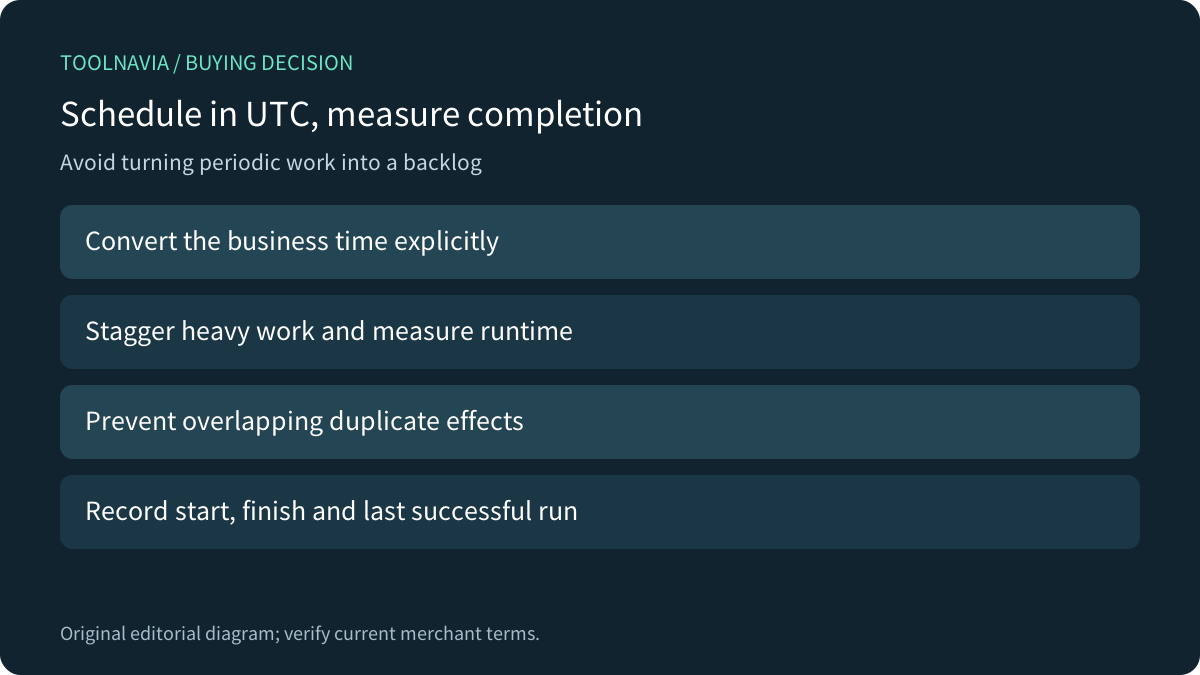
Hostinger schedules cron tasks in UTC. Write the intended business time and its UTC equivalent in the runbook; review daylight-saving changes if the business time zone observes them. Avoid assuming that a local dashboard clock or a WordPress time zone controls the hosting scheduler.
Stagger expensive work, measure expected runtime and use an application-supported way to prevent duplicate side effects. A job that imports transactions or sends messages needs a more careful retry design than a harmless cache refresh. Do not copy a generic shell lock command without confirming that the environment supports it.
WordPress adds another layer: WP-Cron checks due events on page loads. A host cron entry that triggers WordPress is not a separate guarantee that every plugin event finishes on time. Inventory the actual background events and preserve a tested trigger before disabling an existing mechanism.
Prove completion rather than the presence of a schedule
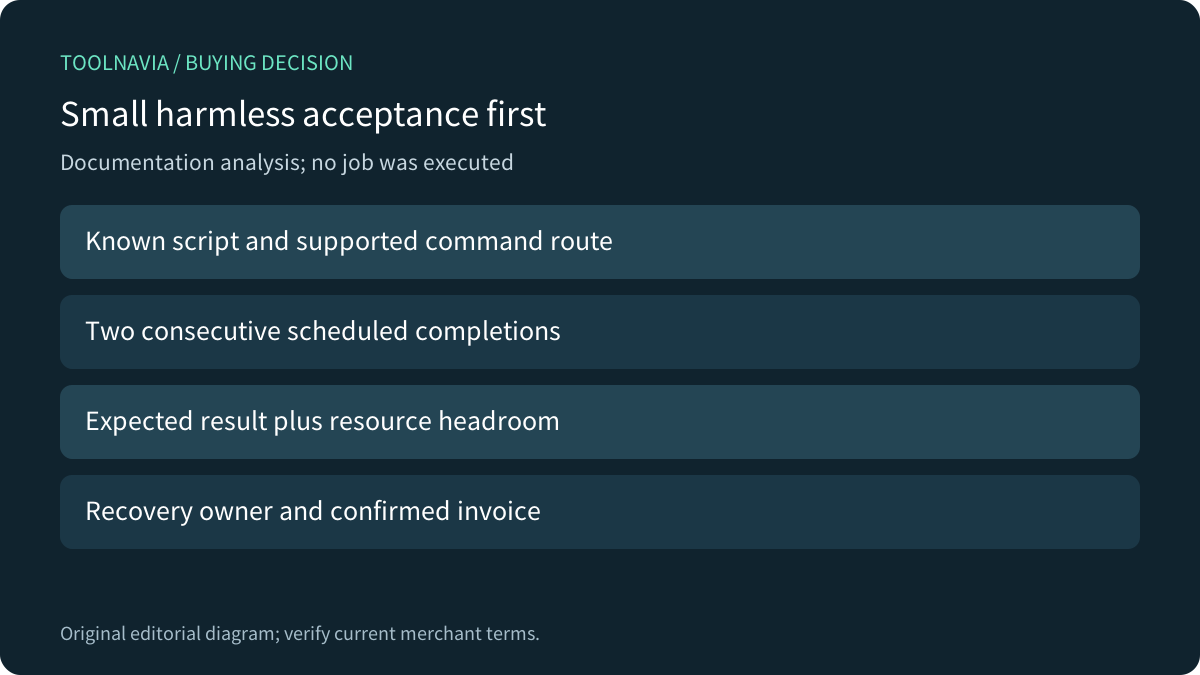
Hostinger's diagnostics cover broken scripts, wrong paths, unsupported characters and exceeded resources. A PHP entry and a Custom entry are different command routes; use the documented route for the actual script. Empty output alone is inconclusive.
Competitor guidance makes two useful boundaries visible. Kinsta distinguishes installing a supplied cron command from writing the application script and publishes its own minimum interval. SiteGround explains that no output means no notification email. Neither policy becomes a Hostinger entitlement; both show why a saved row or absent email is weak acceptance evidence.
In an authorized test environment, schedule a harmless timestamp or synthetic-data operation. Check two consecutive starts and finishes, the expected result, overlap behavior and resource headroom while the website remains usable. Keep a visible last-success marker and a named recovery owner. We executed none of these checks on a hosting account.
Price the commitment and administration
The canonical US page currently shows Premium at **US$1.99/month for 48 months**, **US$95.52 paid upfront**, renewing at **US$10.99/month for the same term**, before VAT. The displayed same-term renewal arithmetic is US$527.52 for 48 months; confirm the actual cart and later invoice. A monthly equivalent is not a monthly payment option at that promotional rate.
Add the time needed to monitor failures, maintain scripts and resolve schedule drift. Compare another runtime when tasks require long-running processes, large sustained resources or a guaranteed business deadline. A low introductory bill cannot establish that an application workload fits.
Buy, clarify or change the runtime
Choose Premium when a small bounded workload passes the supported command, UTC, two-run completion and resource checks. Ask for written clarification when the 400-versus-unlimited count matters, or when the required interval and runtime are unproven. Choose another runtime when the application needs a persistent worker or resource isolation this offer has not established.
Hostinger publicly offers a cash affiliate program, but this exact publisher offer remains unapplied and tracking is disabled. This article uses ordinary official source links and makes no approval or commission claim.