TOOLNAVIA / BUYING GUIDE
Pressidium Starter for WooCommerce Cron: Is 5 Minutes Enough?
The short answer
At a glance
- Best for
- One WooCommerce site needing traffic-independent cron triggering plus measurable Scheduled Actions monitoring.
- Price model
- Official page currently lists Starter from $25/month; current checkout controls.
- Check first
- The five-minute trigger is not a completion SLA; plugin callbacks, loopbacks, APIs and queue capacity can still delay or fail jobs.
Quick verdict
Pressidium Starter removes the usual low-traffic weakness of visitor-triggered WP-Cron by calling `wp-cron.php` from Linux cron every five minutes. That is useful for a WooCommerce store, but it is **not a five-minute completion guarantee** for subscription renewals, order emails, webhooks or automation jobs. The trigger can fire while an individual Action Scheduler callback is blocked, failing or simply waiting behind a backlog.
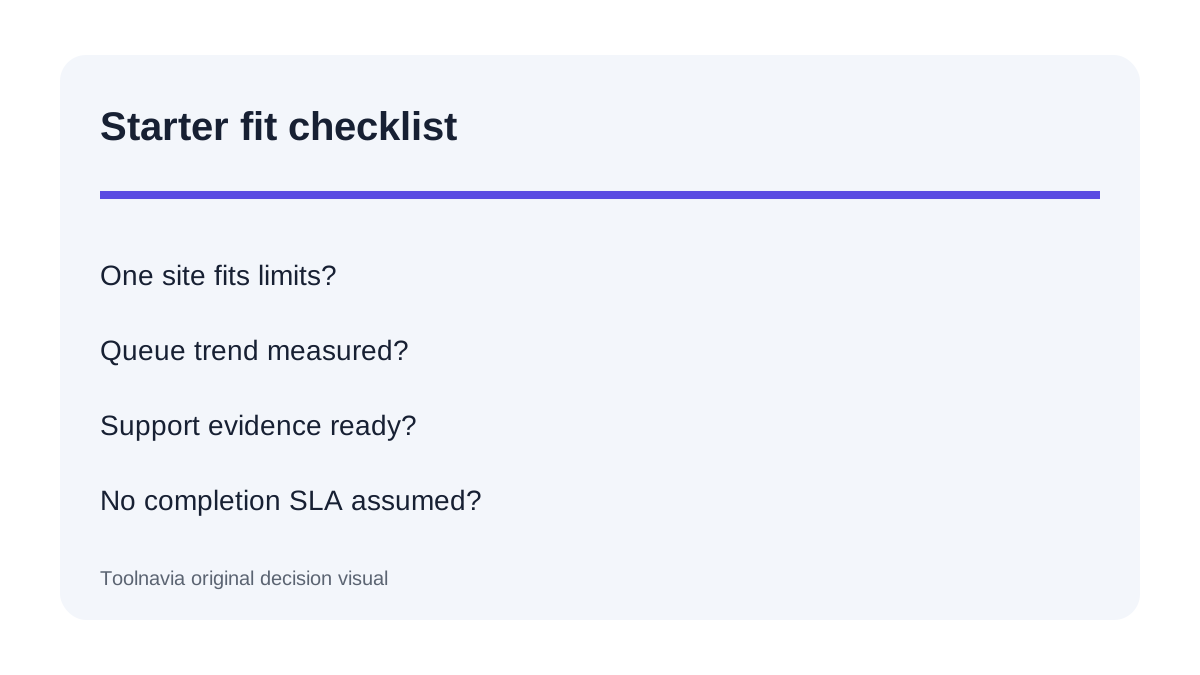
Starter is a sensible one-site choice when the store owner will monitor Scheduled Actions, test renewal workflows on staging and escalate evidence to support. It is a poor fit if the buying decision assumes “every five minutes” is an SLA or expects the host to debug every third-party plugin callback automatically.
What you are buying with Starter
The current official Entry Plans page lists Starter from $25 per month for one WordPress site, 10GB storage, 50,000 monthly unique visits and 50GB CDN, with automated backups and 24/7 expert support. An independent review still shows $21 per month on annual billing, so treat that as stale or differently framed: recheck the current Pressidium checkout before paying.
Those plan limits do not describe queue throughput. A small store can still create many background actions through subscriptions, webhooks, imports, email automations and extensions. Conversely, a busier store can remain healthy when actions complete quickly. Purchase on the basis of the exact site, queue and plugin workload—not only visits or CDN allowance.
Five-minute cron means a trigger, not a deadline
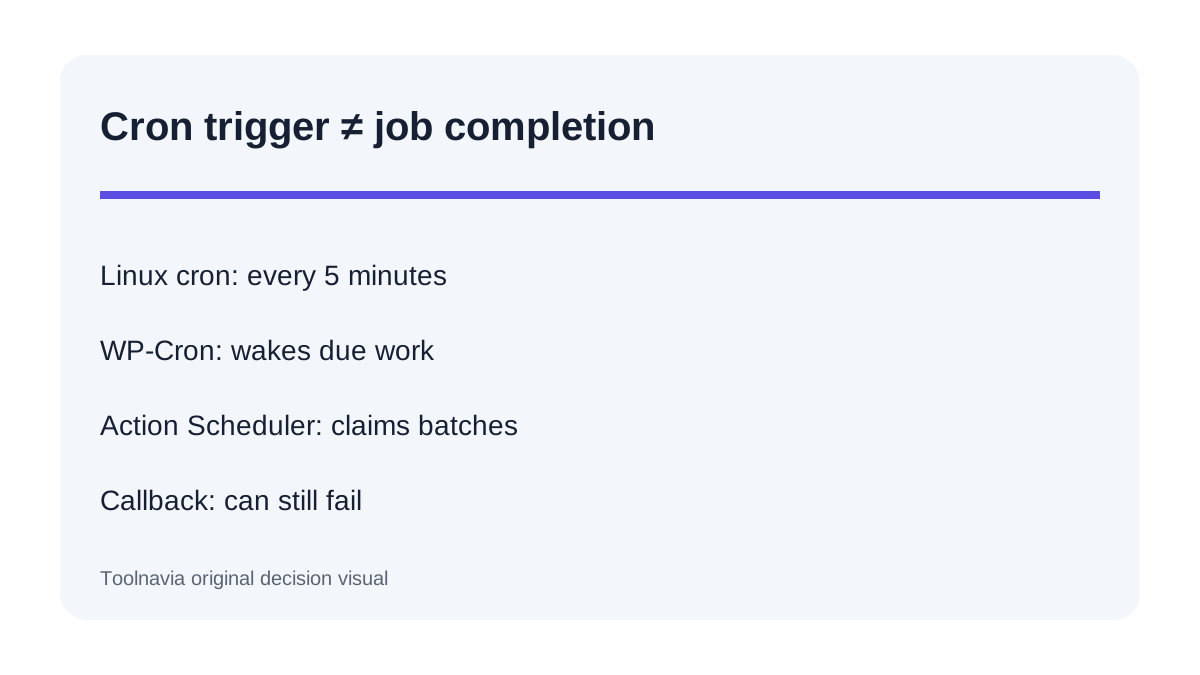
Default WordPress WP-Cron checks due work after a request. Pressidium instead sets `DISABLE_WP_CRON` and supplies a Linux cron trigger every five minutes. This makes execution independent of visitor traffic and avoids calling wp-cron.php on every visit.
WooCommerce adds another layer. WP-Cron activates Action Scheduler, which then finds due jobs and processes them in batches. The documented defaults use batches of 25 and stop or continue according to time and memory limits. A trigger at 12:00 can therefore start queue processing without proving that every due payment, email or webhook finishes by 12:05.
That distinction resolves an apparent documentation conflict. Pressidium says the platform helps scheduled jobs execute on time; WooCommerce says even an enabled cron does not guarantee every subscription action completes successfully. Both can be true when “on time” describes reliable triggering rather than an end-to-end job SLA.
Check the evidence before blaming hosting
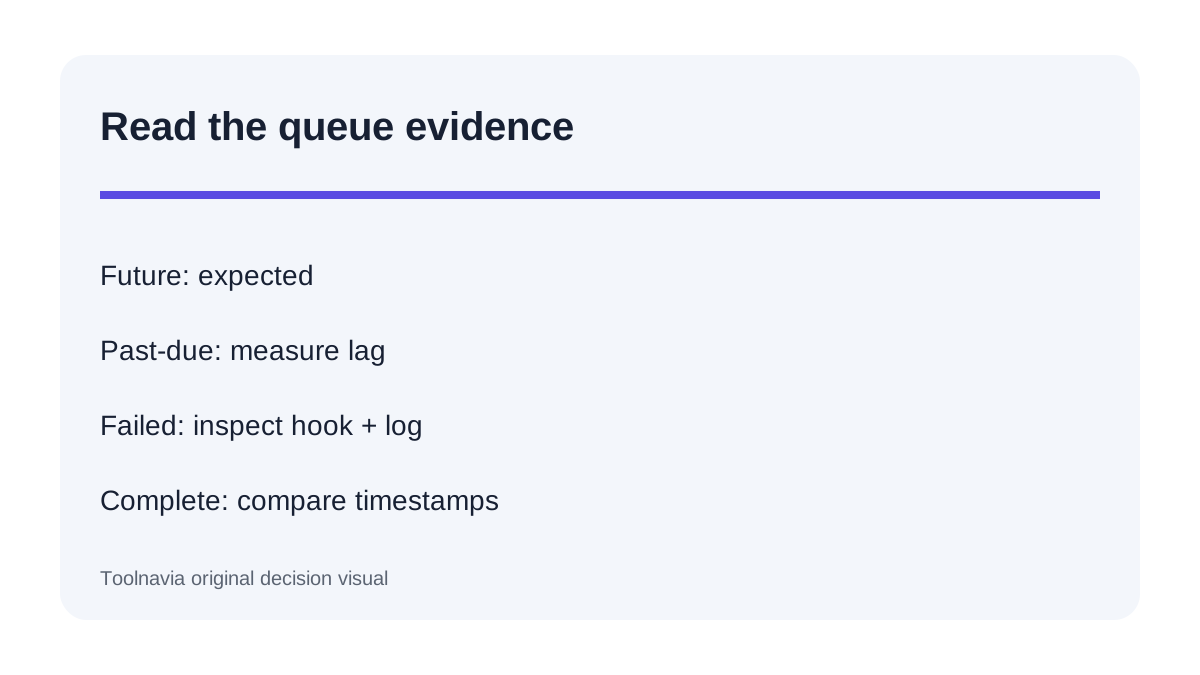
Open **WooCommerce → Status → Scheduled Actions** and separate Future, Pending, Failed and Complete actions. Future jobs are normal. Past-due Pending actions show lag; Failed actions provide a hook name and log that can identify a plugin, API or callback problem.
Then compare layers. If WordPress cron has not run recently, verify the Pressidium trigger and ask support to inspect platform-level evidence. If cron is recent but Action Scheduler's last completed job is old, investigate the queue, loopback requests and failing hooks. WooCommerce explicitly recommends comparing the last successful runs instead of treating all symptoms as one cron failure.
For AutomateWoo, repeated failures can pause a job for an hour. Raising frequency will not repair a broken callback, expired API credential or removed plugin function. Capture the hook, scheduled time, action log, error text and backlog trend before changing anything.
Run a staging acceptance test
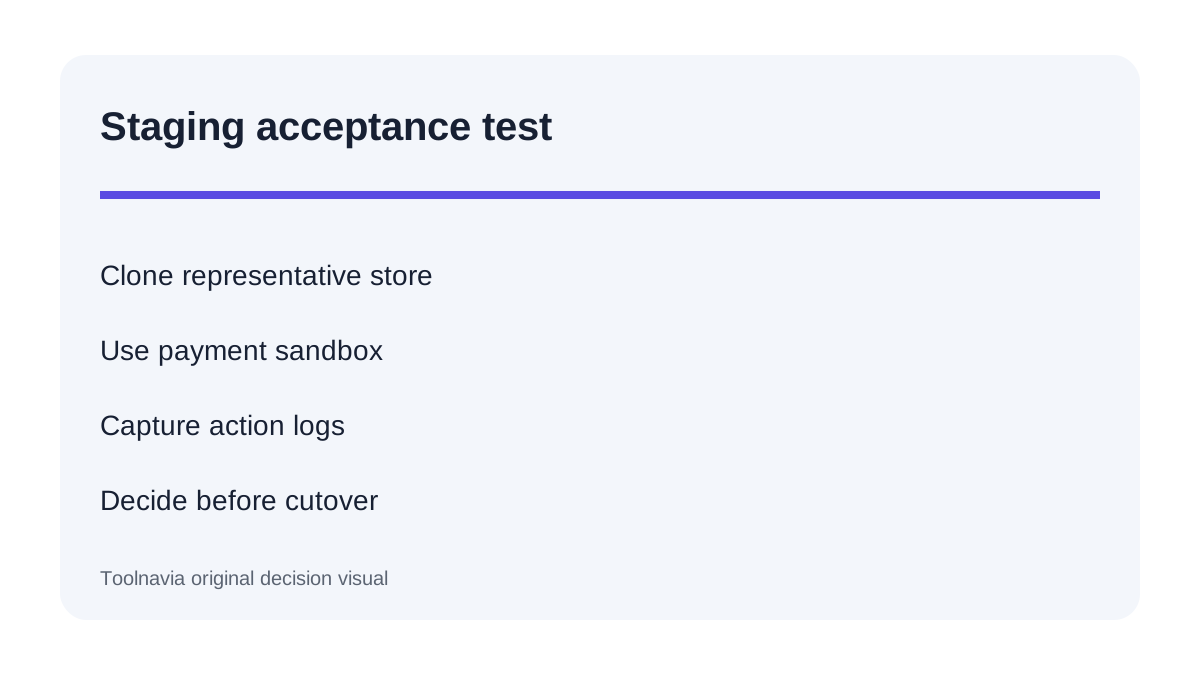
Before migrating a revenue-generating store, clone or restore it to staging and run a controlled workflow. Create a test order, schedule a subscription renewal where permitted, trigger one automation and confirm its email or webhook. Record the scheduled time, completion time and Action Scheduler log.
Test during quiet traffic because Pressidium's server cron should not depend on visitors. Repeat with the real plugin set, payment sandbox and external API endpoints. A green WordPress cron status proves a trigger exists; it does not prove the payment gateway, mail service or plugin callback succeeded.
Do not indiscriminately delete pending or failed actions. Some jobs represent payments, stock changes or customer communication. Diagnose the hook first, keep a backup, and use vendor or host guidance for any replay.
Know when a backlog is a capacity problem
Action Scheduler processes finite batches within PHP memory and execution-time limits. Large imports, bulk subscription renewals or a failing hook that retries can create work faster than the queue drains. Watch whether past-due counts shrink after a run or grow across several observation points.
A persistent upward trend is a buying signal: ask Pressidium whether Starter's environment is appropriate for the measured queue, whether support can inspect loopbacks and PHP errors, and what upgrade path applies. Do not copy aggressive batch-size or concurrency snippets from another host into production. Action Scheduler's own performance guide warns that extra concurrent runners can substantially increase server load.
Support escalation checklist
Send support a compact evidence packet: site and environment, timezone, first overdue timestamp, number of Pending and Failed actions, the top hook names, one representative log, relevant plugin versions, and whether the problem reproduces on staging. Include the latest completed Action Scheduler time and any WordPress cron health evidence.
Ask two separate questions: “Is the five-minute platform trigger running?” and “What prevents this callback or queue from finishing?” The first is a hosting control; the second may involve plugin code, database locks, loopback requests, remote APIs or resource pressure. This separation reduces unproductive upgrades and prevents a plugin defect from being sold as a simple plan problem.
Who should buy Pressidium Starter for WooCommerce
Choose Starter when one WooCommerce site fits the current storage, visit and CDN envelope; predictable server-side triggering is valuable; and the team will monitor Scheduled Actions and stage payment or automation changes. The managed trigger removes one common source of low-traffic delay and gives support a clearer platform boundary.
Look elsewhere—or obtain written confirmation before purchase—if a workload needs one-minute processing, dedicated queue workers, guaranteed completion latency, custom daemons or unrestricted server cron control. Also reconsider Starter when measured queue growth suggests that one site's background workload needs more processing capacity than the entry environment can safely provide.
Toolnavia may earn a commission from the exact approved Starter offer. The recommendation is conditional on current checkout terms and a staging test of the store's real scheduled actions.