TOOLNAVIA / BUYING GUIDE
Pressidium 14-Day Free Trial Checklist: What to Test Before Paying $249/Year
The short answer
Pressidium's 14-day free trial is most useful when you treat it as a managed-WordPress acceptance test rather than a two-week demo. The current trial can host up to two WordPress sites, includes migration help, staging, backups, cloning and support, and does not automatically charge when the trial ends. The paid Starter plan you are deciding about is currently $249/year, about $21/month equivalent, for one site, 10GB storage, 50K designed monthly visits and 50GB CDN.
Affiliate disclosure: Toolnavia may earn a commission if you later buy Pressidium through links on this page. Pressidium has approved Toolnavia for ordinary editorial promotion; this article does not publish a coupon or invent a trial discount.
At a glance
- Best for
- WordPress buyers who want to validate Pressidium with a real site before committing to Starter.
- Price model
- 14-day trial; Starter currently $249/year
- Check first
- Trial and Starter have different limits; live signup controls current trial requirements.
Day 1–2: migrate a real copy
Pressidium's current trial signup describes up to two WordPress installs and free migration. Its onboarding material also provides managed and wizard-based migration paths.
A blank install proves only that the dashboard opens. Use a disposable copy of a real site so you can check theme behavior, plugins, forms, login, search and any store or membership flow while the original host remains live.
If your archive structure is unusual, check the Migration Wizard requirements first. Pressidium documents supported ZIP structure, SQL database and wp-config/table-prefix requirements.
Day 3–5: use staging for a real maintenance task
Pressidium's staging environment is designed for changes to PHP, WordPress core, plugins and themes away from production.
Choose one task your team actually performs: update a plugin, change PHP, test a theme change or reproduce a bug. Confirm how you create staging, move changes back, and which file or database changes the workflow affects.
The goal is not to click every feature. It is to prove that your team can use the maintenance workflow after purchase.
Day 6–8: create, download and restore a backup
Pressidium documents automated daily Instant and offsite backups. Instant backups have a 15-day retention policy, while offsite backups have 30-day retention; the platform also provides restore and download workflows.
Create an Instant backup before a test change, then verify that you understand the restore choices. Pressidium's rollback documentation allows restoring files plus database or files only, and it creates an Instant backup before a restore.
If the trial account exposes the download function, save one full backup archive as well. A recovery feature is much more valuable after you have practiced the restore path once.
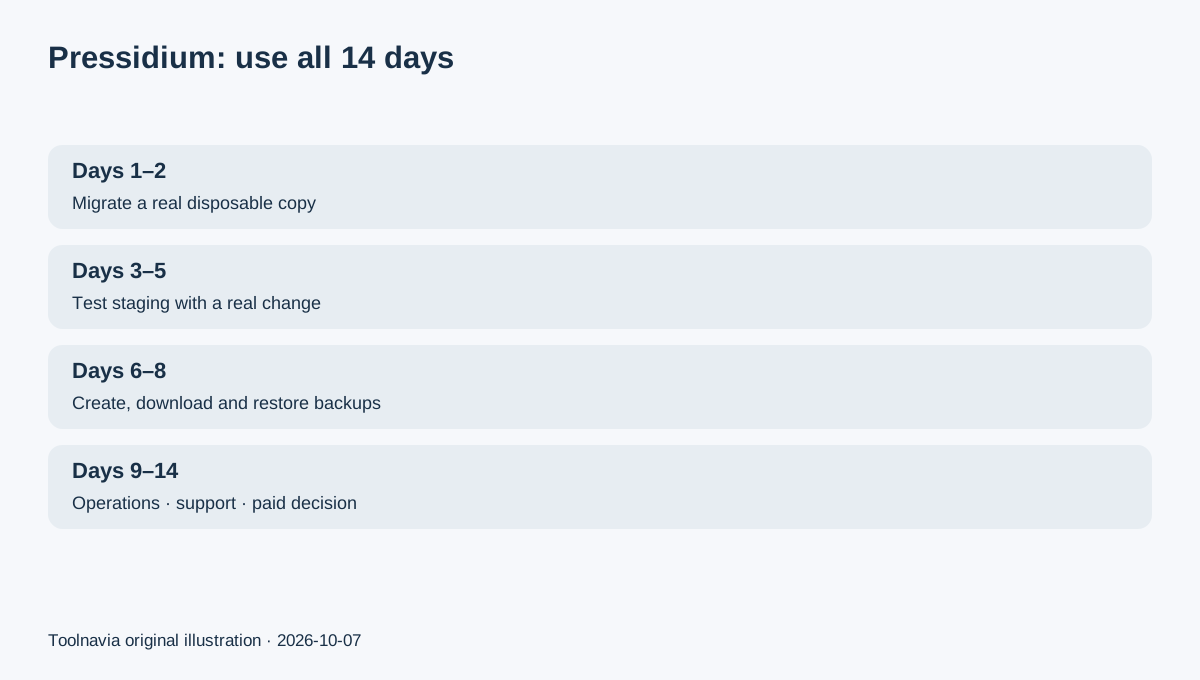
Day 9–11: test the operating workflow you will use after launch
Use the trial to inspect logs, analytics, cache controls, plugin management, database access and the same monitoring views your team would use after migration. Pressidium's current development documentation includes Site Audit, logs, analytics, slow-query tools, staging deployment, rollback and cache controls.
Do not treat a short trial as proof of long-term performance. Instead, check whether the dashboard exposes the operational information you need and whether the same site behaves correctly after routine maintenance changes.
Day 12–14: ask support and calculate the paid plan
Bring one real support question: migration detail, backup restore, staging behavior, cache issue, plugin compatibility or DNS cutover. Pressidium includes support in the trial and markets direct engineer assistance. Toolnavia has not measured support speed or quality on your account, so judge whether the answer gives you a reproducible next action.
Then calculate the paid plan. Starter is currently $249 billed annually, about $21/month equivalent, with one WordPress site, 10GB storage, 50K designed monthly visits and 50GB CDN.
The trial has a different envelope: current signup material describes up to two trial sites with 10K monthly visits and 5GB storage. Do not assume the two trial sites carry into Starter. The signup flow also says the trial expires automatically and does not automatically charge at the end.
Pass or fail: five answers before paying
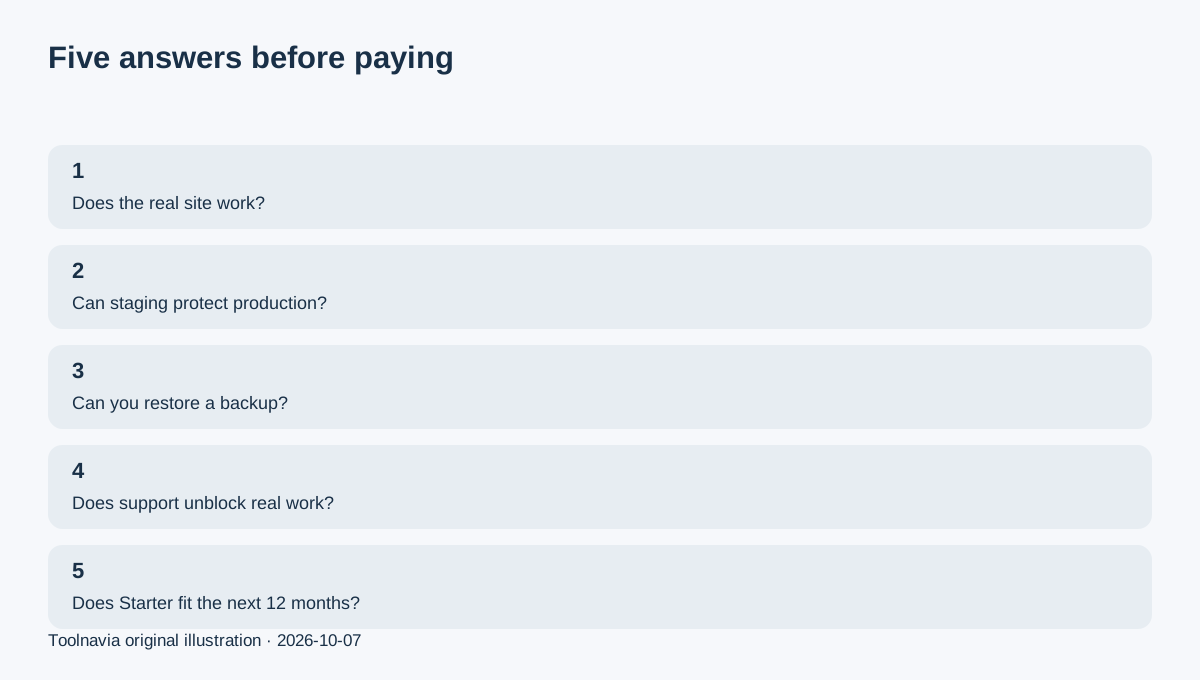
Upgrade only if you can answer five questions: Does a real copy of your site work? Can your team use staging safely? Can you create, download and restore backups confidently? Does support resolve the kind of issue you actually have? Does the Starter limit and $249 annual bill fit the next 12 months?
If any answer is unclear, use the remaining trial time to resolve it. The trial succeeds even when the final answer is “do not buy” because its purpose is to turn operational uncertainty into a clear purchase decision.