TOOLNAVIA / BUYING GUIDE
Pressidium Starter Backup & Staging Guide 2026: 15-Day Instant, 30-Day Offsite
The short answer
**Quick verdict:** Pressidium Starter's recovery workflow is stronger than a simple “daily backups” label suggests. The platform automatically creates an **Instant backup and an offsite backup every 24 hours**. Instant backups are retained for **15 days**, while offsite backups are retained for **30 days**. Staging-to-production deployment also creates a production backup before the push.
At a glance
- Best for
- One important WordPress site whose owner actively uses staging, rollback and independent archives.
- Price model
- $249/year or current month-to-month path; verify checkout
- Check first
- One-site Starter; staging/database pushes can overwrite data; retention is finite and split across two backup systems.
Two backup systems serve different jobs
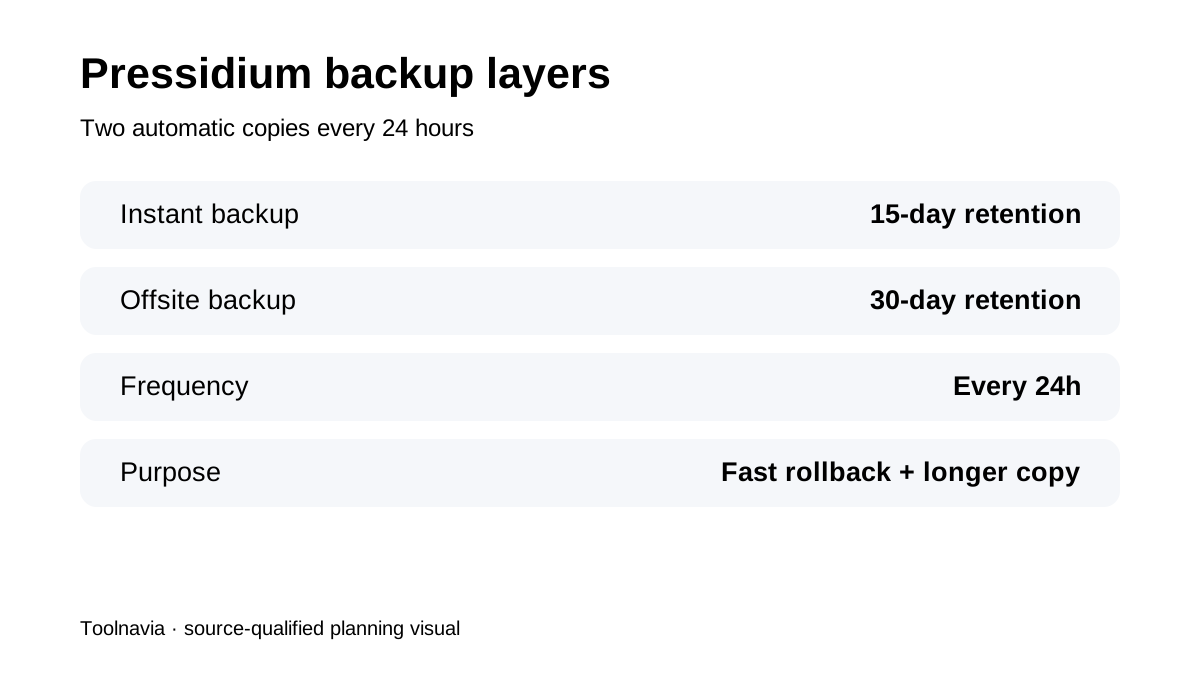
Pressidium's backup documentation says each hosted site receives one automatic Instant backup and one offsite backup every 24 hours. The two copies are not redundant descriptions of the same thing. Instant backups live inside the Pressidium platform for fast restore operations and are retained for **15 days**. Offsite backups contain site files, media and database data and are retained for **30 days**. That means “15 days” and “30 days” are different recovery layers, not conflicting retention promises.
Instant restore is designed for fast rollback
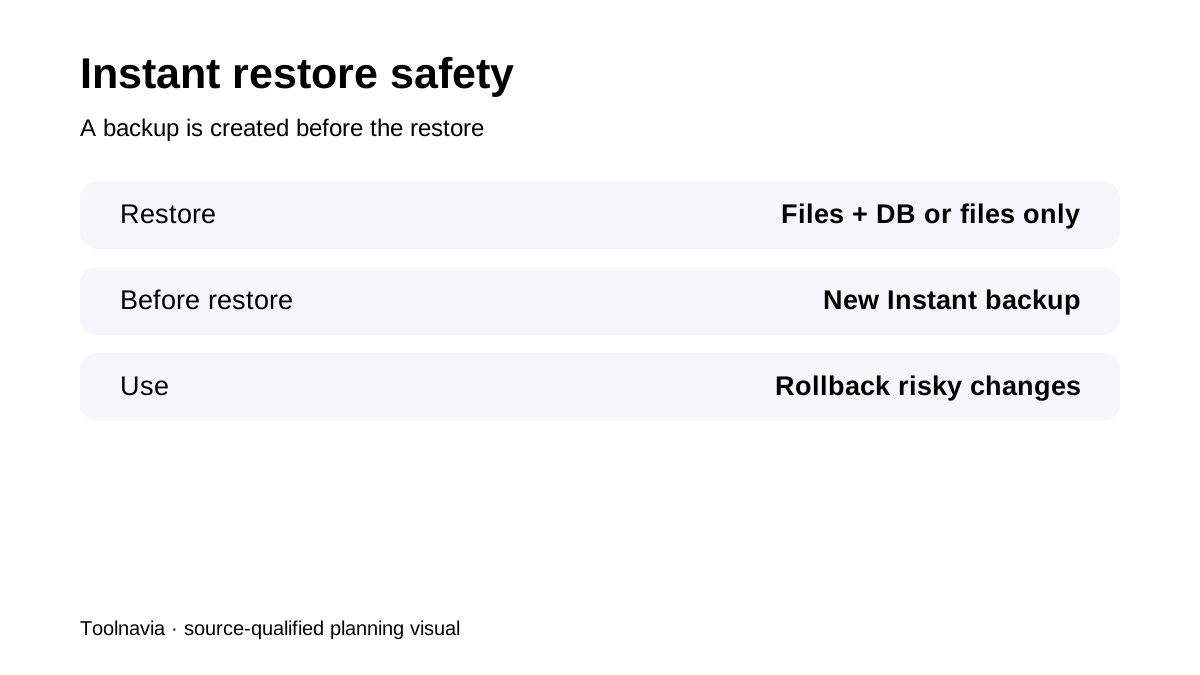
The restore guide lets an owner restore **files and database together** or restore **files only** from an Instant backup. Before Pressidium performs an Instant restore, it automatically creates another Instant backup of the current state. That pre-restore snapshot is useful when you are unsure whether the selected restore point is correct. It creates an additional escape route before the rollback changes production.
Staging deployment adds a safety checkpoint
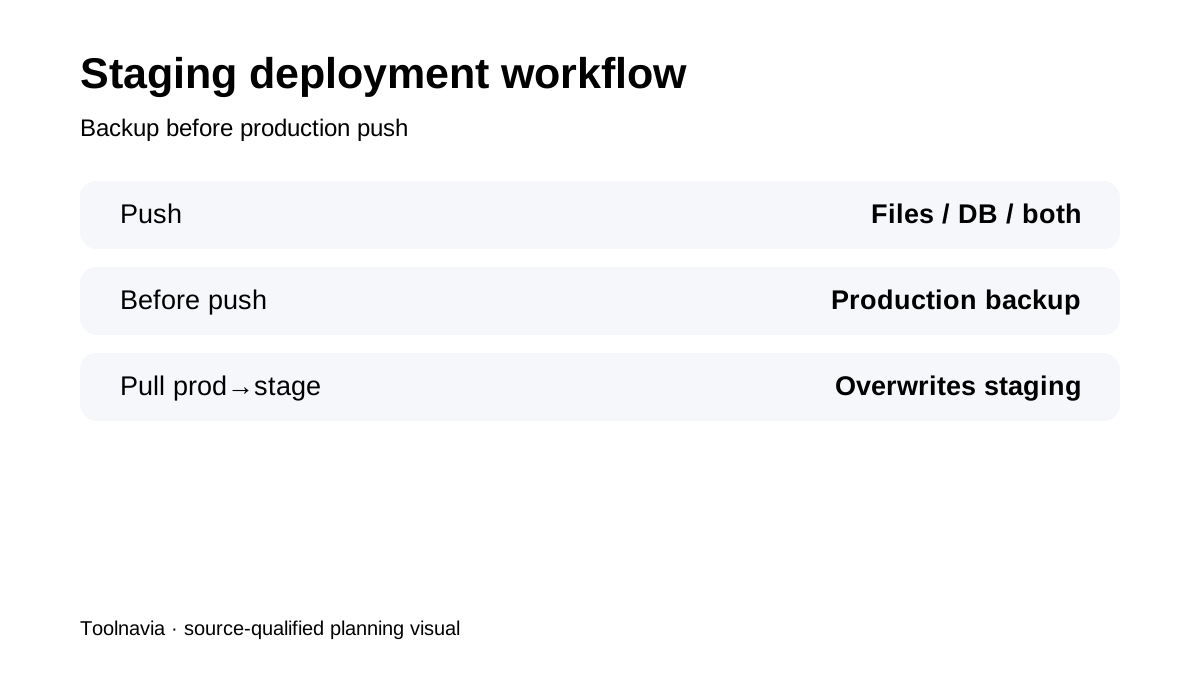
Pressidium's staging deployment workflow lets you push **files, database, or both** from staging to production. Before that push, the platform automatically creates a production backup. This is valuable for plugin/theme changes or database-sensitive releases because the deployment itself creates a restore point. It does not remove the need to test the staging copy carefully: pushing a database can replace production data that arrived after the staging copy was created.
Pulling production to staging overwrites the staging copy
The reverse workflow—pulling a copy from production to staging—can also copy files, database or both, and it overwrites the selected staging content. Before refreshing staging, save any experimental code, configuration or test data you still need. Treat staging as disposable only when you have intentionally preserved the work that matters.
Keep a portable archive outside the platform
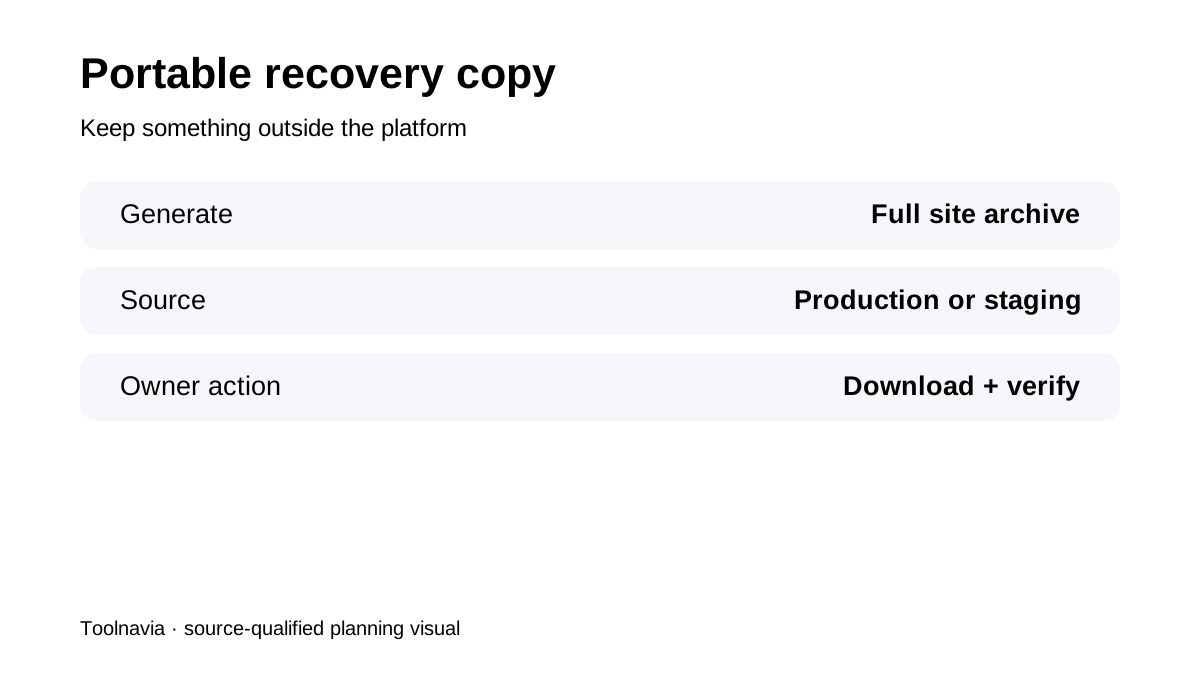
Pressidium lets users generate and download a full website archive for production or staging. That is the piece that turns provider-managed backups into a more complete recovery strategy: the fast Instant/offsite systems stay available inside Pressidium, while a portable export exists under your control. For business-critical sites, periodically test that archive on a separate environment rather than assuming a downloaded file is automatically usable.
What the Starter plan contributes
The current Starter managed WordPress plan is a **one-site** entry tier with staging, automated backups, managed security/support and current public billing options around **$249/year** or **$24.90 month-to-month after the first-month offer**. The point of this article is not to redo that price comparison. The operational value is that staging, automatic pre-deployment backups and two retention layers are integrated into the same workflow.
What recent reviews confirm
G2 reviewers in 2026 specifically praise one-click staging/production workflow and Instant backups. WHTop's current Pressidium profile and iTechGuides' current product coverage also describe staging and managed backup retention as core Starter value. Those reviews help confirm buyer intent; Pressidium's own help center controls the exact restore behavior and retention numbers.
**Bottom line:** Pressidium Starter makes the most sense when a one-site WordPress buyer values safe change management, not just hosting. Use Instant backups for fast rollback, offsite backups for longer retention, staging for risky changes, and a downloadable archive for an independent portable copy.