TOOLNAVIA / BUYING GUIDE
WashAndGo Backup: What Can You Restore After Cleaning?
The short answer
WashAndGo Backup: What Can You Restore After Cleaning?
WashAndGo’s “safety backup” sounds reassuring, but it is not the same thing as a file backup, a Windows restore point or a system image. The official storage guide draws the crucial boundary: the cleanup backup covers files and registry entries affected by that cleanup, and it is not a complete system image. Buy only if that scoped rollback matches the risk you are taking—and only after you prove a restore on a sacrificial sample.
Affiliate disclosure: Toolnavia may earn a commission if you buy through the approved, product-specific WashAndGo link. That does not change the price you pay or the recovery tests below.
At a glance
- Best for
- Buyers who will test cleanup rollback and maintain separate file and Windows recovery layers.
- Price model
- Official English page displayed EUR29.95; confirm live license, tax, currency and renewal.
- Check first
- Cleanup backup is not a full system image; no hands-on recovery benchmark is claimed.
Short answer: a cleanup undo layer, not disaster recovery
The product page offers an optional backup before cleaning, three cleaning levels, category review and scheduled maintenance. The current English page displayed €29.95 on 7 November 2026, but the live cart controls license class, tax, currency, update period and any renewal.
The narrower official guide matters more than the marketing label. It says the backup is tied to the affected files and registry entries for a particular cleanup. It also tells users to review selections, exclude important locations and keep an independent backup. That makes the feature a rollback aid for the cleaner’s own actions—not protection against drive failure, ransomware, a deleted project folder or an unbootable PC.
Abelssoft’s separate Undeleter product reinforces the distinction. If ordinary deleted-file recovery is sold as another job, the WashAndGo cleanup backup should not be treated as a universal recovery vault.
Map each failure to the right recovery layer
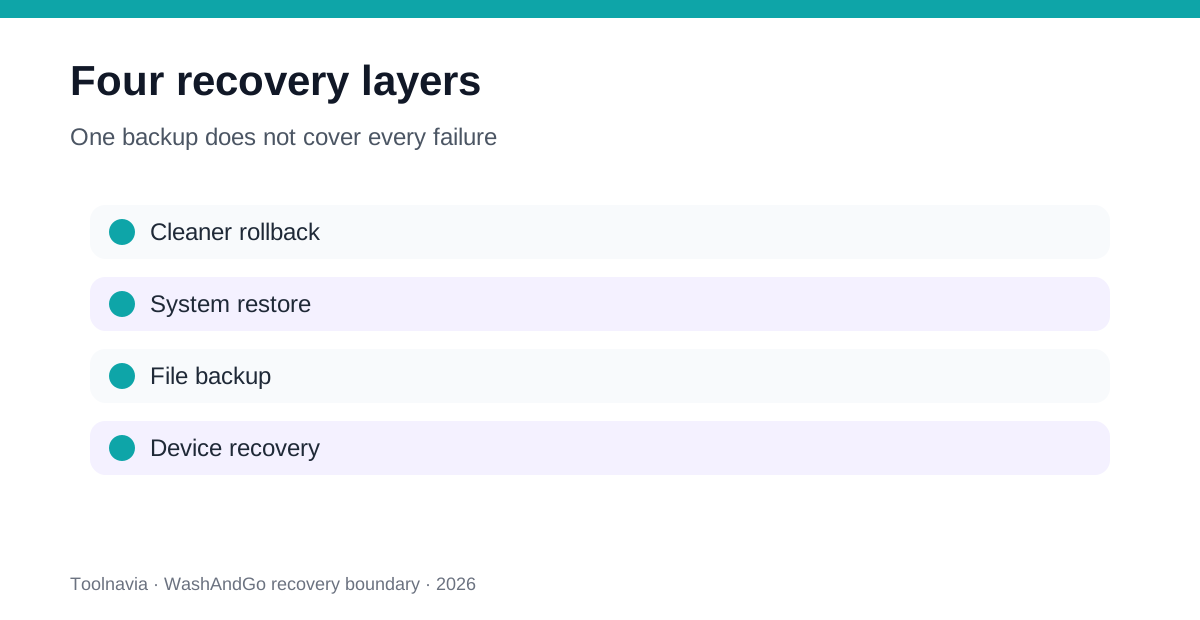
| Failure after cleaning | First recovery layer | What it does not prove | |---|---|---| | A cleaned file or registry entry was removed by WashAndGo | WashAndGo cleanup backup | Recovery from drive failure or unrelated deletion | | Windows settings, drivers or installed apps became unstable | Windows System Restore, if protection and a restore point existed | Recovery of personal files | | A document, photo or project was deleted or corrupted | Independent file backup, File History or cloud version history | A bootable Windows recovery | | Windows no longer starts | Windows RE, recovery media or system image strategy | That recent personal files are backed up | | Only disk space is low | Storage Sense or Cleanup recommendations first | Undo for every deletion category |
Microsoft describes System Restore as a way to revert system files, registry settings and installed programs without affecting personal files. System Protection creates the restore points, but it is not enabled by default. A restore plan that depends on a point you never created is not a plan.
Microsoft separately describes Windows Backup, File History, System Protection, recovery drives and recovery tools. Its Recovery Drive warning is especially useful: the drive does not include personal files. No single Windows layer replaces every other one.
Try the free Windows baseline before buying
If your goal is simply to reclaim space on C:, test Storage Sense and Cleanup recommendations first. Storage Sense can remove temporary files and old Recycle Bin content. Downloads and cloud content are not managed unless you configure them, and Storage Sense operates on the system drive.
Cleanup recommendations show categories before deletion. Microsoft warns that removing Windows.old removes the ability to return to the previous Windows version. That is exactly the kind of irreversible boundary a cleaner buyer should learn to recognize.
WashAndGo has a stronger case when you repeatedly review several application and registry categories, want one interface, and will use exclusions and rollback records. It has a weak case when Windows’ own tools solve the task or when the buyer expects a complete image backup.
Competitors reveal the same rollback dependency
CCleaner 7 documents an automatic registry backup before registry changes and restores it by merging a saved .reg file. Glary Utilities uses a Restore Center record for registry and other cleaning operations and warns that the record must not be deleted before undoing.
Those designs support the same conclusion: cleaner rollback is normally scoped to the cleaner’s recorded changes. It depends on the backup or operation record still being present and readable. It does not guarantee recovery from storage failure or damage outside the cleaner’s transaction.
The practical comparison is therefore not “which cleaner says backup?” Ask instead:
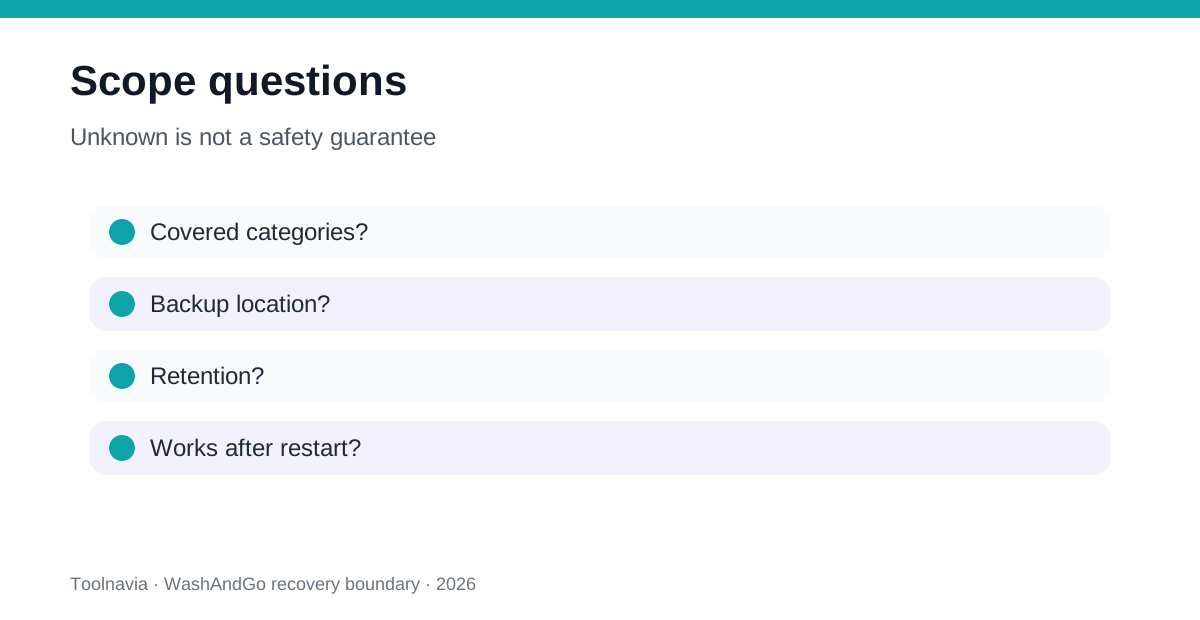
- Which exact categories are recorded? - Where is the backup stored? - Can it be exported off the system drive? - Does restore work after a restart? - What happens if the app, record or drive is unavailable? - Does the product document partial restore or only whole-operation undo?
If documentation or the live interface cannot answer a question, treat it as an unknown—not as a safety guarantee.
Run a sacrificial restore drill before automation
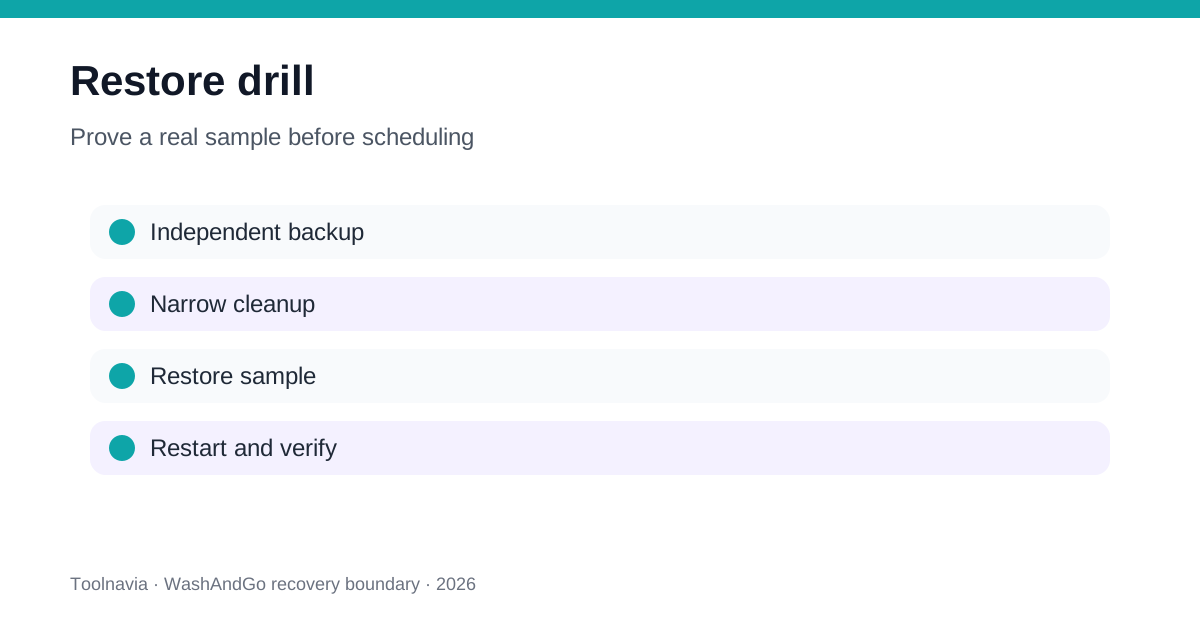
Create an independent file backup first. Confirm System Protection status and make a named restore point if your policy permits. Then select one low-risk, reproducible item for a test; do not begin with a work project, browser profile, password store or a large registry sweep.
Run WashAndGo manually with the backup option enabled. Record the selected category, item count, backup location and time. Verify that the target item is gone, then use the documented restore path. Restart Windows and confirm the item, application and relevant setting still work.
A pass requires more than a “restore completed” message. Confirm the file content or setting, its expected location, application behavior and any permissions or timestamps that matter. Keep the cleanup backup until the observation window ends. Repeat with one registry-related sample only if you understand the change and have Windows recovery available. Abelssoft also describes a pre-delete registry backup as a safety step, but not as a full-device promise. Microsoft’s manual registry export/import guide is a useful reminder that registry recovery can be key-specific and operationally separate from file recovery.
Do not enable scheduling after one successful deletion. Require two predictable manual cycles, a successful sample restore and an independent backup that has its own restore test.
Price and license: verify after the recovery test
The official English page displayed €29.95 on 7 November 2026. Treat that as a page observation, not a universal total. Confirm at checkout whether you are choosing a Current Version, subscription or another license, what updates are included, the billing currency, tax and any renewal.
The recovery drill should happen during the available trial where possible. A trial can validate category review and manual workflow, but it may not prove every paid automation behavior. Do not pay merely because the scan reports many items. Pay only when the recurring review and rollback workflow saves more effort than Windows’ free baseline.
Use the approved direct link only after those gates pass: [View WashAndGo on the official Abelssoft store](https://www.jdoqocy.com/click-101895278-15402369?url=https%3A%2F%2Fwww.abelssoft.de%2Fen%2Fwindows%2Fsystem-utilities%2Fwashandgo).
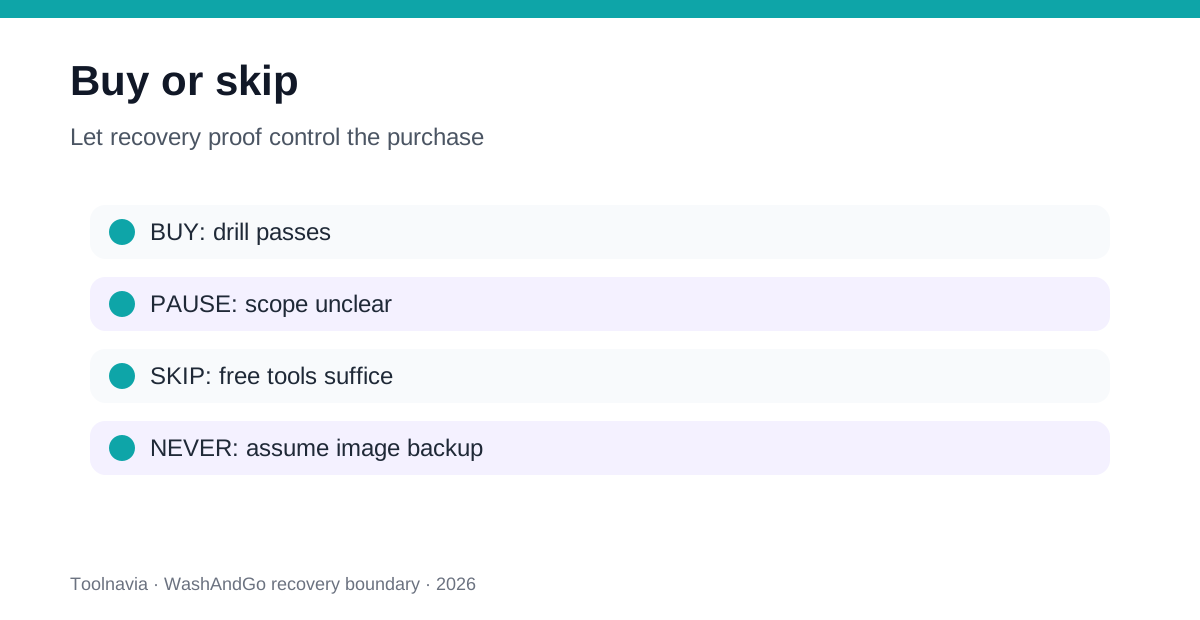
Buy if you have a recurring multi-category cleanup job, understand the backup boundary, have tested a cleanup restore, and maintain independent file and Windows recovery layers.
Pause if the restore location, retention or exact covered categories are unclear; if System Protection is off; or if your independent backup has never been restored.
Skip if Storage Sense solves the problem, if the only goal is one-off disk space, or if you expect WashAndGo to recover personal files, a failed drive or an unbootable PC.
Verdict
WashAndGo’s backup is useful when treated as a scoped undo record for its own cleanup. It is dangerous only when the word “backup” is expanded into a promise the documentation does not make. Separate cleaner rollback, Windows configuration recovery, personal-file backup and full-device recovery. Prove one restore before purchase, then prove two manual cycles before scheduling.