TOOLNAVIA / BUYING GUIDE
FileFusion: Should You Pay to Keep Duplicate Names but Use Less Space?
The short answer
FileFusion is worth investigating when identical files occupy meaningful space but their existing folder paths still matter. It replaces redundant physical copies with hardlinks rather than simply asking you to delete every extra name. The buying decision depends on your storage layout and application behavior, so start with disposable copies and its limited trial—not your only archive.
At a glance
- Best for
- Users with verified identical files, an independent backup and a disposable test that matches their editing workflow.
- Price model
- Observed EUR/Germany cart:29.95/year product line;optional4.95 support,confirm recurring total and license.
- Check first
- Unique-file collections, unsupported storage or users who need each duplicate to remain an independent recovery copy.
Understand what you would be buying
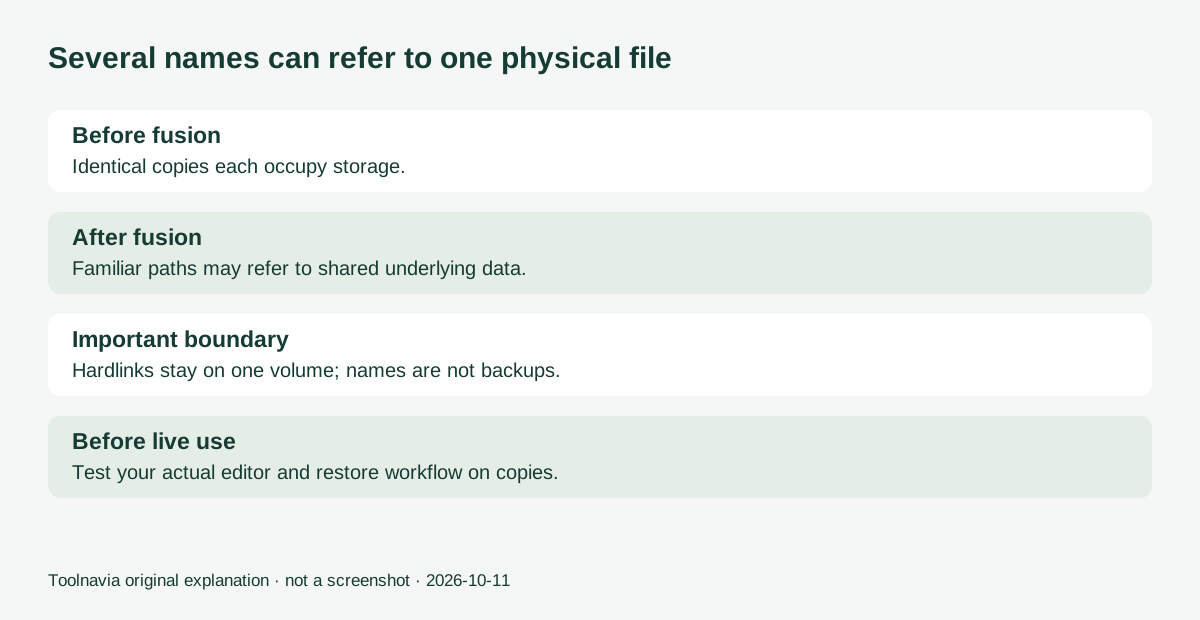
A conventional cleanup decision is easy to visualize: choose one file and remove another. FileFusion instead describes keeping one physical copy while retaining references at the other locations. Its content fingerprints can identify identical data even when filenames differ, and it targets NTFS-formatted drives.
That is useful in a collection where several folders intentionally contain the same reference material. It is less compelling when the real problem is a single large video or mostly unique files. The vendor's maximum space-saving percentage is not a forecast for your computer. A scan of your own eligible folders is more useful than any advertised maximum.
Microsoft documents an essential boundary: hardlinks refer to the same underlying file and stay on the same volume. Two drives containing identical photographs do not automatically become one shared copy across those drives. Count the storage you can actually reclaim within the supported arrangement.
Four capabilities to evaluate
Content-based duplicate detection. Renamed copies can still be identified from their contents. That is helpful after collecting folders from several projects, but similar photographs and different document revisions are not necessarily identical duplicates. Do not confuse byte-level duplication with deciding which creative version is best.
Retained file locations. The fusion approach aims to keep familiar paths while reducing physical duplication. This can be more convenient than reorganizing every folder, but retaining names does not mean retaining independent backup copies.
Folder selection and review. The vendor describes choosing folders and inspecting duplicate results. A deliberately narrow scope makes a trial easier to interpret than a whole-disk sweep. Exclude live application, system and synchronization folders unless you have verified their suitability.
A report of recovered space. The post-operation report gives you a concrete result to compare with the price. Record real free space before and after as well, and keep the distinction between logical file sizes and physically allocated storage. A report alone does not prove that your normal editing workflow remains intact.
The editing question cannot be skipped
Abelssoft says editing a fused file removes that reference and creates an independent edited file. Microsoft's generic hardlink documentation says changes to the shared underlying file are visible through its other names. These descriptions need careful handling: application save behavior or FileFusion-specific mechanisms may matter, and we have not tested that protection across editors.
Therefore, do not treat the vendor's editing assurance as a universal copy-on-write guarantee. For mutable production files, postpone fusion until your exact workflow passes a disposable-data test. If you need several independently recoverable copies, keep an independent backup outside the fused set.
Test a small, representative folder
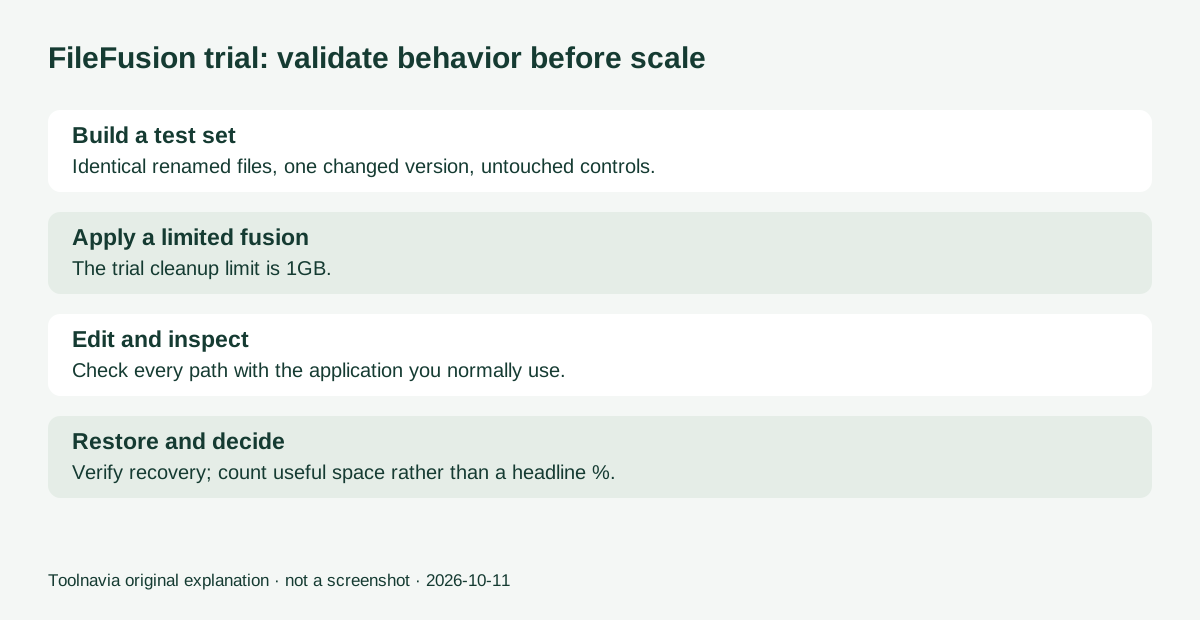
Create an expendable test set with identical documents under different names, plus a visibly different revision. Keep an untouched comparison set elsewhere. Confirm the target is NTFS and a single eligible volume, then scan only the test folder.
After a limited fusion, open the documents through each path. Edit one using your usual application, save it, and inspect every corresponding path and the untouched comparison copy. Repeat with the actual kinds of files you use. Test delete, restore and any sync or backup workflow you intend to rely on. Stop if behavior is unclear.
The official trial limits cleanup to 1GB and excludes support. That ceiling may prevent a full-scale savings measurement, but a small representative set can still reveal whether the workflow fits. This is a suggested acceptance exercise, not a Toolnavia test result.
Price, future versions and the decision
The official page displayed €29.95 on October 11. Its purchase button opened a €29.95/year Yearly Subscription in the EUR cart with Germany selected, and the cart included optional Premium Support at €4.95. The product page also says unlimited usage, so do not assume that statement means this subscription keeps working after cancellation. Confirm the license and full recurring total before paying. Abelssoft distinguishes Current Version use from subscription and lifetime-update options; ongoing use of one version does not mean every future release is included. Factor in any later upgrade or renewal, plus independent backup storage and your validation time.
Consider FileFusion after the limited trial demonstrates useful eligible duplicates and predictable editing and restoration. Keep ordinary folder organization if duplicates are scarce, or choose independently stored copies when resilience matters more than saved space. The article's official product link is an affiliate link; Toolnavia may earn a commission from qualifying purchases.