TOOLNAVIA / BUYING GUIDE
WashAndGo Browser Cleanup: What Could Sign You Out?
The short answer
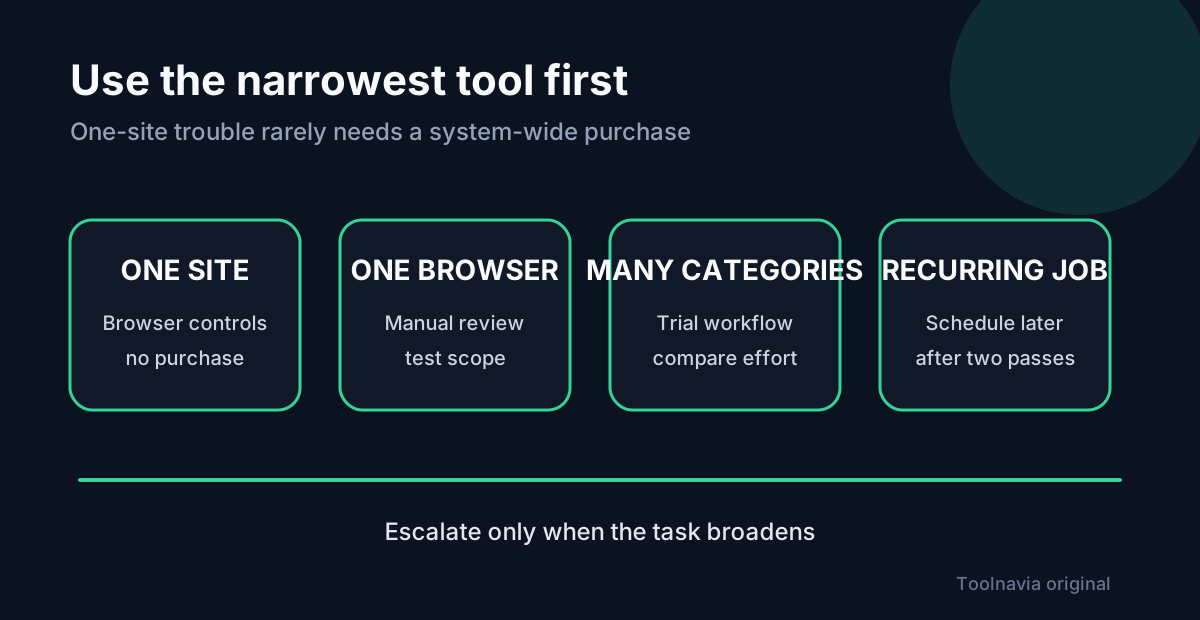
WashAndGo can be useful when browser debris is one part of a recurring Windows cleanup job. If the real problem is one broken website or stale cache, start with the browser’s free, site-specific controls. Ask whether you can define a repeatable scope without disrupting sessions—not how many items it can delete.
At a glance
- Best for
- Users who repeatedly review several cleanup categories and can test a narrow manual scope before scheduling.
- Price model
- Official English page displayed EUR29.95 on 2026-11-04; verify license, tax and renewal at checkout.
- Check first
- One-site problems, one-off cache refreshes, or buyers unable to recover critical logins and MFA.
Separate cache from sign-in state
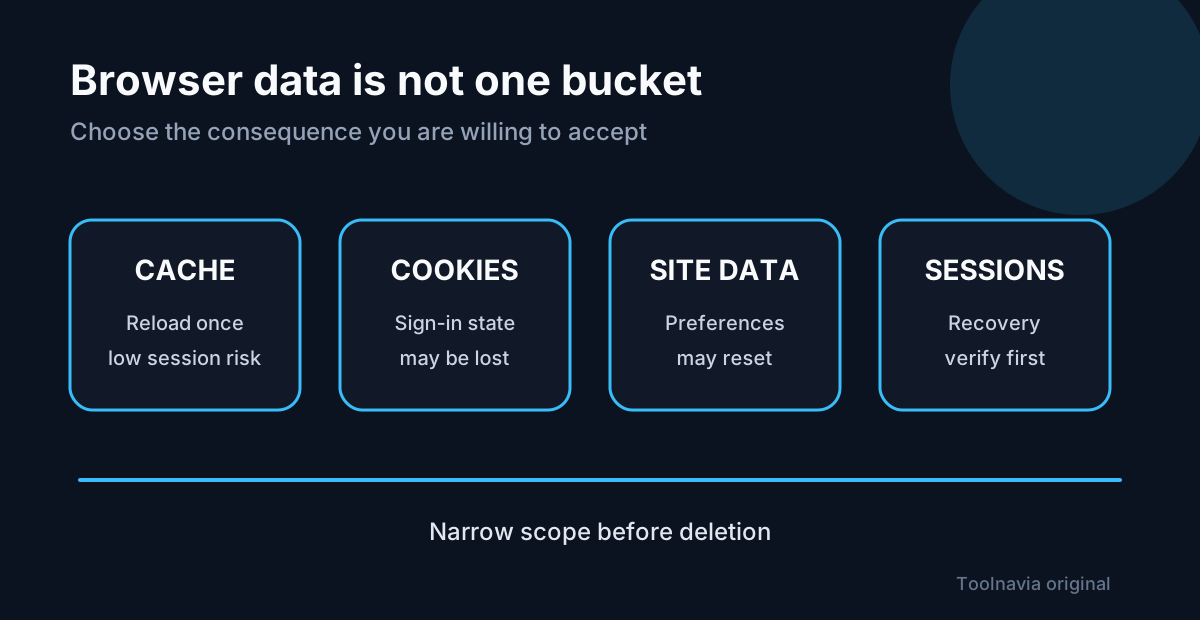
Cache, cookies and site data are not interchangeable. Cached files mainly help pages load; deleting them can make the next visit slower while the browser downloads fresh copies. Cookies and related site data can hold preferences and login status, so removing them may sign you out or reset a site. Google and Mozilla both describe that distinction.
| Data class | Likely consequence | Free first step | |---|---|---| | Cached files | Pages may reload more slowly once | Clear only the affected site or browser cache | | Cookies and site data | Sign-in or preferences may be lost | Remove the affected site’s data, not everything | | Saved sessions | Reauthentication may be required | Confirm recovery email, password and MFA access first | | General junk outside the browser | Disk space may be reclaimed | Review Windows’ own cleanup options before buying |
This article contains an affiliate link to the official WashAndGo product page. Toolnavia may earn a commission from a qualifying purchase, at no extra cost to you. The link is an approved, product-specific CJ deep link rather than a generic redirect.
Use the browser’s native controls for one-site problems
Chrome lets you delete data for a specific site and warns that deleting cookies can sign you out and remove saved preferences. Firefox similarly lets you remove cookies and site data for the current site or selected sites. These controls are the sensible no-purchase option when one service is misbehaving.
If deleting one site’s data fixes the problem, a system-wide cleaner may add little value. A paid workflow becomes credible only when browser remnants recur alongside other cleanup categories.
What WashAndGo adds—and what it does not prove
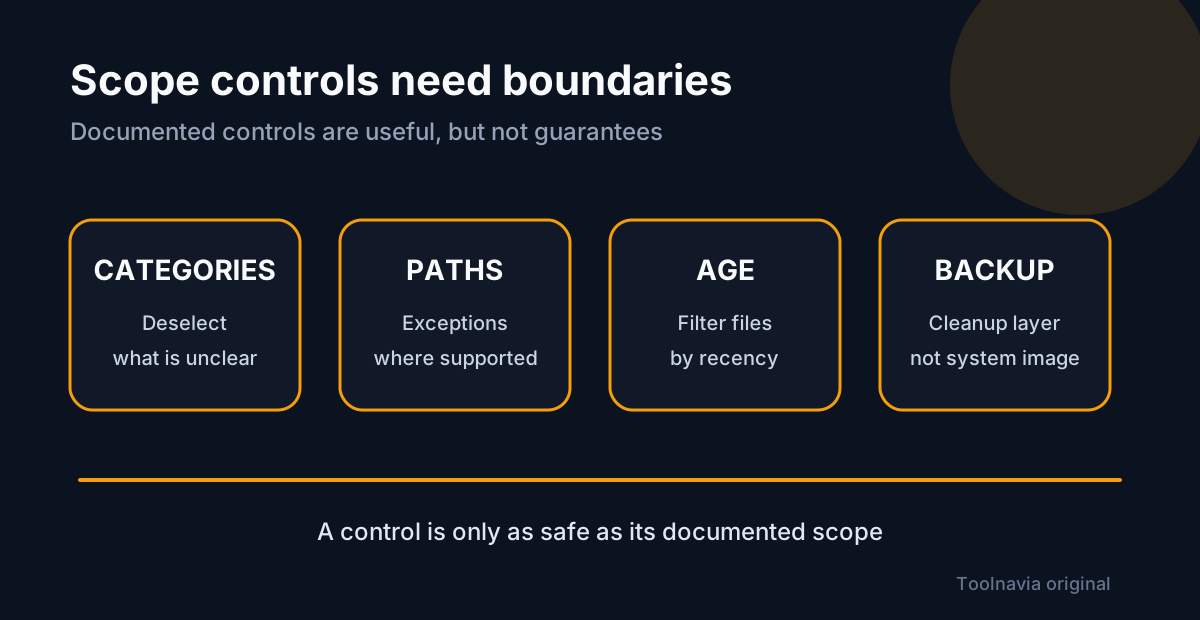
The official page lists scheduled maintenance, an optional safety backup and a 30-day trial; automatic cleaning is disabled during the trial. The detailed cleanup guide shows category review and deselection, three cleanup levels, file and folder exceptions, an age filter, and a backup covering affected files and registry items. That is useful scope control, but it is not a full system image.
The documentation reviewed for this guide does not show a per-site cookie allowlist. Do not assume that excluding a folder will preserve every browser login, and do not claim a “safe browser clean” preset unless the current interface proves it. The English and German pages also make conflicting 8× and 16× performance claims; because the basis is unresolved, this guide does not use either multiplier as a buying argument.
Treat €29.95 as a displayed price, not a universal total
On 4 November 2026, the official English product page displayed €29.95, Version 25 (v25.29.04), Windows 7–11 support and a 30-day trial. That page does not bind the headline to a verified renewal term, tax-inclusive total or a specific license class. Abelssoft’s terms distinguish Current Version, Saver Subscription and Lifetime Updates licenses, so confirm the selected license, total, currency, tax, included update period and any renewal at checkout.
The terms say a Current Version license is indefinite for that version and includes six months of updates, while Saver access depends on the subscription remaining active. Those distinctions matter more than a temporary headline price. If the checkout does not clearly identify the license you intend to buy, pause and ask support rather than inferring a recurring charge.
Run a narrow safety test before automation
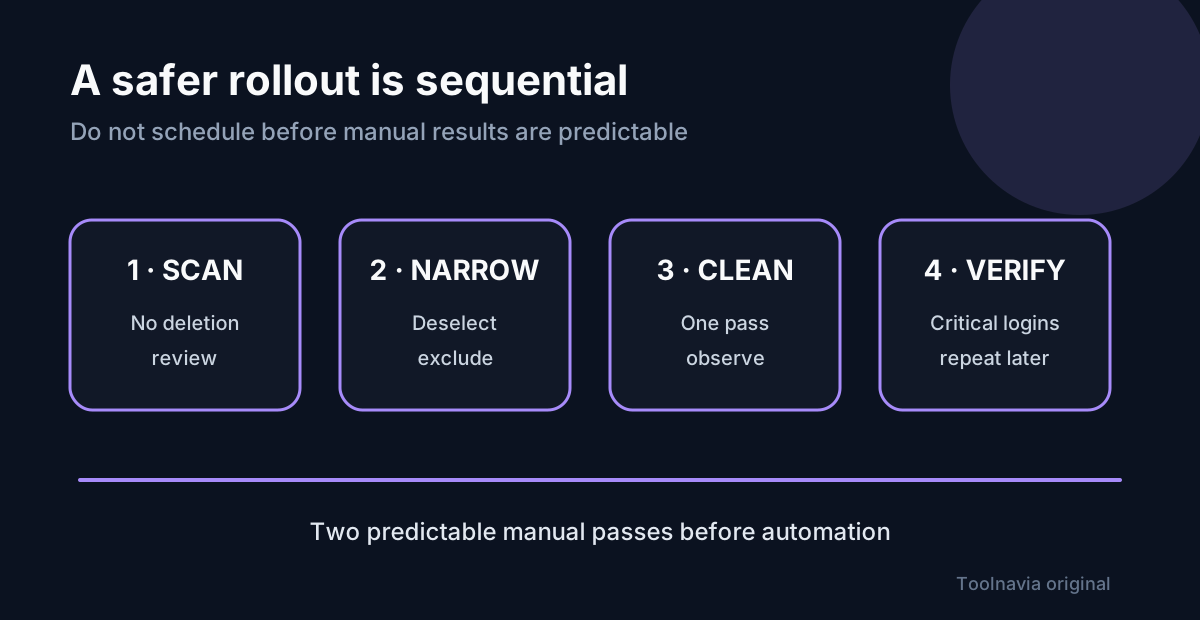
Save work, make an independent backup and verify that you can recover passwords and multi-factor authentication. Run a scan without automatic cleaning. Review every browser-related category, deselect anything you do not understand, and start with the narrowest level. Use file or folder exceptions only where the documented scope actually applies.
After cleaning, reopen the services that matter: email, password manager, banking, work dashboards and any account protected by a hardware key or recovery code. Check both normal and private windows if those are part of your workflow. Then wait through a normal work cycle and repeat the review. Only consider scheduling after two manual passes produce predictable results. The built-in backup is a cleanup recovery layer, not a substitute for an independent backup.
Verdict: buy for repeatable breadth, not one broken site
Try WashAndGo if you manage several cleanup categories, value one review screen, and are willing to define exclusions before scheduling. Skip it when the problem is one website, a one-off cache refresh or a storage issue that Windows already handles. The trial can show the manual review workflow, but it cannot validate the paid automatic-cleaning feature.
Use the approved link to inspect the product page and checkout: [View WashAndGo on the official Abelssoft store](https://www.jdoqocy.com/click-101895278-15402369?url=https%3A%2F%2Fwww.abelssoft.de%2Fen%2Fwindows%2Fsystem-utilities%2Fwashandgo). Confirm the live license and total before paying. The strongest reason to buy is a recurring, well-scoped maintenance job—not a promise that deleting more browser data is automatically better.