TOOLNAVIA / BUYING GUIDE
PC Fresh: A Practical Trial Before Paying to Tune Windows
The short answer
PC Fresh is worth trying when startup clutter and scattered Windows settings make maintenance harder than it should be. Its appeal is a guided interface for reviewing startup items, system information and adjustments. Pay only if that interface produces a repeatable improvement in your own workflow; an optimization button cannot establish that every slow computer needs this software.
At a glance
- Best for
- Users who understand proposed changes and find recurring maintenance materially easier during the trial.
- Price model
- Observed EUR/Germany cart:PC Fresh29.95/year;optional4.95support,automaticannualrenewal.
- Check first
- One-off startup edits,hardware faults or buyers expecting a guaranteed speed multiplier.
Establish a free baseline
Microsoft identifies several causes of sluggish behavior, including too many startup applications, limited storage and outdated hardware. Windows already provides Task Manager startup controls, resource inspection, update tools and cleanup settings. Begin there, because paying to change a setting you can comfortably manage already may add little value.
Choose a specific complaint: too many nonessential applications open after sign-in, or a familiar work task becomes less responsive when background applications accumulate. A specific symptom is easier to evaluate than a general desire to make the computer faster.
Save your work, install appropriate pending updates and restart before making the baseline observations. Otherwise, the trial may receive credit for the restart rather than for anything it changed. This is an evaluation precaution, not a claim that we measured the product.
Four capabilities to assess
Startup-item management. PC Fresh provides an interface for reviewing what starts with Windows. If you find the built-in list confusing, a different presentation may help you make deliberate choices. Keep required security, backup and accessibility components working; an unfamiliar name is not enough reason to disable something.
Guided settings with manual control. The product offers recommendations and individually adjustable settings. That can reduce the work of finding controls scattered through Windows. Read the proposed change first and record it, because a convenient switch is still a system change.
System and memory information. A consolidated overview can help you understand which machine and operating environment you are adjusting. Use it to give context to a problem, not to assume that a lower memory-use number necessarily means your actual application will finish sooner.
Power-Now service reduction. This mode is designed to reduce background activity for a demanding task. Its value depends on what else you need running. Do not trade required protection, synchronization or a work session for a flattering short benchmark. Verify the effect on normal work and how you return to the prior state.
Run a trial you can interpret
The official trial lasts 30 days and shows a purchase prompt at startup. That gives you time to compare normal work rather than deciding after one launch.
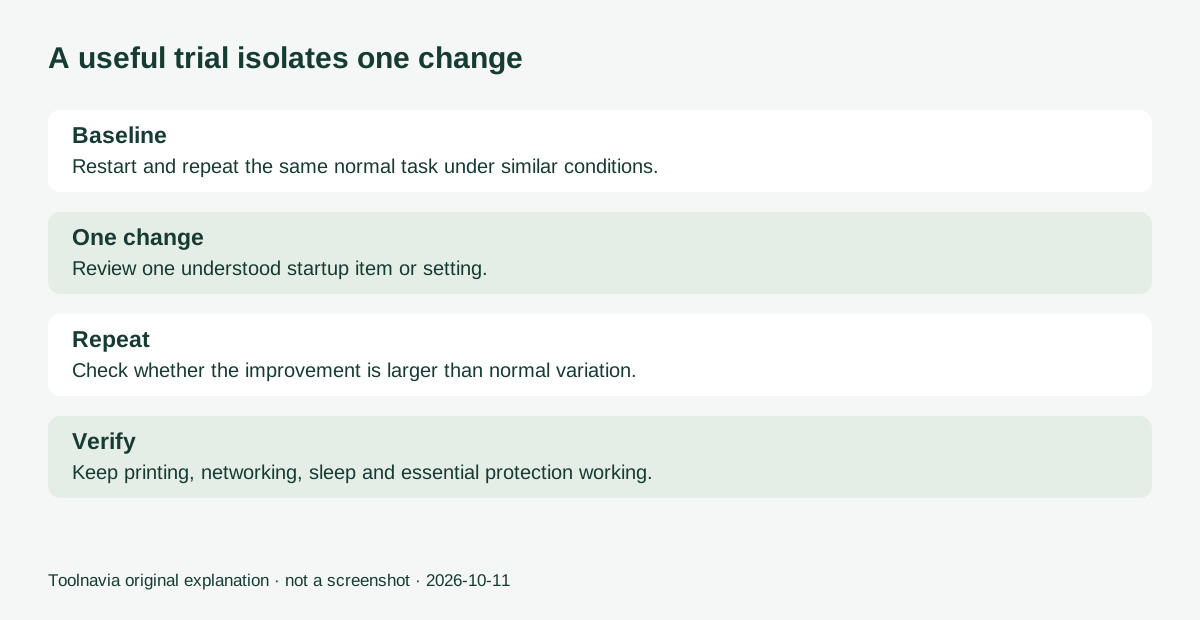
Pick one task and keep the conditions similar: the same application, same document, same power setup and similar background workload. Record a few baseline runs. Review one understood startup item or setting, make that change alone and repeat the task. Also verify printing, networking, sleep and other functions your routine requires.
A meaningful result is a benefit you can reproduce without breaking another requirement. If results vary more than the apparent improvement, do not turn the difference into a performance claim. If Windows' own controls solve the problem just as conveniently, keep the free approach.
Avoid running several tuning utilities at once during this exercise. You would otherwise lose the ability to tell which change helped or caused trouble. A short change log and an independent backup make the experiment easier to undo and understand.
Inspect the annual subscription, not an old review price
On October 11, the official product page displayed €29.95. Its purchase button opened a €29.95/year Yearly Subscription in the EUR cart with Germany selected, and an optional €4.95 Premium Support item appeared in the cart. The checkout described automatic annual renewal. These are observations of that checkout, not a universal quote for every country.
The product page lists standard email support and at least six months of included updates and new versions. General terms distinguish current-version, subscription and lifetime-update models. Confirm the selected license and ongoing charge, remove optional support if unwanted, and do not import an older review's price or lifetime description into this order.
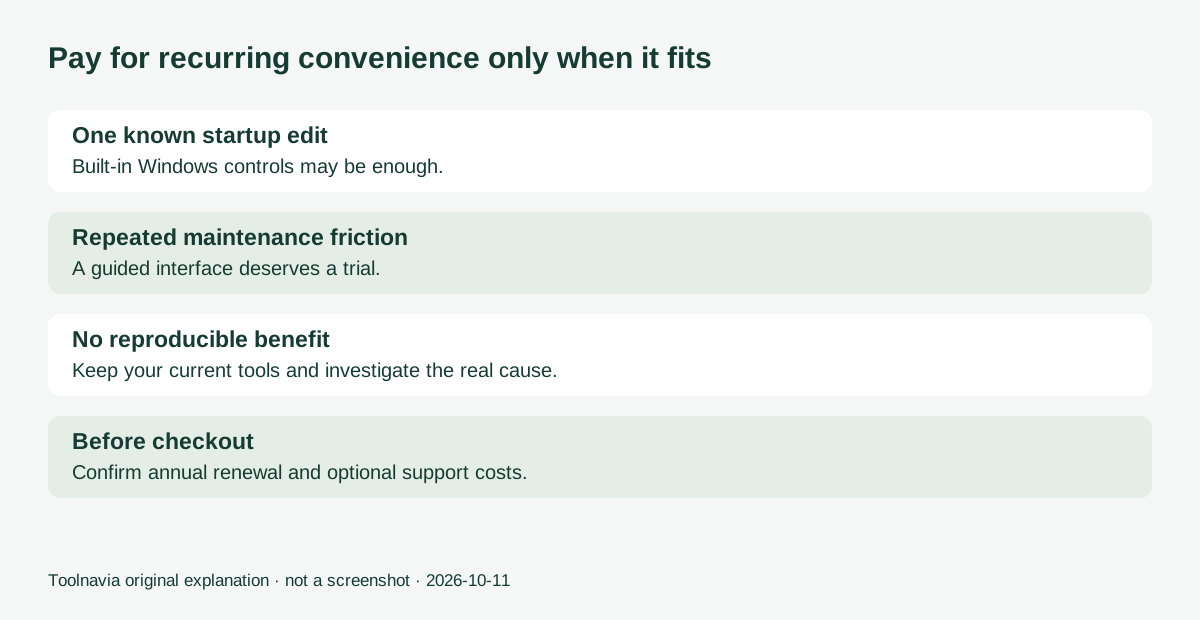
Your full cost includes the actual subscription total, any chosen extras and the time needed to review changes. If you only need to disable one known startup application once, a recurring purchase is difficult to justify. Convenience has more value when it supports a maintenance task you actually repeat.
Make the purchase decision from your results
Consider PC Fresh when its explanations and controls help you maintain a suitable Windows computer more confidently, and your trial shows a repeatable benefit. Skip it when built-in tools suffice or the underlying limitation is failing or inadequate hardware.
The link opens the approved official PC Fresh product destination. Toolnavia may receive a commission from qualifying purchases. This is a documentation-based buying guide with a proposed trial method, not a hands-on speed benchmark or a guarantee of higher performance.