TOOLNAVIA / BUYING GUIDE
UniConverter Vocal Remover: Free or 10 Credits per Export?
The short answer
At a glance
- Best for
- Windows users needing occasional rights-cleared two-stem exports.
- Price model
- Guide says free now; current AI table says 10 credits/export. In-app deduction controls.
- Check first
- Not for guaranteed free, artifact-free or lossless direct exports.
Decision first: do not buy from the word “free”
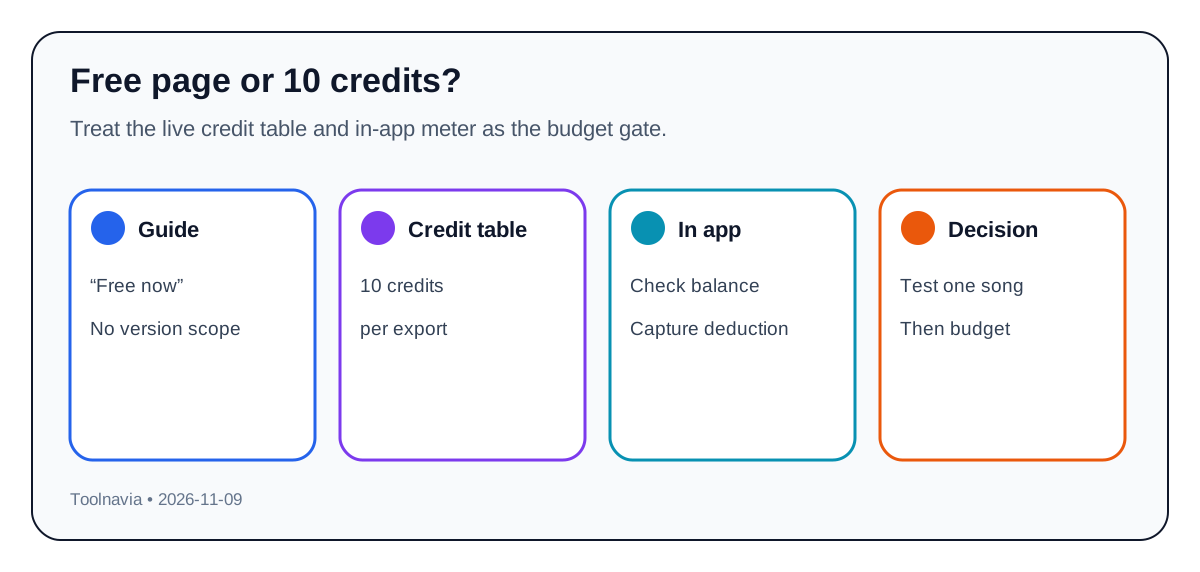
UniConverter's Vocal Remover can be useful when you already want its wider conversion toolbox and need occasional two-stem exports. But the official pages currently disagree: the Windows guide says “free to use now,” while the current AI-credit table lists **10 credits per export**. The guide defines no free period, account, version or allowance. Budget from the explicit live table, then capture the in-app balance before and after one test.
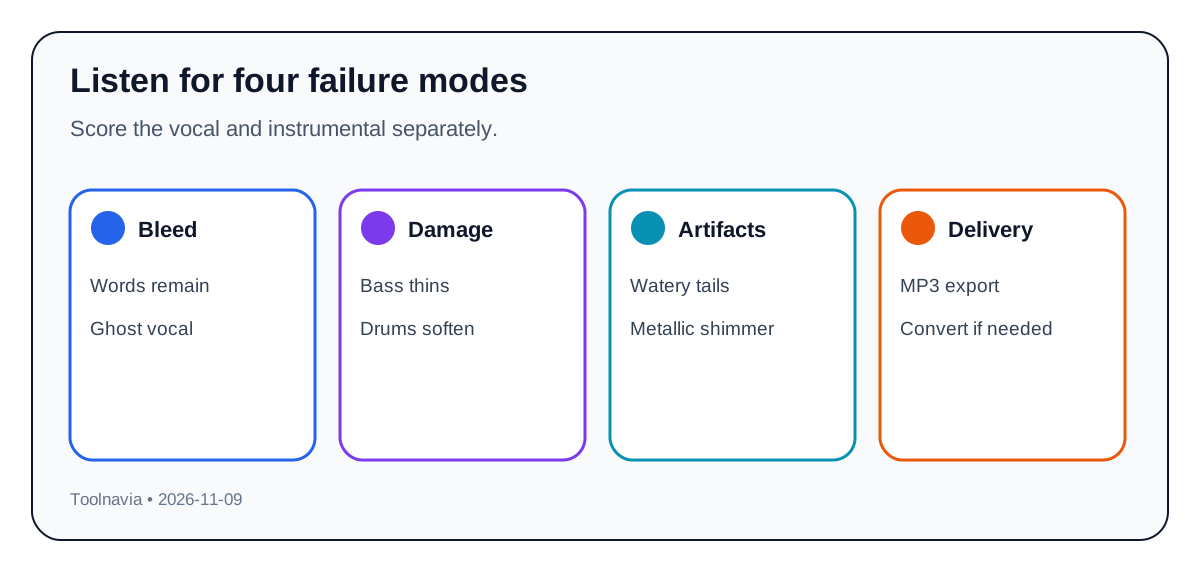
The workflow returns a vocals-only track and a karaoke/instrumental track, while the current product page positions the result for karaoke, practice and editing. Official support says the direct output is MP3 even though more input formats are accepted; another format needs a second conversion.
This article contains an approved affiliate link. Toolnavia may earn a commission at no extra cost to you. Use the [approved UniConverter offer](https://www.jdoqocy.com/click-101895278-12861056) only after the quality and credit gates below; checkout, tax, renewal, supplied version and the in-app meter control.
Translate 10 credits into finished songs
The current table says 10 credits for one Vocal Remover export. Because two tracks are separately exportable, do not assume exporting both costs only 10 credits until the application shows the deduction. A conservative budget uses **20 credits per song** when both stems are required, plus one retry allowance. That is planning math, not a universal charge.
For a ten-song batch, record songs, required stems, test exports, retries, balance and observed deduction. Run one representative song, export exactly what the project needs, and compare the new balance. If the charge differs, discard the estimate. A one-time plan bonus can disappear quickly when two stems and retries are involved.
Resolve the “free now” conflict safely
The free wording may describe an introductory window, analysis, preview, a previous build, or a limited account state; the page does not say. The credit table is more explicit because it names the feature and unit. We do not average the statements or promise a free export. Verify feature label, current balance and post-export deduction.
If the application presents a free allowance, use it on the hardest song, not an easy demo. If it deducts credits, stop after the representative export and calculate the batch. Save the rate and balance screens in case support reviews an unexpected charge.
Use a three-song quality gate
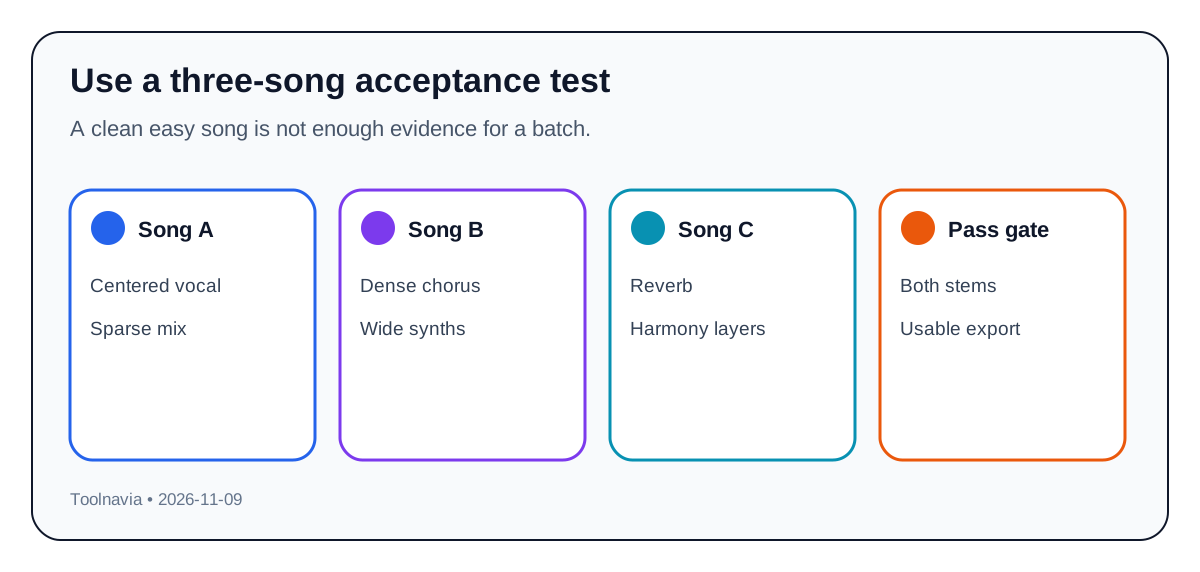
A clean pop track cannot validate a library. Test three rights-cleared files: a centered lead with sparse accompaniment, a dense chorus with wide synths or guitars, and reverb-heavy vocals with harmonies. Export both stems for each preview that passes.
Check the instrumental for readable words, vocal reverb, missing bass, softened drums and watery cymbals. Check the vocal for missing consonants, instrument bleed, distorted held notes and metallic tone changes. Dense arrangements are where recent research reports more artifacts, and independent testing still finds no tool removes every artifact.
Set a stop rule: reject the batch if two of three songs retain intelligible lyrics, lose important instruments, or need more than one retry. “AI analyzed successfully” is not a deliverable stem.
Compare the actual workflow
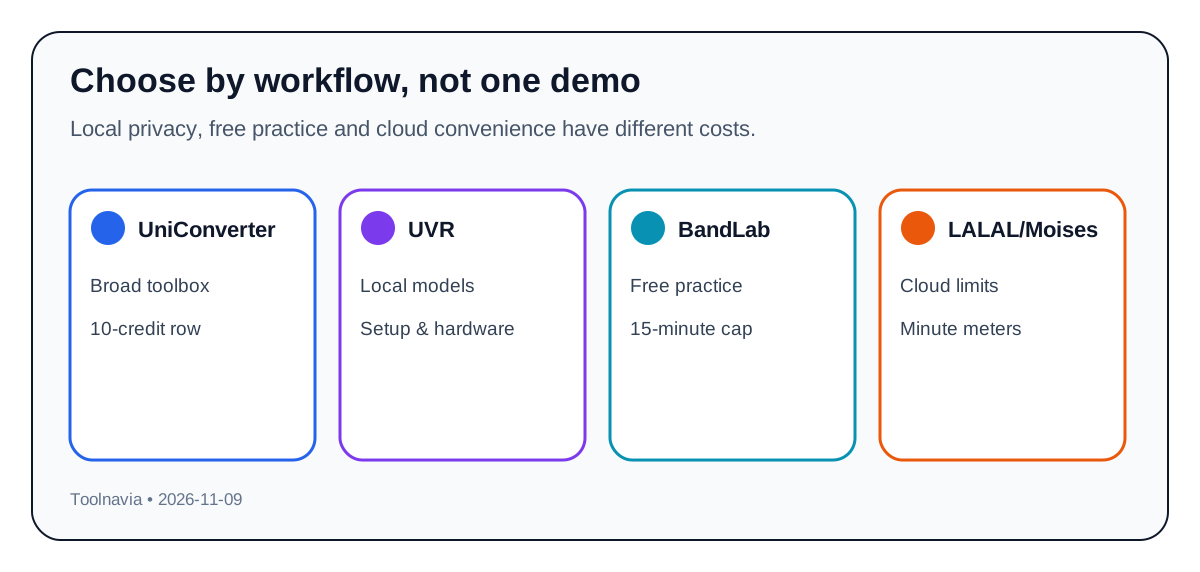
Ultimate Vocal Remover is the no-subscription reference for users who accept a local install, model choices and hardware complexity. Its official project includes several separation model families, but local ownership does not guarantee the best result on every song.
BandLab Splitter offers free four-stem practice, web WAV exports and a 15-minute/100 MB boundary. Moises has a free tier limited to five uploads per month and five-minute files. LALAL.AI's free tier tests quality but omits full downloads; paid use is metered by minutes and selected stem types. Compare the same file, output format, privacy, queue time and batch cost.
Choose UniConverter when its broader tools replace other utilities and two-stem output passes within an observed credit budget. Choose UVR for local control, BandLab or Moises for bounded practice, and a dedicated paid splitter for more stem types or repeat cloud capacity.
Delivery and rights
Current support says Vocal Remover exports MP3. If the project needs WAV or FLAC, include a second conversion and check bitrate, sample rate, duration and alignment.
Separation does not grant publication, remix or monetization rights. Use owned, licensed or public-domain music, or tracks whose rights holder authorized the intended use. The vendor makes the same boundary explicit.
Seven checks before the approved yearly route
1. Confirm rights to process and use the recording. 2. Record the feature label, balance and displayed rate. 3. Test all three song types and export the exact stems needed. 4. Inspect bleed, instrument damage, watery artifacts and MP3 delivery. 5. Measure real deduction and calculate the batch with retries. 6. Compare UVR, BandLab, Moises and LALAL.AI on the same file. 7. Use the [approved UniConverter direct offer](https://www.jdoqocy.com/click-101895278-12861056) only if quality, rights, observed credits and checkout pass. Save the receipt and cancellation terms.