TOOLNAVIA / BUYING GUIDE
UniConverter Batch Metadata: Reuse Shared Fields Without Copying the Wrong Title
The short answer
At a glance
- Best for
- Repeated supported metadata corrections with deliberate per-file review.
- Price model
- Confirm exact Windows Yearly cart; readable page contains differing yearly amounts and automatic renewal.
- Check first
- Batch size does not validate identities or guarantee every tag survives in every receiving library.
Verdict: buy for reviewed corrections, not automatic identity
UniConverter can fit Windows users repeatedly correcting metadata in supported personal media collections. Its current metadata workspace accepts up to 50 files, but that capacity does not make their titles, dates or track numbers interchangeable. Pay for a useful review workflow only when it produces the right saved files and receiving-library display.
This guide analyzes documentation. No media file, search, tag, save, conversion or library was operated.
Review the exact Windows Yearly offer. Toolnavia may earn a commission on an eligible purchase; confirm the supplied version and regional terms.
Separate genuinely common fields from unique identities
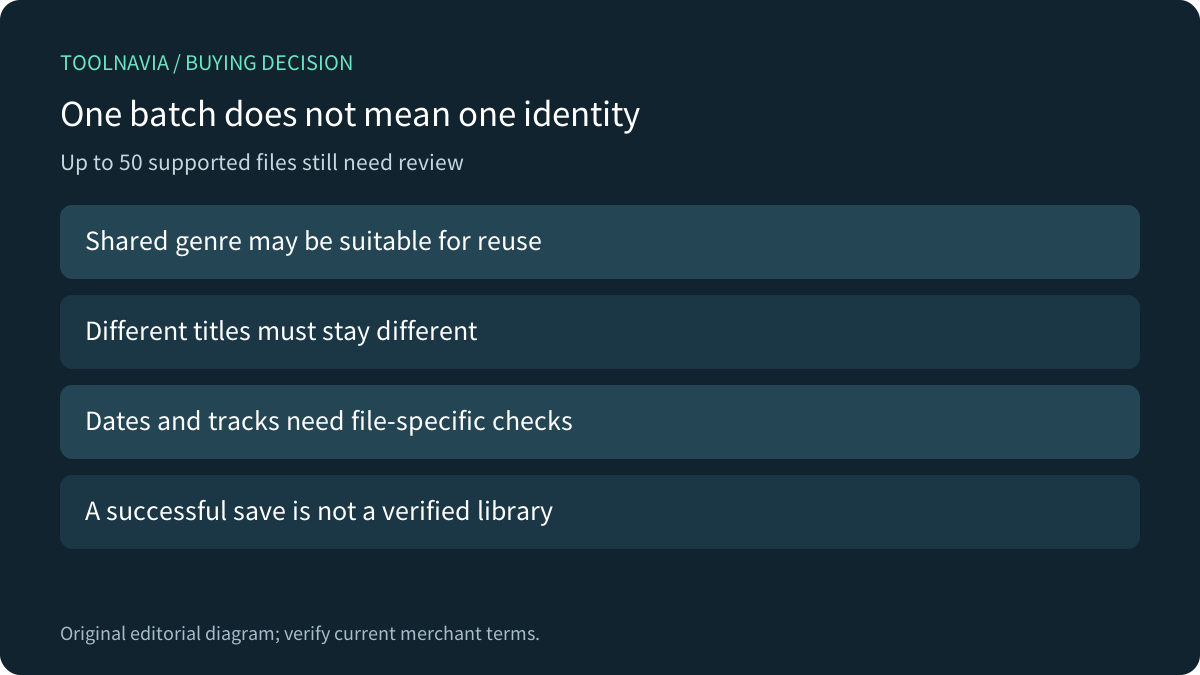
Make a small field map before applying information across files. A collection might share an album or genre while each item needs a different title, date or track. Record those differences explicitly. A visually tidy batch can still contain a repeated value that belongs to only one file.
The current batch page documents Apply to Other Files and warns users to reuse only genuinely shared information. Treat the control as propagation of selected values, not an automatic judgment about which items are the same. Inspect the target list before saving.
Review a search match before copying it
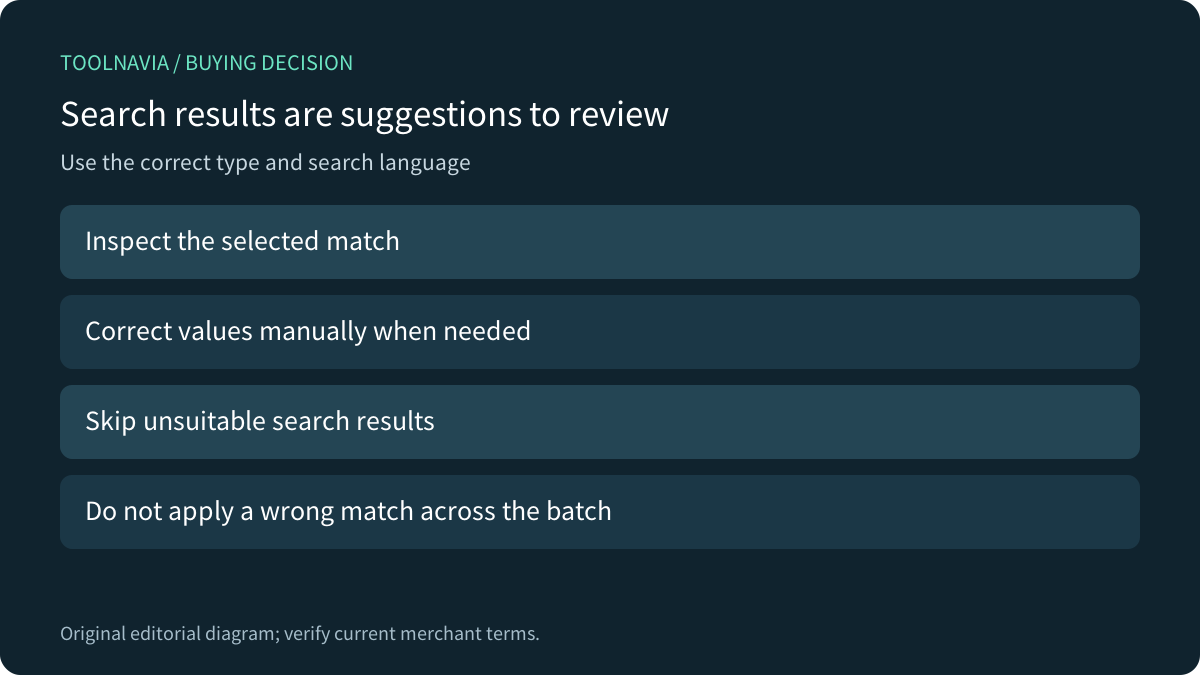
Lookup uses the search name, selected media type and language. The batch tool allows manual editing and continuing without a suitable search match. A found result is therefore a candidate to check, not mandatory content or proof of identity.
The Windows single-file guide separately shows media type, season/episode, descriptive fields and cover editing. Its illustrated interface differs from the newer batch workspace; verify installed controls rather than assuming every old screenshot matches the current release. Supported intake formats do not prove that every field can be written identically to every container.
Keep the actual source context with the review. If an original home video has no relevant catalog match, manually describing it is better than assigning a similarly named commercial title.
Distinguish a saved tag from the receiving library
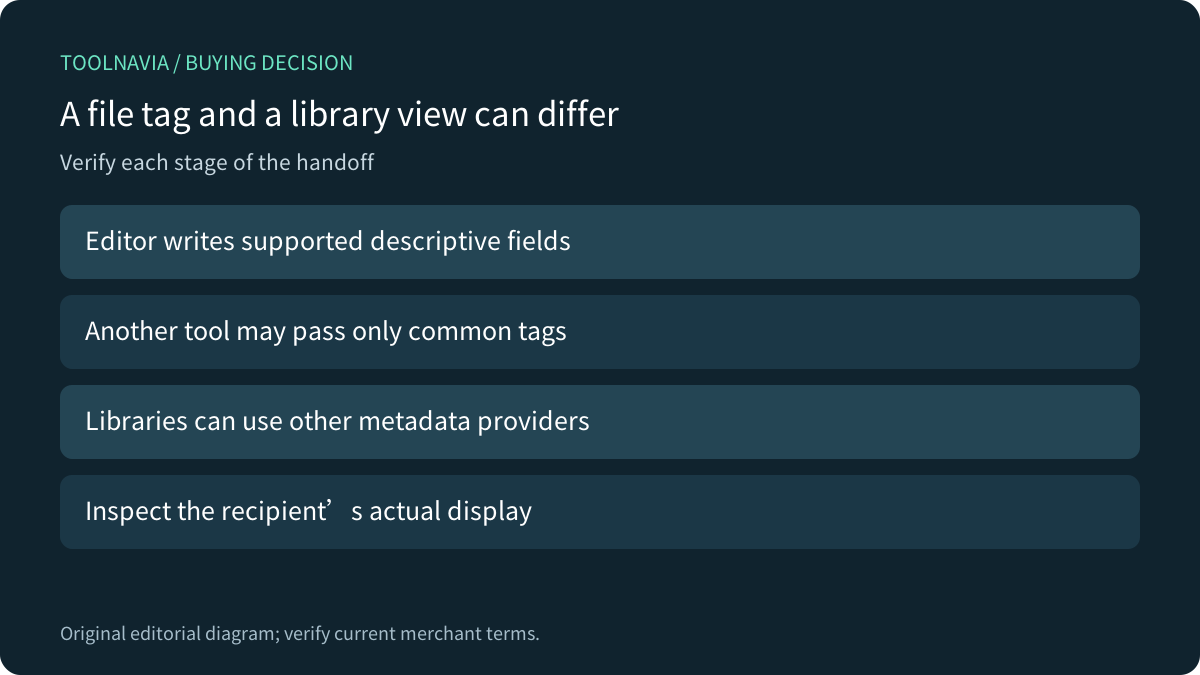
Wondershare's guide qualifies display by whether the device or program reads the metadata. That matters when the file looks correct in the editor but appears differently elsewhere. Verify the actual saved copy and intended recipient.
Jellyfin documents multiple metadata sources, including external providers and local NFO files. Editing an embedded field does not independently establish how that library will obtain its final description. Check its configured source and result without assuming one editor controls the whole library.
HandBrake likewise documents passing a defined set of common metadata through a separate option. That is not a guarantee that every field survives another processing step, nor a promise about UniConverter's behavior.
Compare alternatives and the save strategy
Apple Music on Windows already supports changing song information and applying a shared value to multiple selected items. If your occasional music correction is already handled there, a second subscription needs another concrete benefit. Its controls and library behavior remain Apple-specific.
UniConverter's four relevant strengths are the visible batch list, search with manual correction, selected cross-file reuse and a separate-output save route. Save as New Files can provide review copies; still preserve the original collection independently and confirm which files were actually written. No backup or metadata-removal guarantee is claimed.
Accept distinct sample results before paying
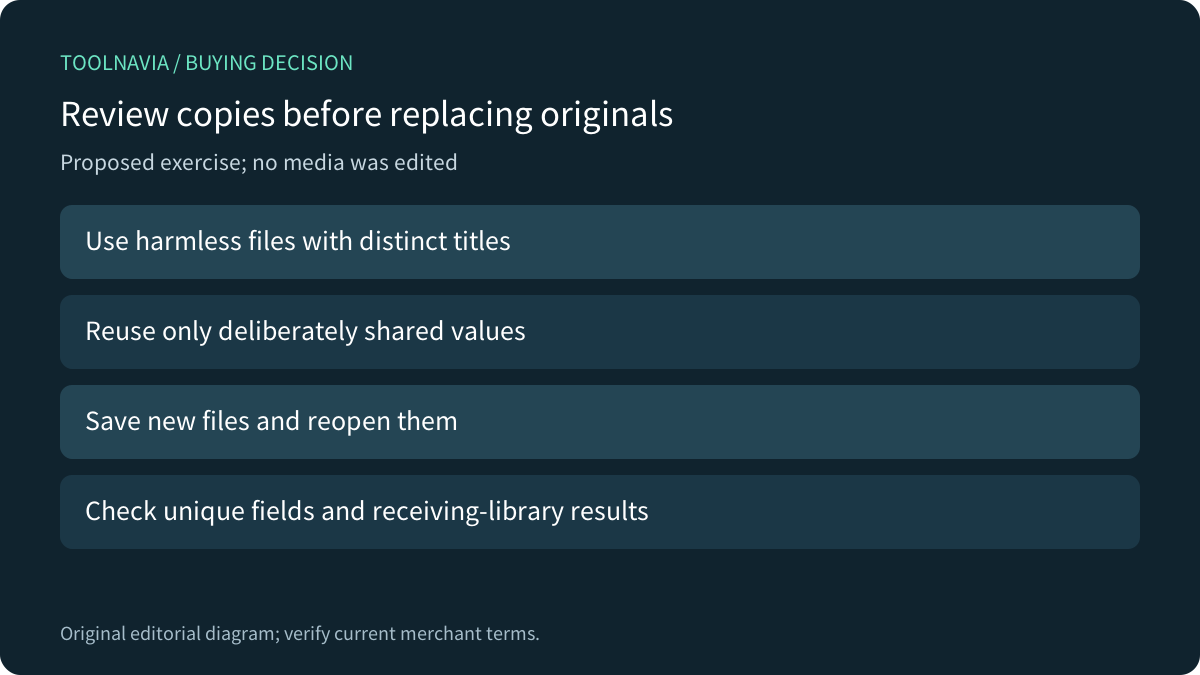
For a proposed authorized exercise, use harmless files with deliberately different titles and one shared field. Review matches, apply only the intended shared value, save new files, reopen them and inspect the receiving library. Verify that the differences stayed different. No exercise was performed here.
The current canonical Windows store contains both US$29.99 and US$49.99 yearly blocks without reliably separating their context in readable text. A second official Windows storefront shows US$45.99/year and an optional AI trial renewing at US$19.99/month. The route, version and selected-cart differences remain unresolved, preventing one universal quote. Confirm the exact selected Windows Yearly cart, renewal, supplied version, tax and optional AI costs.
Choose the tool when repeated correction and verified handoff justify the full cost. More files processed together do not remove the need for accurate information.