TOOLNAVIA / BUYING GUIDE
UniConverter Batch Conversion: Turn Mixed Clips into an Organized Handoff
The short answer
A folder of camera clips becomes useful to an editor or client when every source has a clear, checked output. UniConverter's batch workflow is worth considering for that repeated handoff. The benefit is organized preparation: one visible collection, deliberate exceptions and a destination you can reconcile against the originals.
At a glance
- Best for
- Windows users needing a broad media-conversion/edit/download toolbox beyond free transcoding and willing to verify live pricing and AI-credit terms.
- Price model
- Standard current baseline USD49.99/year; official variants can be lower; final checkout controls
- Check first
- Official price pages conflict, annual renewal is then-current, perpetual excludes future major versions, and AI usage can consume separate credits.
Define the handoff before loading the folder
Ask what the next person needs to do with the files. Review copies, editing intermediates and final publishing files are different outputs. Do not choose a smaller format simply because it is convenient to transfer if the next step requires something else.
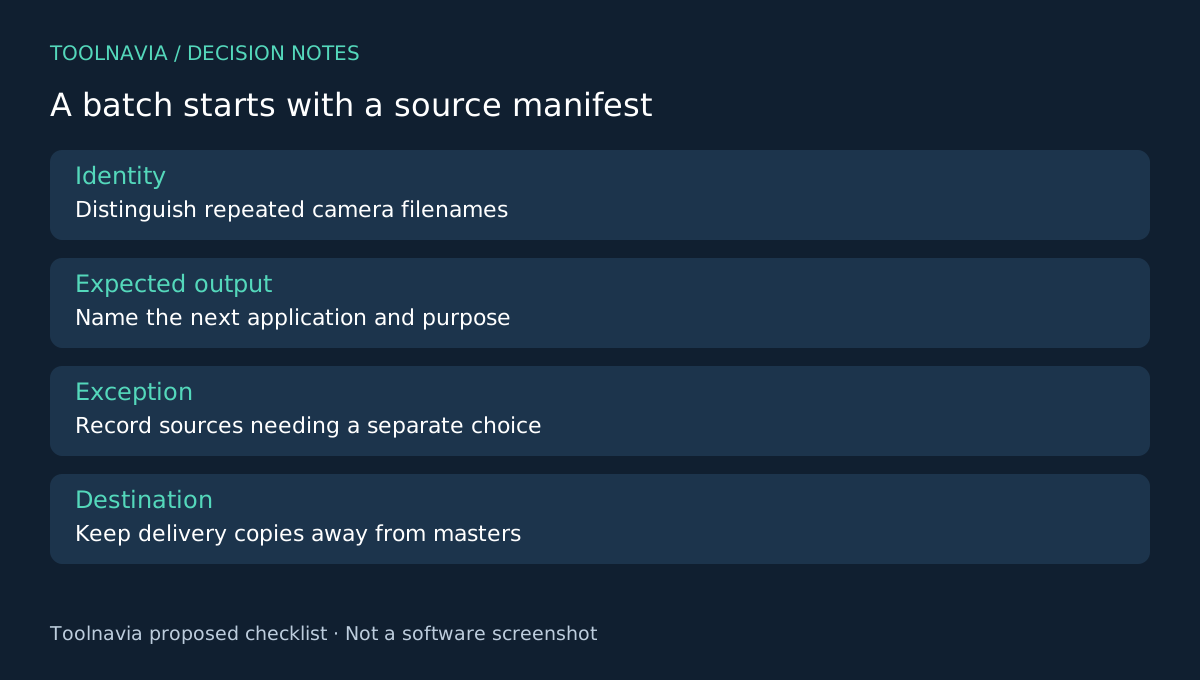
Create a source manifest with a unique identifier, filename, duration and expected output. Watch for different folders containing the same camera filename. A list of ten sources should not silently become nine outputs because names collide. Keep source media read-only in your own workflow and export elsewhere.
Four parts of a useful batch queue
UniConverter supports importing multiple videos, applying a shared output, reviewing per-file choices and choosing an output destination before running the collection. Its official support also confirms multi-file conversion.
The visible queue helps reconcile the job. A shared profile reduces repeated configuration. Individual choices accommodate exceptions. A chosen destination separates delivery copies from masters. These capabilities support the process, but they do not decide which clips belong together or verify the final folder for you.
Treat hardware acceleration as conditional. The documentation ties it to supported hardware and codec combinations; this guide makes no speed-multiplier claim. A successful queue is measured by usable outputs, not just a short progress bar.
Separate the exceptions before they become rework
Sort the manifest by properties that affect the handoff: source format, orientation, frame rate and audio needs. Select a representative clip from each meaningful group. Test the intended output and have the next application open it before processing the rest.
Record the exceptions explicitly. A portrait clip may need its orientation preserved. A recording with a different audio arrangement may require a separate output choice. A source containing intentional silence should not be mistaken for a broken conversion merely because it has no dialogue.
Use an output naming scheme that remains understandable outside the converter. The manifest, not a guessed sequence number, should connect each result to its source. If the recipient has a naming convention, follow it before the queue grows too large to inspect comfortably.
Reconcile outputs as a delivery package
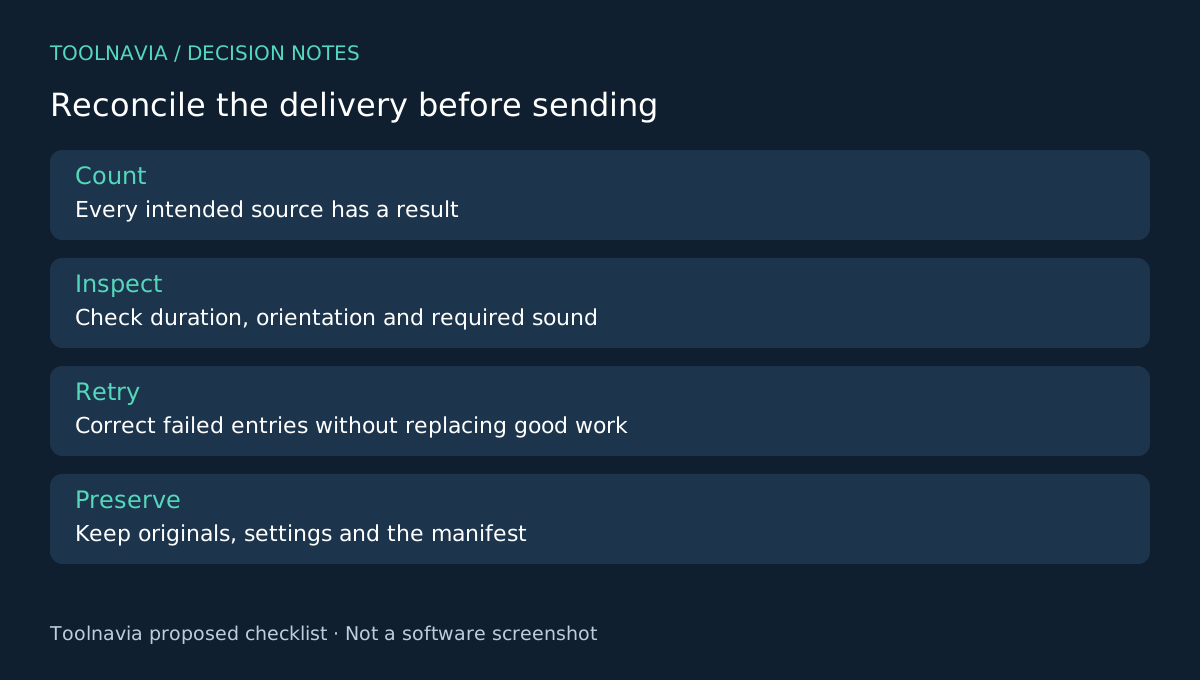
After conversion, compare the manifest with the output folder. Check that every intended source has the expected result and that no unrelated test exports have slipped into the delivery. Inspect duration, picture orientation and required audio for each file.
A completed status does not establish that the right profile was selected. Open at least one result from every source group in the receiving application, and investigate every exception or suspicious output. For critical deliverables, apply the recipient's full inspection requirements rather than treating sampling as universal acceptance.
If a file fails, isolate the failed entry and record the corrected settings before retrying it. Do not overwrite the whole reviewed batch merely to fix one clip. Preserve the manifest and source originals so the handoff can be repeated when the client requests another format.
Pay for recurring organization, not the word “batch”
HandBrake also documents a queue; Shutter Encoder and VideoProc provide alternative media-processing workflows. Compare preparation effort, exception handling and receiving-application results on your actual collection. A queue alone is not a unique reason to buy.
Choose UniConverter when its workflow fits repeated mixed-file deliveries and reduces the setup you personally have to repeat. Use the [UniConverter plan guide](/en/software/wondershare-uniconverter) and selected Windows checkout to verify annual renewal and optional AI costs.
This guide proposes a handoff method; it reports no measured time savings. Toolnavia may earn a commission from eligible purchases through the official affiliate link, without implying a special discount.