TOOLNAVIA / BUYING GUIDE
UniConverter 17 Cancellation: What Stops Renewing—and What Can Be Refunded?
The short answer
At a glance
- Best for
- Existing UniConverter 17 subscribers who need to stop renewal and assess a separate refund request.
- Price model
- Cancellation stops future renewal; refund review is conditional and not guaranteed.
- Check first
- Cancellation is not an automatic refund; auto-renewal charges are excluded from the current 30-day policy, and seller, timing, use and region control.
Bottom line
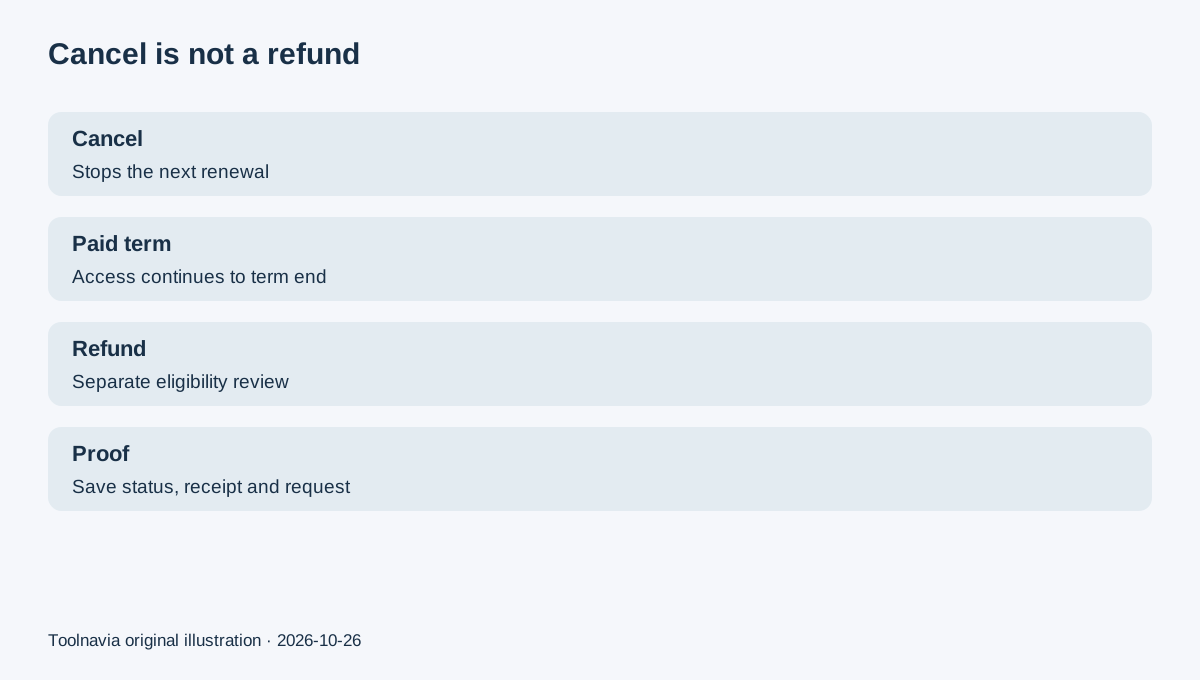
Canceling UniConverter 17 stops a future renewal; it does not automatically refund the latest payment. Wondershare's current subscription terms say paid access continues until the contracted term ends. They also say the 30-day policy does not apply to auto-renewal charges.
A direct Wondershare purchase may still qualify for a separate refund review under accepted circumstances. The seller, charge type, timing, usage and region matter. Apple, Google or reseller purchases must be handled by the original seller.
First confirm what was purchased
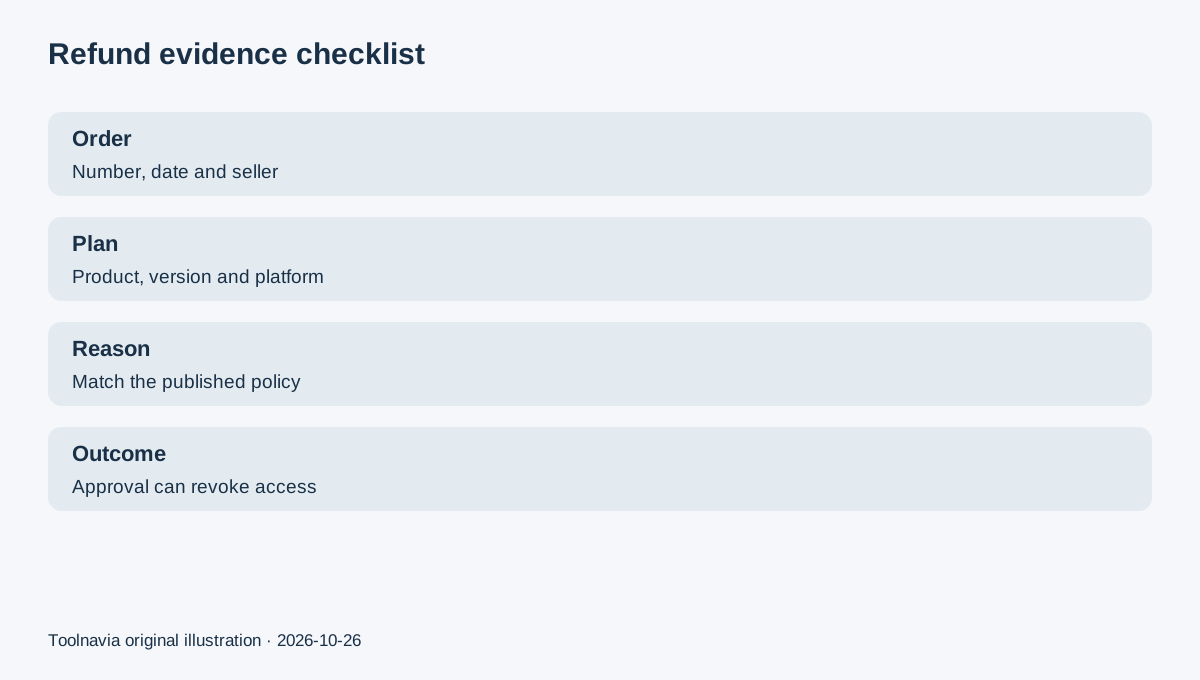
Start with the receipt. Record the exact product, Windows or Mac platform, order date, order number, seller and whether the charge was the initial order or an automatic renewal.
This article is for an existing UniConverter 17 yearly subscriber. UniConverter 18 is now the current major version, so do not assume that a current product page or checkout is still selling V17. The account record and receipt control the entitlement you already own.
Also inspect optional AI plans or trials separately. A UniConverter desktop subscription and an AI add-on can have different renewal entries. Canceling one line item is not proof that every recurring item has stopped.
How to stop the next renewal
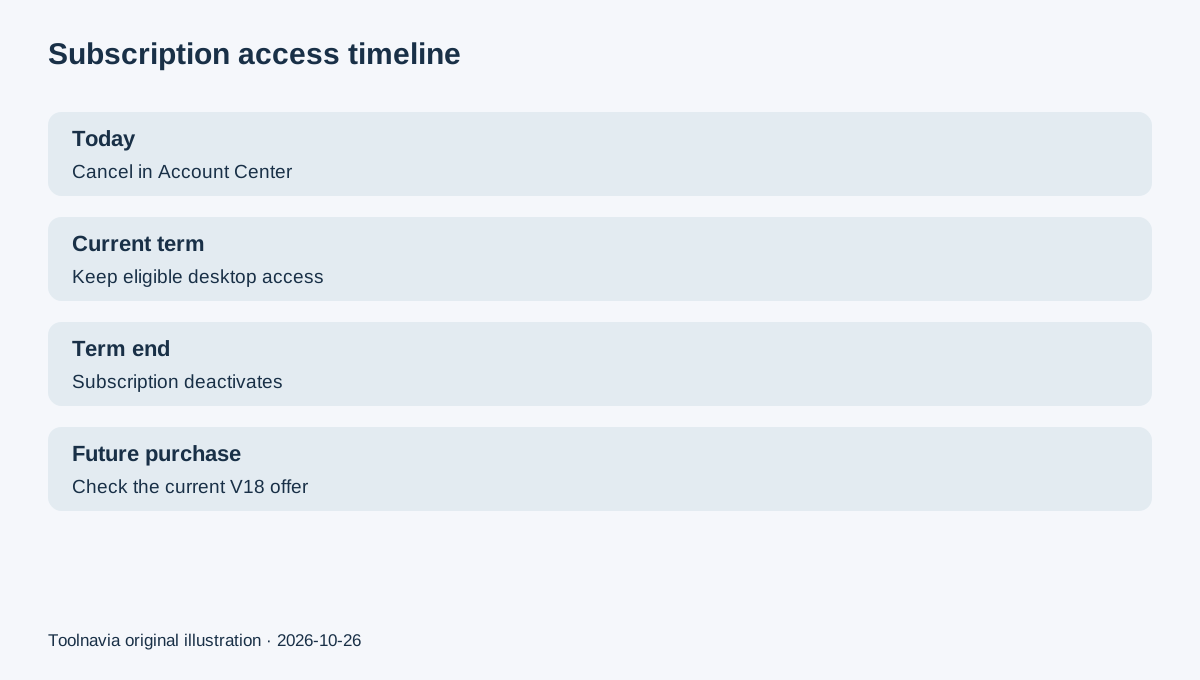
Sign in to Wondershare Account Center. Under **Plan & Products**, open **Manage Subscription**, select **Manage Plan** for the correct item, choose **Cancel Subscription**, give a reason and complete the final on-screen confirmation. Save a screenshot or confirmation email, then re-open the account to verify the status.
Wondershare says the one-year UniConverter subscription can be canceled and that a notification email is sent seven days before the end. Treat that email as a reminder, not the only safeguard: set your own calendar reminder and retain the order date.
Cancellation should leave the service active through the contracted term. It is therefore normal for a canceled annual subscription to remain usable until its paid end date; this is not proof that renewal is still active.
Refund review is a different action
Wondershare's broad “30-Day Money Back” wording is conditional. Its refund policy says most direct purchases can request review within 30 days, but approval depends on accepted circumstances, product, seller, use and applicable consumer rights. A request inside 30 days is not a no-questions-asked guarantee.
The current subscription terms add an important boundary: the 30-day policy does not apply to auto-renewal charges. Do not tell support only that you “forgot to cancel” and assume the renewal will be refunded. State the exact charge date, renewal status and policy-grounded reason, and ask for an eligibility decision.
If Wondershare approves a refund, access, license rights or credits associated with the refunded order may be deactivated. Used AI credits or other consumed entitlements can also affect eligibility. Back up necessary project data before requesting reversal, but do not use or consume more benefits merely to preserve a claim.
Route the request to the seller
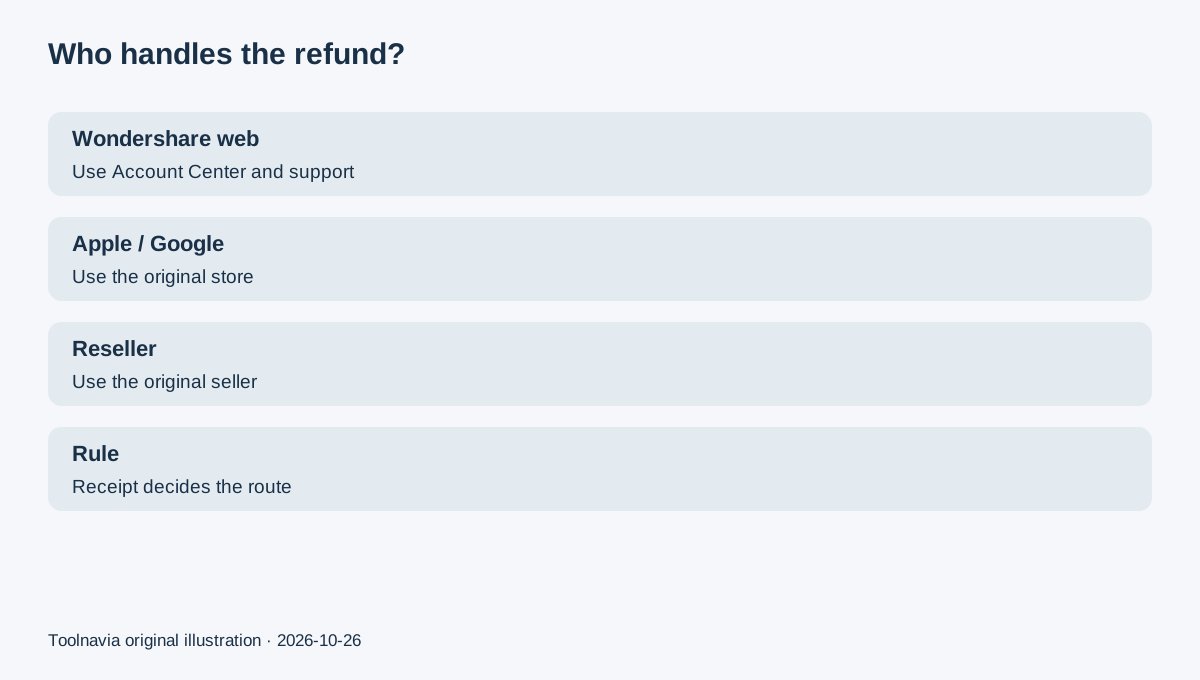
For a direct Wondershare web order, use Account Center and Wondershare support. For Apple, Google Play or another reseller, use that seller's refund route. Wondershare's policy explicitly routes third-party purchases back to the seller.
User-review sites show that buyers often confuse cancellation confirmation with refund approval or contact the wrong billing channel. Those reports are anecdotal, but they support one practical rule: attach the receipt, cancellation proof and a concise timeline to the first request.
Evidence packet
Prepare: order number; seller; product/version/platform; initial or renewal charge; charge date; cancellation date; account status; exact policy reason; screenshots; and prior support messages. Ask two separate questions: “Is future renewal canceled?” and “Is this charge eligible for refund under the current policy?”
Decision
Choose **cancel only** if you want to stop the next term and use the remaining paid access. Choose **cancel plus refund review** only when a direct charge may match the published conditions. Choose the **original seller route** for app-store or reseller billing.
The registered commercial association is the approved UniConverter 17 Windows yearly offer. Because UniConverter 18 is now current, the exact internal route may land on a current product or checkout. Verify product version, platform, term, renewal wording and final total before paying; the article does not expose a raw tracking URL.