TOOLNAVIA / BUYING GUIDE
TotalAV Cancellation vs Refund: Why Turning Off Renewal Is Not Enough
The short answer
TotalAV Plus is sold as an auto-renewing subscription, so the renewal state in your account matters before the next charge. TotalAV treats cancellation and refund as two different actions: turning off auto-renewal stops future charges, but it does not automatically return the payment you just made.
At a glance
- Best for
- A buyer who wants a clear exit plan and knows whether they need to stop future billing, request a qualifying refund, or both.
- Price model
- Annual/biannual refund window generally 30 days; monthly/quarterly/add-ons generally 14 days
- Check first
- Cancellation is not a refund; app-store purchases follow store policies.
Cancel when the goal is to stop the next bill
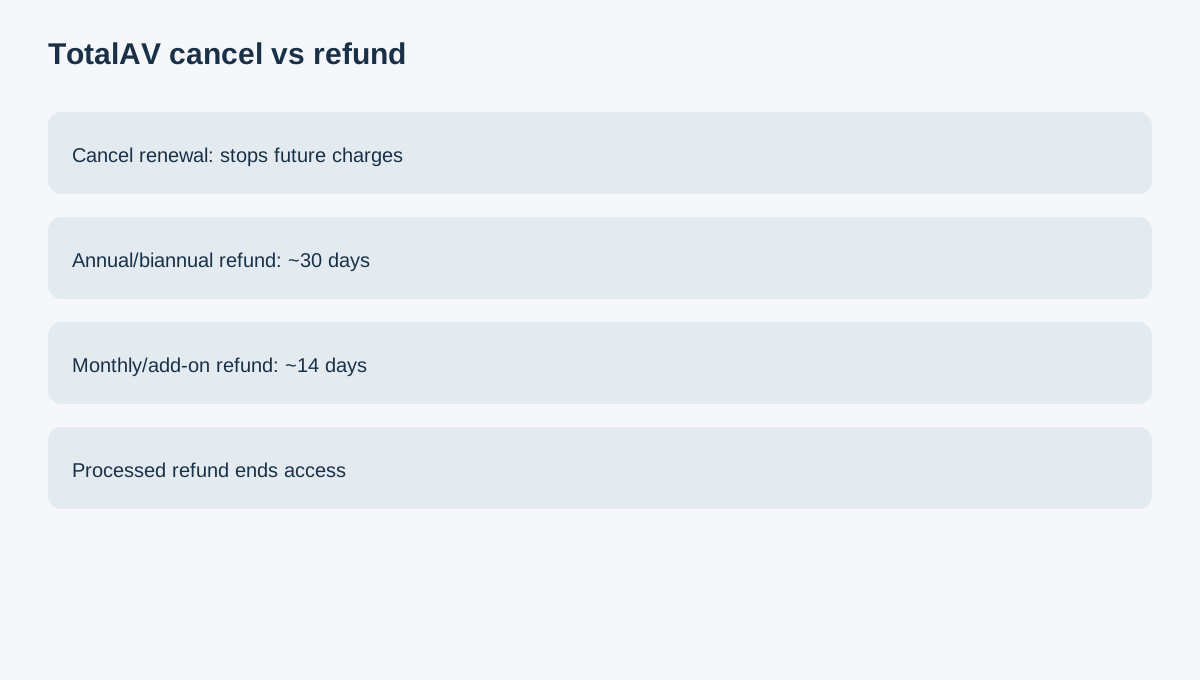
If you are satisfied with the current paid period but do not want another renewal, cancel auto-renewal. This is the cleanest path when the only goal is preventing the next charge.
Do not assume the cancellation button creates a refund request. TotalAV explicitly says it does not.
Annual plans generally use a 30-day refund window
TotalAV currently says annual or biannual subscriptions are generally eligible for a full refund when the request is submitted within 30 days of the initial purchase or renewal date.
That means timing should be measured from the actual charge date, not from when you noticed the subscription in your account.
Monthly and add-ons usually have only 14 days
Monthly, quarterly and add-on services generally use a 14-day window. A buyer who waits several weeks after a smaller recurring charge can therefore lose a refund path that would still exist on an annual subscription.
Check the plan type and billing history in the TotalAV portal before contacting support.
A refund ends access
TotalAV says a processed refund requires full termination of the plan and access ends immediately. This is different from simply disabling auto-renewal, where the existing paid term can continue.
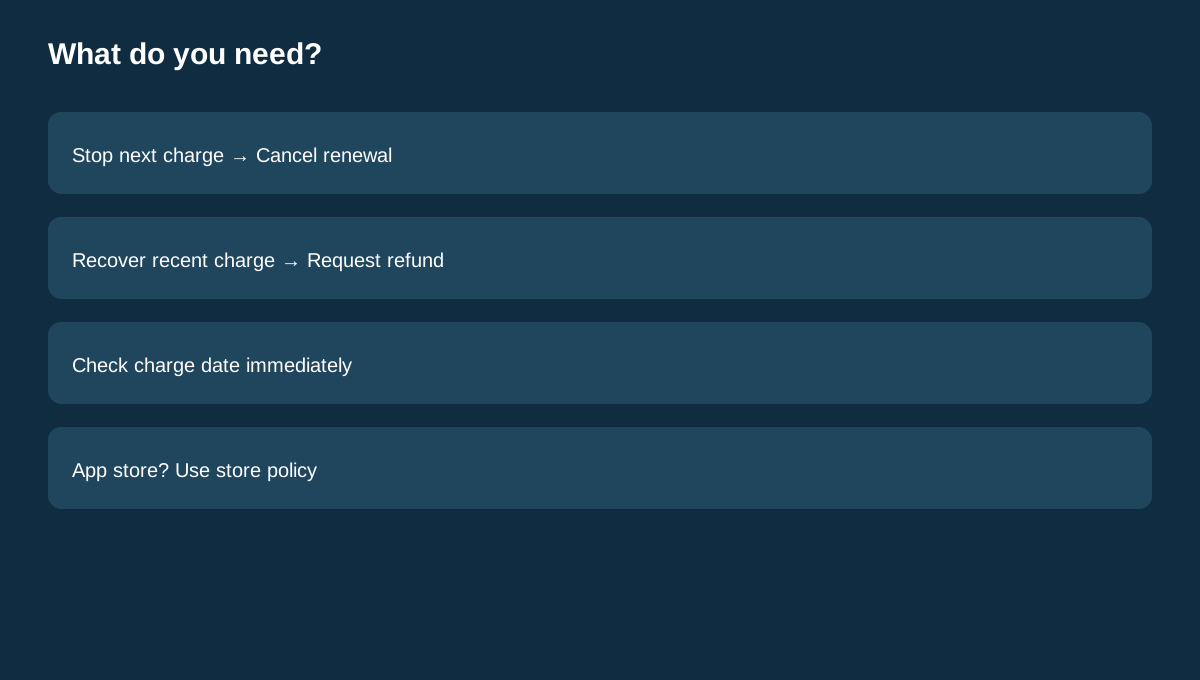
So the decision is: - cancel renewal if you want to keep the current term but stop future billing; - request a refund if you want the recent eligible payment returned and accept losing access.
App-store purchases are different
If the subscription was purchased through Apple App Store, Google Play or another app store, refund requests must be handled through that store's policy rather than TotalAV's normal direct-billing flow.
Compare other security subscriptions
Norton, Avast and Bitdefender also use auto-renewing consumer-security subscriptions, but their refund windows and billing rules differ. Never copy another antivirus vendor's cancellation timeline onto TotalAV.
TotalAV has a public affiliate program, but Toolnavia approval and tracking are unverified.
Buying rule
To stop the next TotalAV charge, cancel auto-renewal. To recover a recent payment, separately request a refund inside the applicable window—generally 30 days for annual/biannual plans and 14 days for monthly/quarterly/add-ons—and expect access to end if the refund is processed.