TOOLNAVIA / BUYING GUIDE
SSD Fresh vs PC Fresh: Which €29.95 Abelssoft Tool Should You Buy?
The short answer
**Quick verdict:** choose **SSD Fresh** for SSD health, temperature and write activity; choose **PC Fresh** for Windows startup, services, RAM and settings.
Both official English pages displayed **€29.95** on October 15, 2026. Verify tax, currency and license terms in the exact official checkout. [Check SSD Fresh](/go/abelssoft-ssd-fresh-en) or [check PC Fresh](/go/abelssoft-pc-fresh-en).
At a glance
- Best for
- Windows users choosing SSD monitoring or broader startup/service tuning.
- Price model
- Both display €29.95; separately €59.90 before tax
- Check first
- No hands-on benchmark; SMART cannot predict every failure; live checkout controls.
Same price, different bottleneck
SSD Fresh is drive-centered. Its current page lists SMART analysis, temperature, operating hours, write operations, live write-activity analysis and one-click SSD-related settings. PC Fresh is Windows-centered: recommended settings, startup control, service management, RAM optimization, system information and Power-Now.
The displayed list price is €29.95 for each, or **€59.90** if bought separately before tax. That arithmetic is only a planning baseline. Abelssoft can run short promotions, tax and currency vary, and a reseller can use different license language. The live cart controls the actual price, license and update entitlement.
Choose SSD Fresh for drive visibility
SSD Fresh fits when you want one consumer dashboard for SSD temperature, SMART attributes, operating time and heavy writers. The paid Plus value is the background guard, advertising-free experience, support and at least six months of updates; the trial page says the background guard is unavailable.
That value is monitoring and convenience—not a backup, repair tool or promise that a drive will never fail. Vendor copy uses strong lifespan and failure-prevention language, but SMART data is evidence to investigate, not insurance.
Keep tested backups and replace a drive when diagnostics, vendor tools or repeated errors justify it. Independent reviews and current listings likewise focus on status, activity and settings rather than guaranteed recovery.
If you only need occasional health checks and understand technical tools, free SMART utilities may cover part of the job. SSD Fresh becomes easier to justify when its readable dashboard and continuous guard replace a recurring manual workflow.
Choose PC Fresh for Windows overhead
PC Fresh fits a different problem: a machine that starts too many programs, runs unnecessary services or needs repeatable access to performance settings. It groups startup entries, background services, system information, RAM tools and one-click recommendations.
The benefit is workflow consolidation. It cannot repair a worn SSD, add physical RAM, cool an overheating processor or remove every malware infection. An independent 2026 review reaches the same practical boundary: the product can simplify tuning, but hardware and security faults need separate diagnosis.
The 30-day test version is therefore useful. Record boot-to-ready time and the apps you recognize, make only understood changes, restart, and repeat the same workload. A large dashboard number is not proof of a meaningful gain.

Compare the free Windows baseline
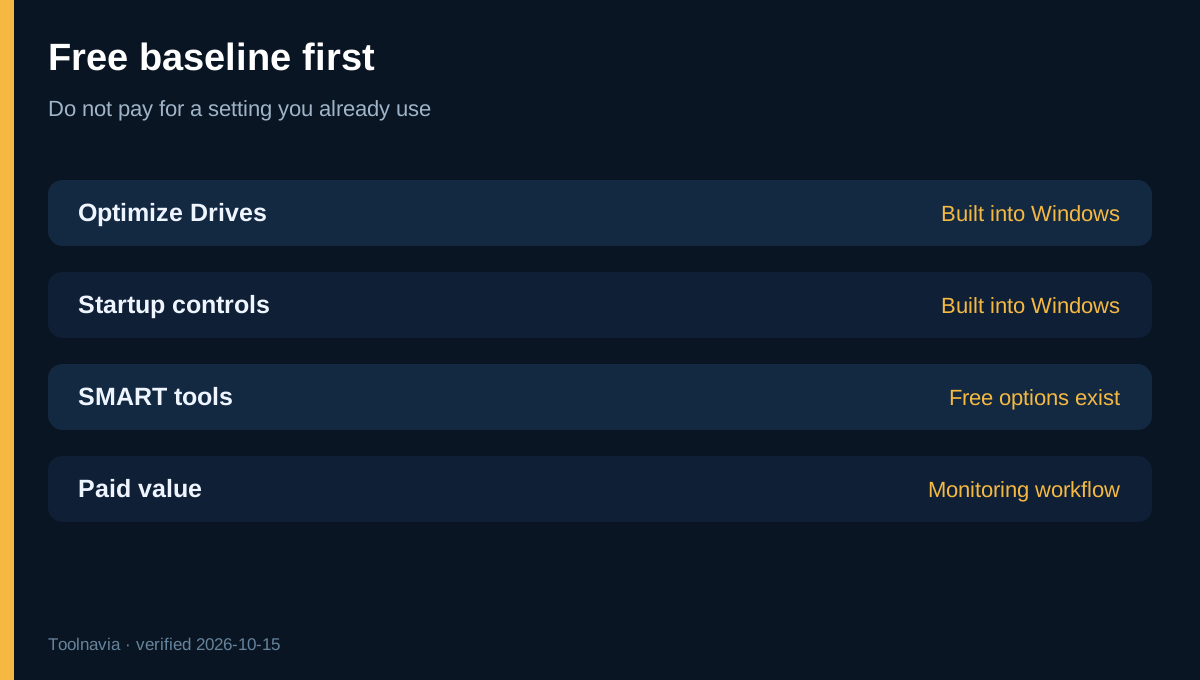
Windows already optimizes supported drives through Optimize Drives, while Microsoft publishes free checks for startup apps, storage, updates and resource use. Paid value must be more than access to a setting Windows already exposes.
For SSD Fresh, ask whether continuous consolidated monitoring saves time beyond Windows and a free SMART tool. For PC Fresh, ask whether recommendations and one interface save enough repeated work beyond Task Manager, Settings and Microsoft's guidance. If the answer is no, buy neither.
This baseline also prevents double counting. PC Fresh does not replace SSD health monitoring; SSD Fresh does not manage the broader startup and service workload.
Is buying both worth €59.90?
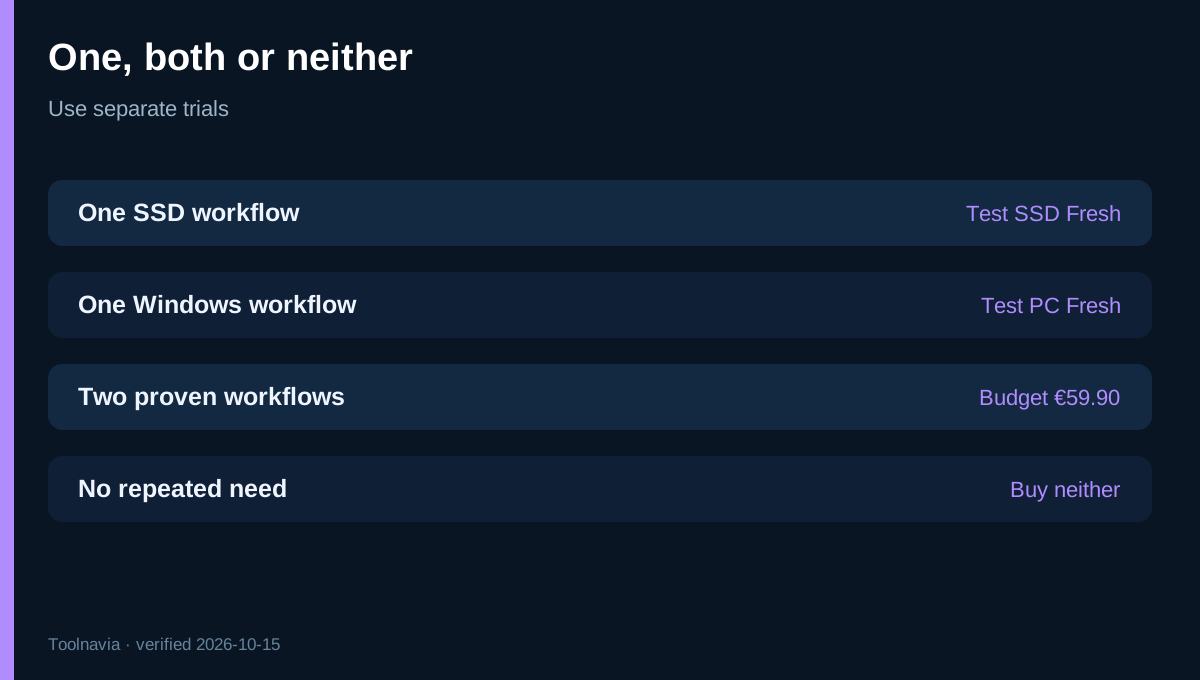
Buying both can make sense only when two separately measured needs exist: you actively monitor an important SSD **and** repeatedly manage Windows startup or services. At list price, the second purchase must save enough time or reduce enough uncertainty to justify another €29.95.
Use a simple break-even test. Estimate how many maintenance sessions you expect in a year and how many minutes the paid workflow would save. Ten sessions saving fifteen minutes equal 2.5 hours. That does not prove value, but it makes the decision concrete.
Do not buy both because the names sound related. Start with the dominant problem, test one product, and add the second only if a separate unresolved workflow remains.
Risks, license terms and trial plan
Both official pages promise at least six months of updates, not lifetime upgrades. A reseller currently advertises SSD Fresh with lifetime-license wording in another market. Treat those as channel-specific offers and verify the exact cart instead of combining the best terms from different sellers.
Before making system changes, create a current backup and note the original setting. For SSD warnings, confirm with the drive maker's diagnostic tool where available. For PC Fresh, avoid disabling a service you cannot identify. Do not test both products at the same time; separate trials make improvements and problems attributable.
Which one should you buy?
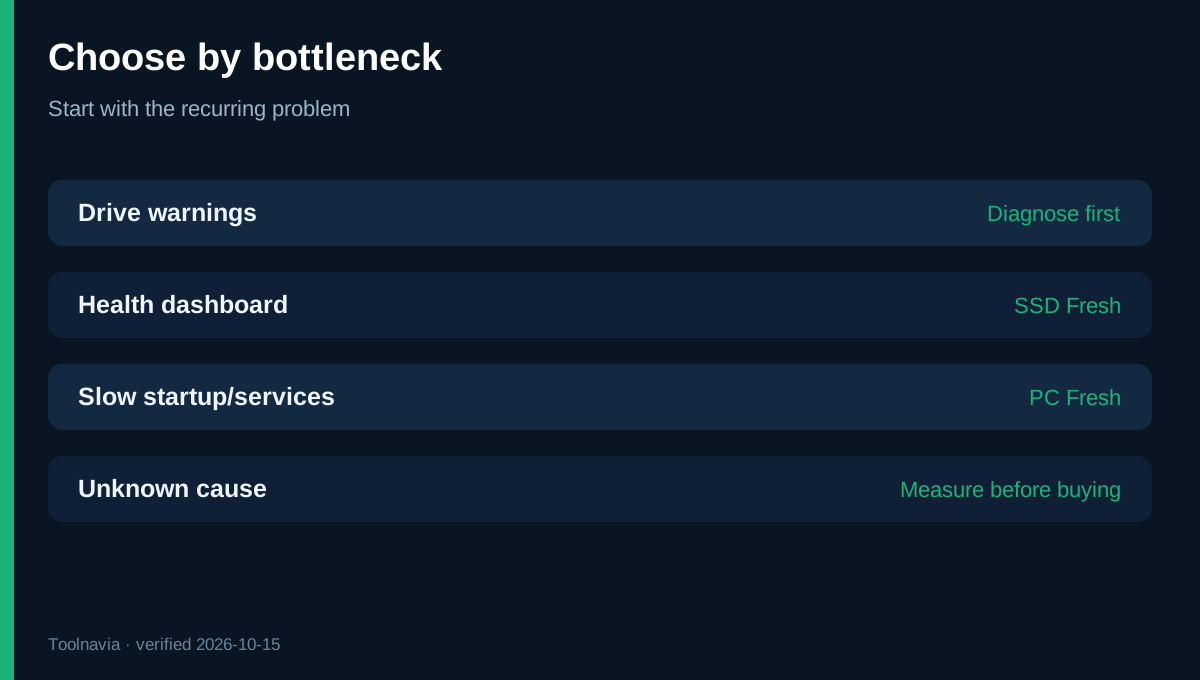
Choose **SSD Fresh** for SSD health, temperature, write activity and a persistent monitoring workflow. Choose **PC Fresh** for startup entries, services, RAM and Windows settings. Choose **both** only after two separate trials prove two recurring jobs. Choose **neither** when Windows and free SMART tools already provide enough visibility and control.
Both exact Toolnavia offers are approved, enabled and matched to the correct products. No coupon, lifetime upgrade, failure prevention or guaranteed speed claim is made.
**Bottom line:** the deciding question is not which product is “better.” It is whether you need a drive monitor or a Windows tuner—and whether the trial proves that convenience is worth €29.95.