TOOLNAVIA / BUYING GUIDE
PC Fresh vs WashAndGo: Which Windows Tool Should You Buy?
The short answer
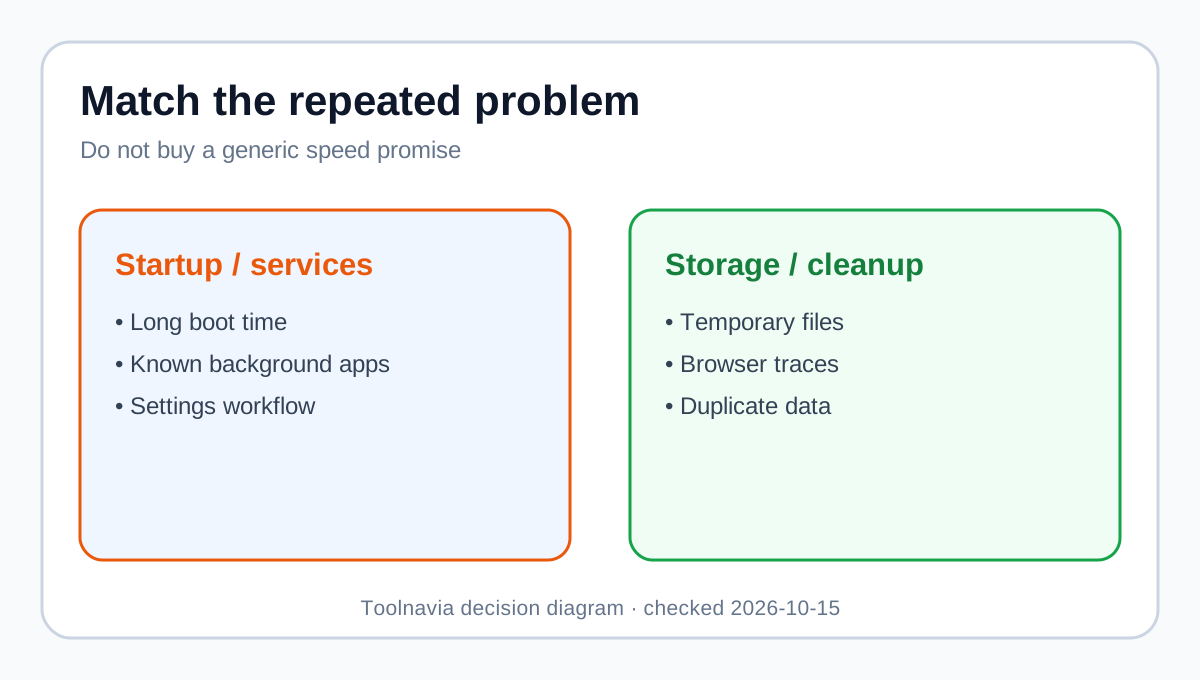
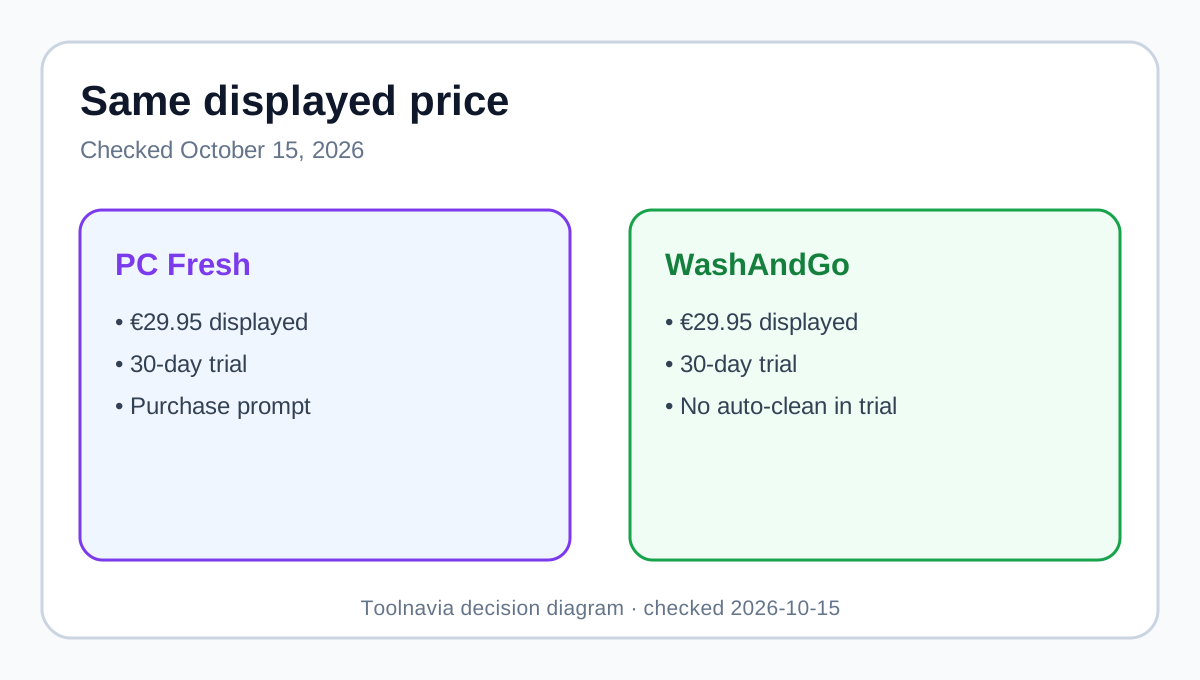
**Quick verdict:** Buy **PC Fresh** when the recurring problem is Windows startup apps, background services, memory pressure or system settings. Buy **WashAndGo** for junk files, browser traces, application leftovers, duplicate files or scheduled cleanup. Both English product pages displayed **€29.95** on October 15, 2026, so this is a choice between different jobs, not cheap and premium tiers.
At a glance
- Best for
- Windows users choosing startup/service tuning or file/storage cleanup.
- Price model
- Both display €29.95; €59.90 separately before tax
- Check first
- No hands-on benchmark; live checkout controls.
Same displayed price, different job
Each current page showed €29.95 before tax. Buying both separately at those displayed prices totals **€59.90**. A live cart may apply another promotion, tax or currency, so verify the order instead of relying on an older deal page.
Both offer a 30-day test version. PC Fresh shows a purchase prompt at launch; WashAndGo disables automatic cleaning in its trial. Full versions include at least six months of updates, but that does not promise lifetime upgrades. Live checkout and the terms control the actual license.
Choose PC Fresh for startup and service tuning
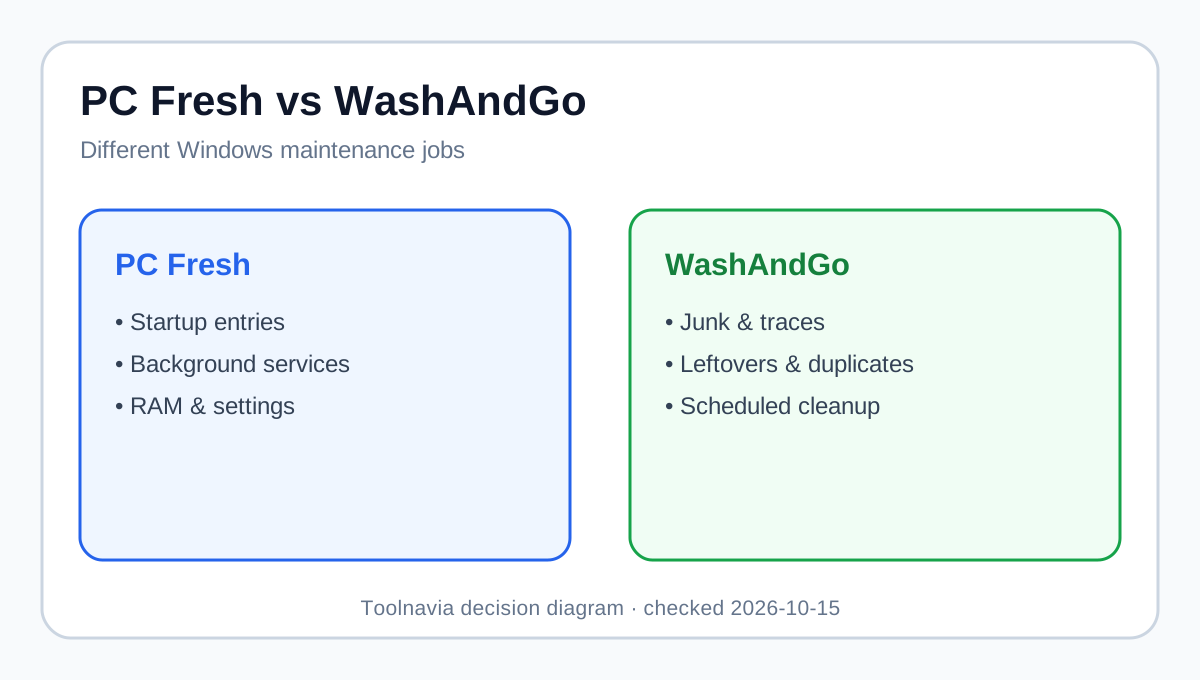
PC Fresh groups recommended settings, startup control, system information, RAM optimization, background-service management and Power-Now. Its value is convenience: several Windows tuning decisions sit in one interface.
No recommendation guarantees a faster PC. Slow storage, insufficient RAM, thermal throttling, malware or failing hardware need diagnosis, not a tuning button. Microsoft already supplies free startup and performance guidance. Independent reviews also frame PC Fresh around processes, services, RAM and guided settings, while warning that hardware or malware needs another remedy. PC Fresh fits when boot and background workload are repeated pain points, you understand what will be disabled, and the guided workflow saves time. It is weaker when the only goal is reclaiming disk space.
Choose WashAndGo for files and recurring cleanup
WashAndGo targets temporary data, browser traces, program leftovers and duplicates. Its page lists express, intensive and radical scans, a safety-backup choice, disk analysis and scheduled cleaning. The paid value is therefore a repeatable cleanup workflow, not one scan.
Windows Storage Sense already handles some cleanup for free. WashAndGo becomes defensible when broader categories, duplicate search, review screens and automation save recurring effort. Review every category: its backup is a cleanup safeguard, not a full system image.
Softpedia describes caches, logs, registry entries, unused files and scheduling. An older CHIP test likewise frames WashAndGo as a decluttering tool, but is not used for current price or version claims. Computer Bild found strong cleaning but warned that freeing space did not automatically produce a noticeable speed gain.
They complement each other, but most buyers need one
Computer Bild says WashAndGo handles data waste while PC Fresh handles other optimization work. A separate 2026 review also calls cleanup a distinct WashAndGo product.
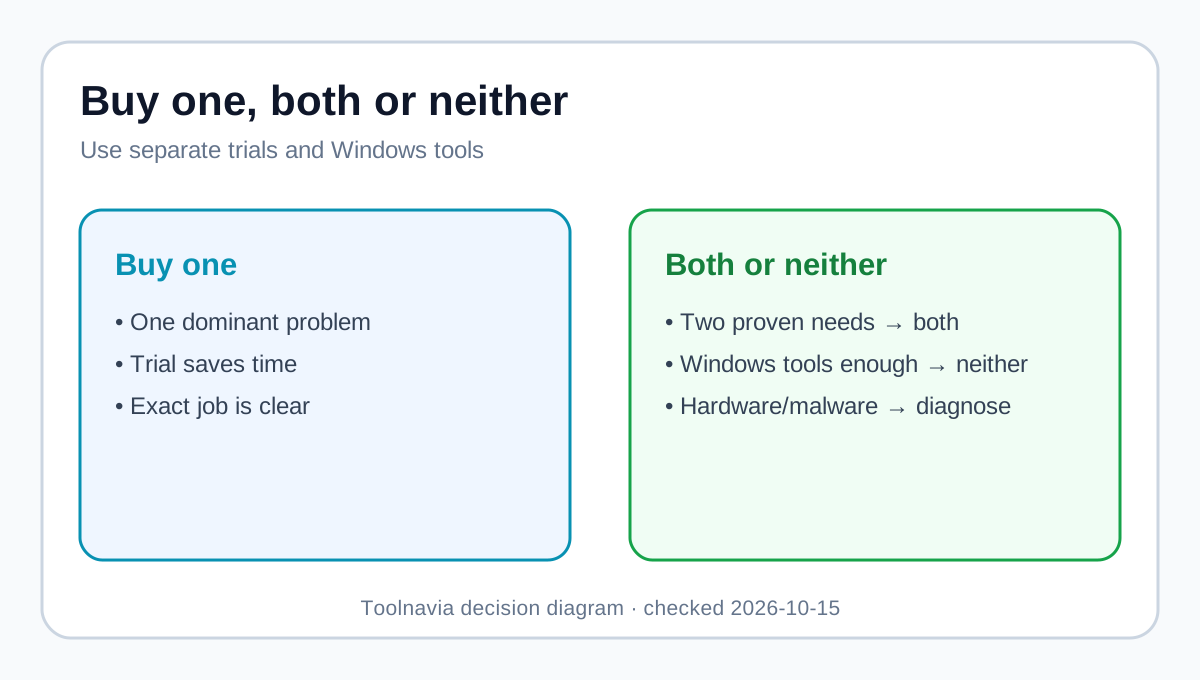
That does not make a two-app purchase automatic. At displayed list prices the combined path is €59.90. Buy both only after separate trials prove two recurring needs: startup/services/settings and cleanup/storage. If one problem dominates, buy one. Do not double-count benefits: deleting files does not fix startup services, and disabling startup items does not recover much disk space.
Run a measured trial
Record boot-to-ready time, free storage, and recognizable background apps before installing anything. Back up important data. Test PC Fresh first for startup or service problems; apply only understood changes, restart and repeat the same work. Test WashAndGo first for storage; inspect proposed categories and exclude unclear items.
Do not let both tools change the system simultaneously. Separate tests make improvement or trouble attributable. A trial succeeds only when the repeated workflow becomes easier, not merely when a dashboard reports a large number.
When neither product is the right fix
Do not use a tuner or cleaner as the first response to crashes, drive warnings, overheating, malware alerts or unexplained data loss. Those symptoms call for hardware health checks, security scanning or professional repair. A cleanup utility also should not delete categories you cannot identify, and a service tuner should not disable processes you do not understand.
For a healthy PC with only occasional clutter, Windows’ startup controls and Storage Sense may be enough. The paid products earn their place when the same maintenance task repeats, the trial demonstrates a clearer workflow, and rollback or backups are understood. This boundary matters because convenience is a legitimate benefit, but it is different from repairing a defective computer.
Which should you buy?
Choose **PC Fresh** for startup items, services, RAM and settings. Choose **WashAndGo** for repeated junk cleanup, traces, leftovers, duplicates and scheduled scans. Choose **neither** when Windows tools suffice, the issue is hardware or malware, or you cannot safely review changes.
Both exact Toolnavia offers are approved and point to matching products. No coupon or guaranteed speed increase is claimed. Verify price, tax, license, Windows support and update period before payment.
**Bottom line:** At the same displayed €29.95, PC Fresh tunes how Windows starts and runs; WashAndGo cleans what Windows and apps leave behind. Buy the workflow you will repeat.