TOOLNAVIA / BUYING GUIDE
SSD Fresh Current Version vs Saver Subscription: Which Should You Buy?
The short answer
**Quick answer:** SSD Fresh’s current official page shows **€29.95** and a Buy route containing `addOnce=43`, so **Current Version is the defensible default today**. Abelssoft’s terms say that license can be used indefinitely and includes six months of updates. Saver Subscription is a separate active-term right, but do not assume it is currently selectable—or attach a price to it—unless the live SSD Fresh checkout explicitly shows it. [Check the approved SSD Fresh offer](/go/abelssoft-ssd-fresh-en).
At a glance
- Best for
- SSD Fresh buyers deciding whether six months of updates are enough or active-term access has measurable value.
- Price model
- Official page showed €29.95 on 2026-10-26; checkout controls
- Check first
- Live checkout controls option availability, tax, final price and renewal terms.
The two licenses answer different questions
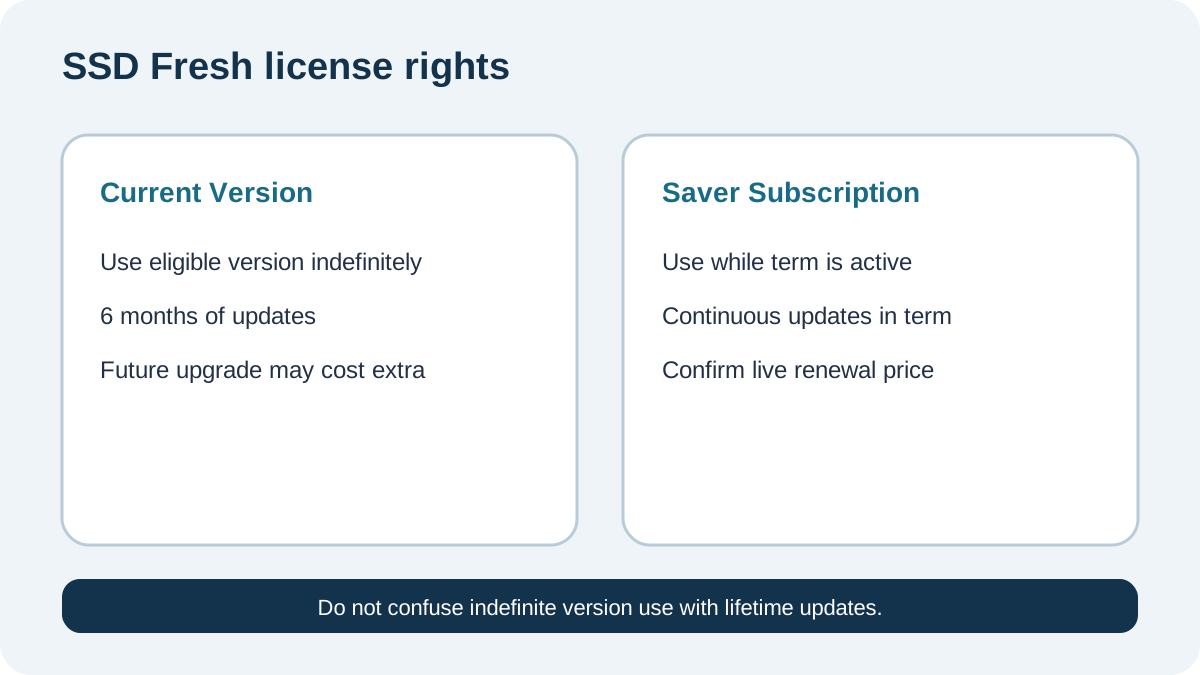
Current Version buys continuing use of the eligible purchased version. Updates and subsequent versions are included for six months; after that, the purchased version remains usable, while a later upgrade may cost extra.
Saver Subscription buys continuity. It is usable only while the subscription is active, with updates and subsequent versions during that term. Abelssoft may change a subscription price with at least four weeks’ notice under its stated process.
The same terms define Lifetime Updates separately. A generic license category is not proof that every SSD Fresh checkout offers it. Availability is controlled by the exact order page. A separately hosted copy of Abelssoft’s product license reproduces the same license categories and one-computer boundary, but the live Abelssoft terms remain controlling.
What the current SSD Fresh page proves
The official English page now lists **SSD Fresh 2027 (v2027.16.02)** at **€29.95**. It describes real-time condition, temperature, S.M.A.R.T. and write-activity views. Plus includes at least six months of updates and new versions, email support and an ad-free experience; the trial has donation prompts and no background guard.
This article assumes you already tested whether that paid workflow is useful. Toolnavia’s existing SSD Fresh guide covers monitoring value. Here the buying question is narrower: how much future-version dependence should you accept?
The Buy button resolves to an `addOnce=43` checkout, which supports treating the visible direct path as a one-time/current-version route. The checkout itself requires JavaScript, so the final license label, tax, currency and available alternatives must still be read before payment.
Why older pages disagree
Current independent listings still show SSD Fresh 2026. PC-WELT lists v2026.15.05 and describes a free edition; Softonic lists v2026.15.03 as free. They can explain the downloadable baseline, but they do not override the current official 2027 page.
Ashampoo separately sells an SSD Fresh 2026 lifetime license with its own price and guarantee. That is a seller-specific order, not the same exact Abelssoft checkout or Toolnavia offer. Compare seller, edition, license checks, refund terms and upgrade rights before treating it as equivalent.
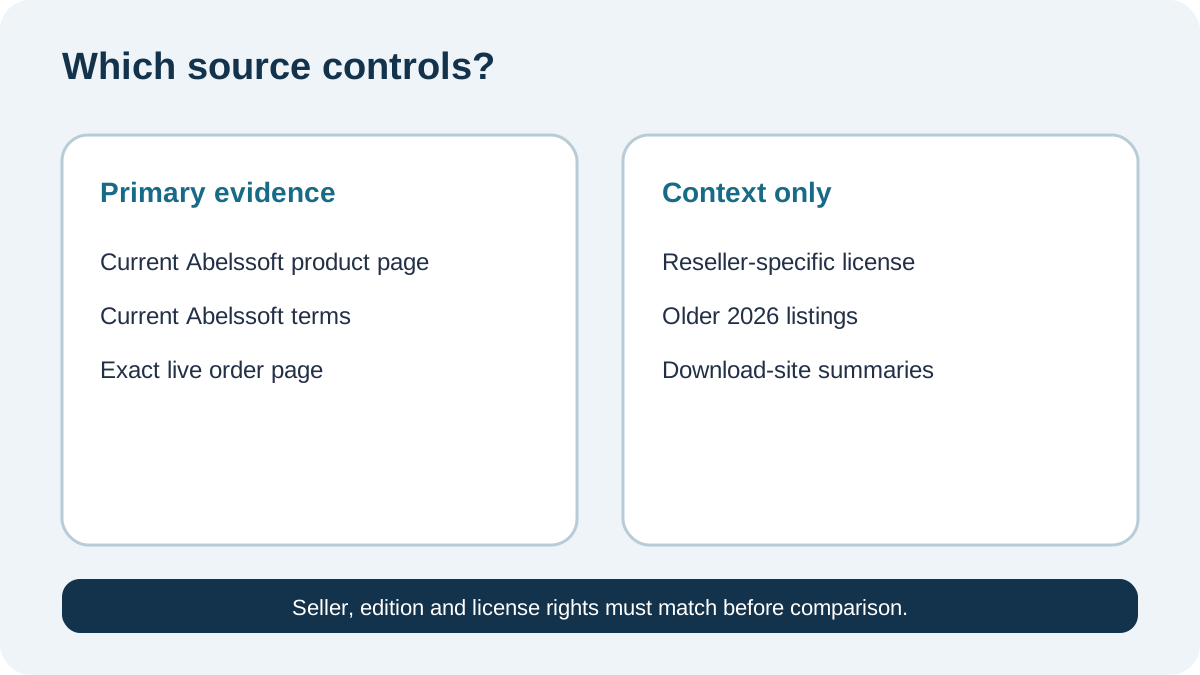
The practical rule is simple: current Abelssoft product and terms pages control this article; reseller and download pages are context.
When Current Version is the better buy
Choose Current Version when the 2027 release passes your real PC test, the background guard or interface solves a current problem, and you can decide on future upgrades individually.
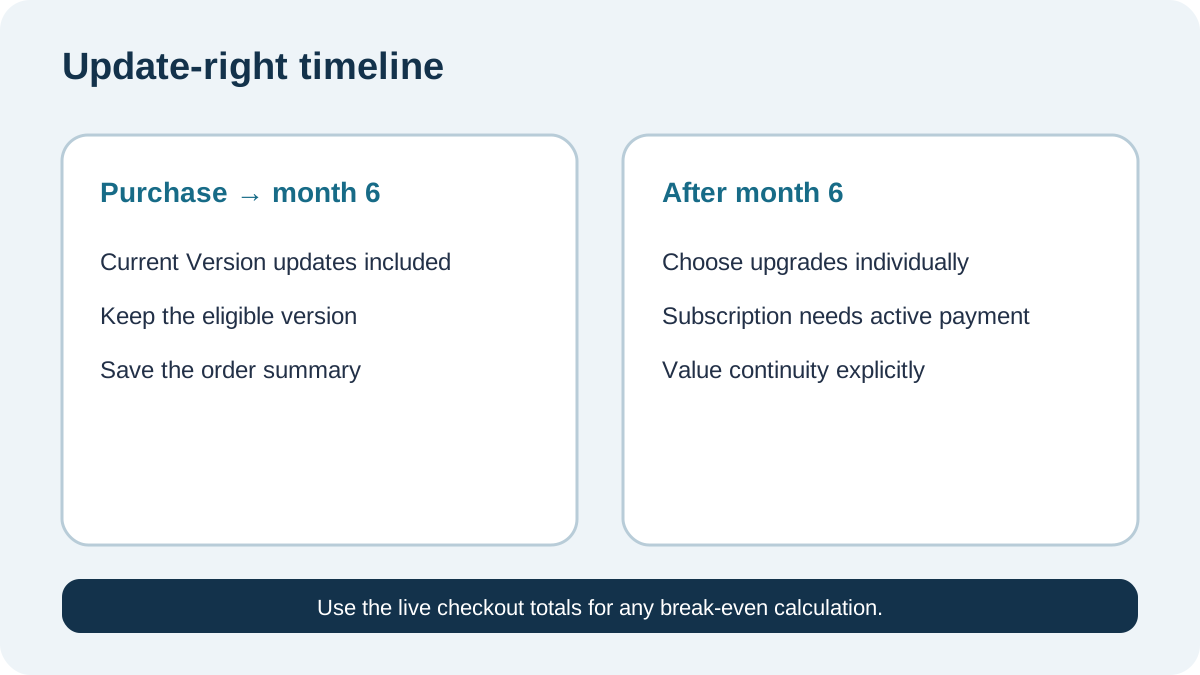
Its risk is bounded. You keep the eligible version after the six-month update window, but you may miss later compatibility fixes or features. That trade is reasonable when your Windows and hardware setup is stable and the software is a convenience rather than a compliance requirement.
Do not call it “lifetime updates.” Unlimited-time use of one eligible version and lifetime access to all future versions are different rights.
When Saver Subscription could be rational
Subscription can make sense when remaining current has measurable value: a managed-PC policy requires supported versions, Windows changes often affect the workflow, or the cost of one compatibility interruption exceeds renewal.
Before choosing it, require the live order to show the exact billing interval, first-term total, renewal amount, cancellation method and whether use stops after cancellation. The public product page does not provide a readable current Saver price, so a fixed break-even month would be false precision.
Use this formula with live totals:
**subscription cost over your planned term − current-version total − expected paid upgrades = price of continuity**
If continuity has no named benefit, subscription dependence is not justified.
One-computer and withdrawal boundaries
Abelssoft’s general license permits use on one computer and says rights may not be transferred. Do not assume a second PC, shared household use or self-service transfer. Ask support before buying if hardware replacement is imminent.
The terms describe a 30-day withdrawal path for digital goods, but service execution and consent language can affect rights. Keep the order confirmation and act promptly; this article is not legal advice.
Final decision checklist
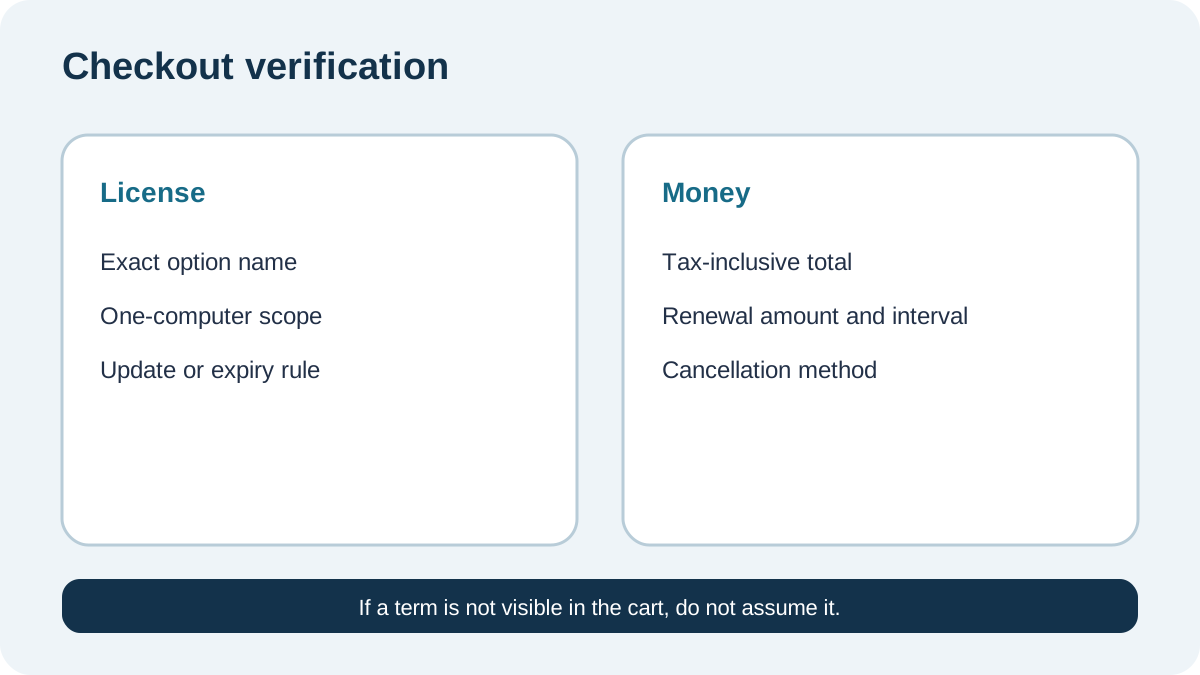
Confirm five items in the live cart: exact license type, one-computer scope, update window, renewal/expiry behavior, and final tax-inclusive total. Save the order summary.
Default to Current Version because the current official route visibly points to an add-once purchase and the terms preserve use after the update window. Choose Saver Subscription only if it is actually offered in your market and continuous updates solve a cost you can name.
**Bottom line:** buy SSD Fresh for a monitoring workflow you already validated, then pay only for the update right you need.