TOOLNAVIA / BUYING GUIDE
FileFusion Current Version vs Saver Subscription: Which License Should You Buy?
The short answer
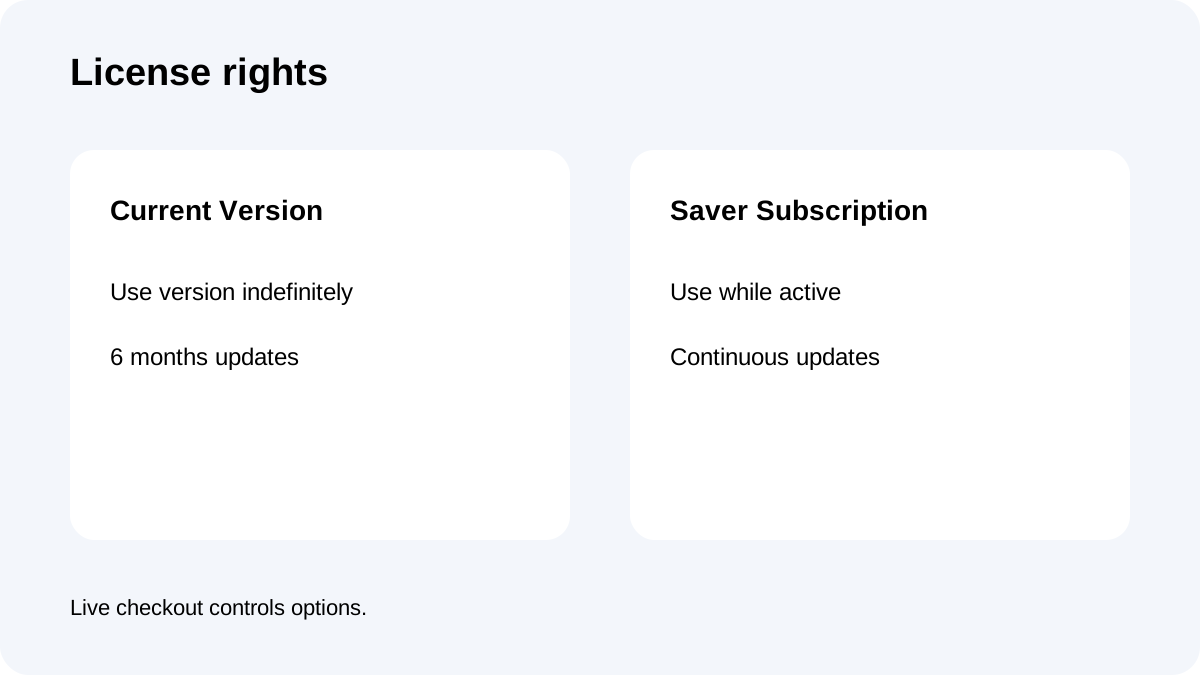
**Quick answer:** Choose FileFusion **Current Version** when today's release already solves the duplicate-file problem and you can decide later whether a future upgrade is worth paying for. Choose **Saver Subscription** only when continuous new-version access has measurable value. Abelssoft says Current Version can be used indefinitely with six months of updates, while Saver Subscription use lasts only while the subscription is active. [Check the approved FileFusion offer](/go/abelssoft-filefusion-en).
At a glance
- Best for
- Buyers deciding whether continuous updates justify subscription after trial.
- Price model
- Official €29.95 reference; checkout controls
- Check first
- Live checkout controls renewal and availability.
These licenses buy different rights
Current Version includes unlimited-time use of the eligible purchased version and six months of updates and subsequent versions. After that window, the version does not suddenly become a subscription; you can keep using it, but later upgrades may cost extra.
Saver Subscription is usable during an active subscription and includes updates and subsequent versions throughout that term. It buys continuity rather than permanent access to every future release.
Abelssoft's general terms also define a separate Lifetime Updates category. Do not assume FileFusion offers it merely because the category exists. Only treat a license option shown in the live FileFusion checkout as available.
What the current product page confirms
The official English page shows **€29.95**, version 2026 (v2026.8), Windows 11 through Windows 7 support, unlimited Full Version usage and six months of updates/new versions. Its test version cleans up to 1GB of duplicates and does not include support.
These are public-page facts, not a universal checkout quote. Tax, currency, promotions and license choices can differ by market. Verify the final order summary.
Toolnavia's existing FileFusion page covers hardlink storage reduction, editor behavior and the 1GB trial. This page answers the next buying question: once the product passes your test, which license right should you fund?
Why public prices conflict
The official page displays €29.95. A current Markt+Technik chooser presents Saver Subscription and one-time-purchase paths, but its promotional figures differ. SourceForge reports a lower one-time starting price, while another reseller review describes a discounted yearly Saver Subscription.
These are not interchangeable quotes. Differences may come from seller, promotion, currency, date or checkout route. They confirm that multiple models exist; they do not establish one universal price. The live official checkout controls the price, renewal, tax and cancellation terms.
A fixed 24-month break-even would be false precision because a stable renewal amount was not independently verified. Instead calculate:
**subscription total for your planned term − live one-time total = cost of continuous updates**
If that difference is smaller than the value of updates you expect to use, subscription can be rational. Otherwise, Current Version is the safer default.
Choose Current Version when the task is stable
Current Version fits when today's release passes your actual workflow, your Windows/storage setup is stable, six months covers near-term fixes, and you can stay on the purchased version afterward.
It is a bounded purchase: duplicates exist now, the current version passes an expendable-folder test, and no policy forces every future upgrade.
A one-time license is not the same as lifetime updates. Unlimited-time use applies to the eligible version; upgrades after the included window may cost extra or may not be needed.
Choose Saver Subscription for repeat update value
Saver Subscription fits managed PCs, frequent Windows changes, policies requiring current versions or compatibility risk that costs more than renewal.
Abelssoft says subscription price changes require at least four weeks' notice. An objection may preserve earlier terms, but the company can terminate at term end. Read the renewal and cancellation language at checkout.
Do not subscribe only because the first-year price is lower. Promotions can reverse the comparison at renewal. Compare the total for the full period you expect to use FileFusion.
Three checks before paying
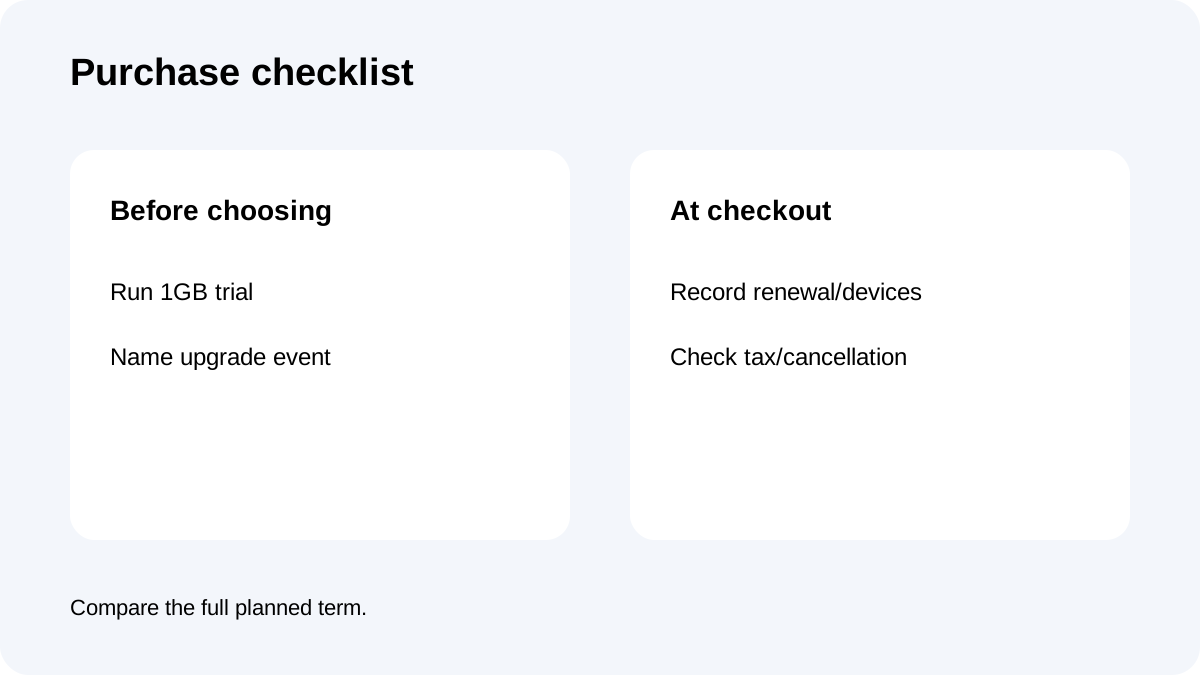
First, run the 1GB trial on an expendable folder and verify the duplicates that matter. The limit is enough for behavior testing but not proof of fleet-wide savings.
Second, name the event that would force an upgrade: a Windows release, compatibility failure, required fix or management policy. If no credible event exists, continuous updates may have little value.
Third, capture the live checkout: license label, device count, billing interval, renewal total, cancellation method, tax and refund terms. If your market shows only one option, do not infer that an absent option is available elsewhere.
**Other sellers are context, not the same order.**
Ashampoo's seller-specific FileFusion 2026 page says activation and repeated license checks require internet access. COMPUTER BILD has distributed a restricted 2026 edition without folder selection or auto-scan and excluding system files.
Such routes may change acquisition cost, but their rights and limitations are not automatically equivalent to Abelssoft direct checkout. Compare the exact seller, edition and license.
Final decision
Default to Current Version if the current release passes your test and you can approve future upgrades manually. Pay for Saver Subscription only when uninterrupted updates have measurable operational value and the live renewal remains acceptable.
**Bottom line:** one-time purchase buys long-lived use of a defined version; subscription buys continuity. Your update risk, planning horizon and verified checkout terms decide—not the duplicate-finding feature list.