TOOLNAVIA / BUYING GUIDE
Recoverit or Time Machine First? Check Backups Before You Pay
The short answer
At a glance
- Best for
- Readable authorized Mac storage with no usable copy and credible previews.
- Price model
- Observed $75.99 month, $79.99 year or $139.99 perpetual for two Macs; final cart controls.
- Check first
- Not for a valid backup, locked encryption, overwritten/TRIMmed data, unstable hardware or weak previews.
Verdict: restore a copy before paying to reconstruct one
If a deleted Mac file exists in Time Machine, an APFS local snapshot, iCloud Recently Deleted, app version history, another Mac, or an exported archive, restore that copy first. A backup is not the same as a recovery scan: it preserves a known version, while Recoverit searches readable storage for data that may still survive deletion, formatting, overwrite, SSD TRIM, encryption, or damage. The safest buying rule is simple: **do not pay for Recoverit until every plausible backup copy has been checked and the free scan can preview representative files from the exact source volume.**
This article uses the current approved Recoverit affiliate route. We may earn a commission if you buy through it, at no added cost to you. That relationship does not change the recommendation to restore a valid backup first, verify the final cart, and skip purchase when the evidence is weak.
Follow the least-destructive recovery order
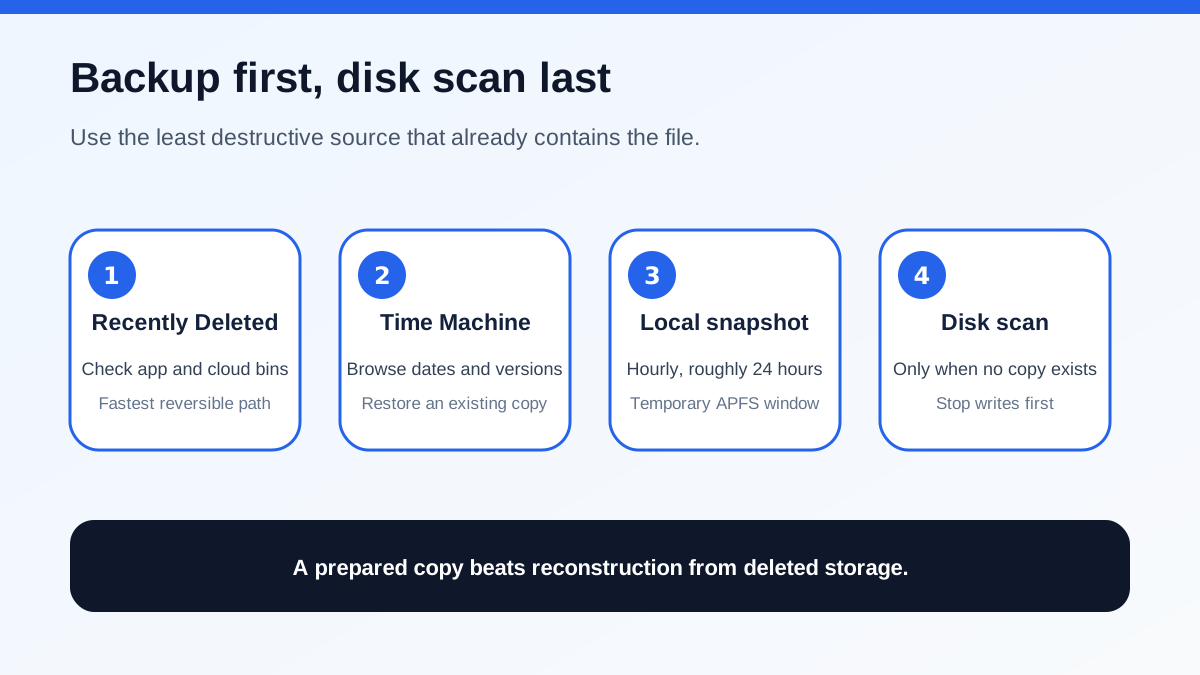
Start with reversible sources. Check the app's own Recently Deleted folder, macOS Trash, iCloud Drive or Photos retention, collaboration history, and document versions. Then open the folder where the file used to live and browse Time Machine. Apple says Time Machine can restore individual items or older versions to their original location; this is usually faster and more predictable than scanning an entire disk.
If the external Time Machine disk is not connected, open Time Machine anyway. On an APFS startup disk, a local snapshot may still contain the missing item. Only after those prepared copies fail should you consider scanning the original storage. At that point stop ordinary use, avoid downloads and updates, do not save new files to the source, and prepare a different physical drive for recovered output.
For a failing drive that clicks, disconnects, reports I/O errors, or becomes dramatically slower, stop repeated scans. Software activity can increase stress and does not repair hardware. A professional lab decision belongs before another DIY pass, not after many retries.
Time Machine and Recoverit solve different problems
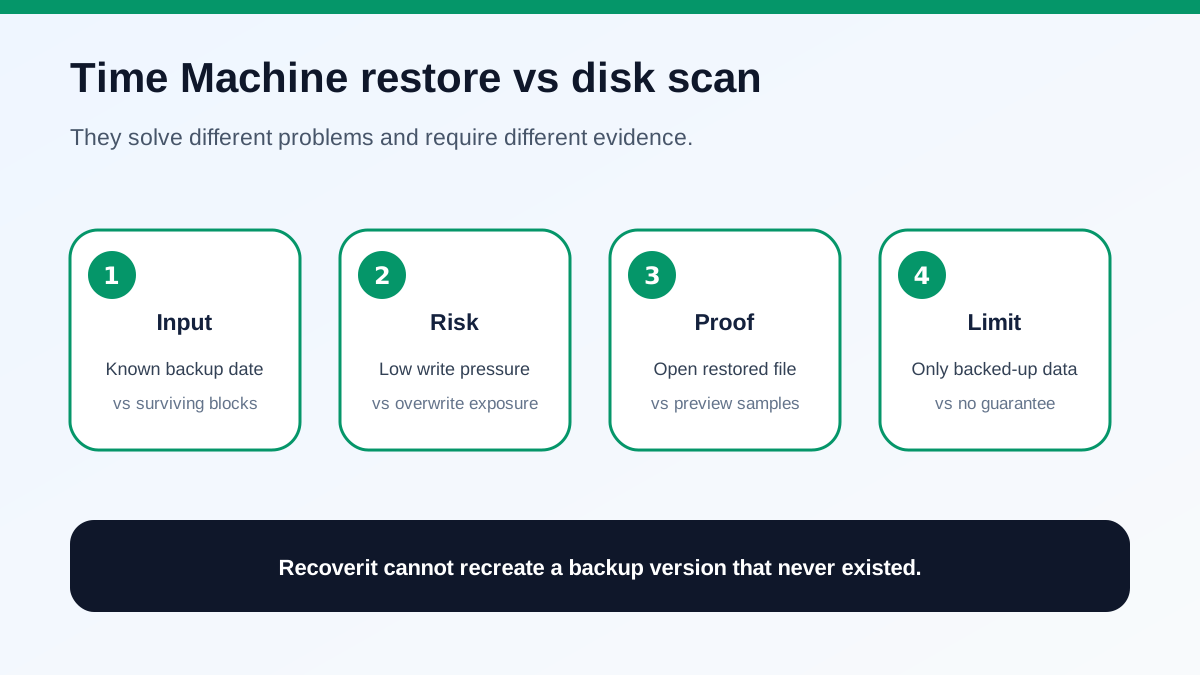
Time Machine restores a file that was previously copied into a backup or snapshot. Its proof is concrete: choose a date, restore the item, then open it in its native app and confirm content, metadata, and version. It can also migrate accounts or restore a broader system state when the backup supports that workflow.
Recoverit is a last-resort reconstruction tool for readable local storage when no usable copy exists. It scans file-system records and surviving content, then offers previews. It cannot manufacture a Time Machine version that was never backed up. It cannot reverse already overwritten blocks, guarantee deleted internal-SSD data after TRIM, bypass an unknown FileVault key, or make a mechanically failing device safe.
This distinction changes the purchase question. “Does Recoverit support APFS?” is not enough. The useful questions are: Was the file ever backed up? Is the source volume readable and unlocked? Has the Mac kept writing since deletion? Can the scan preview the exact high-value documents, photos, video, or project files you need?
Check the local-snapshot window now
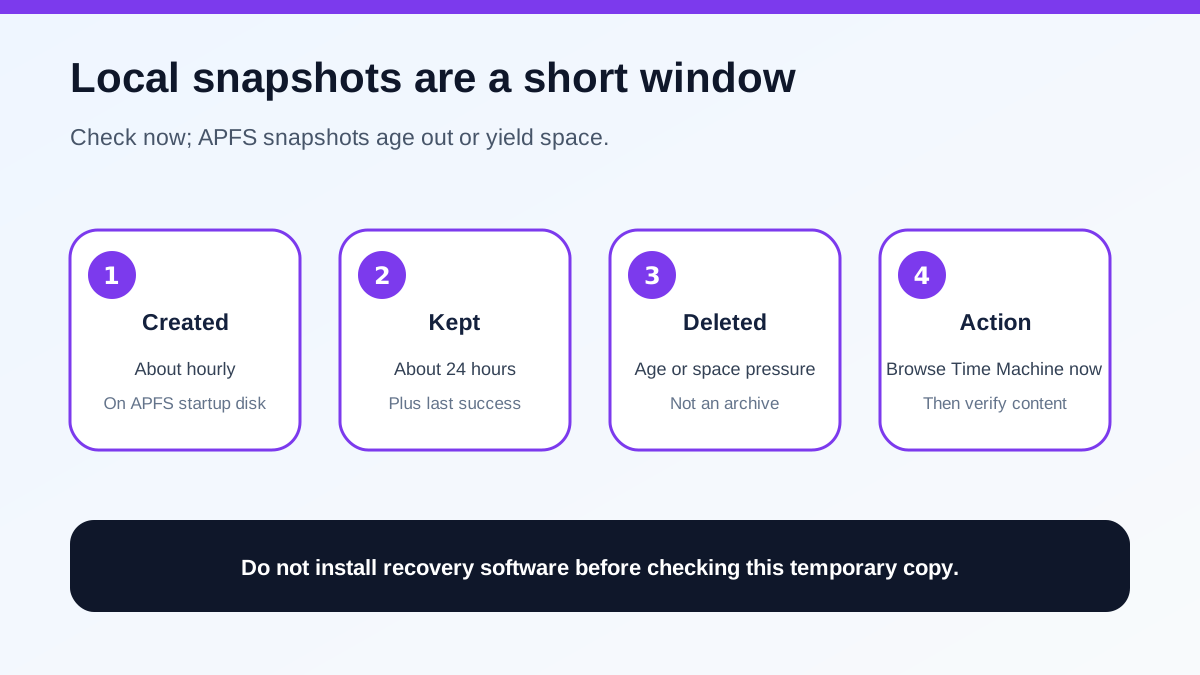
Apple says Time Machine generally creates a startup-disk snapshot about every hour and keeps it for 24 hours. It can also retain the last successful Time Machine snapshot until space is needed. These snapshots live on the same APFS disk, so they are convenient but temporary; they are not a substitute for an external backup.
Check them before installing recovery software on the affected internal drive. Installing an app, creating caches, syncing cloud folders, or allowing updates can generate writes while the snapshot or deleted blocks are still relevant. If a local snapshot contains the file, restore it and validate the result. If it does not, record the last known good date and original folder before moving on. Those details make later searches more precise.
A local snapshot is also not protection against physical loss of the Mac or internal disk. Once the incident is resolved, use an external or network backup. Apple recommends a Time Machine disk with at least twice the Mac's storage capacity, and older backups may be removed when the destination fills.
When a Recoverit scan is worth trying
A paid scan is rational only when four gates pass. First, the affected device is stable enough to read without repeated disconnects or alarming noises. Second, the correct Data volume is mounted and, if FileVault is enabled, unlocked with an authorized password or recovery key. Third, no backup, cloud copy, version history, or snapshot contains the needed version. Fourth, the scan previews representative files—not merely filenames or a large item count.
Test more than one file type. Open a document preview and inspect pages, preview several photos at full resolution, and check that a video sample has usable duration and playback. A recognizable filename with corrupt content is not purchase evidence. For a large recovery, confirm that a different physical disk has enough capacity before checkout.
On the official Premium Mac page observed on 2026-11-07, Wondershare showed two-Mac licenses at $75.99 for one month and $79.99 for one year, both auto-renewing, plus a $139.99 perpetual license. Prices, tax, regional eligibility, renewal terms, device count, and included features can change; the final cart controls. The narrow annual-versus-monthly price gap does not matter if the preview cannot prove value.
Cases where you should pause or skip
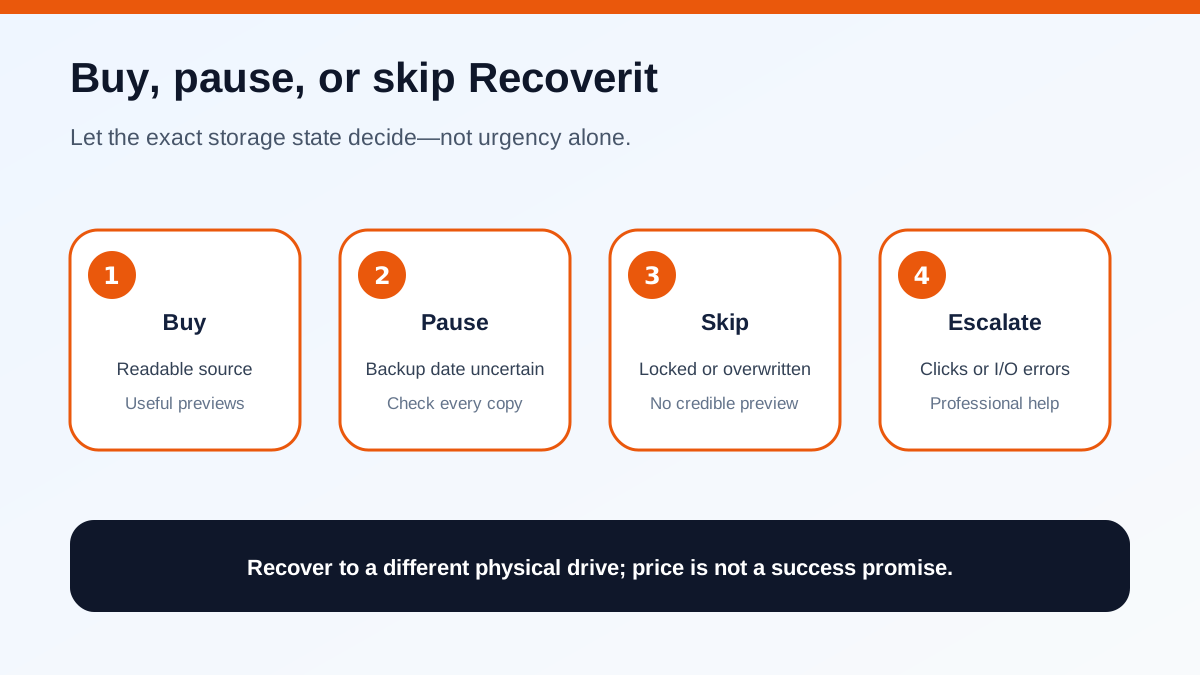
Pause when the backup date is uncertain, the file may live in a different account or cloud workspace, or the original folder is unclear. Search every Time Machine date, connected backup disk, another Mac, team drive, exported archive, and app-specific version history before scanning.
Skip ordinary software recovery when the encrypted volume cannot be unlocked, the storage is physically unstable, the missing data was securely erased, the internal SSD has likely processed TRIM, or repeated writes have overwritten the target. Do not disable security controls or guess credentials. Recoverit documents that a FileVault volume must be authorized and unlocked before a standard scan can read it.
Also skip payment when the free scan produces no credible preview. Marketing claims about supported formats or device counts do not establish recoverability on this Mac. No vendor or reviewer can transfer a laboratory result to your incident.
A safe pre-purchase test
1. Stop writing to the affected storage and disconnect removable media safely. 2. Inventory Trash, Recently Deleted, iCloud, app history, Time Machine dates, local snapshots, other computers, and independent backups. 3. If a valid copy appears, restore it to a safe location and open it in the native app. 4. If no copy exists, mount and unlock the exact source volume using authorized credentials. 5. Run a non-destructive scan without installing or saving onto that source when possible. 6. Preview several high-value files and reject results that show only names or thumbnails. 7. Prepare a different physical drive for output and confirm its free capacity. 8. Verify the current Recoverit cart, renewal, device count, refund terms, region, and affiliate destination. 9. Buy only when the previews justify the price; otherwise pause, seek professional help, or accept that the data may be unrecoverable.
The decision is not “Time Machine or Recoverit” in the abstract. Use Time Machine when a prepared copy exists. Consider Recoverit only after backups fail, the storage is readable and authorized, and the exact scan supplies enough evidence to justify paying.
**Evidence map**
Apple's item-restore workflow and local-snapshot rules support the backup-first order, while its backup guidance explains destination sizing and retention. Wondershare's own Time Machine and full-restore articles say to exhaust prepared copies before local scanning; its APFS and Empty Trash guidance supports scanning only readable storage, stopping writes and saving elsewhere. The dated Premium Mac checkout supplies the current price context, and the FileVault article requires authorized unlocking. CleverFiles independently places Time Machine/local snapshots before scanning and warns about APFS, boot-drive writes and TRIM. EaseUS likewise separates Time Machine restore from a later scan. The affiliate-program page confirms the commercial relationship but does not validate recovery claims.