TOOLNAVIA / BUYING GUIDE
PureVPN’s 10-Device Limit: When Do You Need Multi Login?
The short answer
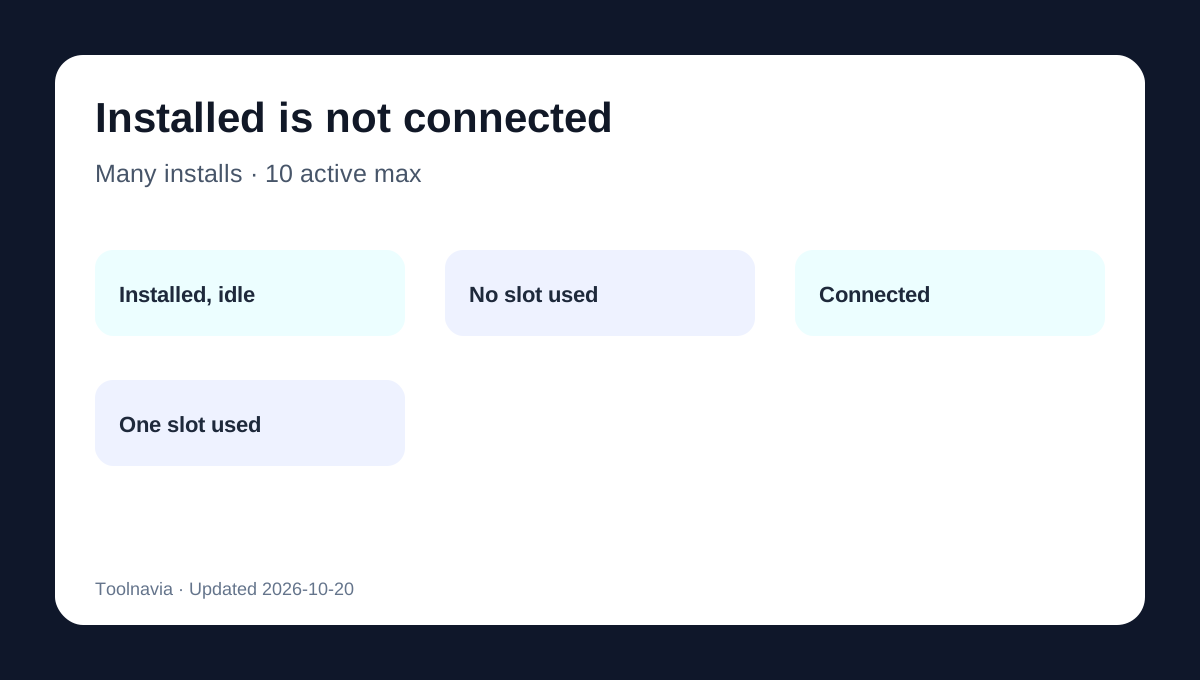
PureVPN’s default allowance is **10 devices connected at the same time**, not 10 lifetime installations. PureVPN’s support page says you can install the app on numerous devices, but only 10 may be active concurrently. That distinction decides whether a household actually needs the paid Multi Login add-on.
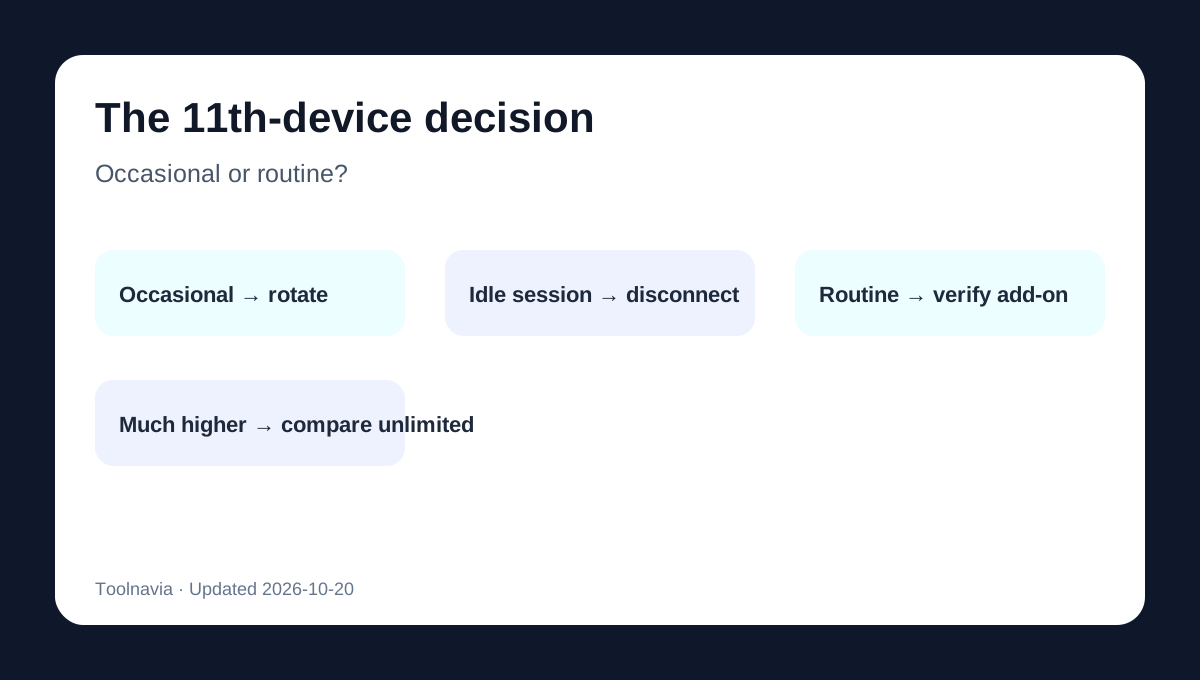
A useful buying rule is simple: list the devices likely to be connected during the same busy hour. If the peak is 10 or fewer, keep the included limit. If an 11th device must remain connected, choose between rotating connections, protecting selected devices at network level where supported, buying Multi Login, or comparing a provider with unlimited simultaneous connections.
At a glance
- Best for
- PureVPN buyers deciding whether a peak of 10 or 11 active devices justifies Multi Login.
- Price model
- 10 connections included; Multi Login from $1.49/month, exact tier checkout unverified
- Check first
- Exact add-on tier prices, renewal, router compatibility and performance require live verification; affiliate tracking is disabled.
What “10 devices” really means
An installed app does not consume a slot while it is disconnected. A phone, laptop, television or other supported endpoint consumes a slot when it is actively connected to PureVPN.
For example, one household might have PureVPN installed on 16 devices but normally connect only eight. That household is still inside the included allowance. Another household may have only 11 installations, yet connect all 11 during evenings; it reaches the operational limit.
The limit applies to concurrent use under one account. It is not permission to distribute credentials beyond the subscription’s allowed household or account use. Buyers should keep credentials private and check current account terms before sharing access.
A realistic 10-slot household
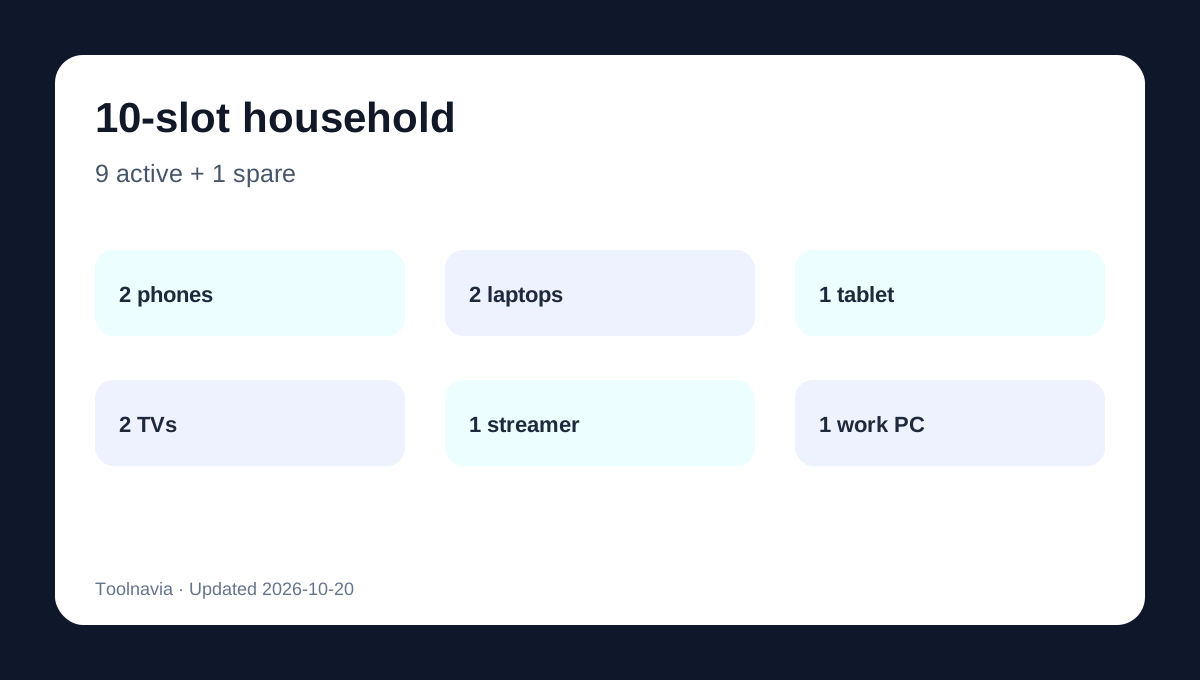
Consider this peak-hour allocation:
| Active endpoint | Slots | |---|---:| | Two phones | 2 | | Two laptops | 2 | | One tablet | 1 | | Two smart TVs | 2 | | One streaming box | 1 | | One work computer | 1 | | Spare capacity | 1 |
PureVPN’s current family guidance uses the same phones, laptops, tablets and TV-style device mix when explaining multi-device use. That is nine active connections and one spare. In this case, Multi Login is difficult to justify: the household can absorb one temporary device without paying for extra capacity.
The picture changes if two more devices must remain connected. At 11 active endpoints, disconnecting and reconnecting becomes a repeated operational task rather than an occasional inconvenience.
What Multi Login adds
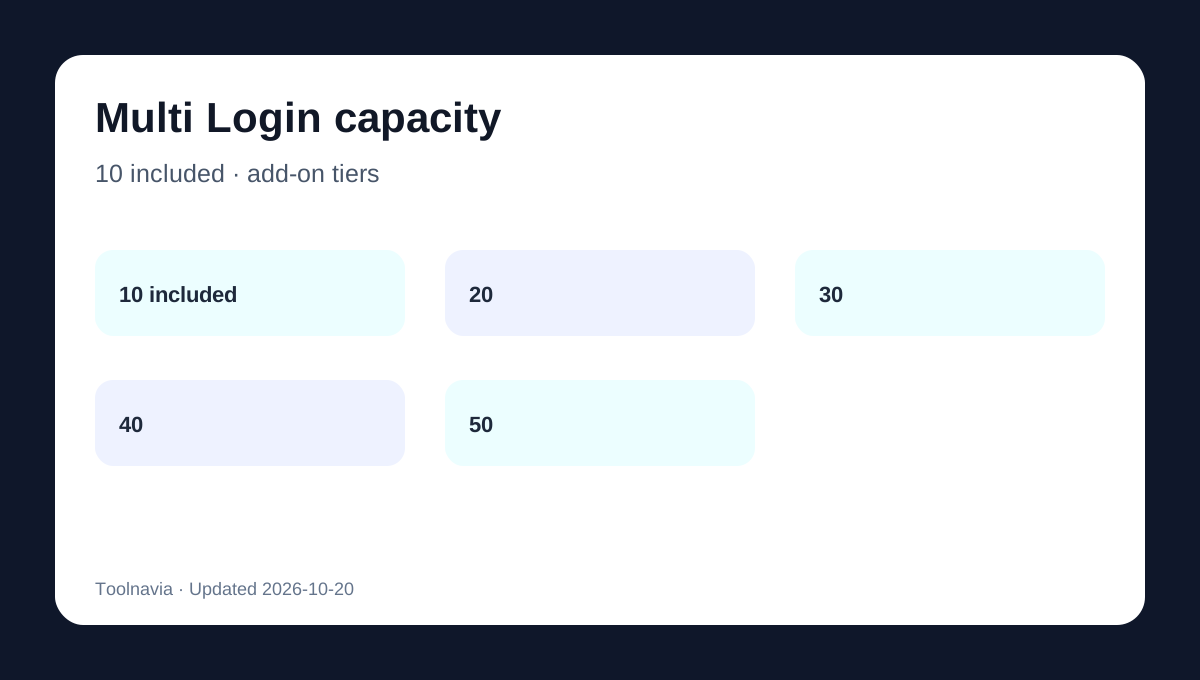
PureVPN’s current feature page says every plan starts with 10 simultaneous connections. The optional add-on can raise the total to 20, 30, 40 or 50. This is capacity, not a separate VPN subscription or a guarantee of better speed.
The current add-on surface advertises pricing **from $1.49 per month**, but the complete live price for each 20/30/40/50 tier was not independently verified in this review. Do not multiply $1.49 across every tier or treat it as a guaranteed renewal price. Open the member-area selector and record the exact tier, billing period, tax and renewal terms before paying.
Independent current reviews also identify extra simultaneous logins as a paid add-on, while preserving the default 10-connection baseline.
Four ways to handle the 11th device
1. Rotate occasional devices
If the 11th connection appears only once a week, disconnect an idle device first. This costs nothing and preserves the existing plan, but it requires users to notice which endpoint is still connected.
2. Reduce unnecessary always-on sessions
A forgotten TV app, test laptop or secondary phone may occupy capacity without providing ongoing value. Audit the list during the household’s busiest period instead of counting every device ever installed.
3. Use compatible network-level protection selectively
A supported router or network configuration may protect devices that cannot run an app directly. However, router compatibility, protocols and slot accounting can vary by setup. This article does not assume that every router automatically collapses an unlimited number of devices into one slot. Verify the current router documentation for the exact hardware and protocol before using this as the purchase reason.
4. Buy Multi Login or compare unlimited alternatives
Buy the add-on when more than 10 direct connections are required repeatedly and the verified checkout cost is worth avoiding connection rotation. If the household consistently needs many more than 10, compare the add-on’s total renewal cost with a current unlimited-connection provider.
Do not confuse capacity with performance
Adding connection slots does not promise that 20 devices will each receive the same speed as one device. Home bandwidth, Wi-Fi quality, device hardware, chosen server and protocol all affect the experience. This article evaluates the capacity decision only; it is not a speed, privacy or streaming test.
Similarly, “up to 50” describes the available connection ceiling after buying the relevant add-on. It does not mean every subscriber receives 50 slots by default.
Before paying, check five items
1. Count the highest number of devices that must be connected simultaneously. 2. Separate installed-but-idle devices from active sessions. 3. Identify whether the 11th connection is occasional or routine. 4. Read the exact Multi Login tier price, term, tax and renewal in the live selector. 5. Confirm that every planned platform and router setup is currently supported.
Some stale pages and snippets still mention a five-device PureVPN limit. Current official product and support pages consistently state 10 simultaneous connections, so this article uses 10 and treats five as outdated.
Buying verdict
Stay with the included 10 connections when the household’s real peak is nine or ten and rotation is rare. Consider Multi Login at the **11th routinely active device**, after verifying the exact add-on checkout. If the need is much higher, compare the add-on’s full renewal cost with an unlimited-connection alternative rather than buying capacity blindly.
PureVPN has a public cash affiliate program, but Toolnavia has not applied or received an approved exact tracking link for this offer. The commercial CTA remains hidden.