TOOLNAVIA / BUYING GUIDE
PDFelement Redaction: Prepare a Shareable Copy, Not Just Black Boxes
The short answer
Before sharing a supplier quote, example application or internal report, you may need to remove selected information while leaving the rest useful. PDFelement offers a dedicated redaction workflow for this job. Its value is the ability to select, review and apply removals deliberately—not the appearance of a black rectangle.
At a glance
- Best for
- Windows users comparing PDFelement 13 annual, manual-renew and perpetual purchase paths.
- Price model
- Windows reference: $79.99/year, $109.99/2 years, $129.99 perpetual; current campaign rows may be lower.
- Check first
- Campaign prices, renewal method, tax and platform scope can vary; perpetual language explicitly names PDFelement 13, not every future major version.
Define the copy you intend to release
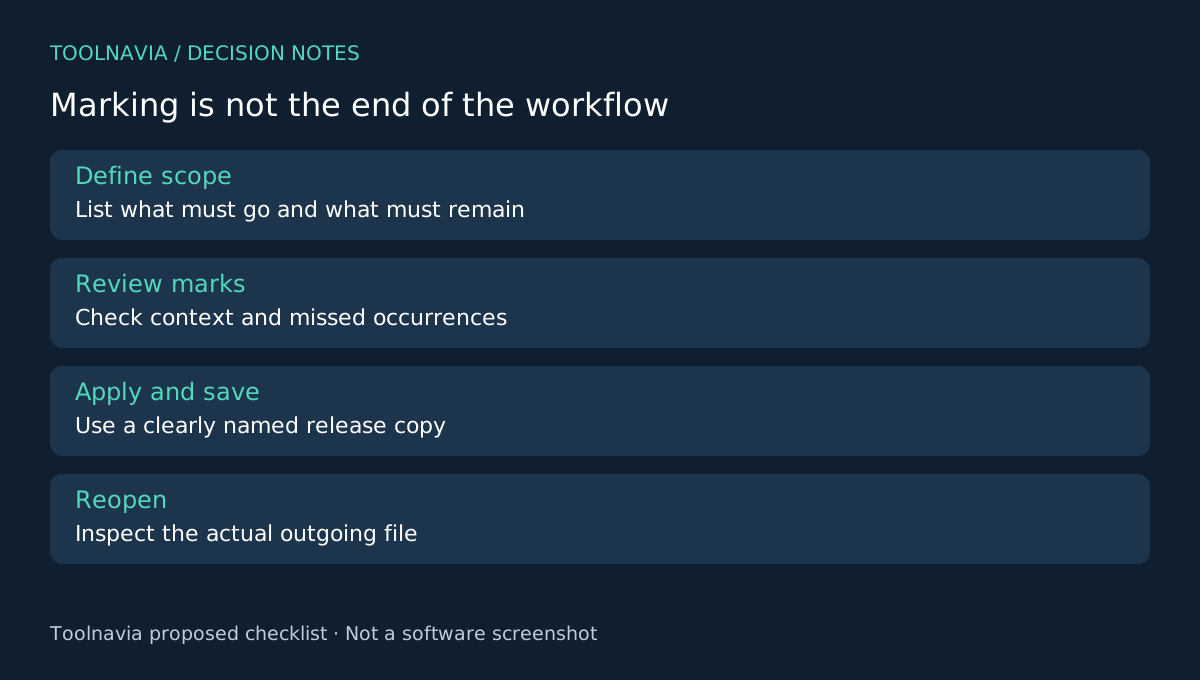
Work from an authorized document and keep an untouched original in a separate location. Write down what the recipient needs to see and what must be removed. Include repeated names, reference numbers, images and any places the same information appears in headers or footers.
Use a clearly named release copy. A filename is not a security control, but separating working and release files reduces confusion. If an organization has a document-release procedure, follow it; this article is a product-workflow guide, not legal or compliance certification.
Four controls that make redaction deliberate
The Windows guide documents marking text or graphics, setting mark properties, applying the redactions and searching for repeated text. Properties are adjusted before application, and applying the marks produces a permanent-removal warning.
Manual selection helps with an image or unusual region. Search helps locate repeated wording. Properties make intended marks readable during review. A separate application step distinguishes proposed removal from the finished operation. These are concrete reasons to evaluate the editor when selective disclosure is a recurring job.
Do not substitute an ordinary drawing or annotation for the documented redaction process. The vendor also promotes smart detection, but an automatically suggested selection still needs review; it cannot define what your recipient should receive.
Review omissions as well as selected areas
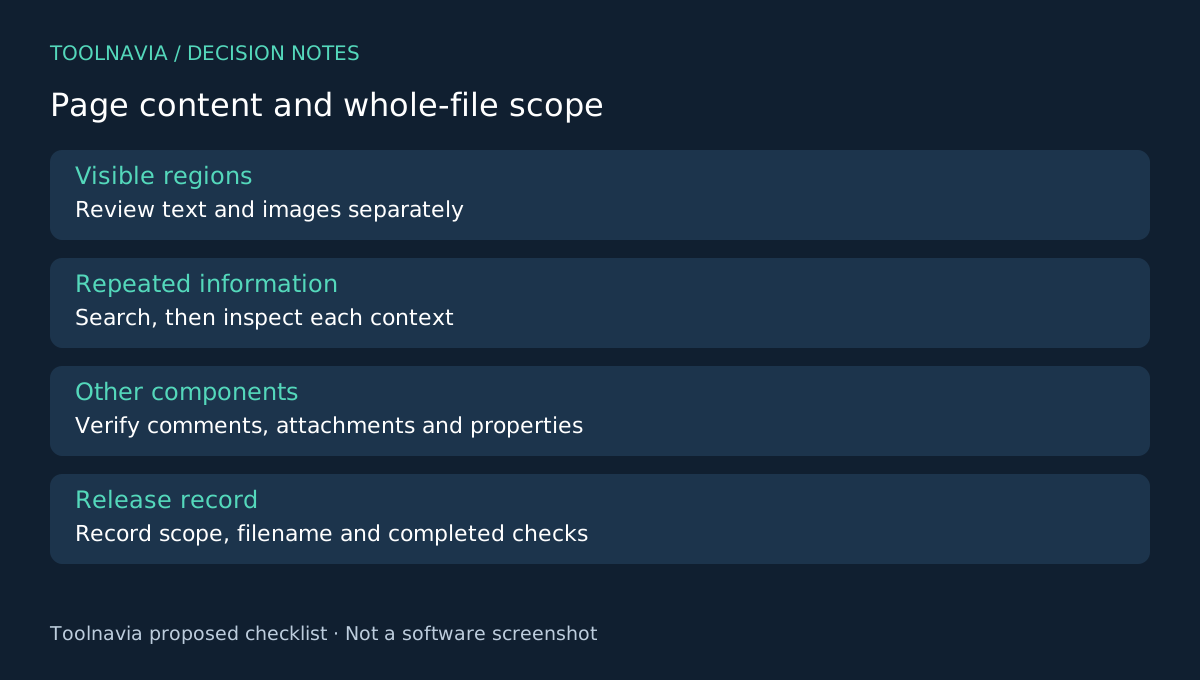
Create a test document with invented names and identifiers in several locations. Include one item in ordinary text and another inside an image. Add a harmless sentence that should remain visible. This gives you known targets and a control against excessive removal.
Use the documented selection and search tools, review the marks, then apply them to the test copy. Before applying, inspect every selected occurrence for context. A matching surname may identify a different person; a short numeric string may also appear inside an unrelated code.
After saving, close the editor and reopen the release file. Attempt to search and copy the test strings and inspect every intended region. Confirm that useful surrounding content remains readable. Search alone is not enough for image content, and failure to find a string is not proof that every possible hidden representation has been removed.
Treat the entire file as the deliverable
Visible-page redaction and whole-file sanitization are related but distinct questions. Adobe's documentation explicitly offers a separate hidden-information sanitization choice when applying redaction. That distinction is useful when defining your own release requirements; it does not establish equivalent behavior in another product.
Inspect the file components your process requires, including comments, attachments and document properties, and verify the selected tool's handling of them. If you cannot establish that the final copy meets the required scope, do not label it fully sanitized. No Toolnavia forensic or security test was performed for this guide.
Keep a simple release record: source version, intended removal scope, output filename and checks completed. That makes the result reviewable without sending the original alongside it. The original remains an internal reference, not part of the outgoing package.
Buy for a repeatable review process
PDFelement is a candidate when selective removal is frequent and the documented workflow fits your release checks. Acrobat Pro and PDF-XChange also document redaction-related tools; ABBYY offers broader document protection workflows to investigate. Feature lists alone are not evidence of identical sanitization.
Check the exact Windows plan and checkout. Campaign and reference prices coexist, so do not assume the lowest displayed amount applies. The [PDFelement license guide](/en/software/pdfelement) covers renewal and version questions.
Choose after your test copy passes the defined checks. Toolnavia may earn a commission from eligible purchases through the official affiliate link; no security certification or special discount is implied.