TOOLNAVIA / BUYING GUIDE
PDFelement PDF/A: Validate the Archive Before You Buy
The short answer
Quick answer: PDFelement 13 can be a practical Windows conversion front end for PDF/A, but “Save as PDF/A” is not the same as proving an archival deliverable. The official pages advertise PDF/A conversion and archival output; they do not guarantee that every document, part, conformance level, font, color profile or recipient policy will pass an independent validator.
The buying decision should therefore be framed as a controlled acceptance workflow. Before paying, obtain the receiving archive’s exact requirement: for example, PDF/A-1b, PDF/A-2u or a locally defined profile. Convert a representative corpus in the exact PDFelement build you intend to use, validate every output independently, compare content and rendering, and retain both the untouched source and the validation record.
At a glance
- Best for
- Repeated local Windows PDF/A preparation with representative-file testing, independent validation and a retained audit log.
- Price model
- Observed US$79.99/yr auto-renewing card; verify exact live checkout
- Check first
- Installed-build profiles and receiver acceptance require real testing; conversion alone is not conformance proof.
Start with the receiver, not the Convert button
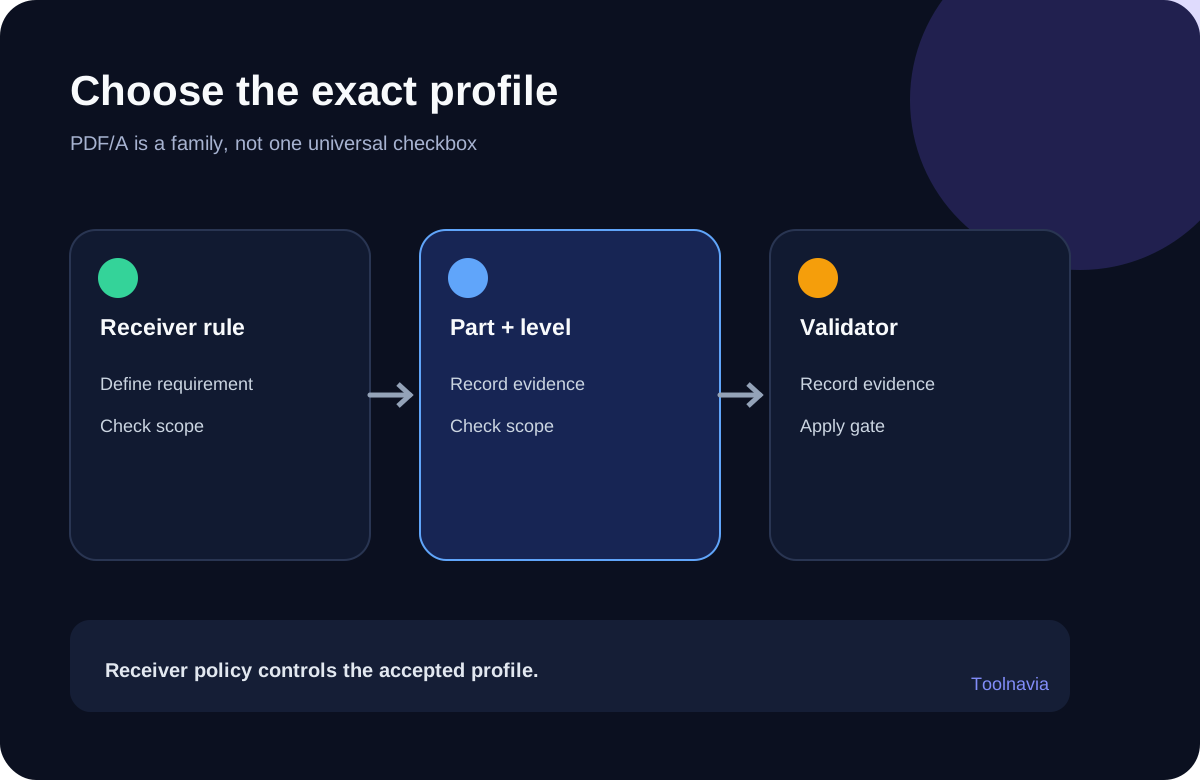
PDF/A is a family of preservation standards, not one universal checkbox. PDF/A-1 is based on an older PDF foundation and is often sufficient for simple scanned records. PDF/A-2 adds later PDF capabilities. PDF/A-3 permits embedded non-PDF files, which can be useful for an invoice plus its source data but can also violate a receiver’s policy. A label such as “PDF/A” is incomplete until the part and conformance level are known.
Ask the archive, regulator, client or records team for four items: the required part and level, whether embedded files are allowed, the accepted validator and version, and the required evidence package. If the answer is only “PDF/A,” pause. Choosing the most feature-rich profile is not automatically safer. A receiving system may accept only a narrower profile.
PDFelement’s current technical specifications list PDF/A among Windows conversion formats, while the version history records several profile names across releases. Those pages establish product capability, but a historical release entry is not a permanent matrix for the current installed build, operating system and license. Open the actual conversion dialog and record the available profiles before committing the workflow.
Build a representative test corpus
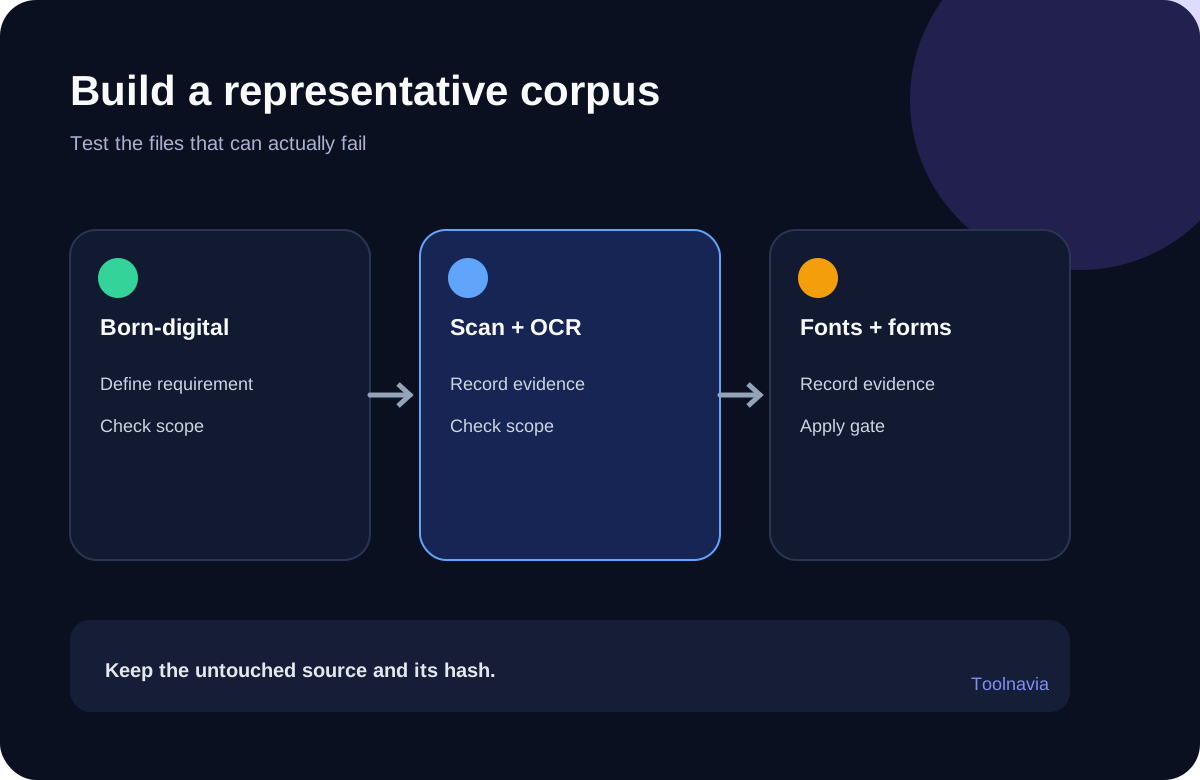
A single clean Office export is a weak test. Prepare at least five document classes: a born-digital text document, a scanned image PDF, a multilingual document, a font-heavy or color-managed design, and a form or file with attachments. Add a signed or encrypted sample only to demonstrate expected rejection or transformation, never to promise preservation of the original security state.
The Library of Congress recommends preservation-friendly characteristics such as searchable text, embedded fonts, high-quality images and device-independent color. PDF/A also rejects or constrains features that depend on passwords, encryption, multimedia or external resources. Conversion may remove, flatten or reject those features. That is a standards consequence to disclose, not a PDFelement defect automatically.
For each sample, calculate a source hash and record page count, file size, language, fonts, color space, form fields, attachments, signatures and known dependencies. Keep the original read-only. Work on a copy. A file that validates but loses a required attachment, searchable text or visible annotation has failed the business task even if the validator reports conformance.
Convert a small set before any batch
Use the exact licensed build and operating system planned for production. Record the application version, selected PDF/A profile, conversion settings, date and operator. Convert the representative set one file at a time first. The business page lists PDF/A and batch conversion as capabilities, but that does not prove that every profile is exposed in the same batch screen. Confirm the actual UI instead of inferring a combined entitlement.
Do not begin with thousands of records. Batch processing amplifies one wrong profile, missing font or destructive setting. A ten-file pilot can expose policy and content problems while they are still cheap to correct. Only after the pilot passes should you expand the queue, and even then every output should receive automated validation with failed files quarantined for review.
OCR and PDF/A conformance are separate questions. A scan can conform while remaining difficult to search, and searchable text can still contain recognition errors. If retrieval matters, test known names, dates and identifiers against the OCR layer in addition to running the PDF/A validator.
Validate independently and read the failure report
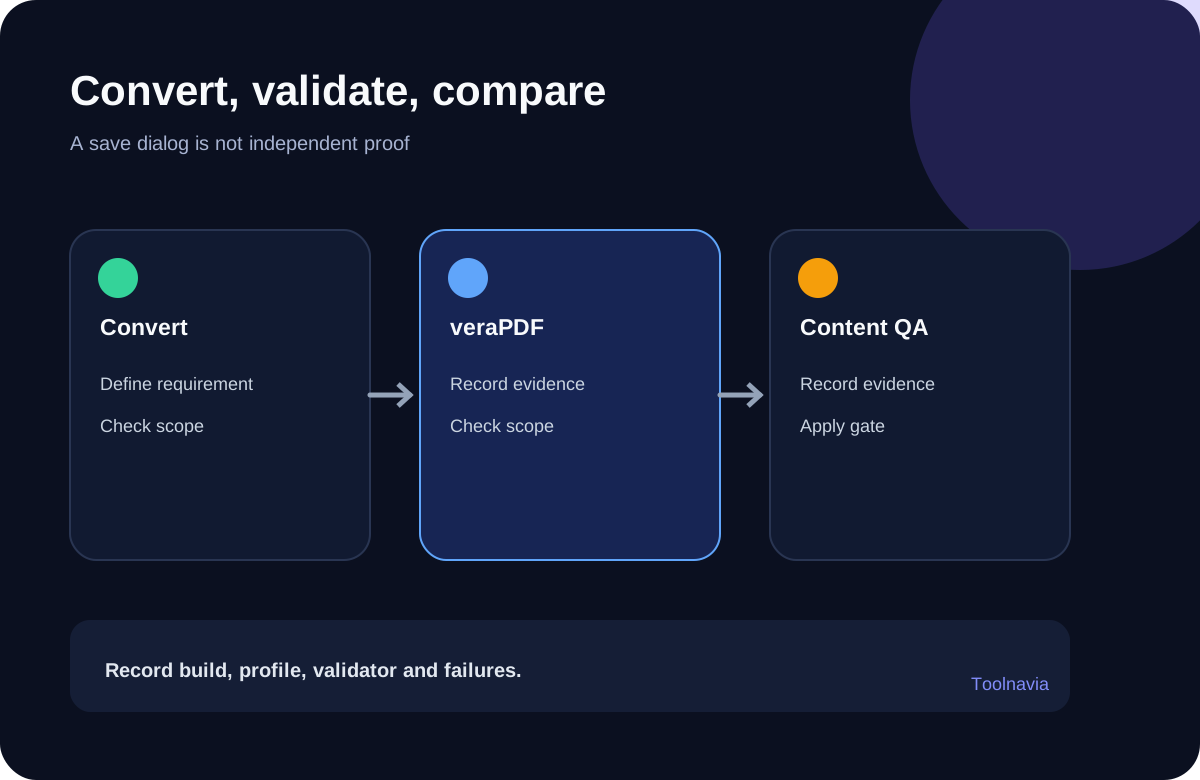
Use an independent validator such as veraPDF with the receiver’s required profile. veraPDF documents explicit profiles for PDF/A-1, PDF/A-2, PDF/A-3 and PDF/A-4 families. Record the validator version, profile, pass/fail result and rule failures. Do not write “verified PDF/A” without naming that evidence.
A pass is necessary but not sufficient. Compare page count, visible text, reading order where relevant, links, annotations, form flattening, attachments, metadata, fonts, color and rendering. For image-heavy records, compare legibility at normal and zoomed views. For multilingual documents, search for known strings in every language. For signed files, preserve the untouched signed original and treat any converted derivative as a separate record.
Validators may disagree because implementations, profiles and interpretations change. The Library of Congress explicitly notes this possibility. If the receiver mandates a particular validator, its result controls acceptance; otherwise record the disagreement and investigate rather than selecting the more convenient pass.
A defensible acceptance log
Keep one row per file with: source path and hash; source document class; PDFelement build and operating system; selected PDF/A part and level; output path and hash; validator and version; validation result; rule failures; visual comparison result; searchability test; attachment/form/signature treatment; reviewer; and final disposition.
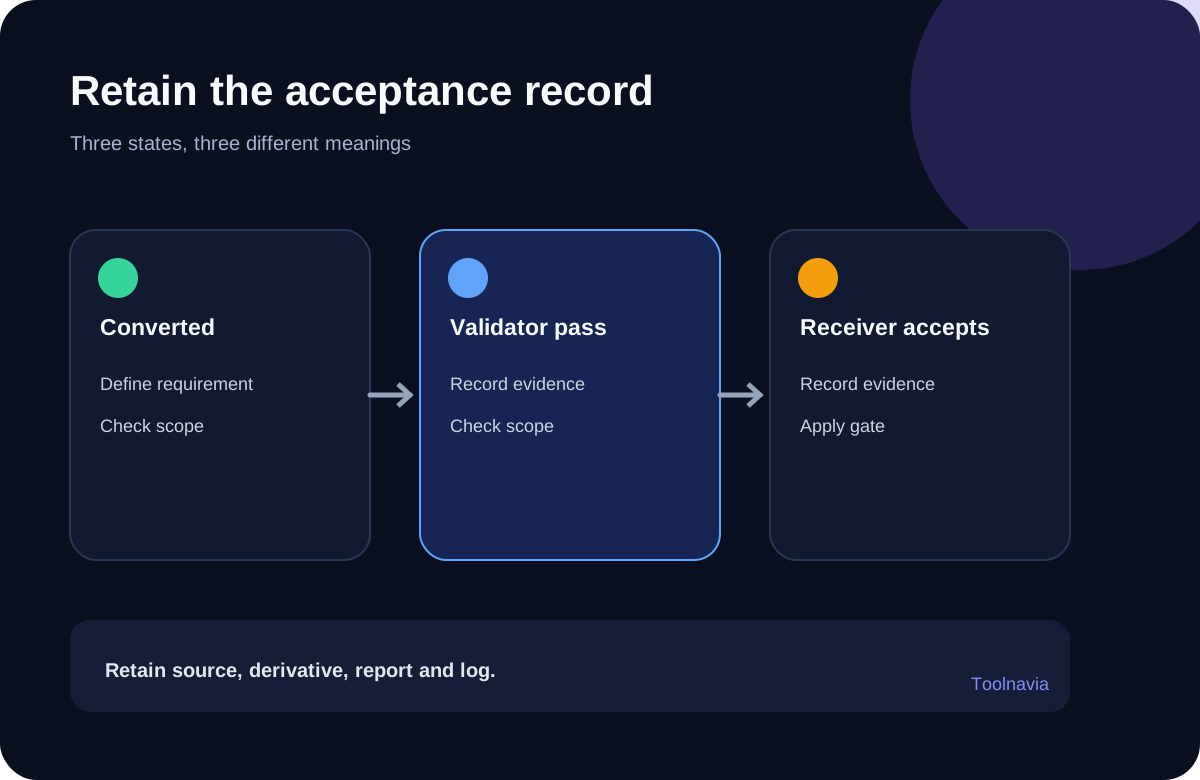
The log should distinguish “converted,” “validator pass,” and “accepted by receiver.” They are three different states. A successful conversion is only software execution. A validator pass is a technical result for one profile and validator. Receiver acceptance is the business outcome.
Retain the original, converted derivative, validation report and conversion log according to the records policy. If a failure is repaired, keep the prior failed result or at least its trace in the log. Silent replacement makes later audits harder.
Cost and purchase decision
The current Windows Individual store shows a US$79.99 automatically renewing yearly card alongside other quarterly, manual-renewal, two-year and perpetual V13 cards. That observed price is not universal: region, tax, campaign, renewal mode, cloud rights and major-version rights can differ. Confirm the selected cart and entitlement at checkout.
PDFelement is worth considering when staff repeatedly need local Windows PDF editing and conversion, the exact build exposes the required PDF/A profile, and a controlled corpus passes the receiver’s validator with acceptable content fidelity. It is a weaker purchase when the archive requires a profile the build does not expose, when one-off conversion can be handled by an existing approved tool, or when the organization cannot maintain originals and validation evidence.
Verdict: buy only after the exact profile, installed-build behavior and independent validation workflow are proven on representative files. Treat PDFelement as the conversion tool, veraPDF or the receiver’s mandated validator as the conformance check, and the receiving archive as the final authority.
Wondershare’s current support index identifies PDFelement 13 and links PDF/A help. The product-specific help also warns that enabling editing on a PDF/A document and saving it removes PDF/A compliance until it is converted again. Any post-conversion edit therefore triggers a new conversion and validation cycle.
Affiliate disclosure and evidence boundary
Toolnavia may earn a commission if you buy through the approved PDFelement link, at no extra cost to you. That relationship does not change the recommendation: the live checkout controls price and license terms, no real customer archive was submitted in this review, and no claim is made that every converted file will validate or be accepted.