TOOLNAVIA / BUYING GUIDE
PDFelement Digital Signatures: Will Recipients Trust the Certificate?
The short answer
A PDF can display a neat signature badge and still produce an “unknown” result on the recipient’s computer. That is the buying question most feature lists miss: not whether PDFelement can place a signature, but whether the receiving organization can validate and trust the certificate behind it.
At a glance
- Best for
- Windows buyers who need local certificate-backed PDF signing and can test recipient trust.
- Price model
- Official Windows store offers multiple purchase choices; selected checkout, tax, region and renewal behavior control.
- Check first
- Recipient trust, legal effect, timestamp acceptance and token support depend on external policy and systems; checkout controls current entitlement and price.
Short answer: capable local signing, conditional recipient trust
PDFelement can create or import a digital ID, apply a certificate-based signature, and validate signatures in a PDF. Its official desktop path includes **Protect > Manage Signatures > Validate All Signatures**, while the validation guidance distinguishes valid, invalid and unknown results.
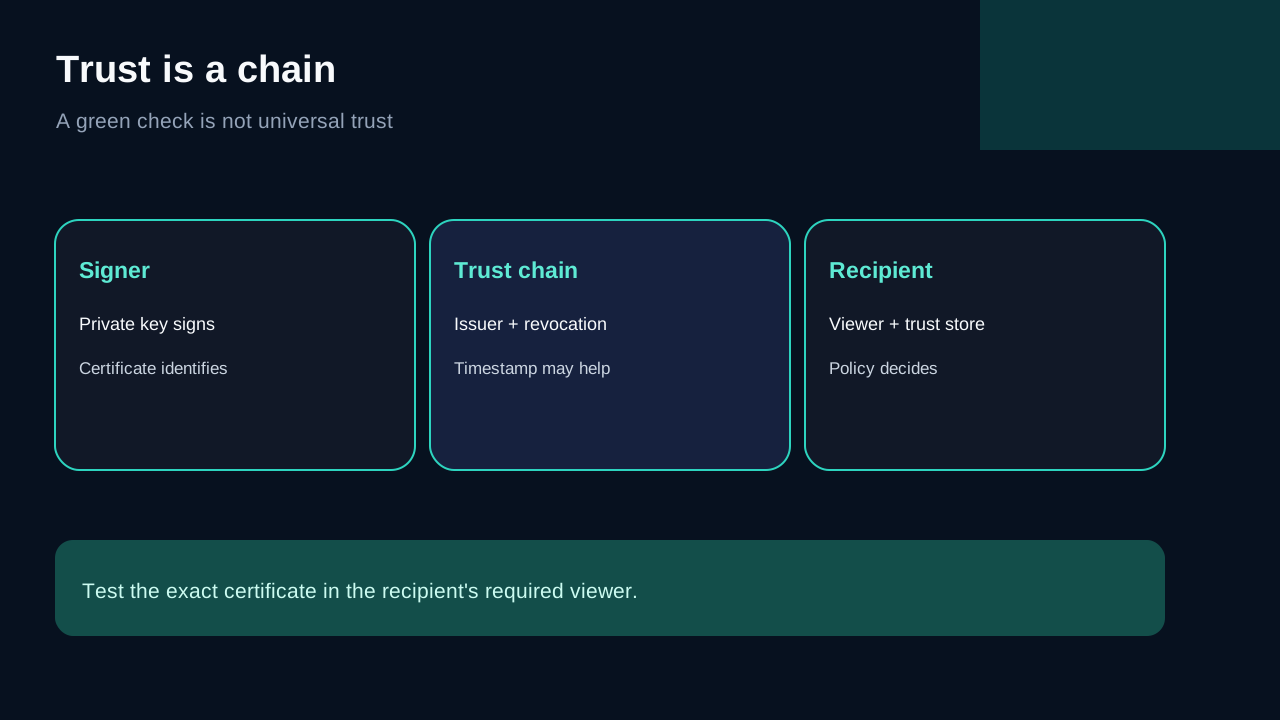
That does not create universal trust. A self-created digital ID can make later document changes detectable, but recipients may still see an unknown signer unless their viewer trusts the issuing certificate or its chain. A certificate from a recognized authority, an organization-managed trust list, and a trusted timestamp can materially change the result. Test with the actual recipient environment before buying.
Electronic signature and digital certificate are different decisions
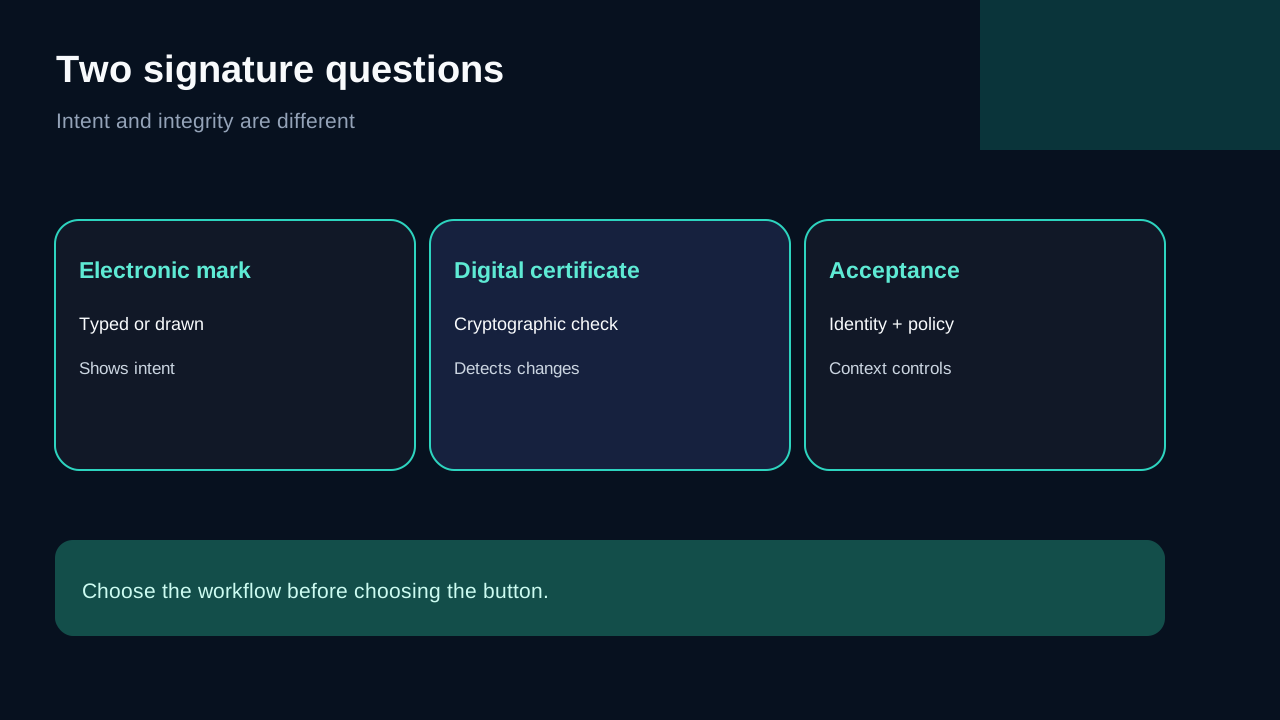
A typed name, drawn mark or pasted signature image is an electronic signature in the broad workflow sense. It can show intent, but it does not by itself provide the certificate chain and cryptographic integrity checks of a digital signature.
A certificate-based digital signature binds a private key to the signing operation. Validation can then answer technical questions: did the document change after signing, does the certificate chain to a trusted issuer, was the certificate valid at the relevant time, and is the signer identity presented consistently? PDFelement’s documentation covers creating or selecting a digital ID and warns that later modification can invalidate the signature.
Neither method automatically proves that the document’s claims are true or that the signature satisfies every law, contract or policy. Legal effect depends on jurisdiction, identity assurance, consent, records and the surrounding process. Foxit’s own distinction between electronic and certificate-based digital signatures reinforces that workflow context matters.
What a recipient actually validates
A “valid” result normally combines several checks:
1. The signed byte range has not changed. 2. The certificate was usable for signing. 3. The certificate chain reaches a trusted root or an explicitly trusted certificate. 4. Revocation and time information can be evaluated. 5. A timestamp, if used, comes from an accepted authority.
An “invalid” result may indicate alteration, an expired or revoked certificate, a broken chain or signature damage. “Unknown” often means the viewer cannot establish trust, not necessarily that the PDF was altered. PDFelement’s validation page describes these status categories and common causes.
This distinction is practical. If your customer uses Acrobat, Foxit or an enterprise document system, their trust store—not your own PDFelement installation—controls what they see. Foxit, for example, exposes verification results in its Digital Signatures panel.
**Self-signed digital ID or CA-issued certificate?**
A self-created ID is useful for controlled internal workflows where recipients can manually trust the certificate or where tamper detection matters more than external identity assurance. It is low-friction and stays inside the local signing workflow.
A certificate issued by a recognized certificate authority is usually the stronger choice for external recipients, regulated records or repeat cross-organization signing. Even then, confirm the exact certificate policy, supported key storage, revocation method, timestamp authority and recipient trust list. “CA-issued” is not a universal pass for every organization or jurisdiction.
PDFelement also documents timestamps. A trusted timestamp can help prove when signing occurred and support validation after the signer certificate expires, but only if the relying party accepts the timestamp authority and the PDF retains the needed validation data.
The recipient test to run before checkout
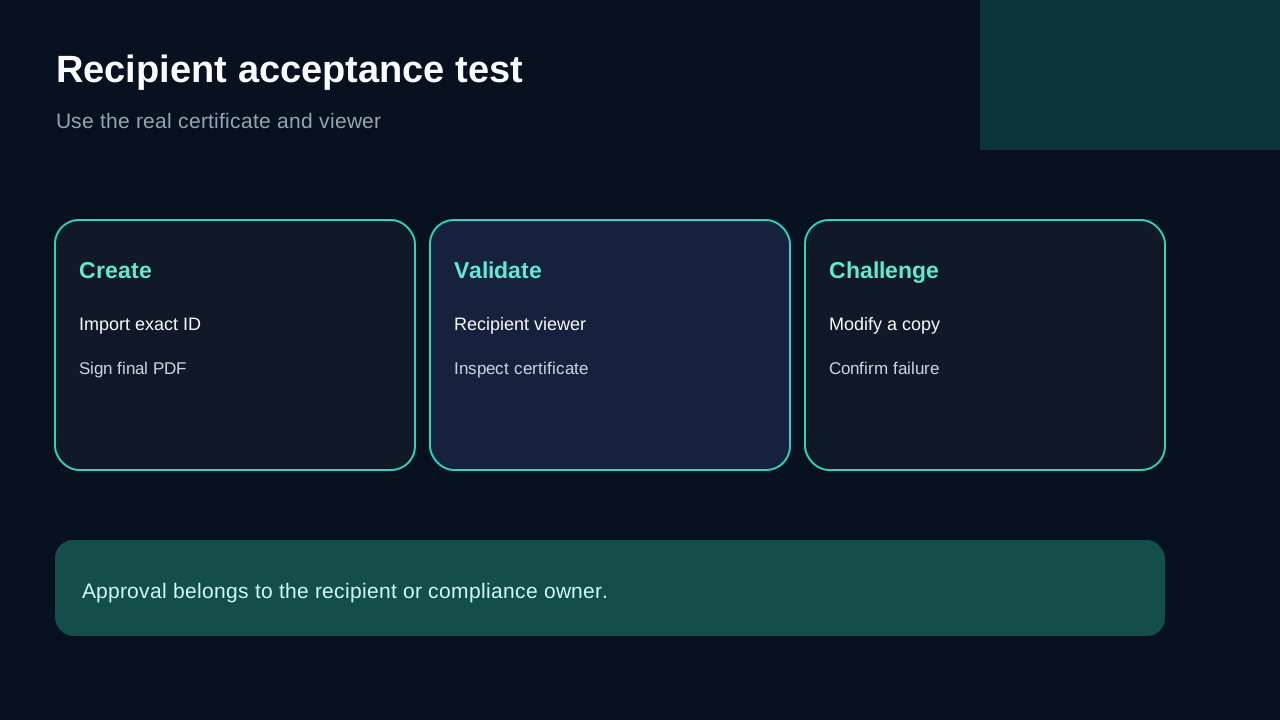
Do not test only on the computer that created the signature. Build a small acceptance test:
1. Create or import the certificate you intend to use. 2. Sign a representative final PDF in PDFelement. 3. Open the untouched file in the recipient’s required viewer. 4. Record whether the status is valid, invalid or unknown and inspect the signer certificate. 5. Make a copy, change the document and confirm validation fails. 6. Test timestamp behavior and an expired-certificate scenario if retention matters. 7. Ask the recipient or compliance owner to approve the evidence.
Run the test with the actual certificate and viewer combination. A demo using a different ID proves only that the buttons work.
PDFelement versus a managed e-signature service
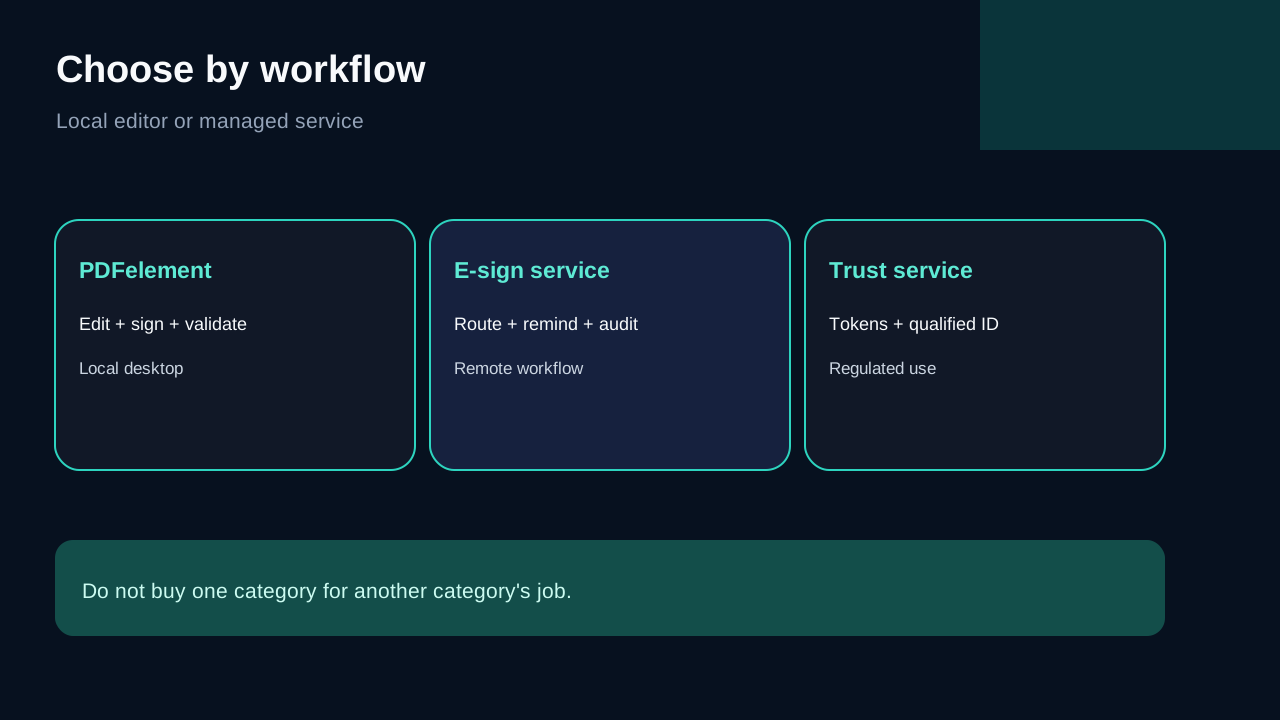
Buy PDFelement when the signer also needs editing, OCR, conversion, redaction or form work and the signature process is local and certificate-led. Consolidating preparation and signing in one desktop editor can be economical for an individual or small team.
Choose a managed e-signature service when the purchase is mainly about sending envelopes, authenticating remote signers, routing approvals, reminders, reusable templates, audit trails or bulk transactions. Independent e-signature roundups focus heavily on those workflow layers because they are different from placing a local certificate signature.
Choose a specialized certificate or trust-service workflow when policy requires qualified signatures, hardware tokens, HSM custody, industry certificates or long-term validation. PDFelement may still edit the PDF, but it should not be assumed to replace the mandated trust provider.
**Alternatives and evidence limits.**
Adobe and Foxit are sensible comparisons because recipients may validate in those ecosystems. Foxit’s official documentation shows a comparable certificate-verification model and makes the recipient-viewer issue visible. Independent PDFelement comparisons can help identify usability or surrounding editor differences, but user anecdotes and general rankings do not determine whether your certificate will be trusted.
We did not conduct a cryptographic interoperability lab across certificate authorities, hardware tokens and recipient viewers. The recommendation is therefore conditional: PDFelement is a strong workflow fit when your acceptance test passes, not a guarantee of universal compliance.
Price and plan boundary
The official Windows store may show annual, multi-year and perpetual choices. Campaign pricing, tax, region, renewal behavior and feature entitlement can change. Verify that the selected Windows Individual checkout includes the signing and validation workflow you tested; do not infer a permanent price from a promotional row.
The business case is strongest when the same buyer also uses PDFelement’s broader PDF editing tools. If certificate signing is the only requirement, compare the full cost with a dedicated trust or e-signature service, including certificate issuance, timestamps, tokens, support and compliance review.
Verdict
PDFelement is worth buying for certificate-based signatures when you want a local Windows PDF editor, can control or test the certificate trust chain, and do not need a managed remote-signing platform. It is not enough to see a signature appearance or a green check on the signing computer. The recipient’s viewer, trust store, timestamp policy and governing rules decide whether the signature is actually accepted.
**Affiliate disclosure.** Toolnavia is approved in the Wondershare affiliate program and may earn a commission from qualifying purchases through the exact PDFelement offer. This does not change the trust-chain limitations above. Verify the product, Windows entitlement, renewal setting, certificate requirements and final total at checkout.