TOOLNAVIA / BUYING GUIDE
PDFelement Compare PDFs: Catch Contract Changes Before Approval
The short answer
Comparing two PDFs sounds mechanical: load the old file, load the revision, and accept every highlighted change. That is exactly the wrong approval model. PDFelement can make revision hunting faster, but its output should be treated as a review queue—not a legal conclusion.
At a glance
- Best for
- Windows buyers who repeatedly compare revised PDFs and also need editing, comments or OCR.
- Price model
- Official Windows store shows multiple current rows; selected checkout, tax, region and renewal behavior control.
- Check first
- Comparison and OCR can miss context or characters; humans must review material clauses, and current checkout controls feature and price.
Short answer: useful first pass, human approval still controls
PDFelement is a sensible buy when you repeatedly compare contracts, proposals or policies and also need to edit, comment, OCR or protect the reviewed PDF. Its official workflow highlights changed, inserted and deleted content and lets reviewers navigate or filter differences. That can replace unreliable line-by-line scanning.
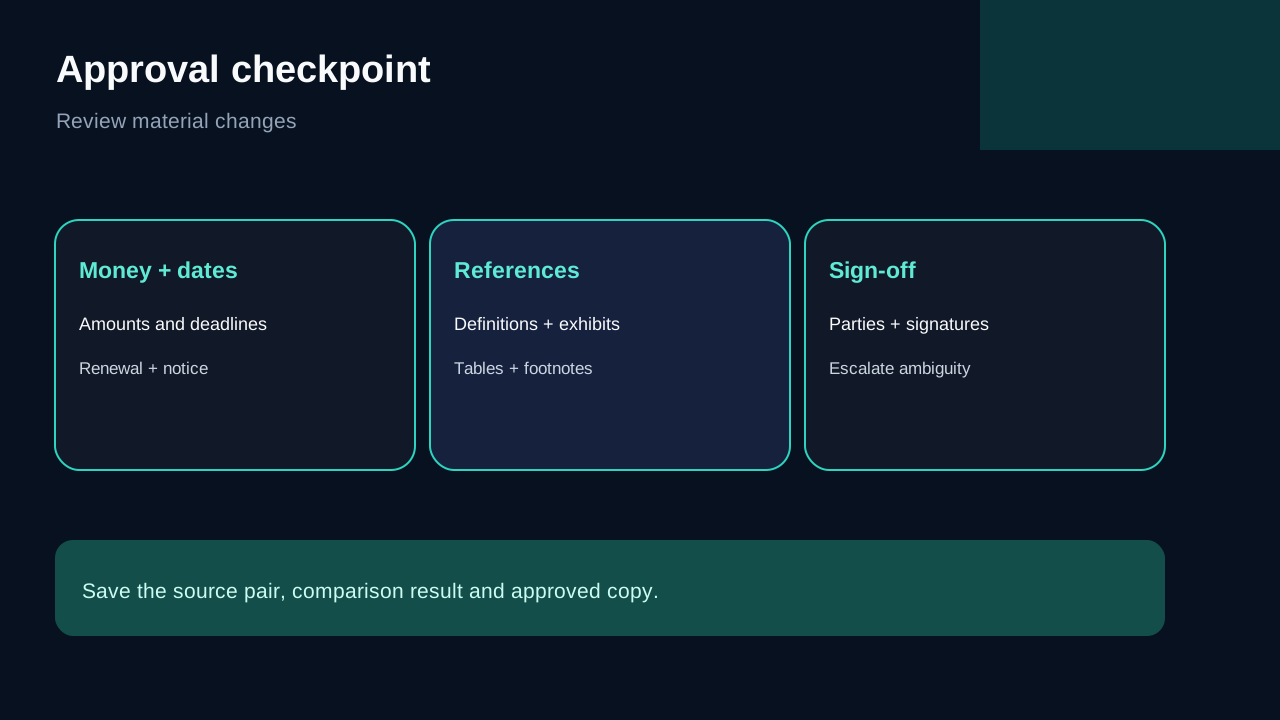
It is not a substitute for reading the changed clause in context. Amounts, dates, defined terms, page references, signature blocks and exhibits should receive deliberate human review. For high-stakes agreements, counsel or the authorized business owner—not the comparison engine—makes the decision.
How the PDFelement comparison workflow works
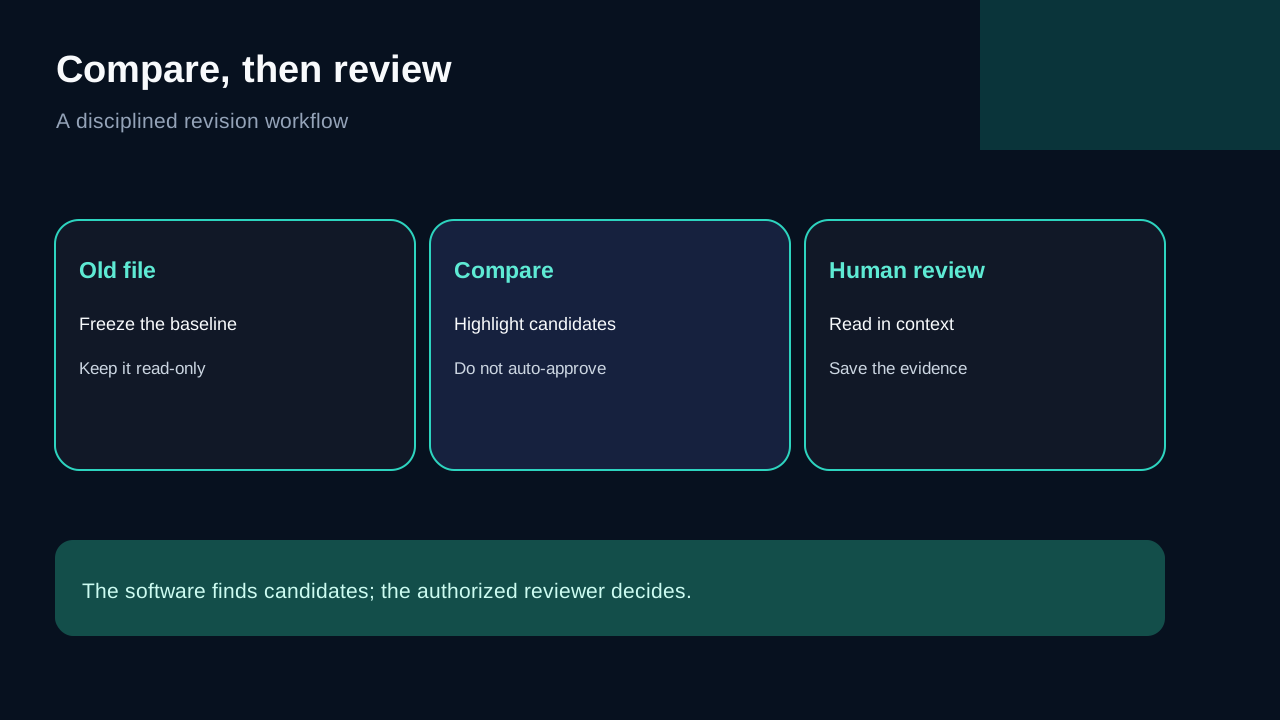
Start with a trusted old version and the exact candidate revision. In the Compare PDF tool, assign them as the old and new files, run the comparison, then move through the highlighted changes. The official guidance distinguishes changed, inserted and deleted content and provides navigation and filters for narrowing the result.
Keep the source files read-only. Export or save the comparison result separately, and record which two source versions were used. Otherwise a reviewer can unknowingly compare the wrong draft or overwrite evidence of what was checked.
After reviewing, PDFelement can continue into editing, comments, OCR and protection. That consolidation is the main buying argument: the buyer is not paying only for a redline viewer, but for the surrounding desktop PDF workflow.
Text, visual and scanned PDFs need different treatment
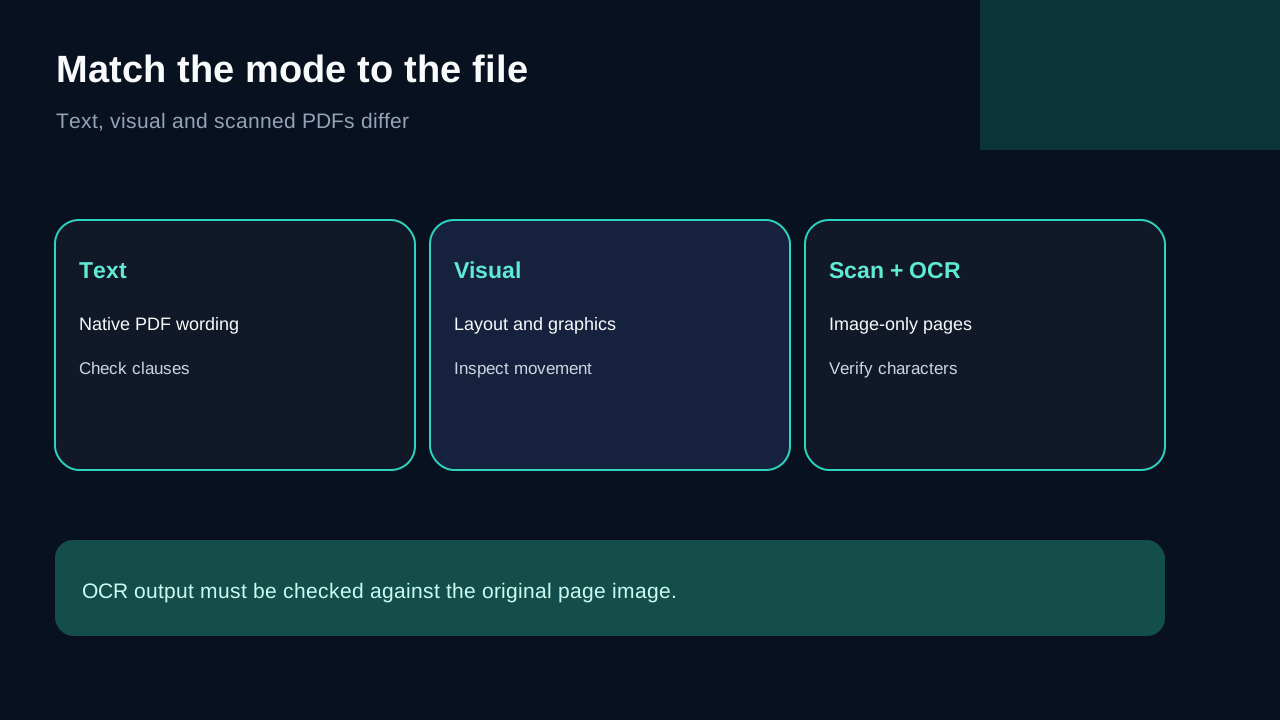
Use text comparison for native PDFs where wording is the main risk. Use visual comparison when layout, graphics, moved blocks or formatting may matter. Adobe's official Compare Files documentation follows the same broad distinction and can generate a comparison results document with filters and change navigation.
Scanned PDFs are harder. PDFelement advises using OCR so image-only text becomes searchable before comparison. OCR can misread digits, punctuation, columns, stamps and handwritten marks. Compare the OCR text, but also inspect the original page image around every material result.
For confidential contracts, a local desktop workflow can avoid uploading documents to an unknown online service. That reduces one exposure path; it does not replace your organization's device, access-control, retention or confidentiality rules.
PDFelement versus Acrobat and Foxit
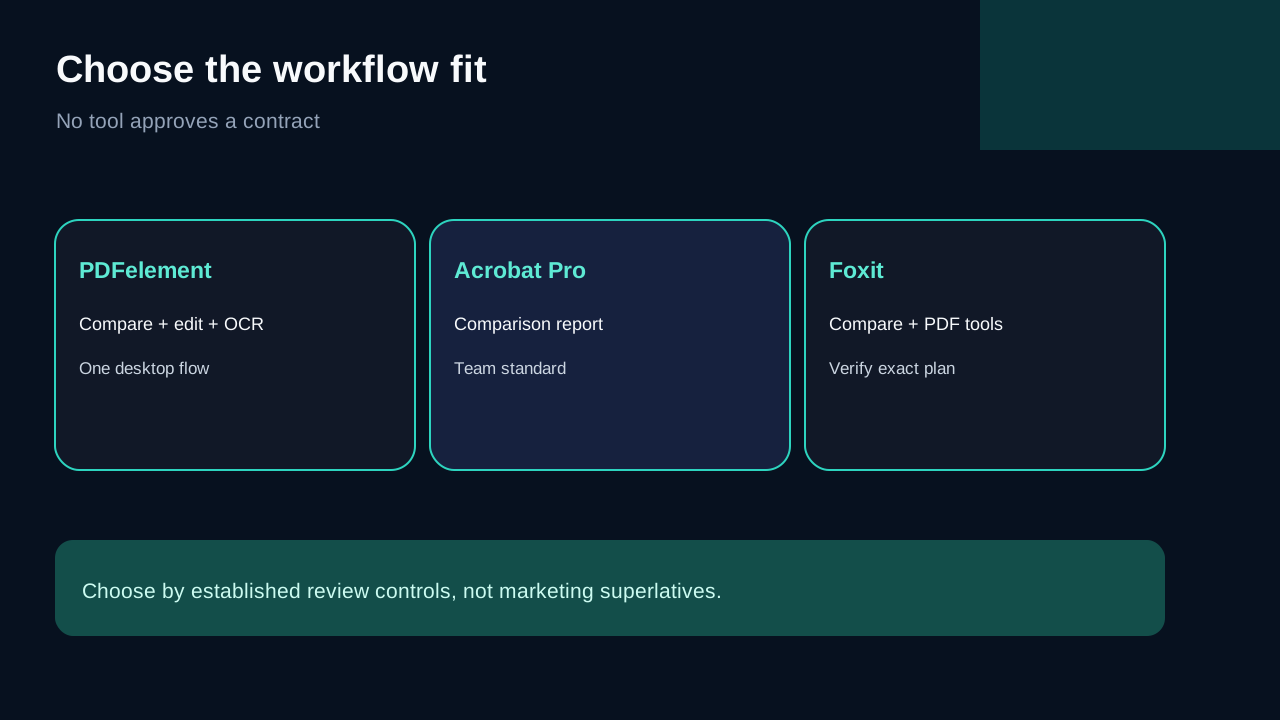
Choose PDFelement when tool consolidation matters: compare, edit, annotate, OCR and protect within one Windows product. Choose Acrobat Pro when an established Acrobat review environment and its comparison report are already standard for the team. Adobe supports text-only and scanned-document comparison, filters and Previous/Next Change navigation.
Foxit also markets document comparison for reviewing contract revisions alongside signatures and redaction. Its official page is useful product context, but its broad legal-workflow claims are marketing, not proof that any tool can approve an agreement autonomously.
Independent roundups show the same market split: some products emphasize side-by-side views, others a generated report or broader PDF editing. Use those pages to identify workflow options, then verify the exact feature and plan with the vendor. User-review comparisons add experience signals, but anecdotes do not override official documentation or checkout terms.
The approval boundary that prevents expensive misses
Use the software to find candidates, then apply a fixed human checklist:
1. Verify parties, document title, version date and page count. 2. Review every changed amount, deadline, renewal term and notice period. 3. Recheck definitions referenced by a changed clause. 4. Inspect tables, footnotes, headers, exhibits and signature blocks. 5. For scans, compare the original images as well as OCR output. 6. Save the source pair, comparison report and final approved file. 7. Escalate ambiguous or consequential language to the authorized reviewer.
This makes the tool auditable without pretending it is infallible.
Is it worth buying for comparison alone?
Probably not for a one-off, low-stakes document. A careful manual review or an existing team tool may be enough. The purchase becomes easier to justify when comparisons recur and the same user also needs editing, comments, OCR, conversion or protection.
The official Windows store showed multiple annual, two-year and perpetual rows when checked on October 25, 2026. Campaigns, tax, region and renewal behavior can change. Do not treat a visible discount as a permanent price, and do not assume every feature is included in every row; the selected checkout and current plan description control.
Before paying, test representative native PDFs and difficult scans. Confirm that the comparison output is readable, that OCR handles your documents, and that the exact Windows Individual checkout names the entitlement you expect.
Verdict
PDFelement's comparison feature is best viewed as a productivity layer around a disciplined human review. It can expose differences quickly and keep follow-on PDF work in one desktop app. It cannot decide whether a revision is acceptable. Buy it when recurring comparison plus editing/OCR consolidation saves enough review time; keep the source files, human checklist and final authority outside the software.
**Affiliate disclosure.** Toolnavia is an approved Wondershare affiliate through CJ and may earn a commission from an eligible purchase through the exact product link. That does not change the workflow limits above. Verify the selected product, Windows entitlement, renewal settings and final checkout total before buying.