TOOLNAVIA / BUYING GUIDE
PDFelement PDF to PowerPoint: Will the Slides Stay Editable?
The short answer
PDFelement PDF to PowerPoint: Will the Slides Stay Editable?
A PDF-to-PPTX result can look right and still be expensive to edit. Text may arrive as dozens of boxes, a chart may become a flat picture, substituted fonts may change line breaks, and a scanned page may remain one large image. PDFelement can export born-digital and scanned PDFs to PowerPoint, but the buying question is not “does it convert?” It is “does the hardest page remain usefully editable, and does the deck survive delivery after you change it?”
Affiliate disclosure: Toolnavia may earn a commission if you buy through the approved PDFelement link. That does not change the price you pay or the acceptance tests below.
At a glance
- Best for
- Teams converting presentation-style PDFs that will test real editability, font behavior, OCR and a PDF→PPTX→edit→PDF round-trip before purchase.
- Price model
- Observed 2026-11-07: quarterly $11.99 auto-renew, yearly $79.99 auto-renew, yearly $31.99 manual-renew, two-year $109.99 manual-renew, and perpetual values shown as $51.99 promotional / $129.99 list. The live cart controls final price, tax, renewal and entitlement.
- Check first
- Visual similarity is not proof that text, charts or shapes remain editable; scanned PDFs require OCR; fonts and complex objects can shift; live checkout controls price and renewal.
Short answer: prove editability, not resemblance
PDFelement's conversion settings support PowerPoint output, page ranges, OCR and recognition-language selection. Its guide says fonts, layout, tables and images can be retained. Those are useful capabilities, but they are vendor claims rather than a guarantee for every PDF.
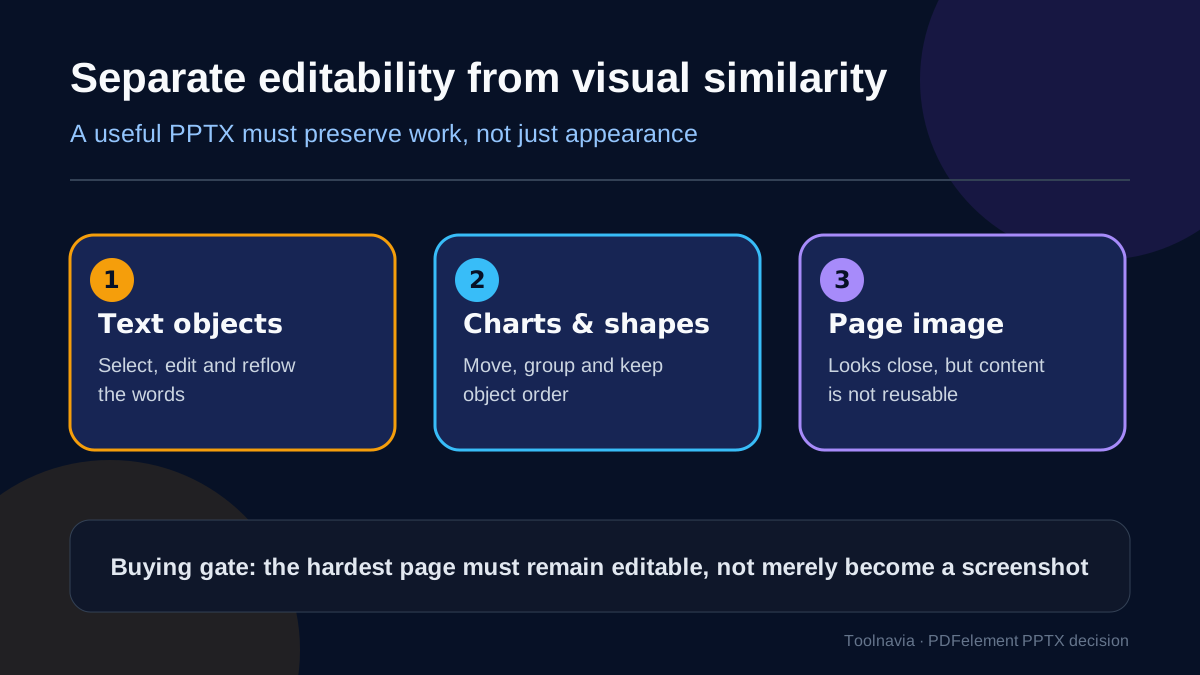
Treat “editable” as three separate tests. First, can you select a sentence and reflow it without manually rebuilding each line? Second, can you ungroup, move and restyle charts, shapes and callouts as useful objects? Third, can you change content, export the PPTX back to PDF, and still deliver an acceptable page? A visually similar slide that is only a full-page image passes none of these tests.
The most honest competing documentation comes from Nitro: its current guide says exact layout and formatting are not preserved even though visual appearance and structure are retained. Smallpdf likewise says complex graphics can need adjustments and documents cleanup when text boxes or images move. That conflict is why a real sample, not a marketing sentence, must control the purchase.
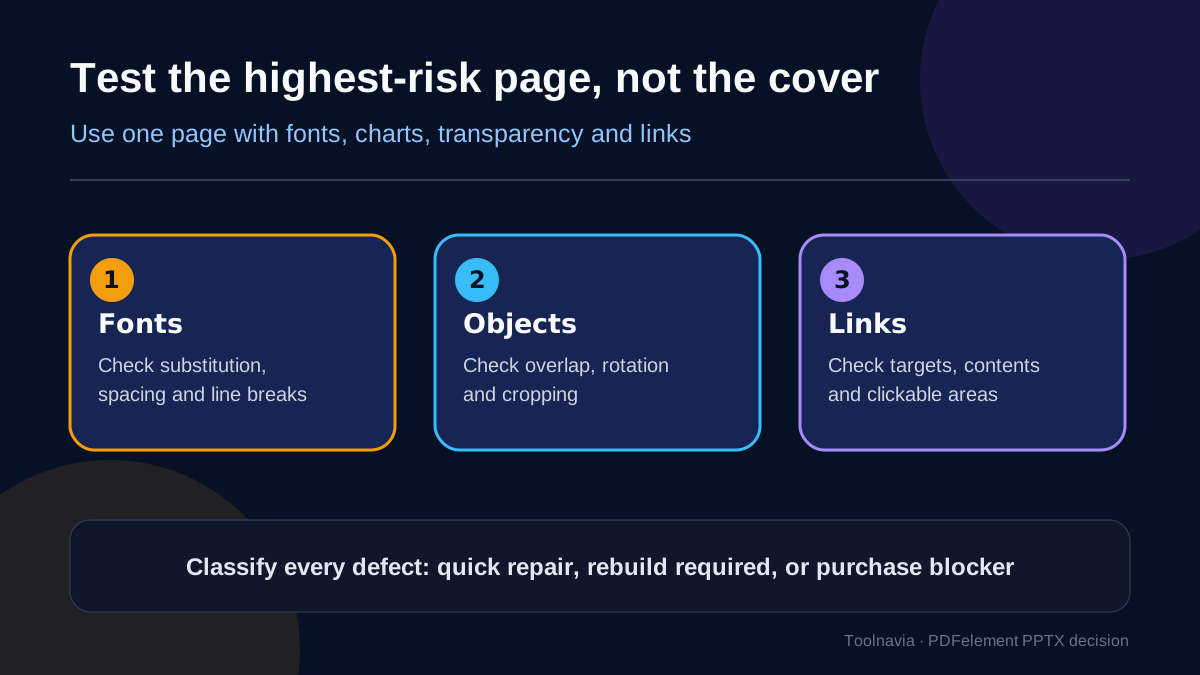
Start with the highest-risk page
Do not test only the cover. Choose the page most likely to fail: an uncommon font, a chart with labels, transparent shapes, tight columns, hyperlinks, rotated text, or a table with merged cells. If the file is multilingual, include the page that mixes scripts.
Convert only that page first. In PowerPoint, inspect:
- text selection, paragraph reflow, line breaks and font substitution; - chart and shape grouping, z-order, transparency, rotation and cropping; - link targets and clickable areas; - slide size, margins, page count and reading order; - speaker notes or hidden content you must recreate manually.
Classify each defect as a quick repair, a rebuild, or a purchase blocker. A one-minute font replacement can be acceptable. Reconstructing every chart or every page is not. Time one repair and multiply by the number of slides; that labor estimate is more useful than a feature-list comparison.
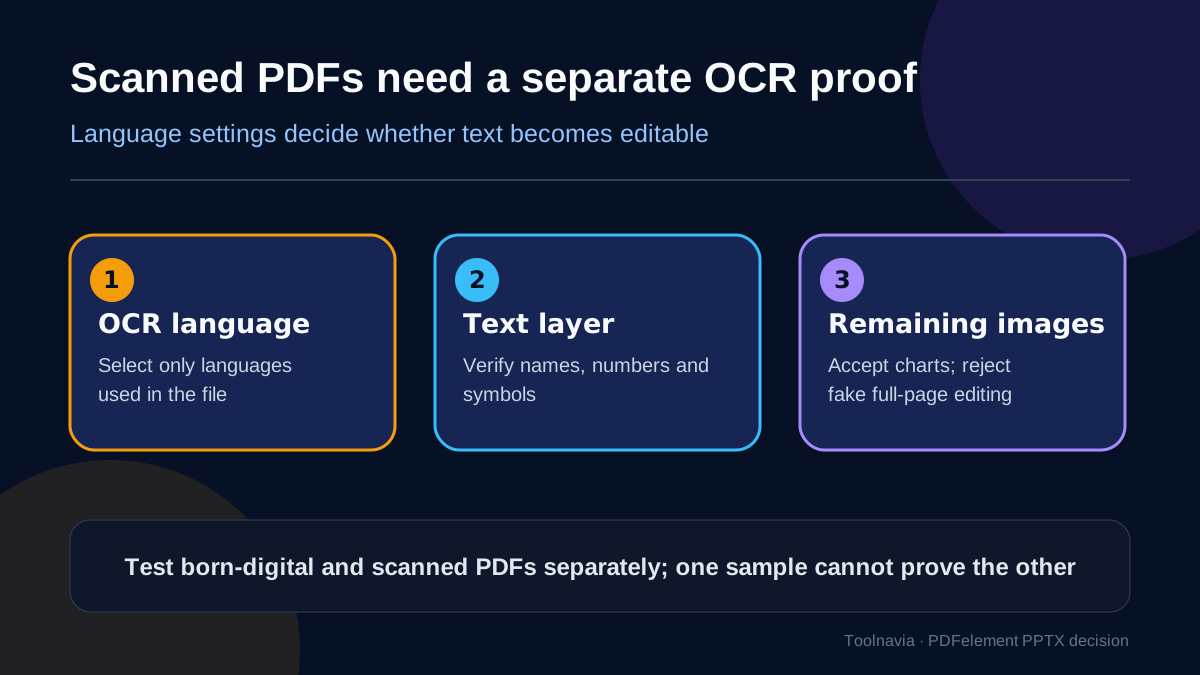
Born-digital and scanned PDFs are different jobs
A born-digital PDF may contain real text and vector objects. A scanned PDF is usually an image until OCR recognizes its contents. PDFelement documents OCR and recognition-language controls for scanned conversion. Nitro also separates advanced text recovery from automatic OCR and lets the user choose the recognition language.
Run two samples if both file types matter. For the scan, select only languages actually present, then verify names, numbers, punctuation, symbols and reading order. OCR can produce editable text without reconstructing the original chart, diagram or layout as native PowerPoint objects. Reject any result that looks editable only because a transparent text layer sits over a page image.
Confidentiality is part of the decision. Desktop conversion can keep the working file in a local workflow, subject to the product's own telemetry and update settings. Online tools upload documents to a provider. Adobe says its online converter handles the file on Adobe servers and deletes it unless you sign in to save it. Smallpdf says files are deleted after one hour. Those statements do not replace your organization's data-classification rules.
How PDFelement compares with Adobe, Smallpdf and Nitro
Adobe's desktop documentation describes export to editable PPTX. Its web guide lists PowerPoint export, language selection and a PDF Pack subscription requirement. Adobe is a sensible comparison if your team already standardizes on Acrobat or needs its surrounding PDF workflow. Still run the same hardest-page and round-trip tests.
Smallpdf is convenient for browser-based, occasional conversion. Its converter distinguishes basic conversion from a Pro direct-text-editing option. Its own guidance admits complex graphics may need a check and small adjustments. Use it when upload policy allows and the job is sporadic; do not infer that “editable slides” means every source object becomes native PowerPoint content.
Nitro is valuable as a conservative benchmark because it explicitly distinguishes reusable output from exact fidelity. It documents text-recovery choices and OCR for image-based documents. If PDFelement, Adobe, Smallpdf and Nitro all fail the same page, the problem is probably the PDF's structure, embedded fonts or flattened artwork—not a missing checkbox.
PDFelement is the stronger fit when you also need its desktop editing, OCR and other PDF tools and your samples pass. A specialized presentation redesign service is the stronger fit when the deck contains dense infographics, brand-critical typography, complex charts or animation expectations that were already flattened in the PDF.
Run a PDF→PPTX→edit→PDF round-trip
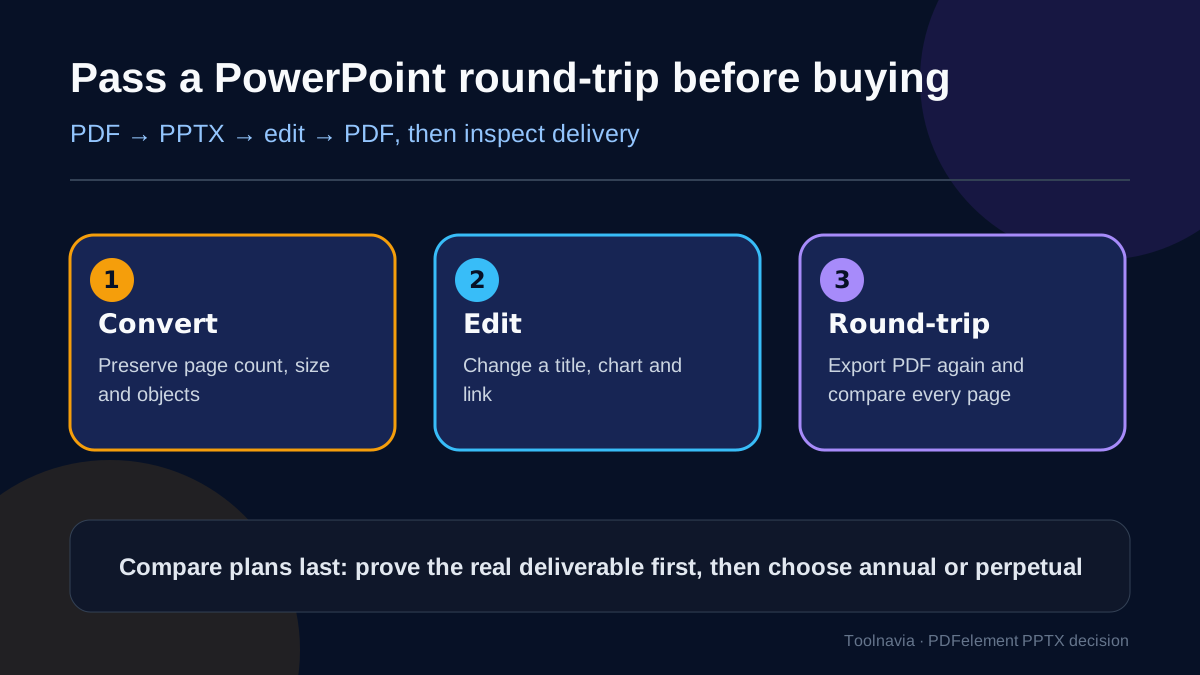
A conversion is not finished when PowerPoint opens. Make three representative edits: change a title, alter one chart or shape, and replace one linked image. Then export the PPTX back to PDF and compare the delivery copy against the original.
Check page dimensions, font embedding, line wraps, chart labels, image crop, transparency, links, bookmarks if required, and accessibility reading order. Test on another machine that does not have your fonts. A deck that only works on the converter's computer is not a reliable deliverable.
Use a stop/go rule. Buy if the hardest born-digital page is editable, the scan passes OCR accuracy, repair time is acceptable, and the round-trip PDF meets delivery requirements. Wait if failure is limited to a correctable font or one known object class. Skip if pages become screenshots, charts require wholesale rebuilding, links break, confidential documents cannot be uploaded, or the round-trip introduces recurring defects.
Price: compare only after the sample passes
On 2026-11-07, the official Windows Individual page displayed several values at once: quarterly at $11.99 with auto-renewal, yearly at $79.99 with auto-renewal, yearly at $31.99 with manual renewal, two years at $109.99 with manual renewal, and a perpetual option shown with a $51.99 promotional value alongside a $129.99 list value. Promotions, tax, currency, renewal method and included mobile/web access can change. The live cart is controlling.
Do not choose perpetual merely because you convert often. First confirm which version is licensed, whether future upgrades are included, and whether OCR, cloud or mobile benefits are time-limited. Annual may be rational for a short migration project; perpetual can make sense only after a stable desktop workflow passes and you accept version boundaries. Quarterly is the lowest-commitment paid pilot only if its renewal terms and total project cost are acceptable.
Buy PDFelement for this job if you already need a broad Windows PDF editor, your source is mostly born-digital, your highest-risk page remains editable, OCR accuracy is acceptable, and the round-trip delivery passes. The exact approved Windows Individual offer is linked only for that case.
Wait if you have not tested the real fonts, charts, links and scans. Use the trial or smallest appropriate commitment, save sacrificial copies, and measure repair time before processing a large archive.
Do not buy for a promise of perfect layout preservation. Do not use a browser converter for restricted files without approval. Do not count a full-page image as editable. And do not convert a flattened PDF expecting it to restore missing animation, original chart data or master-slide logic.
Verdict
PDFelement can be a practical PDF-to-PowerPoint tool, but conversion success is a workflow property, not a checkbox. Separate appearance from editability, test the hardest page, prove scanned OCR independently, and complete a PowerPoint round-trip. If those four gates pass, compare the live Windows plan and buy the entitlement that matches the project. If they fail, more conversion volume will only multiply repair work.