TOOLNAVIA / BUYING GUIDE
PDFelement PDF Portfolio vs Merge: Will Recipients Open It?
The short answer
PDFelement PDF Portfolio vs Merge: Will Recipients Open It?
A PDF Portfolio, a merged PDF, and a PDF with attachments can all put several files behind one icon, but they create different recipient experiences. A portfolio preserves Word files, spreadsheets, images, and PDFs as separate components. A merge turns supported pages into one continuous PDF. An attachment keeps one primary PDF and embeds supporting files. PDFelement 13 can create a portfolio and add attachments, yet the purchase decision should be driven by the recipient's viewer, security policy, and need to edit the original files—not by the convenience of the sender.
Affiliate disclosure: Toolnavia may earn a commission if you buy through the approved PDFelement link. That does not change the price you pay or the compatibility tests below.
At a glance
- Best for
- Controlled recipient groups that need original files preserved and can validate a compatible desktop-viewer and extraction workflow.
- Price model
- Live Windows Individual checkout controls all commercial terms; no durable sticker price is asserted.
- Check first
- Unknown public audiences, browser-only recipients, policy-blocked embedded files, or workflows where one readable/signable PDF is sufficient. Preview and extraction depend on recipient environment.
Short answer: merge for reach, portfolio for source fidelity
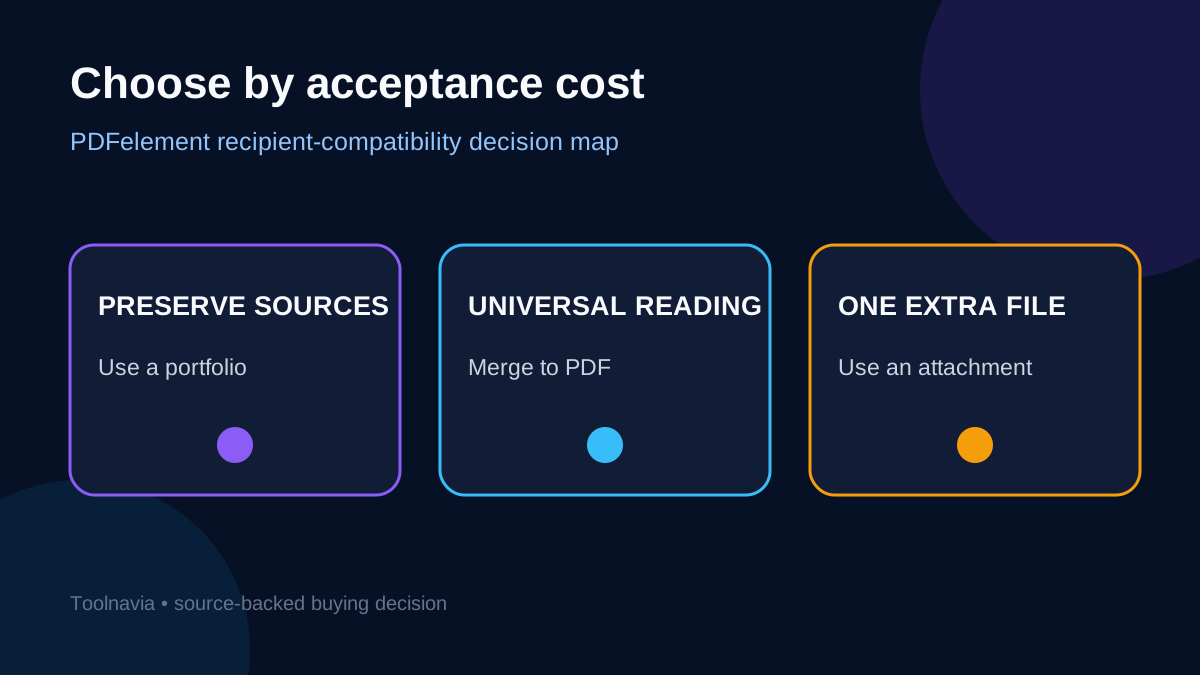
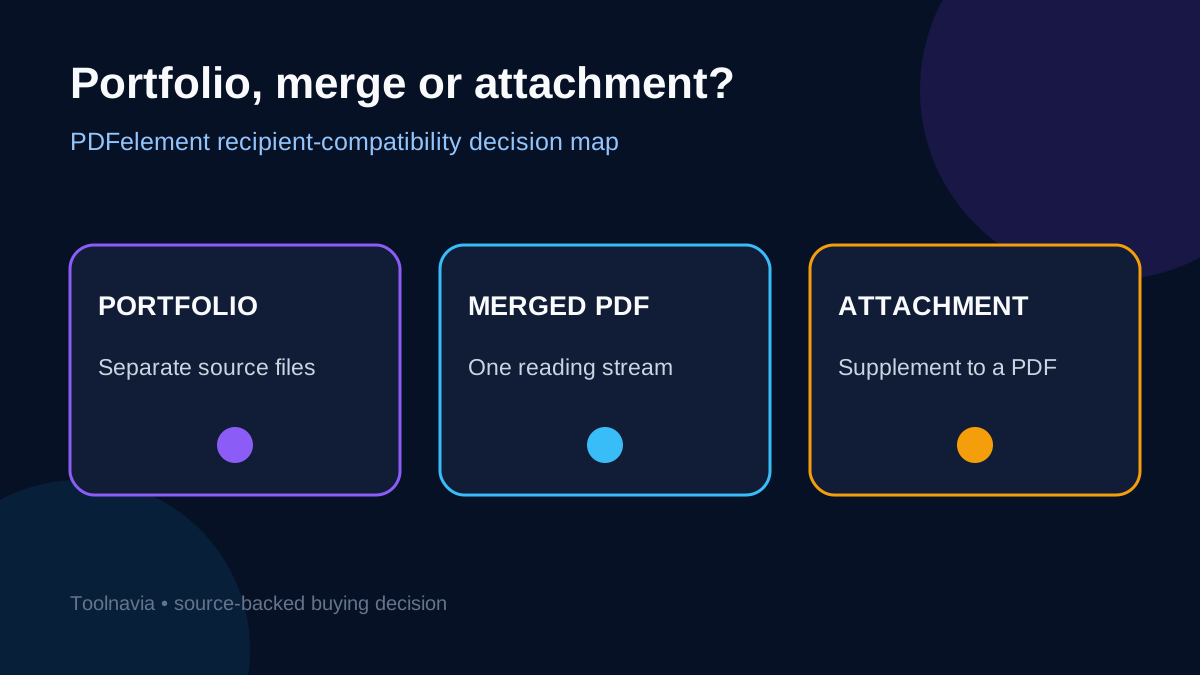
Use a PDF Portfolio when recipients must receive the original file types, preserve a folder-like structure, or extract and edit components in native applications. PDFelement's current guide says a portfolio can contain files and folders, allows adding, removing, reordering and previewing items, and keeps individual formats intact. That is the format's main advantage.
Use a merged PDF when the package is primarily for reading, printing, signing, archiving, or opening from email or a browser with the least explanation. Adobe's current combine workflow produces a single PDF with a chosen order. The tradeoff is deliberate: the recipient gets one predictable reading stream, not untouched source files.
Use a normal attachment when one PDF is the document of record and only one or two supporting files need to travel with it. PDFelement supports document-level attachments and page-level attachment comments. An attachment is simpler than a full portfolio, but it still depends on the recipient's PDF viewer exposing embedded files.
For an unknown external audience, the safest default is a merged PDF. Choose a portfolio only after at least one real recipient opens, browses, extracts, and reopens the package in the software they actually use.
What PDFelement preserves—and what it cannot control
PDFelement 13's portfolio workflow is useful when source formats matter. You can create the container, add files or folders, preview components, change order, and remove items before delivery. The attachment workflow gives an intermediate option: a readable PDF plus supporting source files. The current version history anchors this assessment to the PDFelement 13 generation rather than older help text.
However, PDFelement cannot control the software on the other end. A recipient may double-click the file in a browser, email previewer, mobile app, macOS Preview, locked-down virtual desktop, or third-party PDF editor. Those environments do not all expose portfolios and embedded files in the same way. Adobe warns that a portfolio opened in a browser or other PDF application may show a prompt to obtain Reader and may need to be downloaded and opened in a compatible desktop viewer.
This creates a practical distinction between container validity and delivery success. The portfolio may be technically correct while the recipient sees only a cover page, cannot preview a non-PDF component, or cannot launch its native application. A merged PDF avoids most of that viewer dependency because its content is represented as ordinary pages.
Treat portfolio support as a recipient-side requirement. Put required viewer and extraction steps in the delivery note, and keep a merged fallback ready for anyone who cannot open the components.
Run a recipient-compatibility test before buying
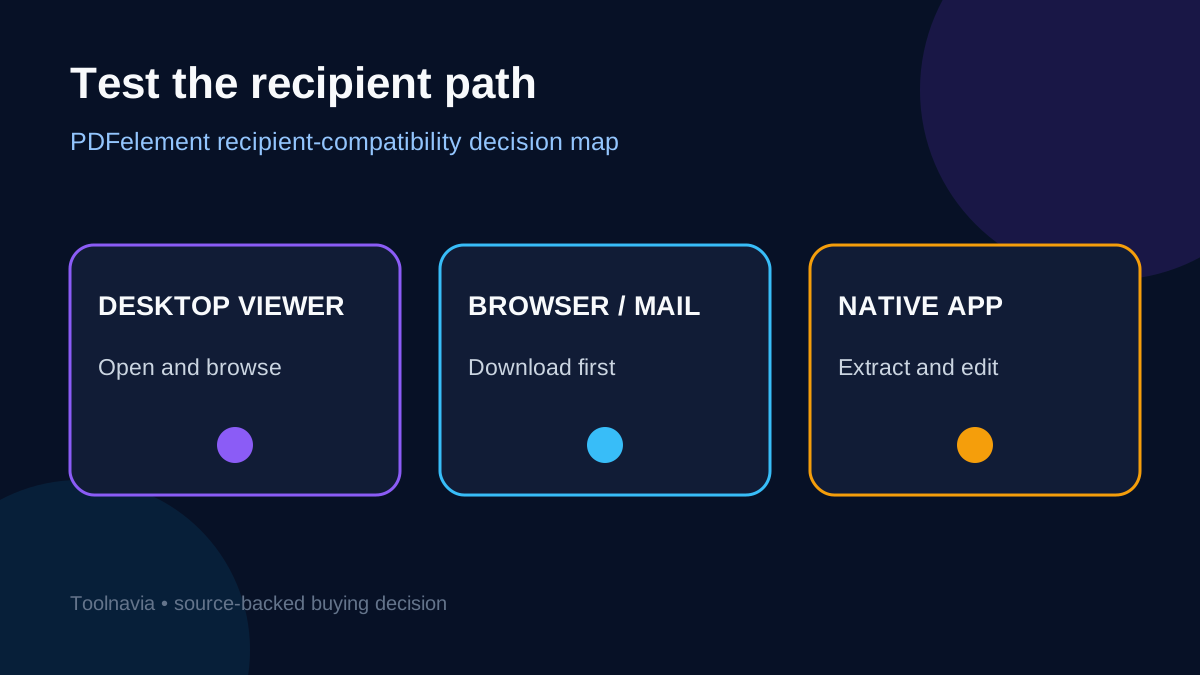
Do not test only on the sender's workstation. Build a small sample with one PDF, one office document, one spreadsheet, and one image. Use meaningful names and the intended order. Then run the real path:
1. Send the sample through the actual email, portal, or document-management system. 2. Open it first from the preview surface, then after downloading. 3. Confirm that the cover, component list, filenames, order, and previews are visible. 4. Extract every component and open it in the expected native application. 5. Reply with extracted files so the sender can compare file size and behavior. 6. Repeat on one managed corporate device and one mobile or browser-only path if either matters.
Record failures as viewer failures, policy failures, or content failures. A viewer failure means the container is not exposed. A policy failure means the mail gateway, antivirus, data-loss prevention, or endpoint rules block a component type. A content failure means a file opens but does not render or behave as expected. These classes need different fixes; purchasing another license does not solve a recipient policy block.
Foxit, Nitro, and PDF-XChange all document portfolio creation or handling while preserving separate component files. That proves the concept is not exclusive to one vendor. It does not prove every viewer offers identical previews, navigation, editing, or security behavior. Test the exact sender/recipient combination. Adobe separately documents opening, editing, and extracting portfolio component files, which are part of the acceptance path.
Size, file type, security, and accessibility limits
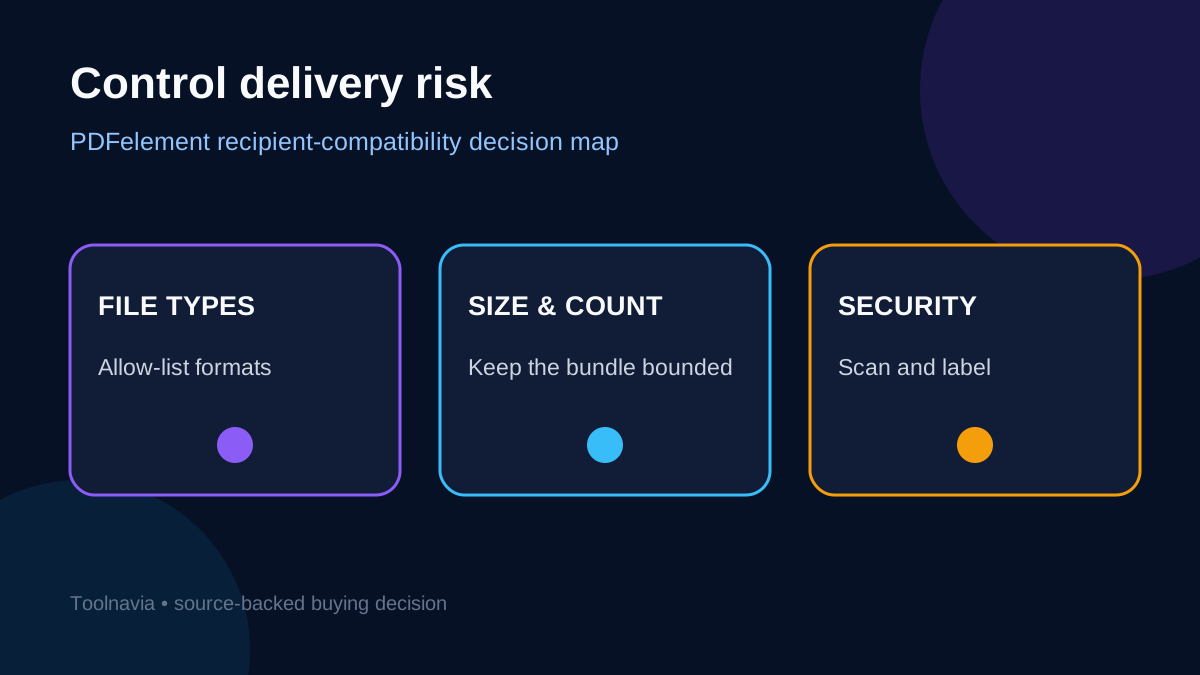
Portfolios can become opaque bundles. Adobe recommends keeping a portfolio to no more than 15 component files and under 50 MB for best performance. Treat that as a conservative operating boundary, not a universal file-format limit. Larger packages should be split, delivered through a managed portal, or converted into a merged reading copy plus a separately governed source archive.
Allow-list file types before assembly. Office documents can contain macros; multimedia and executables may be blocked; spreadsheets may reveal hidden sheets or formulas. Scan every component before packaging, remove passwords that recipients cannot obtain securely, and avoid placing sensitive source files in a bundle merely because the cover looks harmless.
Accessibility also favors a clear reading copy. A portfolio's component list and non-PDF files may not form one coherent reading order for assistive technology. If accessibility, e-signature, records retention, or court filing is the controlling requirement, generate a tagged merged PDF and validate it separately. Include the portfolio only as a supplemental source package where policy permits.
For long-term retention, preserve the original source set outside the portfolio as well. A portfolio is a delivery container, not a substitute for version control, retention metadata, or a governed repository.
Portfolio vs merge vs attachment: the decision matrix
Choose a portfolio when all four conditions are true: recipients need original formats; component structure matters; a compatible desktop viewer is available; and the delivery channel accepts every file type. This is the strongest fit for design handoffs, evidence packages, project records, or client deliverables that must remain editable.
Choose a merged PDF when universal reading, printing, signing, search, annotation, or archival simplicity is more important than native editability. Merge is also the right fallback when the audience is unknown or browser-first.
Choose an attachment when the primary PDF must read independently and only a small number of supporting files are optional. Make the existence of attachments visible in body text; do not assume the recipient notices a paperclip icon.
Competitor documentation is consistent on one point: portfolios preserve separate files. The conflict is the recipient experience. Adobe documents compatibility warnings, while product guides naturally focus on creation features. Resolve that conflict with an external recipient test, not a feature checklist.
Price and break-even: value the avoided rework
The approved PDFelement Windows Individual offer presents live billing and license choices. Promotions, tax, currency, renewal and entitlement can change, so the live cart controls the commercial terms. Do not compare plans until the recipient sample passes.
Estimate break-even as recipients per month × minutes spent explaining, resending, extracting, or rebuilding × loaded labor cost. A portfolio is worthwhile only if preserving source formats saves more time than compatibility support consumes. If three external recipients each need a ten-minute rescue, a merged PDF may be cheaper even when creating the portfolio took seconds.
PDFelement is a reasonable buy when the same team also needs editing, conversion, organization, attachments, and repeatable portfolio assembly. It is a poor buy for this use case if recipients are browser-only, policy blocks embedded files, or a merged PDF already meets the requirement.
[Check the current PDFelement Windows Individual options](https://www.jdoqocy.com/click-101895278-11245626) only after the compatibility sample and live-cart review pass.
Verdict
PDFelement can create a well-structured PDF Portfolio, and the format is valuable when original files must remain separate. But a portfolio is not a more universal PDF. It is a container whose success depends on the recipient's viewer, policies, native applications, and delivery channel.
For unknown or public audiences, merge. For one readable PDF plus optional evidence, attach. For controlled teams that need untouched source files, use a portfolio—after testing the real route from sender to recipient. Keep a merged fallback, label every component, control file types and size, and let acceptance cost rather than feature novelty decide the purchase.