TOOLNAVIA / BUYING GUIDE
PDFelement PDF Measurements: Check Scale Before Trusting Area
The short answer
At a glance
- Best for
- Preliminary plan review with independently checked scale and output.
- Price model
- Multiple Windows campaign/renewal cards;confirm the exact current cart and entitlement.
- Check first
- Precision settings do not prove accuracy;scans and mixed-scale details need separate checks.
Verdict: buy for a verified measurement workflow
PDFelement can be useful for preliminary PDF plan review when the drawing has a trustworthy reference, the scale is checked, and the recipient can read the saved annotations. Do not buy it on the assumption that a precise-looking area number establishes the real dimensions of an uncertain scan.
Its Windows guide documents distance, perimeter, polygon area and circle area, with scale ratio, precision and snapping controls. Those are useful tools, but the source geometry remains part of the problem. This is documentation analysis; no PDF, application or physical dimension was tested.
Review the exact Windows Individual offer. Toolnavia may earn a commission through this approved affiliate link.
Verify a second known span
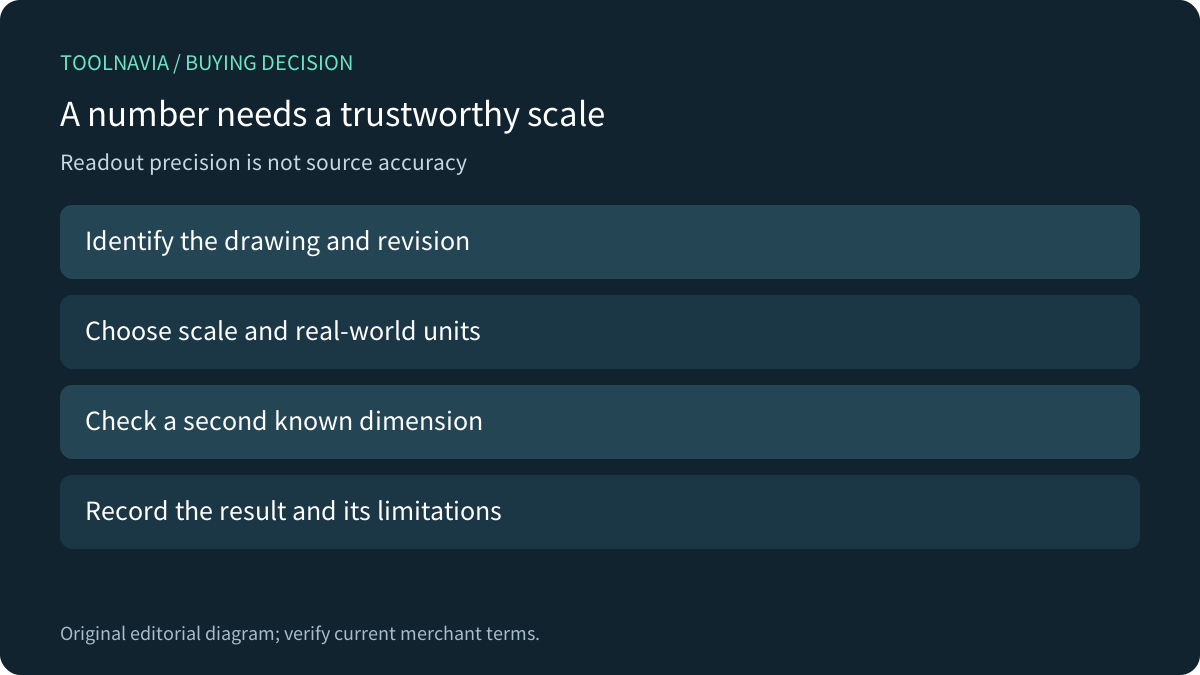
Start with the correct drawing revision and a reliable labeled dimension. Set the intended units and ratio, then check a second known span before collecting quantities. Use references in both directions when possible. One matching horizontal line alone is weak evidence that a distorted scan is correct vertically.
A printed scale label is useful context, but a PDF may have been resized during creation or scanning. Bluebeam's separate guidance recommends calibration to a known length when scale is uncertain. That supports the checking principle; its calibration interface is not a PDFelement feature claim.
Area can amplify a small scale mistake
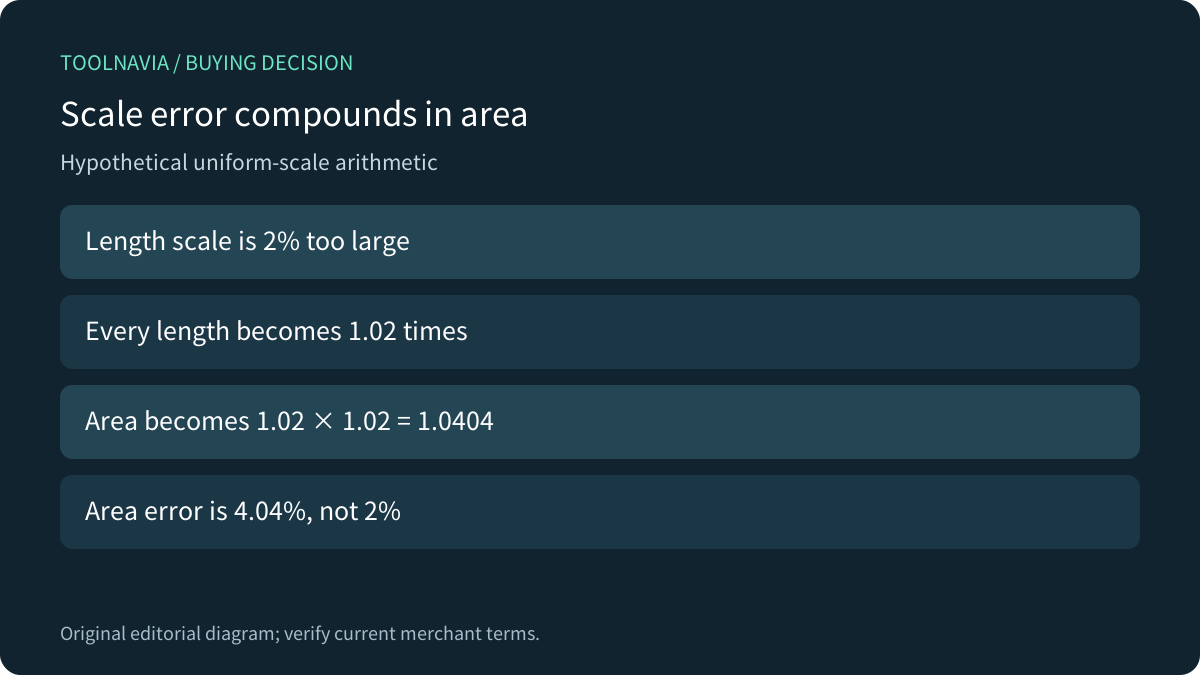
Consider a hypothetical uniform error: if the chosen length scale is 2% too large, every length becomes 1.02 times its correct value. Area then becomes 1.02 × 1.02 = 1.0404 times the correct area, an error of 4.04%. This is elementary geometry, not a measured PDFelement error rate.
Displaying more decimal places cannot fix that wrong input. Choose practical precision after verifying units, reference dimensions and endpoints. Keep the stated dimension or qualified project reference as the authority when measurement and source information disagree.
Match the tool to the geometry and detail
Four relevant strengths are separate length/perimeter tools, polygon/circle area tools, explicit scale-and-precision settings, and snapping with labeled review. Distance answers a different question from boundary length; a polygon area selection needs the intended closed outline rather than a convenient bounding box.
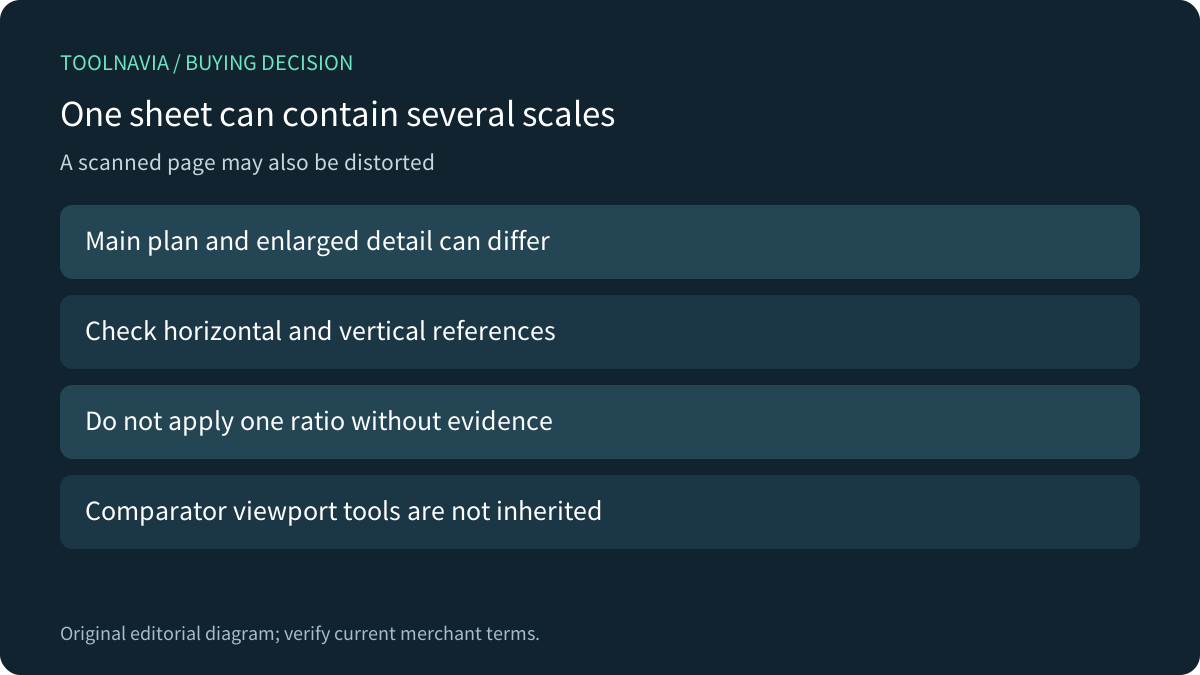
A sheet can contain a main plan and an enlarged detail at different scales. Do not apply one ratio to every view without checking. Bluebeam explicitly documents viewports and separate X/Y scales; those are comparator capabilities, not features we are promising in PDFelement. If your task requires them, verify the exact supported workflow before paying.
Compare settings instead of feature counts
Adobe documents scale ratio, units, precision, snapping and measurement markup. Foxit's Mac documentation also distinguishes distance, perimeter and area. These primary references provide a useful evaluation checklist, not a claim that all three applications or platforms behave identically.
Vector endpoints and a scanned line image can present different selection conditions. Inspect the source and use appropriate zoom for endpoint placement; zooming the view does not by itself establish a new real-world scale. When a scan is distorted or lacks a trustworthy reference, obtain a better source rather than adding confident decimal places.
Test the final file before committing
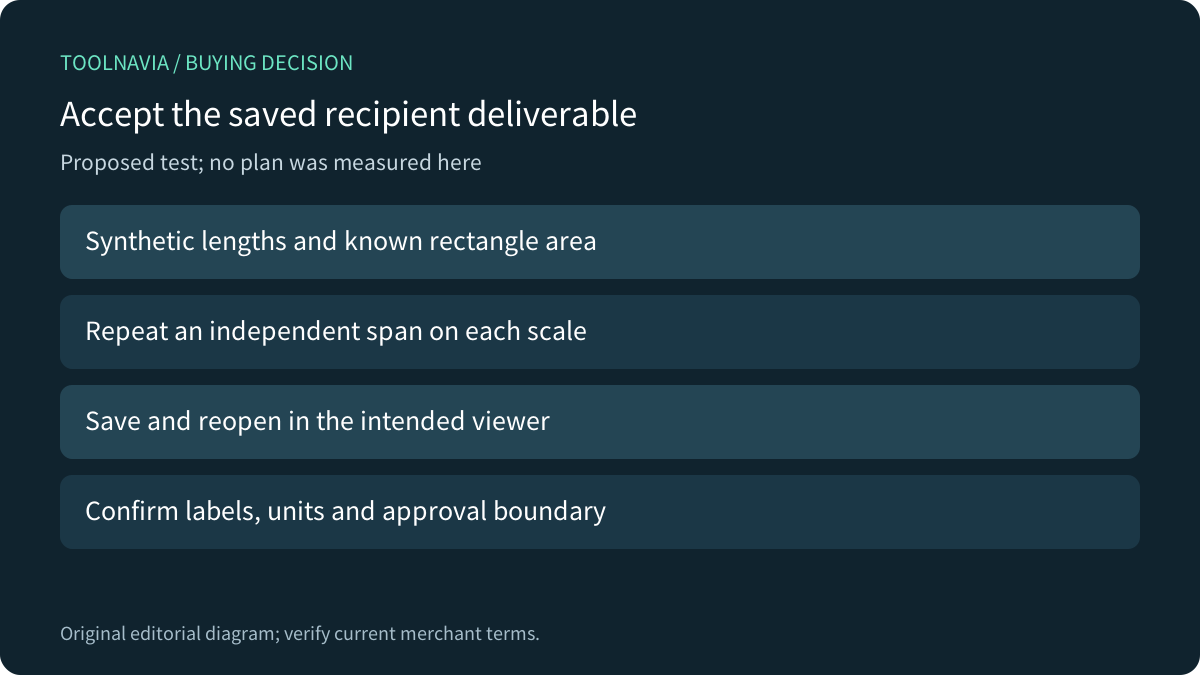
Use a harmless synthetic PDF with known horizontal and vertical spans and a rectangle with a known area. Check the independent spans under each intended scale, make representative annotations, then save and reopen the exact file in the recipient's viewer. Confirm units, labels and readability, including any flattened delivery copy.
Preserve an editable master and a record of the reference used. These are proposed checks; we did not run them. A successful synthetic example would verify that workflow, not certify a construction quantity or replace qualified review of a real project.
Confirm the actual Windows license and cost
The current official store presents multiple campaign cards, renewal modes and perpetual choices. Confirm your selected Windows cart, tax, renewal and version entitlement rather than assuming the lowest visible row applies universally. The perpetual terms explicitly name PDFelement 13; major upgrades may require another purchase.
Choose the editor when its validated measurement and handoff route meets the task alongside your other PDF needs. Keep an existing suitable tool when it already does so. Pay for a supported workflow, not an implied accuracy guarantee.