TOOLNAVIA / BUYING GUIDE
PDFelement PDF Organizer: Build a Client Packet You Can Update Next Month
The short answer
A single PDF is easier to deliver only when the recipient can find the right section and trust that every page is current. PDFelement can be useful for assembling recurring client packets, training materials or project handovers. The purchase case is a maintainable document package, not simply fewer attachments.
At a glance
- Best for
- Windows users comparing PDFelement 13 annual, manual-renew and perpetual purchase paths.
- Price model
- Windows reference: $79.99/year, $109.99/2 years, $129.99 perpetual; current campaign rows may be lower.
- Check first
- Campaign prices, renewal method, tax and platform scope can vary; perpetual language explicitly names PDFelement 13, not every future major version.
Make a page inventory before combining
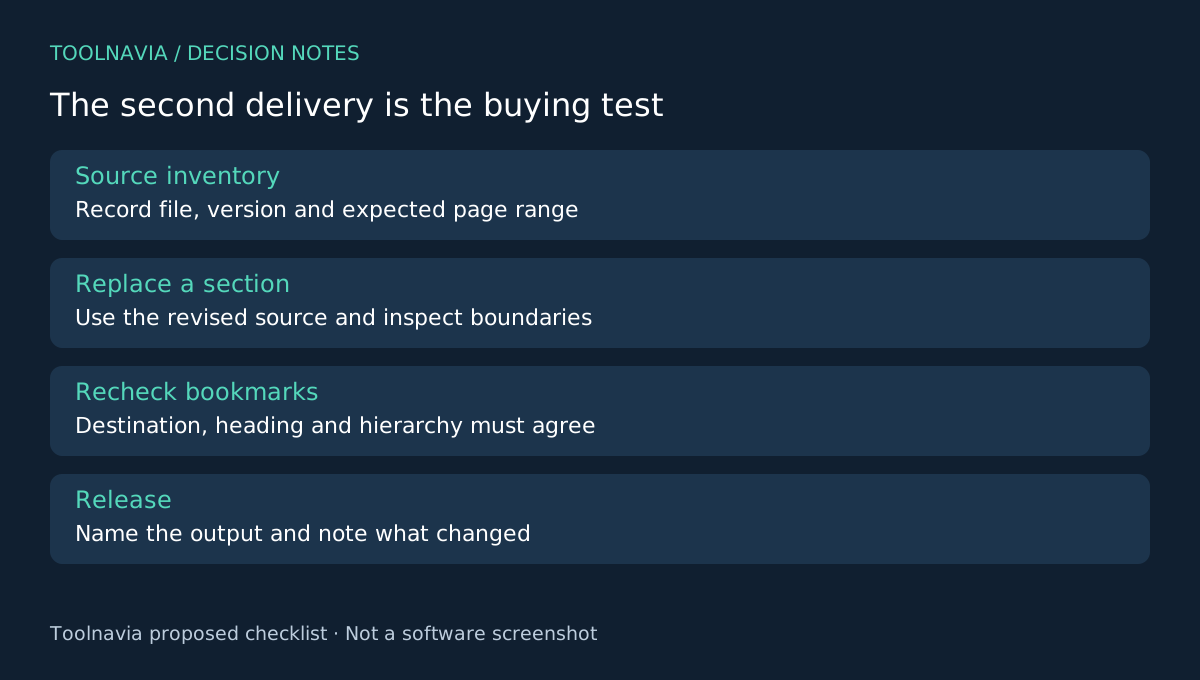
List each source file, its version and its expected place in the final packet. Mark which pages belong in the release and which are working material. Keep the sources separate from the assembled output so an update can be traced later.
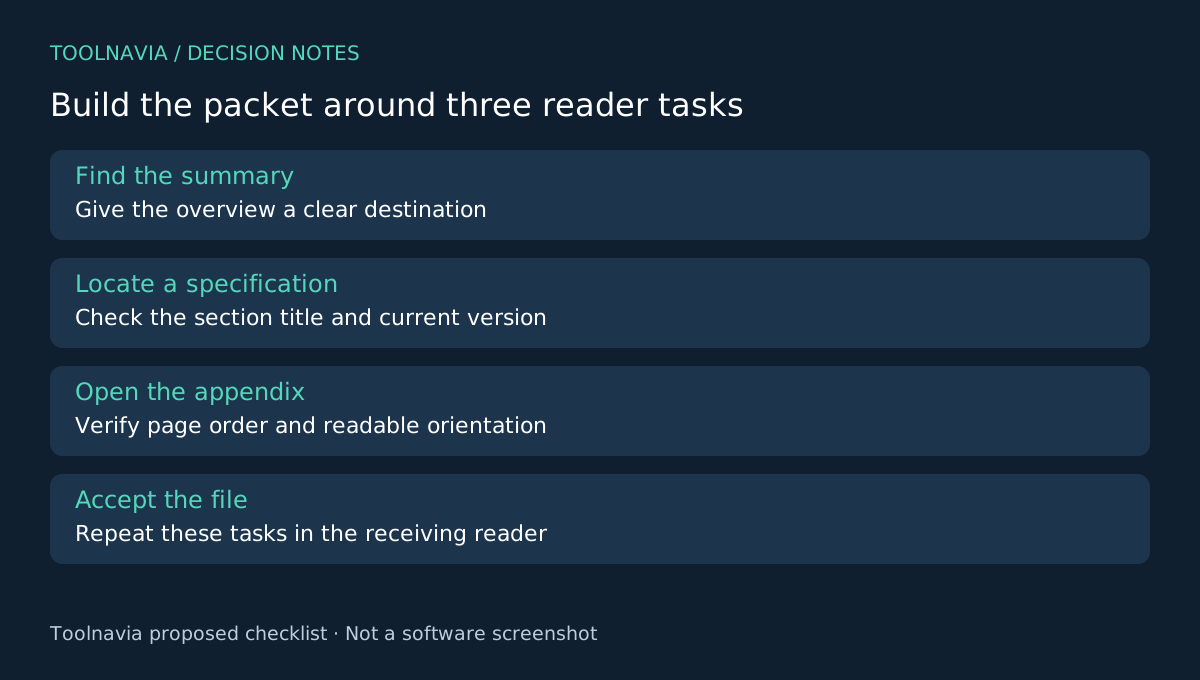
Define the recipient's first three tasks. They might need to open the summary, locate a specification and check an appendix. This gives navigation a purpose. If your job is a one-off merge of two short files, an existing tool may already be enough; repeated updates create the stronger case for a full editor.
Four capabilities that support a maintained packet
PDFelement documents combining PDFs, rearranging and rotating pages, replacing selected pages, and generating bookmarks from recognizable structure. These serve different parts of the job rather than four ways to press “merge.”
Combining creates the package. Page organization corrects its reading order. Replacement updates a defined section without starting the assembly again. Bookmarks give the recipient an entry point. None establishes that the selected source version is correct—that remains an editorial decision.
A bookmark in the navigation panel is not the same object as a contents page printed inside the document. Decide which the recipient needs and verify it separately. Automatic bookmark entries should be treated as a draft, especially when source headings are inconsistent.
Assemble once, then simulate a real update
Build a small representative packet with a cover, two sections and an appendix. Include one landscape page and a source with its own page numbering. Use the inventory to check boundaries: the final page of one section and the first of the next are easy places to introduce omissions or duplicates.
Now simulate the next month's update. Replace one section with a revised version using the documented page-replacement workflow. Check whether the section still begins where expected, whether old pages remain and whether the page count matches your revised inventory.
Open every section bookmark in the saved output. Confirm the destination, visible heading and hierarchy agree. A bookmark that still opens somewhere in the document is not necessarily correct after changes. Inspect the landscape page at readable size and confirm that reorientation has not hidden essential material.
Finally, reopen the packet in the recipient's reader and perform the three tasks you defined earlier. Record any point where the user needs to guess a filename, page number or section label. This is a proposed editorial test; Toolnavia has not timed PDFelement against another editor.
Keep release management separate from the merge button
Use a release filename and a short change note identifying the updated section. Retain the source inventory with your internal working files. Do not distribute obsolete packet versions in the same folder without clear labels.
If the recipient only needs part of the packet, evaluate extraction or splitting and inspect that smaller output as its own deliverable. PDFelement documents these organization tools. Page selection does not replace redaction or whole-file release review when information must be removed.
Choose based on the second delivery
Acrobat also documents file combining and navigation, while PDF-XChange lists page operations. ABBYY offers a broader PDF workflow to evaluate when recognition and conversion are additional needs. Compare the update exercise rather than a feature-count ranking.
Buy PDFelement when assembling and revising your recurring packet becomes manageable and the final navigation passes review. Confirm the exact Windows checkout price, renewal and version entitlement; overlapping campaign rows do not promise the same price to everyone. The [PDFelement plan guide](/en/software/pdfelement) covers those choices.
Toolnavia may earn a commission from eligible purchases through the official affiliate link. No special discount or measured productivity gain is guaranteed.