TOOLNAVIA / BUYING GUIDE
PDFelement Batch Compress: Can You Test It Before Paying?
The short answer
Quick answer: PDFelement 13 can suit repeat Windows batch compression when local handling matters, but the desktop trial cannot prove the Compress workflow before payment. The official registration guide says compression is unavailable until purchase and activation; the separate free-compression statement is for the Online PDF Editor.
The decision is not merely whether one PDF becomes smaller. A buyer must show that a repeat queue meets a portal, email or archive cap without breaking small text, charts, forms, signatures or searchability. A 16 MB to 10 MB target requires 37.5% reduction, but that is arithmetic rather than a vendor test. Text PDFs, scans and chart decks can react differently to the same preset.
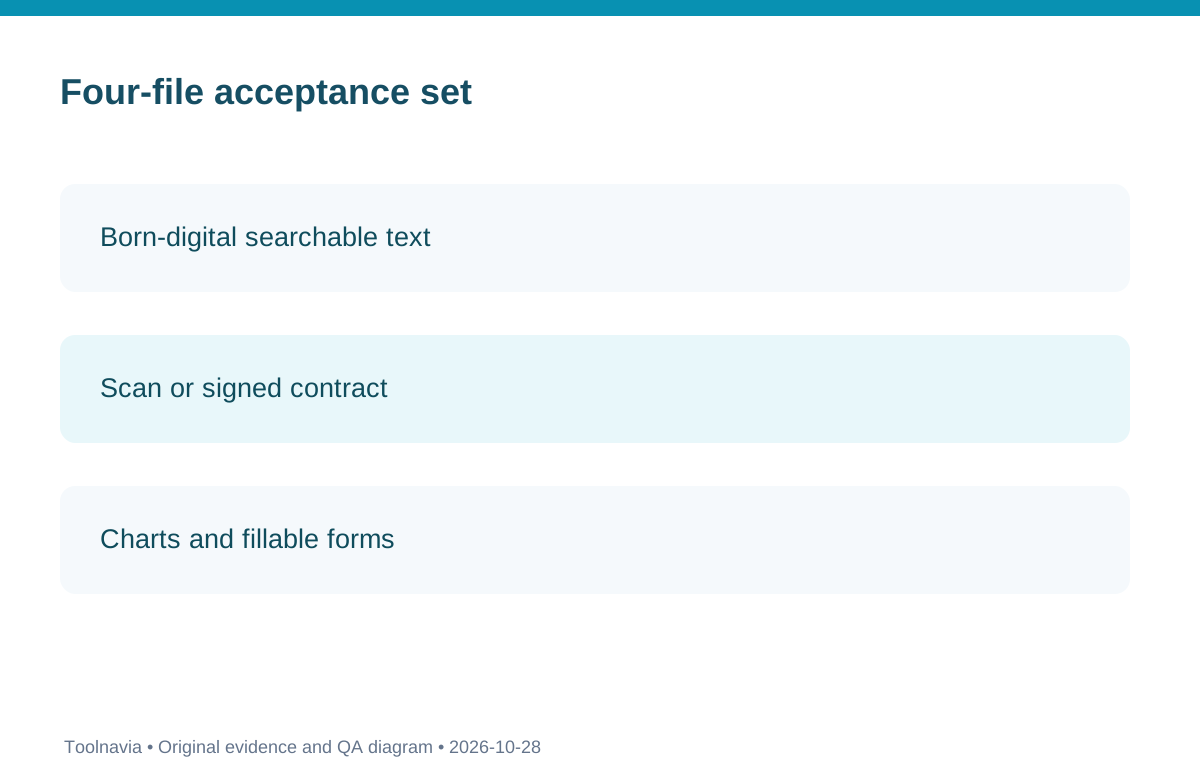
Use a four-file acceptance set: a born-digital text PDF, a scan with signatures, a chart deck, and a form or signed PDF. Preserve originals and record source/output bytes, preset, page count, visual checks, text search, links, fields and signature status. Acceptance matters more than the headline ratio. Adobe documents that downsampling, image encoding, fonts and object cleanup affect different PDF components; Apple warns that smaller files may be lower quality.
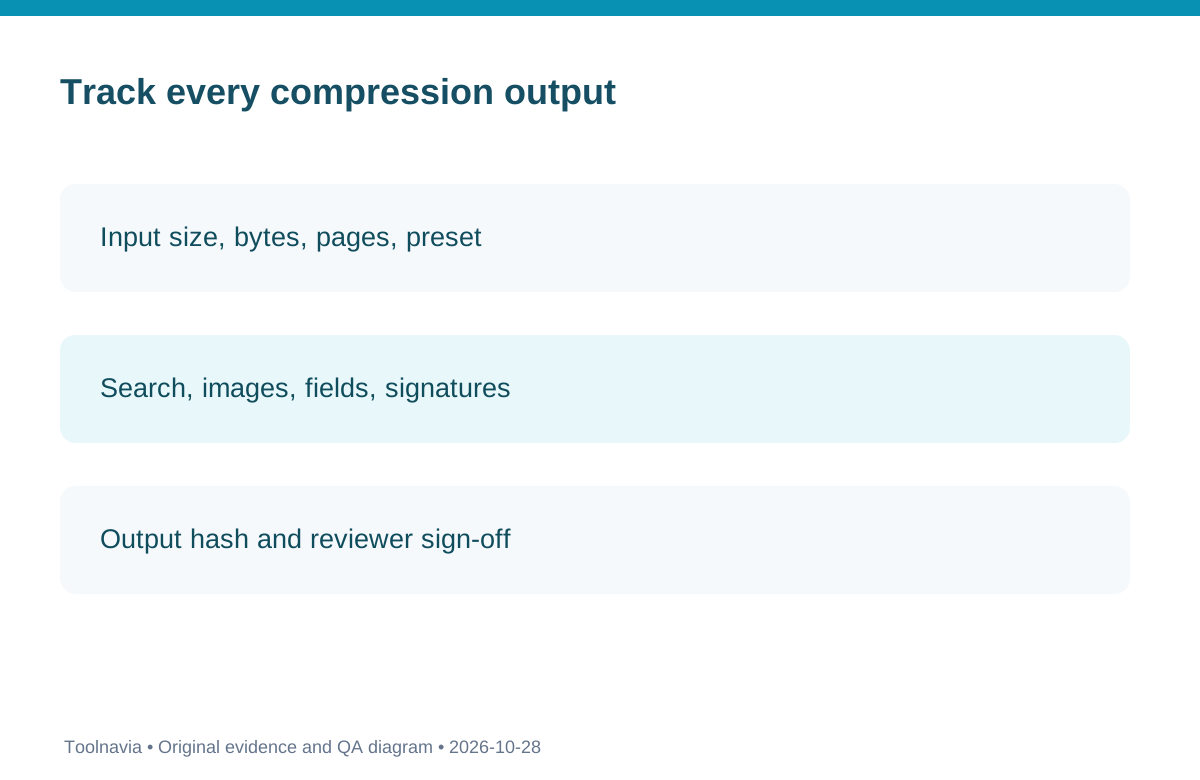
Maintain one manifest row per file: source name/hash, target size, selected preset, output name/hash, visual check, search check, form/signature check and reviewer. Keep input and output folders separate. Failed files go to a lighter preset or manual review. No reviewed vendor source guarantees every file will reach a chosen cap, so the defensible promise is a controlled QA workflow.
Compare alternatives first. If the editable source exists, LibreOffice export may be enough. Preview is a Mac-only option with quality tradeoffs. Sejda and Smallpdf may handle occasional non-sensitive files but add upload, free-limit and stronger-preset constraints. Adobe Acrobat Pro offers detailed desktop optimizer controls. PDFelement should win only when the integrated Windows local queue and repeat volume justify another paid editor.
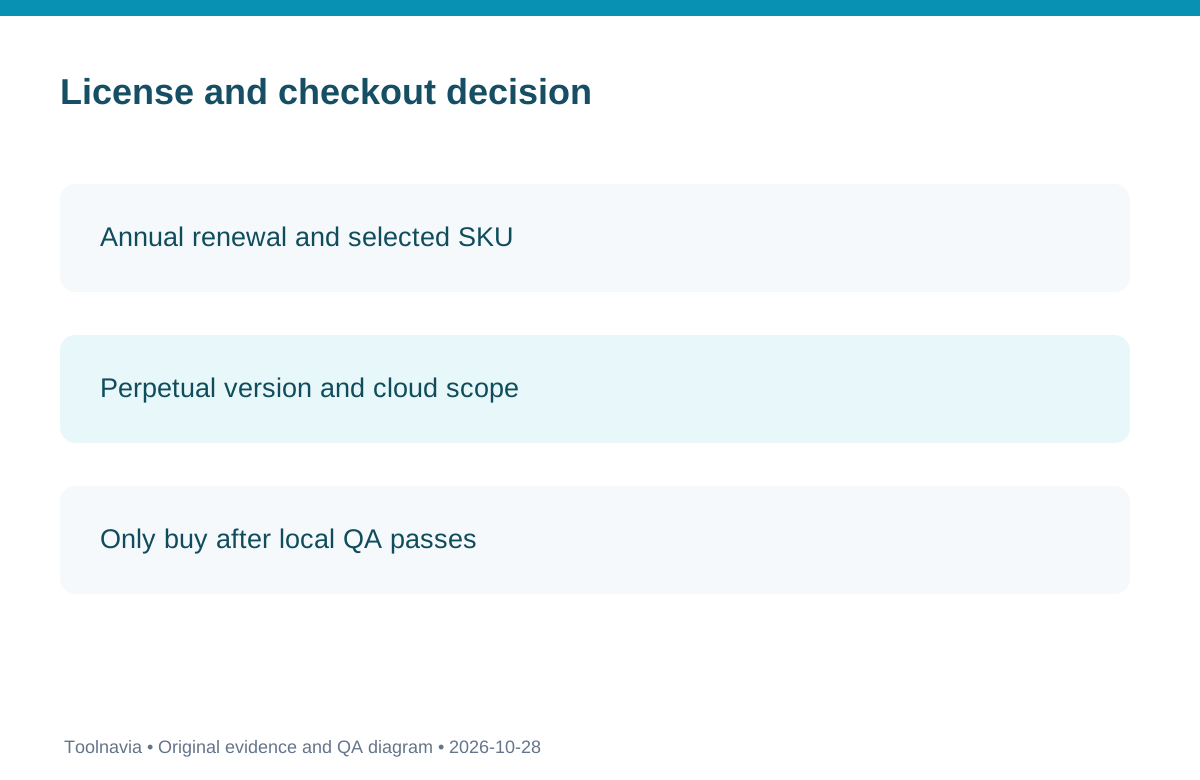
The official Windows store currently shows a US$79.99 auto-renewing annual card alongside other campaign, manual-renewal and perpetual V13 cards. Compare the exact selected SKU, renewal mode, device/cloud scope, major-version rights, tax and expected use years. Do not treat one card as the universal price.
Verdict: confirm the exact Windows Individual cart and activation terms, treat desktop trial compression as unavailable unless the controlling guide changes, and run the four-file acceptance set on the activated build. It is best for recurring local Windows batches with auditable QA, not one-off files or buyers expecting lossless output or a guaranteed compression percentage.
At a glance
- Best for
- Frequent local Windows PDF batch processing with a repeatable size-and-quality acceptance manifest.
- Price model
- Observed annual USD79.99 auto-renewing Windows Individual card, verify cart
- Check first
- Trial Compress may be unavailable; actual QA and license terms need checking.
What "batch" and "compress" do not establish
PDFelement is a PDF editor with batch tooling, but a feature-list label alone does not guarantee that every PDF can be reduced by a selected percentage. Image-heavy scans offer different space savings from digitally generated text files. Shrinking the embedded images can make a scan less legible, while removing fonts or PDF objects may change document behavior. Official Acrobat guidance distinguishes resampling, image compression, font and structure optimization. Use that as a technical caution, not proof that the PDFelement tool behaves identically.
A signature-bearing PDF is a special case: even if a visual signature remains visible, post-signature modification may affect validation. Preserve the unmodified original and check the signature panel after any test. A document that meets the upload cap but loses a valid signature, selectable text or a form value has failed the business task. No vendor page here establishes safe post-signature transformation of every PDF.
A reproducible local Windows acceptance run
Prepare four samples with a realistic mix of pages and embedded objects. Record each input's byte size and page count, then use an explicitly chosen compression preset on the activated program. Store the results in a separate directory named for the preset, and keep the original untouched. For each file, inspect the opening page, a dense middle page and the final page at normal and zoomed size; search for a known sentence; test links and any form fields; inspect the PDF signature panel if present. Log a visual pass or fail rather than a single subjective quality score.
If a report must fit under 10 MB, use a comfortable margin and compare the *actual saved output* with the portal's documented limit. A preset described as "strong" is not a guarantee. If the initial pass fails, try a less aggressive preset or regenerate from the editable source rather than repeatedly recompressing already degraded scans.
Desktop trial versus the free online tool
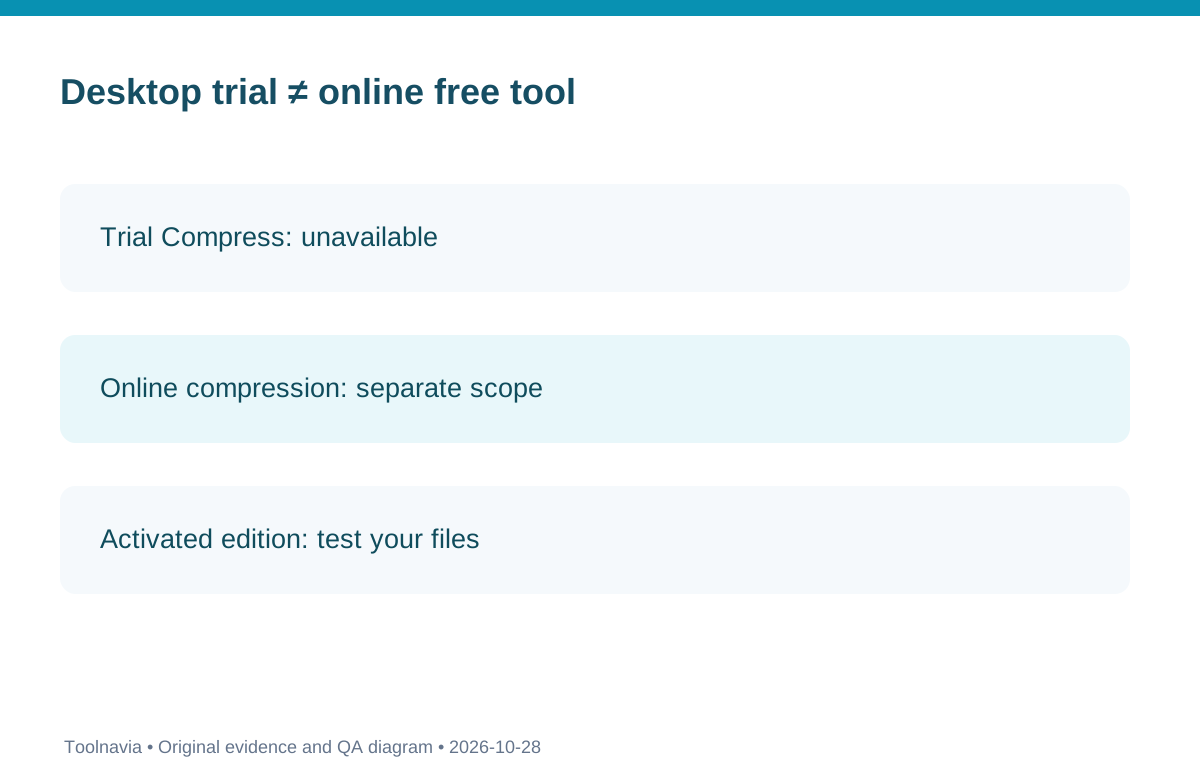
The Windows desktop registration guide explicitly says file compression is unavailable in the trial. Product marketing can simultaneously mention free online compression and current release features, but those are different products or access conditions. Verify the exact version and activation state; if the installed program cannot run a local Compress job without payment, do not treat an online test as proof of the desktop workflow.
Do not upload signed contracts, customer records or confidential documents to an online compressor without reviewing the provider's current data-handling terms. An online service with a time-based deletion policy does not replace your organization's privacy assessment.
How much recurring work justifies another license?
For one or two public, non-sensitive PDFs, export from the source or try a trusted permitted occasional-use tool first. For repetitive Windows tasks where input privacy and an auditable QA manifest matter, a desktop editor may save enough labor to merit an annual or version-limited perpetual license. Compare the annual US$79.99 card observed on October 28, 2026 against the selected perpetual/version-specific and manual-renewal cards; do not assume that a banner discount is a permanent price or that all plans cover the same devices.
The purchase is conditional: if the activated build passes the four-file acceptance set at a reasonable preset and the workflow repeats often, PDFelement can be worthwhile. If the trial block, file-quality risk, export alternatives or recurring cost cannot be resolved, delay the purchase rather than accepting an unverifiable compression claim.
Evidence boundaries and alternatives
PDFelement's general product overview confirms the editor family, not a guarantee that its unactivated Windows trial can perform Compress. Smallpdf's paid stronger modes are a cloud alternative rather than a local desktop entitlement. A current editorial roundup and a separate measured 2026 comparator provide market context, but their size and quality observations cannot be applied to the four untested customer PDF samples or turned into PDFelement benchmarks.