TOOLNAVIA / BUYING GUIDE
pCloud Premium: Save Recovery Codes Before You Upgrade
The short answer
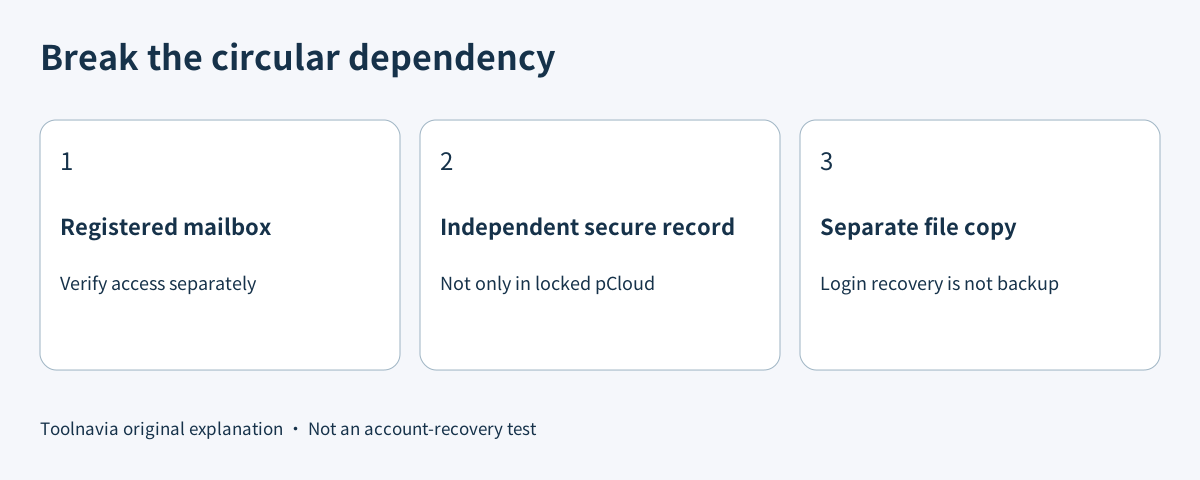
Buy pCloud Premium for storage and useful file workflows, not as a cure for account lockout. Before committing more files or money, check whether you can reach your account after losing the phone that supplies your login code. A recovery plan that lives only inside the same cloud account is a circular dependency.
At a glance
- Best for
- A buyer whose storage needs fit Premium and whose actual login and recovery record are accessible.
- Price model
- Observed November 10 500 GB Lifetime campaign US$159; verify the live selected regional order.
- Check first
- More storage does not fix lockout or guarantee support recovery.
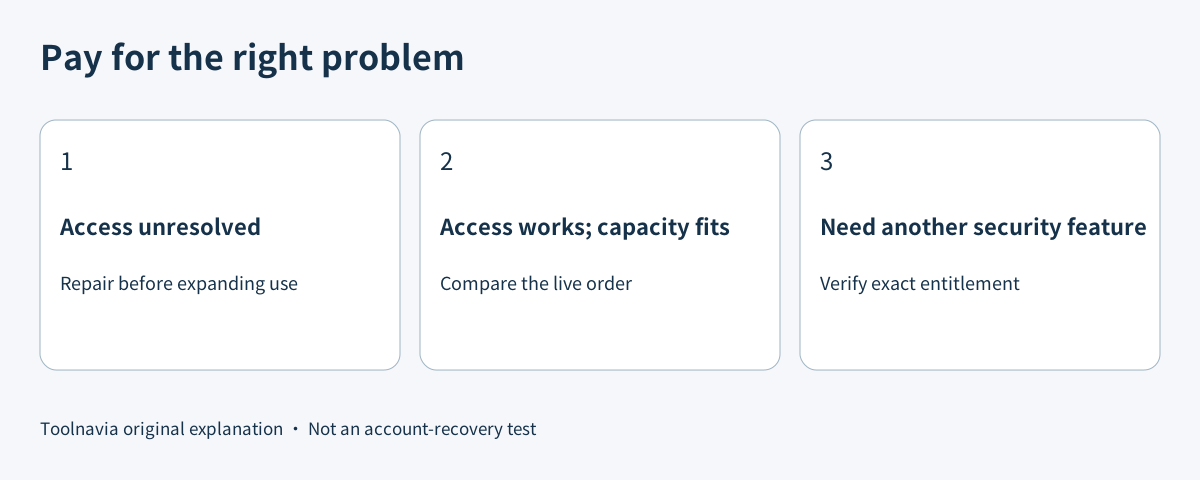
Separate storage capacity from account access
The November 10, 2026 pricing page displayed Premium 500 GB Lifetime at US$159 as a Black Friday offer. It separately marked pCloud Encryption and pCloud Pass Premium as not included. This is an observed campaign price, not a guaranteed future checkout total. Confirm the account, currency and selected billing route before paying.
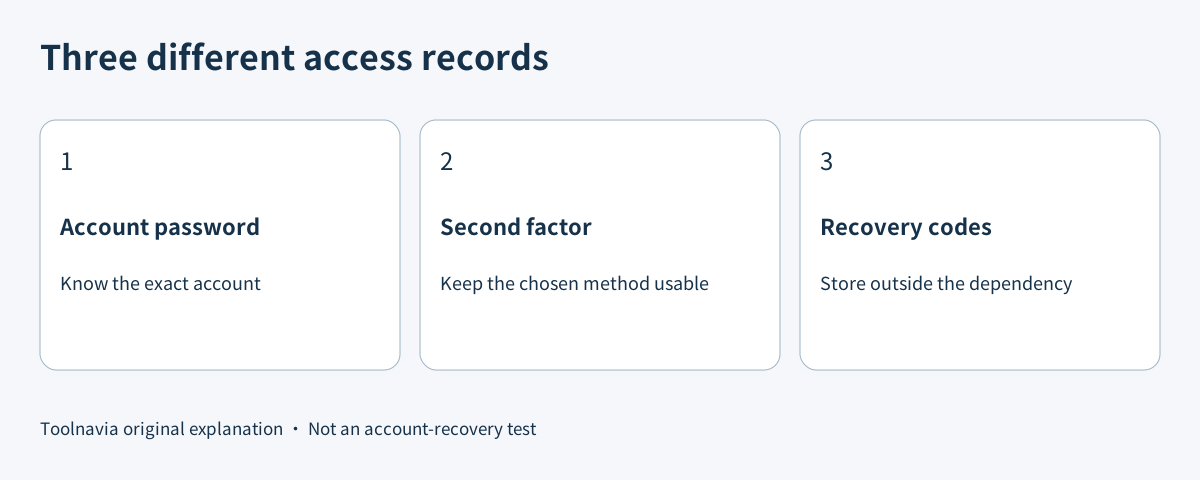
The two-factor authentication guide describes an account-security setting, not an upgrade prerequisite. Do not buy Premium merely to obtain a feature the account already offers. The useful purchase condition is that the capacity and file workflows meet your needs and you retain a practical way back in.
Prepare a fallback that survives the lost phone
pCloud documents ten single-use recovery codes, available to view, download or reset in its two-factor settings. Save them securely somewhere you can reach without the missing phone or a successful pCloud login. Never publish them, put them in a support screenshot or send them as proof of ownership.
A printed copy in a protected location or an independently accessible encrypted record is a proposed storage choice, not a pCloud feature. Consider who could read it, whether you would remember its location and what happens if the laptop and phone disappear together. Do not put your only fallback in a photo stored solely on those devices.
The authenticator setup secret and a one-time recovery code are different things. The setup secret can recreate the authenticator entry; a recovery code is consumed when used. Protect both as credentials rather than ordinary notes.
Do not assume SMS will rescue an authenticator login
pCloud's access guide says only one code-delivery method can be selected, and SMS fallback for Google Authenticator is not currently available. It also recommends current app versions when enabling two-factor authentication. A remembered session working today does not establish that a new browser will work after a device change.
The setup guide says a trusted device can avoid another code challenge for 30 days. That convenience is not a permanent independent recovery method. For an account created through a social login, pCloud says to establish a pCloud password before enabling its two-factor setting. Check your actual route rather than assuming the social account and pCloud credentials are interchangeable.
Rehearse without deliberately locking yourself out
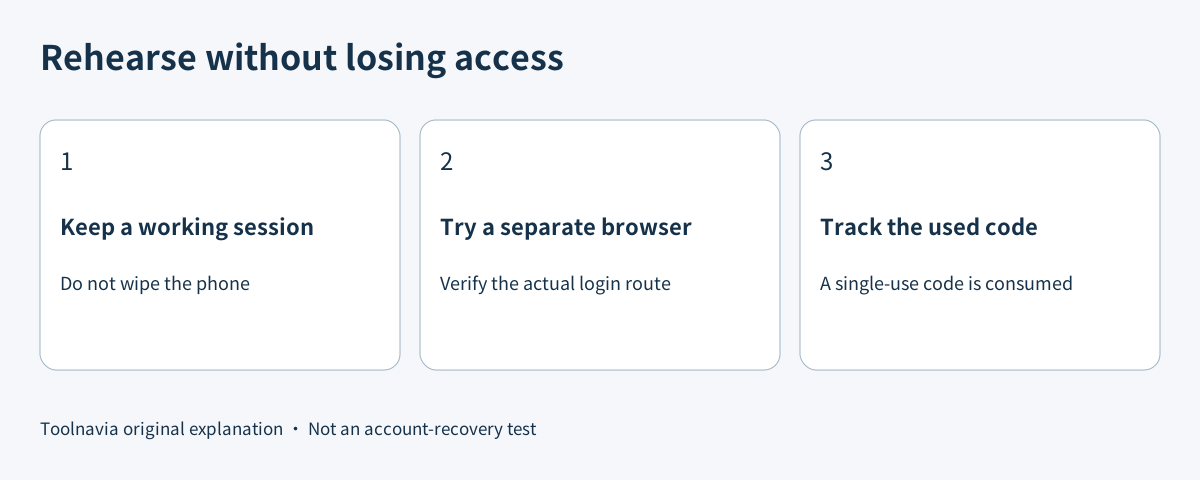
Keep a known working session open. On a device you control, use a separate browser session to confirm that the intended account password and current second factor work. Do not remove the authenticator, wipe the phone or disable protection to manufacture a failure.
Next, confirm that the saved recovery record is readable from its independent location. A test that uses one recovery code consumes that code; record it as used and keep the remaining set current. This is a suggested owner-controlled rehearsal, not a claim that Toolnavia tested an account.
When the second factor and usable recovery routes are genuinely unavailable, use pCloud's official support route. Its access guide requests the account email, exact error and platform. Do not promise yourself instant restoration: the public page does not establish a recovery deadline or guaranteed approval. Do not send passwords, secret keys or unused recovery codes in an ordinary message.
Compare the fallback policy, not just the security badge
Dropbox documents ten emergency codes and explains that toggling two-factor authentication resets them. Sync documents single-use backup codes and a support path when those are missing. Their recovery procedures are useful comparisons, not proof that pCloud follows the same rules.
Your email provider is another dependency. Google documents single-use backup codes, with a newly generated set invalidating the old set. A Google code cannot replace a pCloud code; the records belong to different accounts. Confirm access to the registered mailbox independently rather than keeping every fallback inside the same locked storage account.
Upgrade after both tests pass
The first test is account access: current credentials, a verified second factor and an independently reachable fallback. The second is product fit: the storage amount, required sharing or document workflow, billing commitment and total order. More capacity does not repair a broken sign-in path.
Proceed when both conditions hold. Stay on the existing plan while repairing access, and keep a separate copy of irreplaceable files rather than treating account recovery as a file-backup strategy. [Review current pCloud Premium plans](https://partner.pcloud.com/r/157872). Toolnavia may earn a commission from an eligible purchase. No account recovery, security audit or paid checkout was performed for this guide.