TOOLNAVIA / BUYING GUIDE
Canceling pCloud Premium: Download, Downgrade and Delete Safely
The short answer
Canceling pCloud Premium, asking for a refund and deleting the pCloud account are three different actions. A safe exit starts with a verified local copy, then cancels renewal through the original billing channel, waits for the paid term to end, and deletes the account only if the user truly wants the cloud copy and sharing relationships removed. Treating those actions as one button is how buyers lose a refund window, discover a storage-limit problem too late or break links before recipients are ready.
At a glance
- Best for
- pCloud Premium subscribers who need to stop renewal without losing files, links, refund evidence or deletion control.
- Price model
- Current checkout controls localized price; cancellation stops the next renewal, while any 14-day refund needs a separate written, invoice-specific request.
- Check first
- Cancellation is not a refund request; Free Basic limits apply after the paid term, and account deletion ends files, links and collaborations.
Three actions, three consequences
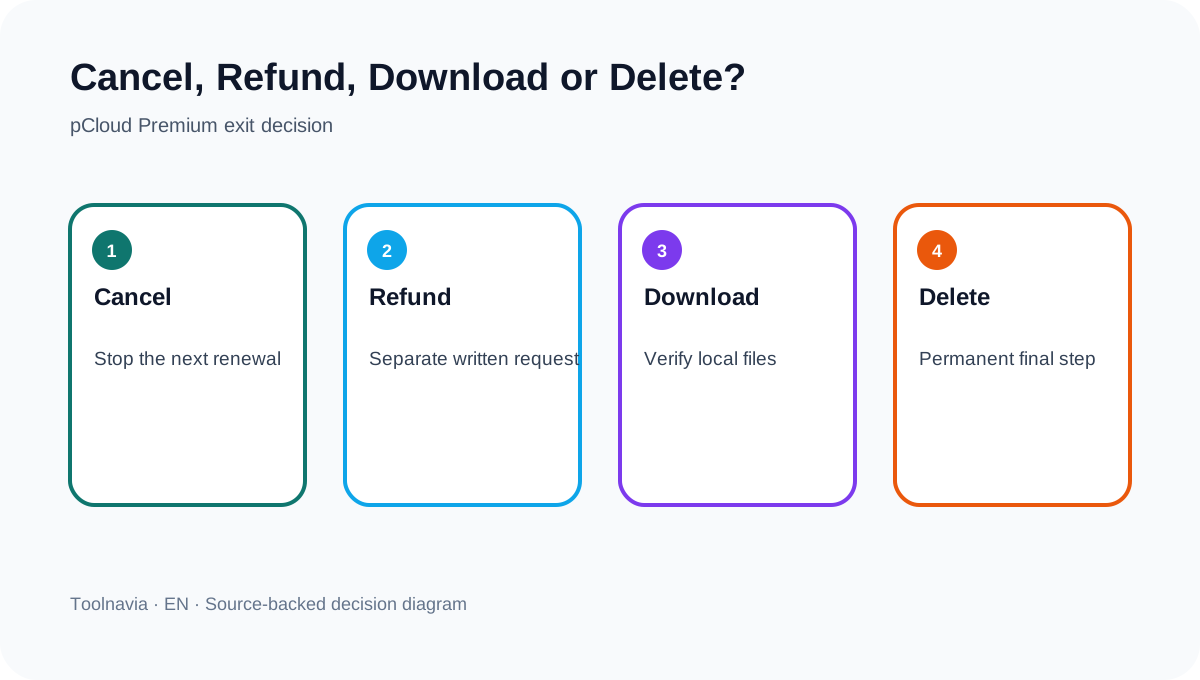
**Cancel renewal** stops the next charge. Website, App Store and Google Play purchases follow their respective billing paths; access remains through the paid period. **Request a refund** is a separate written request governed by the terms and the exact invoice. **Delete the account** starts a permanent deletion process: pCloud says files are scheduled for deletion, shared links stop and collaborations end.
For most subscribers who merely do not want another annual charge, cancellation—not deletion—is the correct first action. Keeping the Free Basic account preserves a way to inspect remaining files, though paid features and limits no longer apply.
What changes when Premium ends
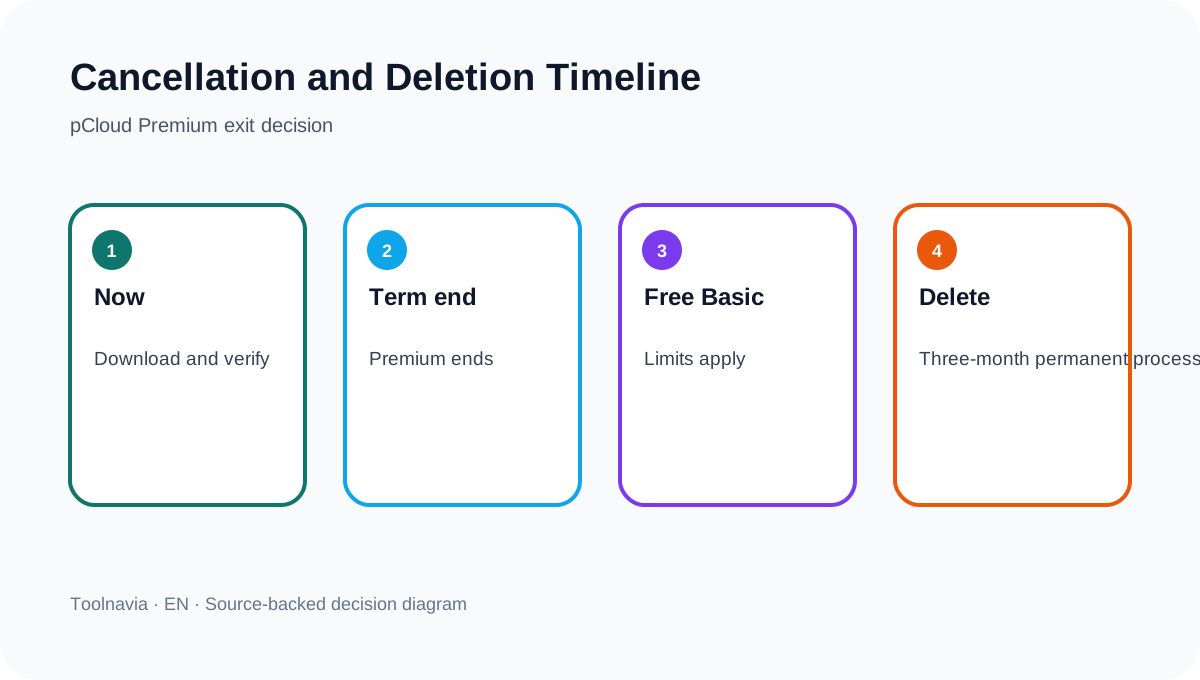
After the paid term, an individual account reverts to Free Basic. Existing files may remain accessible, but that does not mean the account is operationally unchanged. Storage allowance, recovery windows and other Premium capabilities can shrink. A subscriber whose stored data exceeds the free allowance should not assume that “accessible” means new uploads, full sync behavior or future recovery will work as before.
Before canceling, record the renewal date, billing channel, storage used, largest folders, devices, offline folders, Crypto dependencies, shared links and collaborators. Independent reviews are useful for discovering device and sync dependencies, but official pCloud documentation controls what happens to the account.
Build an exit copy you can prove
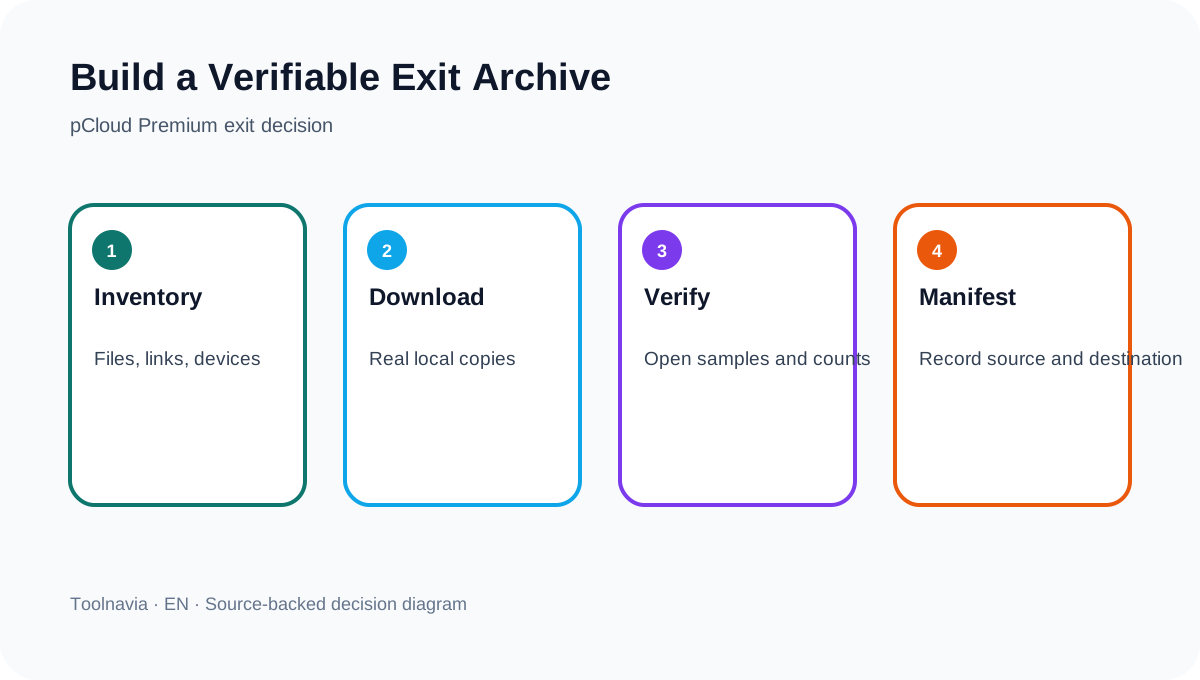
Create a local destination with enough free space, then download the required folders using a documented pCloud path. Do not count a mounted drive icon, browser view or sync placeholder as an archive. Open a sample from every major file type, compare folder counts and sizes, and save a manifest with the date, source path and destination.
For a large library, export in batches so a failed transfer is visible. Preserve any Crypto content through the correct decrypted workflow, verify files on a device that is not relying on pCloud, and keep a second copy when the data matters. Trash, revisions and Rewind help recover changes inside pCloud, but their plan-dependent windows are not an exit backup.
Preserve links and collaboration context
List every public link, file request, shared folder and collaborator before making plan or account changes. Save the intended recipient, permission level, expiration or password settings, and the replacement location. Notify recipients before replacing links. If the account is deleted, pCloud says shared links stop and collaborations end, so a spreadsheet of relationships is as important as the file archive.
Privacy documentation explains formal data handling, but it does not replace practical proof that the owner downloaded what they needed or that recipients moved to the replacement location. Keep cancellation emails, export manifests, screenshots of billing status and any support correspondence together.
Refund window versus unused time
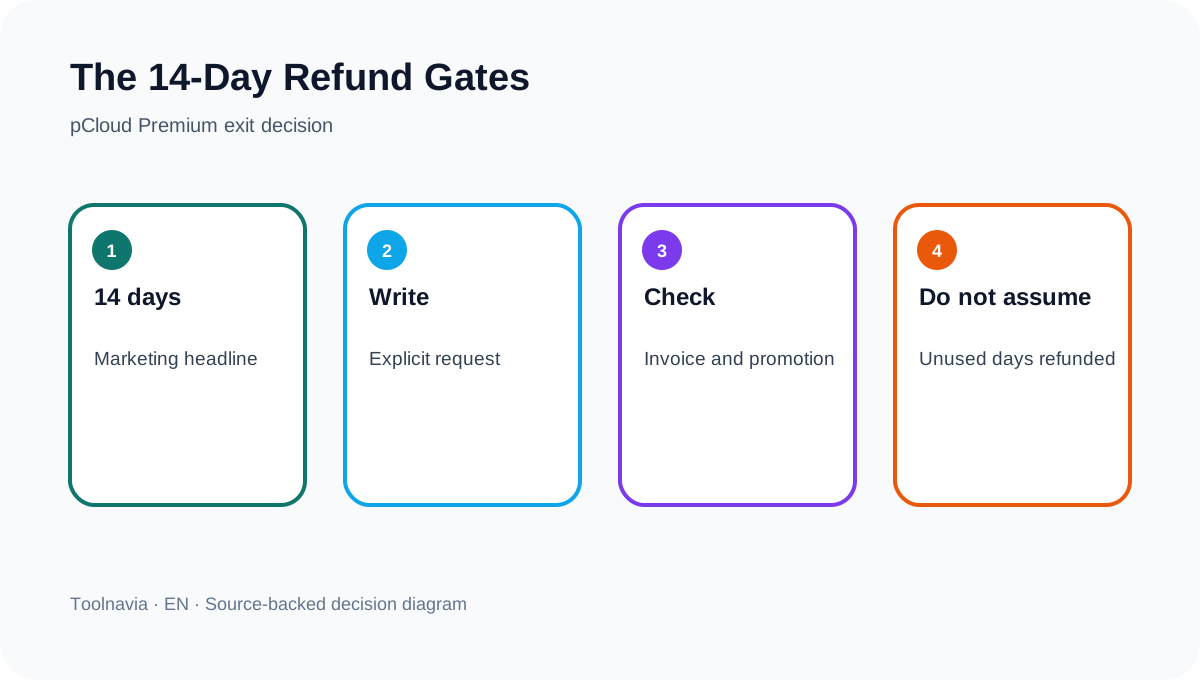
The pricing page advertises a 14-day money-back guarantee. The terms add decisive conditions: the customer must make an explicit written request within the stated window; unused days are not generally refunded; and promotional or discounted purchases may be refused. Therefore, clicking “cancel” is not a refund request and a mid-term cancellation should not be budgeted as a prorated refund.
If a recent charge is disputed, contact pCloud promptly in writing, identify the invoice and purchase channel, and ask for a case-specific decision. Do not delete the account while a refund or data-retrieval case is open. The safe editorial conclusion is conservative because the marketing headline and contract language are not identical.
Account deletion is the irreversible step
Use deletion only after the archive and replacement links have passed verification. pCloud describes a three-month deletion process and warns that the action is permanent; files are scheduled for deletion and sharing relationships stop. That is materially different from letting Premium fall back to Free Basic.
A practical sign-off requires: two readable copies of critical files, a saved manifest, replacement locations for active links, collaborator notice, billing cancellation evidence and a clear decision about whether the Free Basic account should remain. Cloud-offboarding guidance reaches the same operational conclusion: inventory, export, validate, revoke or transfer access, and retain evidence before termination.
Decision rule
If the goal is simply to stop renewal, cancel through the original billing channel and keep the account while the exit copy is verified. If a charge falls inside the advertised refund window, submit a written, invoice-specific request instead of assuming cancellation triggers money back. Delete the account only when no file, link, collaboration or open support case depends on it.
pCloud runs an open cash affiliate program, and Toolnavia's exact Premium 500 GB offer is approved, market-confirmed and enabled. The only commercial link here is the matching [pCloud Premium route](/go/pcloud-premium-500gb-official-usd); checkout controls current regional price and terms, and no coupon is claimed.