TOOLNAVIA / BUYING GUIDE
pCloud Password-Protected Links vs Public Folder: Is Premium Worth It?
The short answer
At a glance
- Best for
- Premium buyer sending expiring or password-restricted client downloads.
- Price model
- Live localized checkout, no guaranteed discount
- Check first
- Identity-audited secure data rooms, revocation of downloaded copies or fixed advertised bandwidth and billing.
A client-download link is not the same thing as a public file address
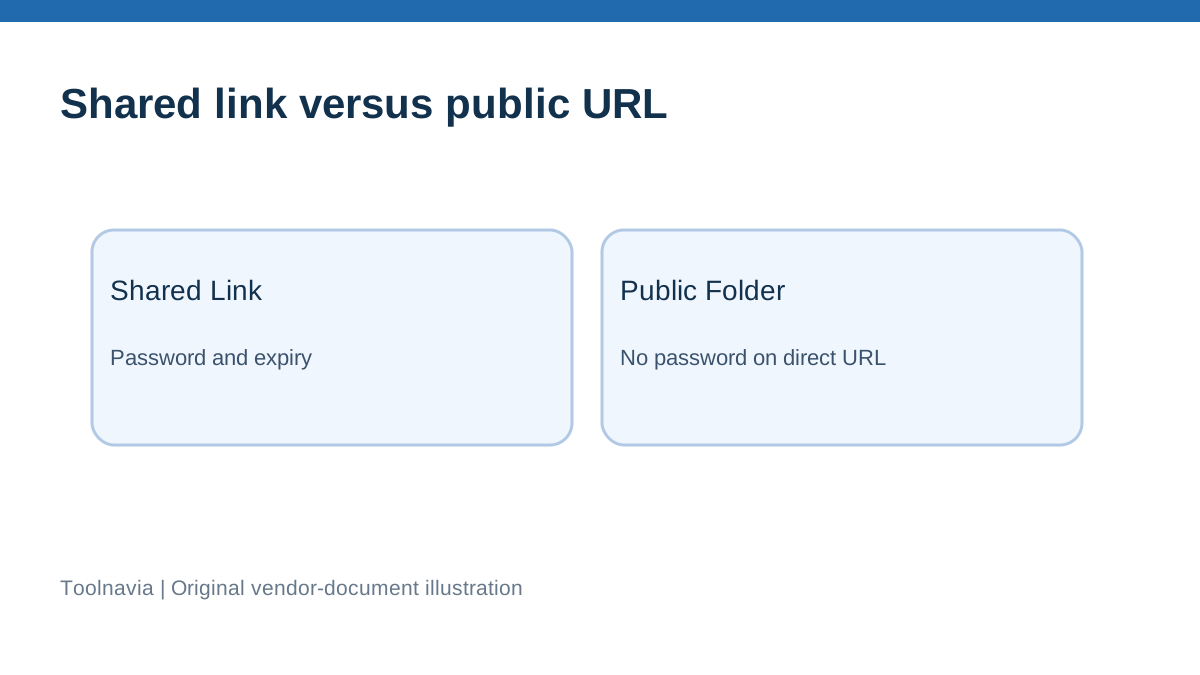
A freelancer sending a final design, an agency delivering a report, or a small company handing over a media package may want recipients to download files without joining a shared workspace. pCloud offers two superficially similar ways to do that. A normal Shared Link opens a pCloud page for the chosen file or folder; a Public Folder direct URL exposes a web-addressable file. The difference matters more than the marketing word “sharing.” On pCloud's current help pages, Premium Shared Links support a password and a custom expiration date. Public Folder direct links cannot be password protected. Buying Premium without making this distinction could leave a client deliverable less controlled than intended.
**Quick verdict: choose the workflow first** For a time-limited client handoff, use a Premium Shared Link, set a separate password and expiration date where available, and test with a disposable file in a private browser window. For a public portfolio, static HTML sample, or image embed that is meant to be available to anyone who has the URL, Public Folder may suit the purpose. Neither option is a substitute for a contractual access policy or a secure document room. A link password is an access gate, not a claim that the file is end-to-end encrypted or that downloaded copies can be recalled.
If you rarely share documents and only want private storage, the Basic plan may be worth testing before paying. If you routinely send short-lived proposals, large design deliveries, or expiring project files to external clients, password and expiry controls can make a paid plan useful. The case for paying is control over *distribution*, not merely the 500 GB storage figure.
Shared Links versus Public Folder, feature by feature
A Shared Link can be generated from a file or folder using my.pCloud, pCloud Drive, or mobile. Recipients can preview or download in a browser without owning a pCloud account. pCloud states that Premium subscribers can set a password, and can add a custom expiration date. You can inspect viewing and download statistics in the Shared Links area. This is appropriate when you want to send a deliverable to a known person without granting permanent access.
Public Folder is a separate Premium/Business feature that must be enabled. Content placed in it receives direct URLs that can be used to embed images or expose static resources, and an ordinary file address may serve or preview content directly. The official Public Folder guide warns that the address is publicly accessible. It also states that you cannot add password protection to those direct URLs. Disabling the folder or removing a file stops the relevant direct links, but there is no reliable way to remove a copy someone already downloaded.
A useful test is to ask: “Would I be comfortable if somebody forwarded this URL?” If the answer is no, a Public Folder link is the wrong default. If the answer is yes because the asset is a logo, media kit, or openly distributed brochure, a direct public URL may be exactly what is needed.
How to set up a controlled delivery
Start with a non-sensitive test folder containing one dummy file. In my.pCloud, select the target folder or file, choose Share Link, inspect the settings for password protection, add a strong unique password, and choose an expiration date. Save the settings. Send the URL to the recipient through the expected delivery channel, and provide the password by a different channel where practical. Reopen the link from a browser session that is not signed into the owner account. Confirm it requests the password, gives access to only the intended item, and shows the expected download behavior. After the handoff, verify the expiration or disable the link manually as appropriate. These are recommended user checks, not tests that Toolnavia performed on a live paid account.
Do not assume an expiration reverses earlier downloads. Do not upload a sensitive client database just to experiment. If you need contractual proof that only named identities accessed a file, link-password access is not equivalent to identity-verified access logging. Also avoid reusing the same password for every customer. Use a secure password-sharing channel and keep the working documents in a location controlled by the account owner.
Why the Public Folder security warning is important
Public Folder is designed for web publishing, not confidential transfer. Direct links can be embedded in websites or posts and can travel beyond the initial recipient. pCloud's own warning discusses possible exposure of parent folders when links are altered, and recommends limiting what you place inside Public Folder. Keep public assets separate from private customer deliverables. Remove outdated content and disable the public feature if it is no longer needed. Do not describe an obscure-looking URL as “private” merely because nobody is likely to guess it.
The bandwidth question is not settled across official locales
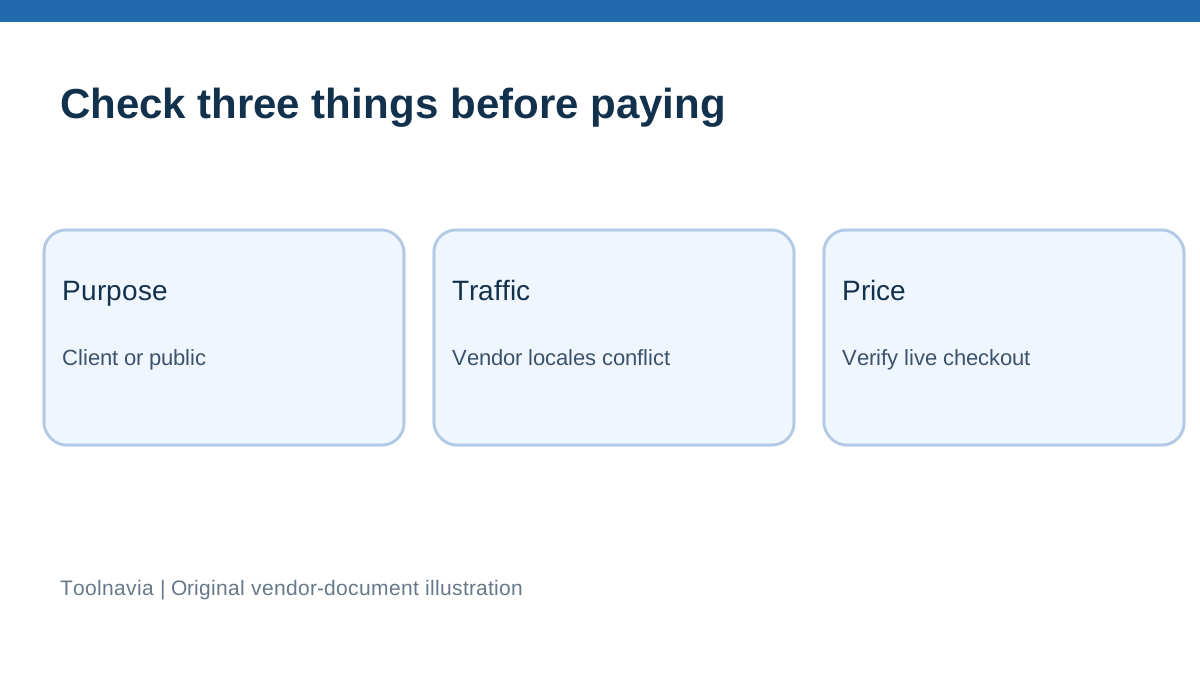
Shared-link transfer volume is separate from the 500 GB storage capacity. pCloud's English help currently lists 1,000 GB of monthly shared-link traffic for Premium 500 GB; a separate Portuguese help page lists 500 GB for the same named plan. Other localized help pages also vary. Because the vendor's own documentation conflicts, we cannot promise a universal monthly allowance, nor should we silently select the more generous number. A buyer expecting frequent downloads should inspect their own account's Shared > Links > Statistics view, the current checkout terms, and written support clarification for their plan and country.
This article is primarily about link *controls*, not a bandwidth review. If every recipient downloads a multi-gigabyte file, traffic could matter more than how many files you store. Check that before buying, especially when the 500 GB storage capacity is being used to distribute media to a large audience.
How the alternatives frame the buying decision
Dropbox documents passwords and expirations for shared links on specified paid tiers, which should not be mistaken for the features of every Dropbox account. Sync.com documents password control and expiring links for its eligible Pro offerings. Microsoft's OneDrive documentation similarly makes link controls dependent on the subscriber and link type. These are useful reminders that “cloud storage with links” does not mean every plan gives the same recipient-access controls. We have not run hands-on tests or produced a current equivalent-price comparison across those services. Compare the exact paid plan and current checkout when making a purchase.
A person who needs identity-restricted editing, internal approvals, audited records, or regulated-data handling might require a dedicated collaboration service instead of a simple download link. The fact that a vendor offers passwords does not establish that it meets a specific legal or security standard.
Price, affiliate link, and what buying Premium actually changes
The verified Toolnavia offer is pCloud Premium 500 GB; the direct referral address is the personal pCloud Partners link, not a /go redirect. The current official pricing page can vary with region, currency, billing period, taxes, and promotions. We therefore do not claim one universal price, a guaranteed discount, a guaranteed renewal amount, or that the referral link grants a special price. Open the current pCloud checkout and review the payment schedule before committing.
Pay for Premium when you need the documented password/expiry handoff controls, your files fit the storage plan, and you have confirmed the current shared-link traffic allowance for your account. Stay with Basic or another service if you do not need protected outgoing links, if you require verifiable named-user restrictions, or if the bandwidth and plan limitations do not suit your workload. pCloud Encryption is a separate concept from a password on a shared link; neither ordinary Shared Links nor Public Folder should be marketed as automatically zero-knowledge protected.
**Practical recommendation** For a freelance handoff, create a non-public Shared Link, set and test its password and expiry, use different channels for link and password, and revoke it after delivery. For a public media kit, use Public Folder only for assets intentionally available on the open web. Confirm your exact 500 GB checkout terms and monthly shared-link allowance because official localized help currently disagrees. If those terms fit your workflow, use the verified pCloud Premium 500 GB link to check the price.