TOOLNAVIA / BUYING GUIDE
pCloud File Requests: Can Clients Upload Without an Account?
The short answer
At a glance
- Best for
- Freelancers and small teams collecting one-way client submissions without exposing existing files.
- Price model
- Uses Premium 500 GB storage; live checkout controls price and terms.
- Check first
- Files consume account storage; the link is not verified identity, approvals or regulated intake.
Verdict
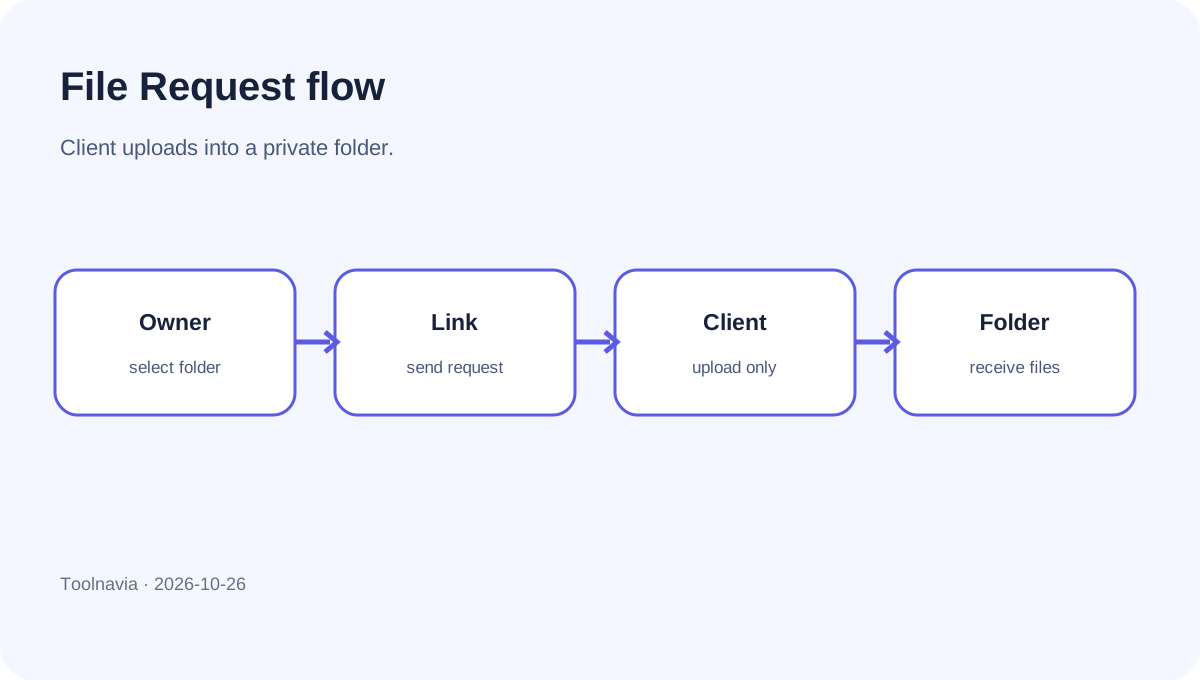
pCloud File Requests solve a narrow but valuable problem: clients can send deliverables into a folder you choose without creating a pCloud account or seeing files already there. The owner generates a link and can add a message, an expiration date and an upload limit. Received files use the owner's pCloud storage quota.
For photographers, accountants, teachers, consultants and small agencies, that is cleaner than asking every contributor to register or attaching large files to email. It is still only an inbound drop box—not a client portal, identity-verification service, approval workflow or security certification.
Toolnavia is an approved pCloud affiliate and may earn a commission if you buy through this guide. No discount, upload success rate or security result is promised.
File Request versus shared link
A shared link mainly lets another person preview or download your files. A File Request reverses the direction: the other person sends files into a folder you own. pCloud explicitly distinguishes File Requests from shared links with upload permission. The shared-link uploader needs a pCloud account; the File Request recipient does not.
Choose File Request for one-way delivery. Choose a collaboration folder when contributors must view existing assets, rename or delete files, or work together over time. Choose a purpose-built portal when the process needs verified identity, consent records, approvals or detailed audit trails.
What the uploader sees
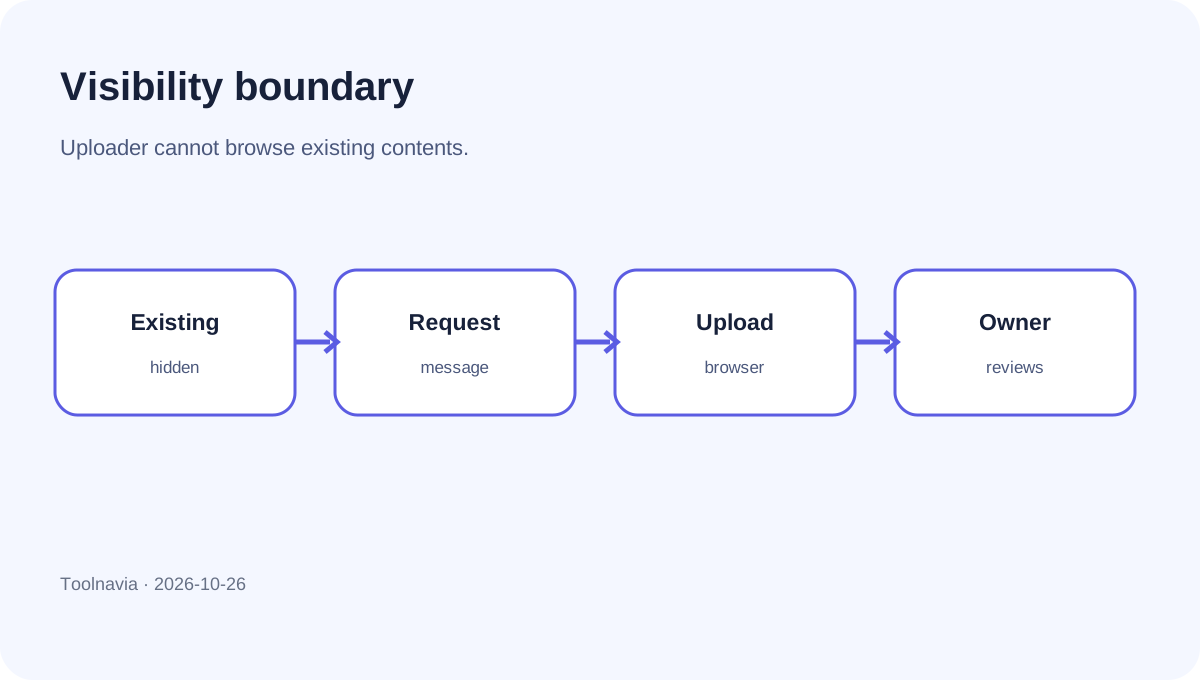
The uploader sees your message and a browser upload interface. pCloud says the recipient cannot browse the existing contents of the destination folder. New files arrive in that folder and can be reorganized later by the owner.
Hidden contents reduce accidental browsing, but the link can be forwarded. Create a dedicated folder for each client or project, write a precise request, set an expiration date and delete the request when collection ends. Do not put unrelated confidential clients behind one long-lived link.
Three limits buyers must separate
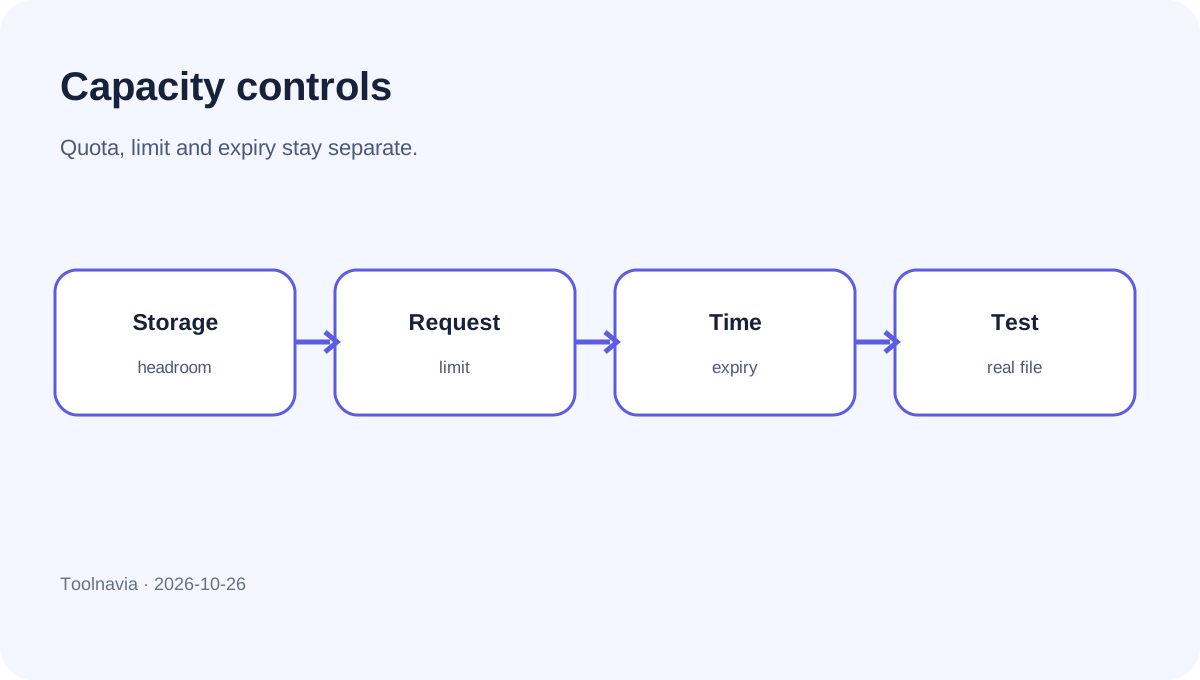
**Storage quota.** Every received file counts toward the owner's account storage. On Premium 500 GB, the practical ceiling is the unused part of that 500 GB pool, not a separate File Request allowance.
**Request controls.** The interface documents an upload limit and expiration date. The official API also exposes maximum total bytes and maximum file count. These controls bound one request; they do not prove universally unlimited inbound capacity.
**Shared-link traffic.** pCloud separately documents 1 TB monthly shared-link traffic for Premium 500 GB. That is an outbound sharing allowance, and the page does not identify it as the meter for inbound File Request uploads. Do not subtract client uploads from the 1 TB figure or promise they bypass every transfer control.
An older independent article says File Requests have no upload cap except account capacity. Current official pages emphasize remaining storage and owner-defined limits. We therefore make no universal per-file promise: test a representative large upload before making the workflow contractual.
Six-step client intake
An independent walkthrough describes the same link-generation and recipient-upload pattern; it is useful corroboration, while current pCloud help remains controlling for limits and settings.
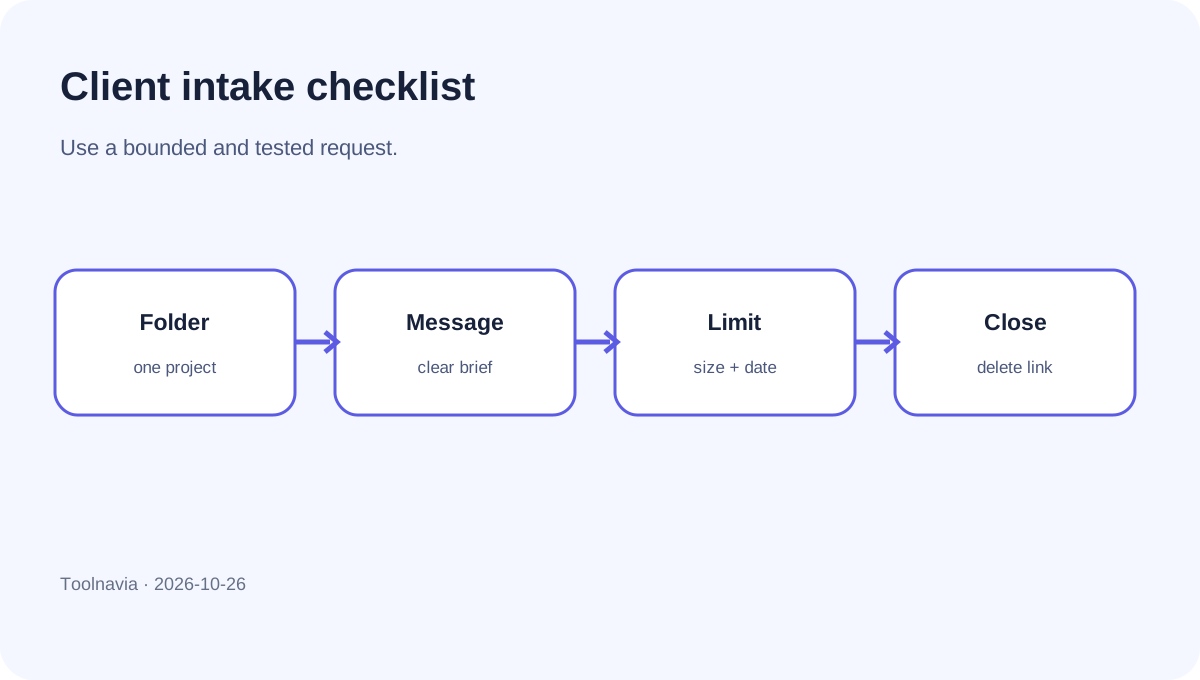
1. Make one folder per project
A dedicated folder makes retention, cleanup and access review easier than sending everything into a general inbox.
2. Generate the link
In my.pCloud, select the folder and choose Request files. Current documentation also describes creation from pCloud Drive and mobile apps.
3. Write a useful message
State the expected files, formats, naming convention, deadline and a separate contact channel. Do not place passwords, government identifiers or other secrets in the link message.
4. Bound size and time
Set an upload limit below your remaining storage with safety margin. Add an expiration date. For recurring clients, create a fresh request for each round instead of preserving one permanent link in old email threads.
5. Test outside your account
Open the link in a private browser window. Confirm that no pCloud account is requested and folder contents remain invisible. Upload a harmless sample and verify its name, size and destination from the owner's account.
6. Close and archive
Delete the File Request when collection finishes, then move accepted files into the proper project structure and backup policy. Closing the request stops future uploads; it is not the same as deleting files already received.
Is Premium 500 GB enough?
Premium 500 GB can fit modest submissions when finished projects are archived regularly and recipients only need one-way delivery. Model usable headroom. If the account already stores 420 GB, roughly 80 GB remains for new uploads, revisions and other data.
The public Premium page presents File Requests as a collaboration feature and broadly states that files of any size can be uploaded. That statement does not replace a real browser test, connection-reliability check or quota calculation.
Choose more storage or another intake system when clients send hundreds of gigabytes, legal consent or verified identity is required, reviewers must comment on versions, or a team needs structured approvals.
Buying decision and break-even
This one-way intake pattern is not unique to pCloud: Microsoft documents a comparable OneDrive file-request flow, so the real buying choice is the surrounding storage, control and workflow fit rather than the mere existence of a request link.
Do not buy pCloud only for this one feature. Premium 500 GB must also fit your storage, devices, sharing and recovery needs. Independent comparisons such as TechRadar help with broad context, but current pCloud documentation and checkout control actual plan terms.
Use an operational break-even test: estimate the monthly time lost creating guest accounts, explaining permissions and chasing email attachments. If a request link removes that friction and 500 GB is adequate, the feature can improve a small-client workflow. If you need identity assurance or multi-stage review, cheap storage remains the wrong tool.
Final recommendation
Treat pCloud File Requests as a controlled inbound drop box: one project folder, one clear message, a conservative limit, an expiration date, an outsider test and prompt closure. The strongest reason to pay is fewer client-account obstacles while existing files remain hidden—not a claim of unlimited uploads.
[Check the current pCloud Premium 500 GB offer](https://partner.pcloud.com/r/157872), confirm the live plan, currency, capacity and checkout terms, then test one realistic client upload before moving production work.