TOOLNAVIA / BUYING GUIDE
pCloud Drive vs Sync vs Backup: Where Does 500GB Really Go?
The short answer
**Quick verdict:** use **pCloud Drive** when you want cloud files visible on the computer without keeping a full local copy; use **Sync** when selected folders must exist both locally and in pCloud; use desktop **Backup** only after understanding that independent tests describe it as two-way synchronization, not an isolated system-image backup. All three workflows draw from the same Premium 500 GB cloud quota.
The official annual pricing card displayed **$49.99 yearly payment** on October 15, 2026, beside a **$59.88** reference/list figure. Treat $49.99 as the current displayed checkout offer, not a guaranteed permanent renewal; region, tax, campaign and checkout can change. [Check the live Premium 500 GB price](/go/pcloud-premium-500gb-official-usd).
*Affiliate disclosure: Toolnavia may earn a commission if you buy through this link, at no extra cost to you. This does not change the verdict or the limits below.*
At a glance
- Best for
- Buyers using one 500 GB pCloud plan across a small local SSD, an offline working set and a separate safety backup.
- Price model
- $49.99 yearly payment displayed beside $59.88 reference/list figure on 2026-10-15; live checkout controls
- Check first
- Drive still uses cache; Sync consumes local space; desktop Backup is not a system image or substitute for an independent backup; recovery and pricing can change.
The three labels solve different storage problems
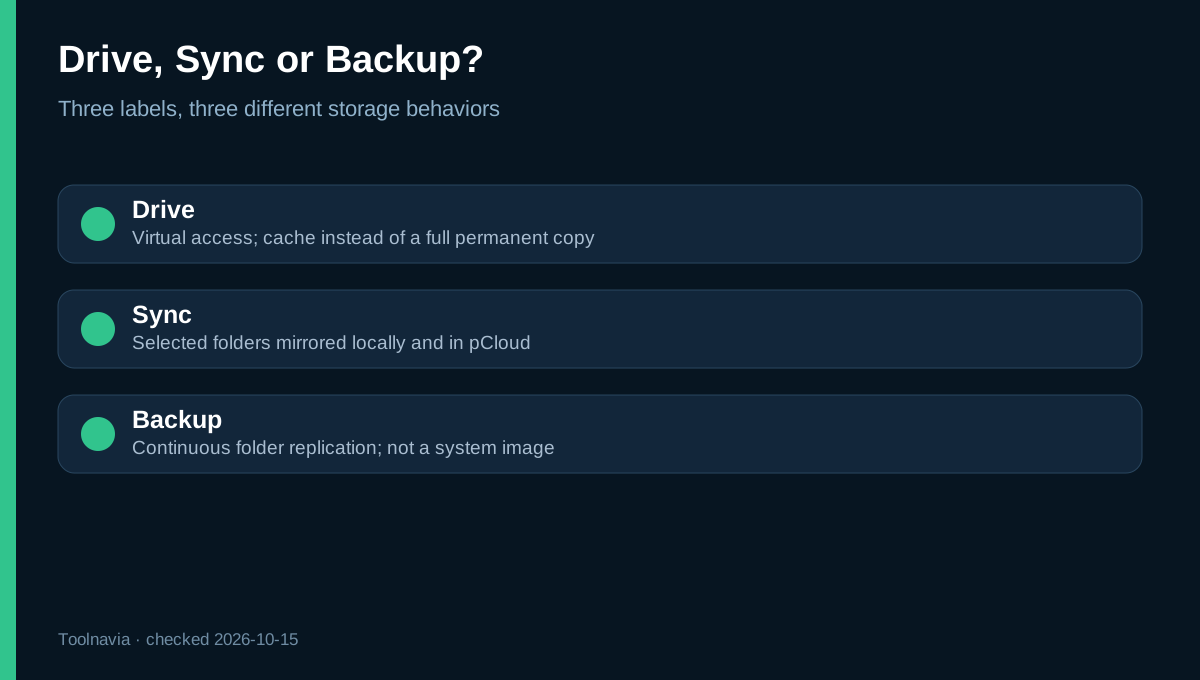
pCloud Drive is a virtual drive. It lets desktop apps browse cloud files while working data downloads into a local cache. The default model avoids a permanent full local copy, so a 400 GB cloud library does not automatically consume 400 GB on the computer. It suits a small internal SSD when most files can remain online.
Sync is a mirrored folder pair. Selected local folders and their pCloud counterparts stay aligned in both directions, and the local side consumes normal disk space. Sync is right for files that must remain offline or for applications that expect ordinary local paths. It is not a capacity-expansion trick: syncing 120 GB normally requires roughly 120 GB of local storage plus working headroom.
Desktop Backup is easy to misread. pCloud presents it as continuous protection for chosen computer folders, but PCWorld and EXPERTE report that deleting files from the pCloud Backup area can also remove the local copy. That behavior is closer to two-way sync than to an independent, append-only backup. Do not confuse it with a full-disk image, bootable restore or ransomware-proof archive.
Where the 500 GB really goes
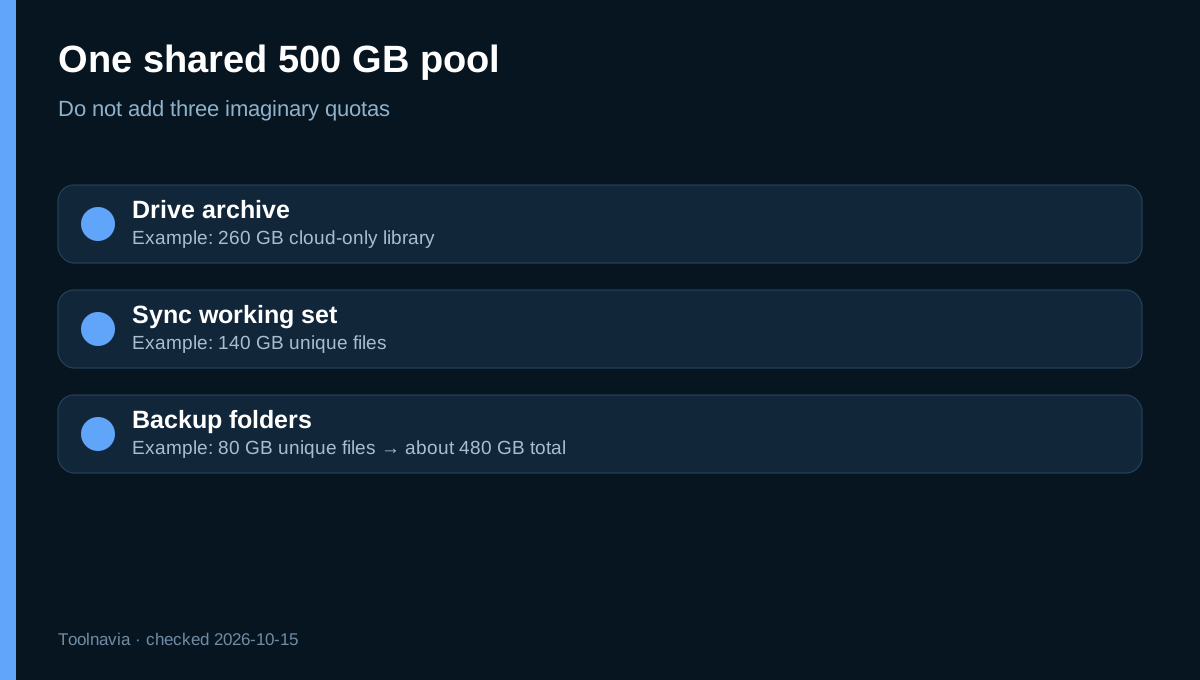
Premium 500 GB is one cloud-capacity pool, not 500 GB for Drive plus another 500 GB for Sync and another 500 GB for Backup. If Drive holds 260 GB, Sync holds 140 GB of different files and Backup adds 80 GB of unique data, the account uses about 480 GB before versions, Trash and overlap are considered. Files visible in more than one desktop view are not necessarily duplicated, but separately uploaded copies are.
The plan details page lists **1,000 GB of shared-link traffic per month** and **1 TB of upload traffic in a rolling 30-day period**. Those are transfer allowances, not extra storage. They matter when distributing large public links or moving a very large initial library, but should not be added to the 500 GB capacity figure.
A practical ceiling is 80–90% of the quota. At 400–450 GB, there is room for new files, temporary duplication and recovery. If the live dataset already approaches 500 GB, the plan leaves little operational margin.
Local-disk math before you buy
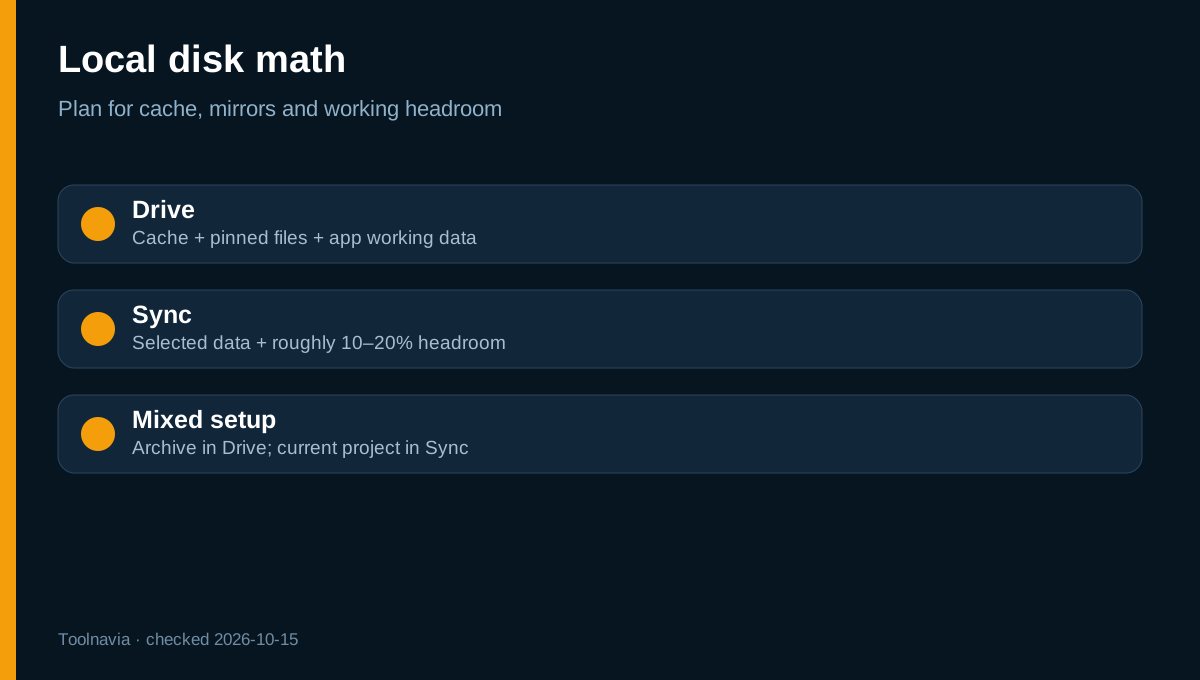
For Drive, local use is roughly **cache + pinned or offline items + application working files**, not the whole cloud library. pCloud settings manage cache size and minimum free disk space; the help page notes a 2,048 MB default minimum and recommends a 5,120 MB cache setting. Clearing cache can reclaim space, but frequently opened files download again.
For Sync, use this estimate:
**local space needed ≈ selected synchronized data + 10–20% working headroom**
A 150 GB synchronized photo folder should have roughly 165–180 GB free before the first full sync. Drive is safer for a 256 GB laptop holding a 400 GB cloud library; Sync is safer for a 1 TB desktop where 150 GB of active files must work offline. A mixed answer is often best: Drive for the archive, Sync for the current project folder.
Deletion, versions and the recovery window
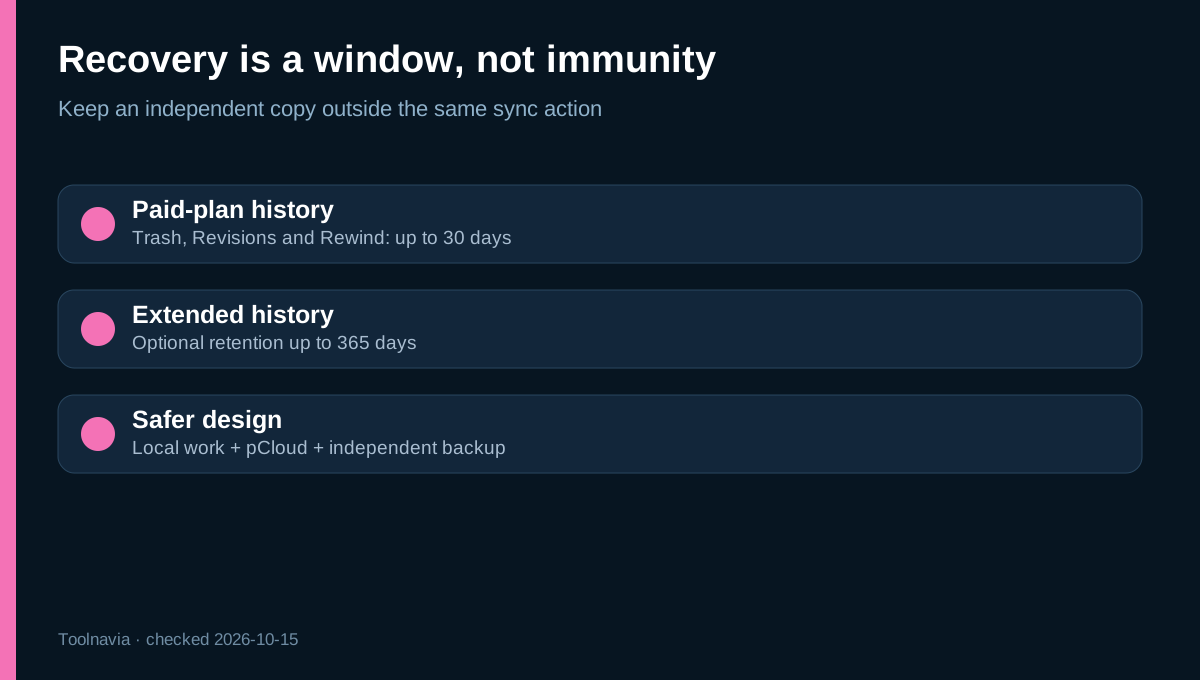
Paid pCloud plans provide Trash, file revisions and Rewind for up to **30 days**; Extended File History can extend that window to **365 days**. After the applicable period, recovery is no longer promised. This helps with an accidental deletion noticed quickly, but does not turn synchronized copies into an independent backup.
The safest setup for irreplaceable files uses three layers: a local working copy, pCloud for off-device access, and a separate backup that cannot be deleted by the same synchronization action. Keep at least one copy offline or in a service with independent retention. Test recovery with a disposable folder before trusting the workflow.
pCloud's separate third-party cloud-import feature has different deletion semantics: the official help page says deleting a source after a one-time import does not delete the imported pCloud copy. Do not generalize that rule to desktop Backup.
Which mode fits your computer?
Choose **Drive first** if the laptop has limited storage, stays online most of the time and you want a large library visible without mirroring it. Choose **Sync first** if a defined working set must remain offline, be handled by ordinary local applications, or run at local-disk speed.
Use desktop **Backup cautiously** for continuous folder replication, after a deletion test and with another independent backup. Choose none of these as your only disaster-recovery system if you need bare-metal restore, a bootable image, immutable snapshots or guaranteed ransomware isolation.
Is Premium 500 GB worth it?
At the current displayed $49.99 annual payment, the simple monthly equivalent is about **$4.17**, before tax. The purchase makes sense when one 500 GB pool covers the real library and Drive materially reduces local-disk pressure. It is weaker value when the dataset is already near 500 GB, every file must stay offline, or the main requirement is system-image backup.
Run a seven-day proof before paying: move 10–20 GB of noncritical files into Drive; Sync a separate 2–5 GB folder; create and delete a disposable Backup folder; disconnect the network; check which files remain usable; then restore the deleted test file. Record local free space before and after. That test reveals more than a feature list.
Final recommendation
For most 500 GB buyers, the cleanest arrangement is **Drive for the large archive, Sync for a deliberately small active set, and a separate backup for irreplaceable data**. Buy only if that three-part model fits your storage budget. Verify the live price and regional checkout terms before paying. [View the current pCloud Premium 500 GB offer](/go/pcloud-premium-500gb-official-usd).