TOOLNAVIA / BUYING GUIDE
pCloud EU or US? Choose Before You Buy—and Avoid a Costly Move
The short answer
At a glance
- Best for
- A personal library fitting500GB whose users can agree on one data region and whose sharing workflow has been tested.
- Price model
- Live localized storage price; official migration fee listed separately at US$19.99
- Check first
- Splitting one account across EU and US, assuming region choice adds zero-knowledge encryption, or requiring uninterrupted collaboration during migration.
Choose your collaborators before your billing term
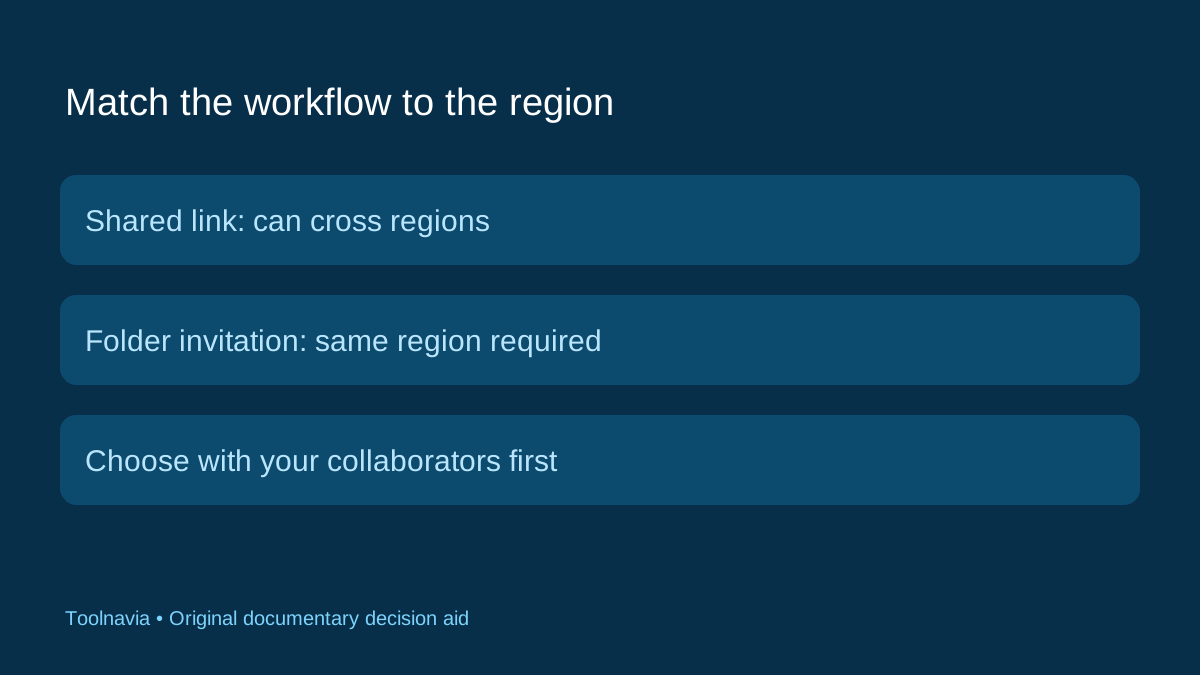
Before buying pCloud Premium 500 GB, ask one question that storage comparisons often miss: where are the people you need to work with? pCloud offers EU storage in Luxembourg and US storage in Dallas. Its full folder-invitation workflow requires users to share a data region, although shared links can cross regions. Choosing a longer billing term does not remove that boundary.
For a solo photo library, either available region may fit your preference. For a recurring shared project, ask the other account owner to check their region first. The useful purchase is storage that supports the way you work, not simply the longest prepaid term. This guide is documentary research, not a migration or speed test.
A shared link is not a shared workspace
Consider an illustrative designer who has a US account and a collaborator with an EU account. Sending a download link and inviting that collaborator into a working folder are different actions. The first can cross the boundary; the second needs region alignment. An upload-enabled shared link is another documented option, but it does not give full collaboration access.
Write down the action you need: send a final deliverable, receive submissions, or maintain an ongoing shared folder. Test that exact action with harmless files before buying. For account-free inbound collection, see our separate [File Requests guide](/en/software/pcloud-file-request-client-upload); it solves a different problem from choosing the account's storage region.
Moving later costs more than the displayed fee
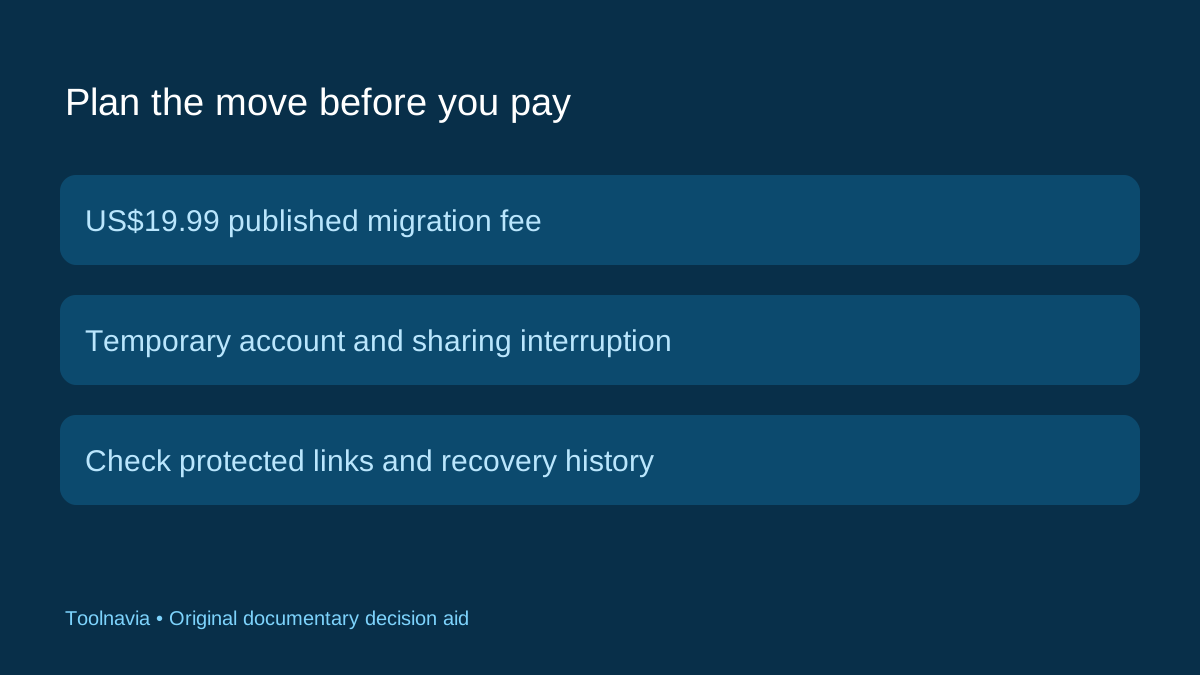
The official region page lists a one-time $19.99 migration fee. The help center adds operational limits: moves are allowed once every three months, the account becomes temporarily unavailable, and shared-folder access is interrupted. Password-protected links need their passwords updated afterward. Existing Rewind history is lost; file revisions and Trash are not affected by that particular history change. Availability of region selection can also vary by country.
Treat a move as a small change project. Inventory active recipients, required files and integrations. Keep an independent readable copy of essential material, arrange a quiet window, and record what must be checked afterward. These are our suggested preparation steps, not claims that a particular migration duration or successful outcome is guaranteed.
The strongest reason to move is a concrete requirement, such as joining an existing collaborator's region. Moving merely because a forum calls one region faster is a weaker case without a representative test from your actual connection.
Region, encryption and integrations are separate checks
Selecting EU storage does not automatically put every file into pCloud's client-side-encrypted Crypto Folder. The Encryption product describes that as a separate feature: you enable it and place files in that compartment. Ordinary storage location and client-side encryption answer different questions.
Also inspect external apps before migration. pCloud documents different US and EU endpoints for WebDAV and rsync; using the wrong regional server is a troubleshooting item. Its Crypto Folder cannot be accessed through those two protocols. A backup integration can therefore require both a region check and a separate encryption-workflow decision.
Avoid turning a storage-country label into a blanket compliance guarantee. This article selects a consumer workflow; it does not certify a regulated data-handling arrangement.
Compare the account rules, not just the country list
Other providers show why the account type matters. Dropbox documents a migration route for eligible teams with plan, billing and license requirements, rather than an unrestricted region switch for every individual. Google Workspace ties its data-region policies to supported editions and covered data. Neither should be treated as equivalent to every consumer storage account.
Sync's current policy separately describes account information and file data, with file data in Canada or the US depending on the region. Check what category of data a promise covers and which account qualifies. These examples provide comparison context; we have not priced equivalent business bundles or ranked their legal protections.
When Premium 500 GB is the right next purchase
Choose Premium when your working library fits its capacity, the region is available to your account, and the sharing and integration tests match your routine. Hold the purchase if your essential collaborator is elsewhere and link-based exchange is insufficient. For an existing account, weigh the documented disruption alongside the migration fee.
Our October 27, 2026 pricing-page read localized the 500 GB Lifetime card to £219. That is not a verified US-dollar quote. Use the [approved pCloud Premium affiliate link](https://partner.pcloud.com/r/157872) to check your actual plan, currency and billing terms; the account-region migration charge is separate from storage pricing. Toolnavia may earn a commission from qualifying purchases.
Record the chosen region before uploading the full library. Buying the right capacity once is useful; avoiding a preventable account move makes that choice better.